
This page is not an official page of the app or its developer, but an independent editorial publication created for informational and commentary purposes. Unless expressly stated otherwise, neither the app nor its developer is affiliated with, endorsed by, sponsored by, authorized by, or otherwise officially connected with MWM, Apple, Google Play, the app publisher, or the app's developer, and nothing on this page implies that the app was developed using MWM's services. Any trademarks, logos, screenshots, and other content remain the property of their respective owners.


Photo Blend - Collage Maker
Ditch the complex software. Blend your favorite photos into breathtaking masterpieces with one tap and make your social feed stand out.
Downloads
146K+User Rating
Total Ratings
5K+Publisher
Category
Photo & VideoLocales
1Latest Version
6.2Size
118.8 MBFirst Released
Jul 25, 2017Professional Artistry Made Simple
Stop struggling with complex design tools. Create breathtaking double exposure effects and artistic collages that capture your unique aesthetic in seconds.
One-Click Double Exposure
Achieve the iconic Photoshop look instantly. Blend portraits with landscapes for a dreamy, professional finish without the learning curve.
Built for Social Speed
Designed for your fast-paced lifestyle. Create, edit, and share your masterpieces to Instagram or TikTok in under a minute.
Frequently Asked Questions
Everything you need to know about Photo Blend - Collage Maker
What is Photo Blend - Collage Maker?
Photo Blend - Collage Maker is a photo editor app that blends two images to create a double exposure effect and combines multiple photos into creative collages.
Can Photo Blend - Collage Maker create double exposure effects?
Yes, Photo Blend - Collage Maker allows users to blend two images together to create a double exposure effect with a single click.
What types of collages can Photo Blend - Collage Maker create?
Photo Blend - Collage Maker creates photo blend collages, creative pic mixer layouts, shape collages, creative collage maker designs, and photo grid collages.
What subscription options does Photo Blend - Collage Maker offer?
Photo Blend - Collage Maker offers one-month, one-year subscriptions, and a lifetime one-time purchase option for premium features.
How do I cancel auto-renewal for Photo Blend - Collage Maker?
Users can turn off auto-renewal for Photo Blend - Collage Maker subscriptions at any time in their iTunes account settings.
Does Photo Blend - Collage Maker provide refunds for unused subscription periods?
No, Photo Blend - Collage Maker states that refunds will not be provided for any unused period of the term.
Where can I find the Terms of Use for Photo Blend - Collage Maker?
The Terms of Use for Photo Blend - Collage Maker are available at https://ydappleapps.blogspot.com/2024/12/terms-of-service-blend-collage.html.
Does Photo Blend - Collage Maker support custom backgrounds?
Yes, Photo Blend - Collage Maker includes a "customBg" option, indicating support for custom backgrounds in its creative pic mixer feature.
Can Photo Blend - Collage Maker edit collage layouts?
Yes, Photo Blend - Collage Maker features an "Edit Pic" option and various "Layout" controls for modifying collage designs and images within them.
Does Photo Blend - Collage Maker offer a free trial?
Yes, Photo Blend - Collage Maker offers a free trial period, but any unused portion is forfeited upon purchasing a subscription.
The following screenshots and description are sourced directly from the app's official store listing and are the property of the app developer.
App Store
Screenshots
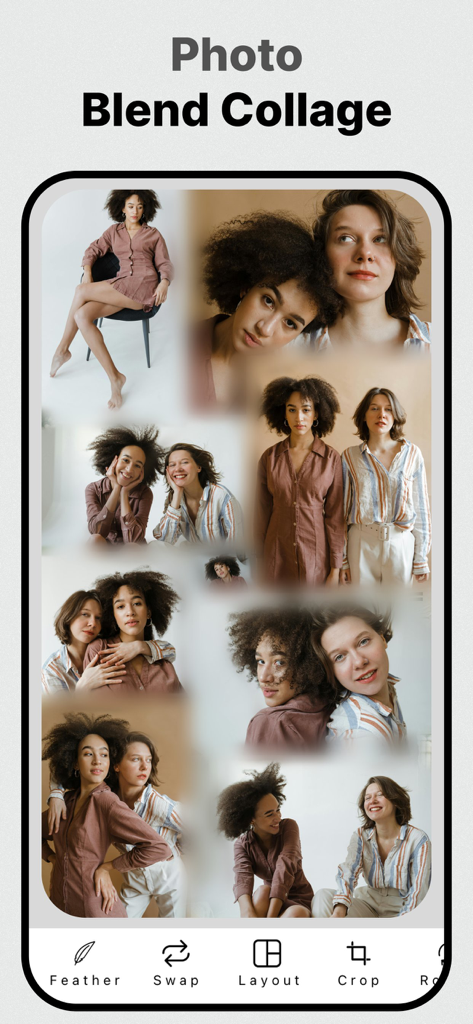
Interface of the Photo Blend Collage Maker app showing a creative blended photo collage with editing tools
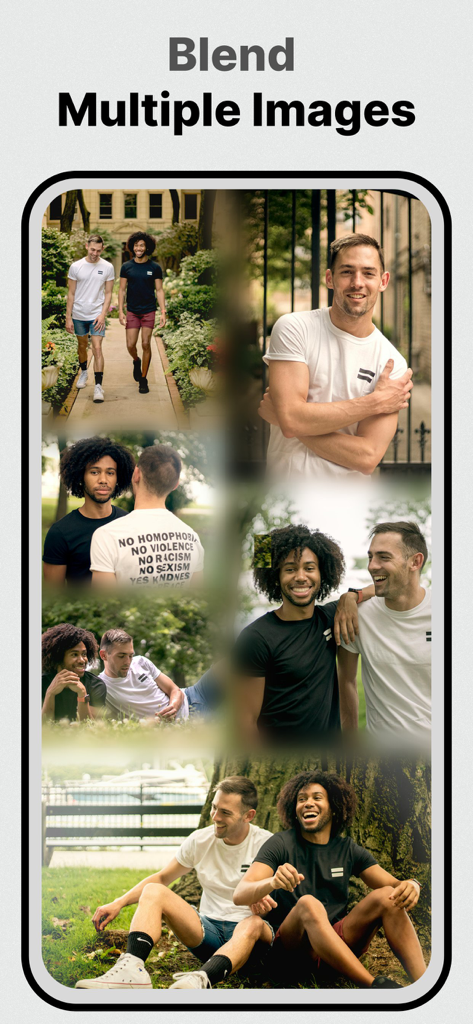
A collage showing multiple blended photos of two men using the double exposure effect
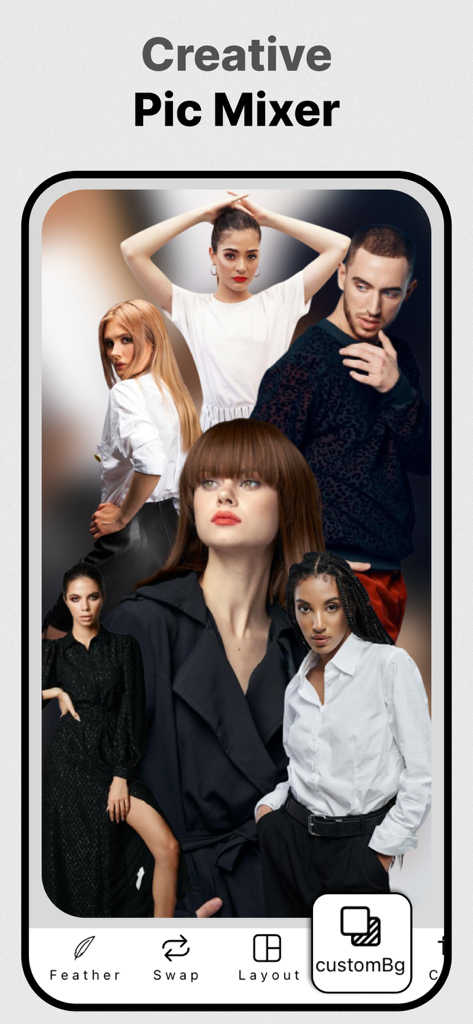
Creative photo collage of multiple people edited using the Photo Blend app interface
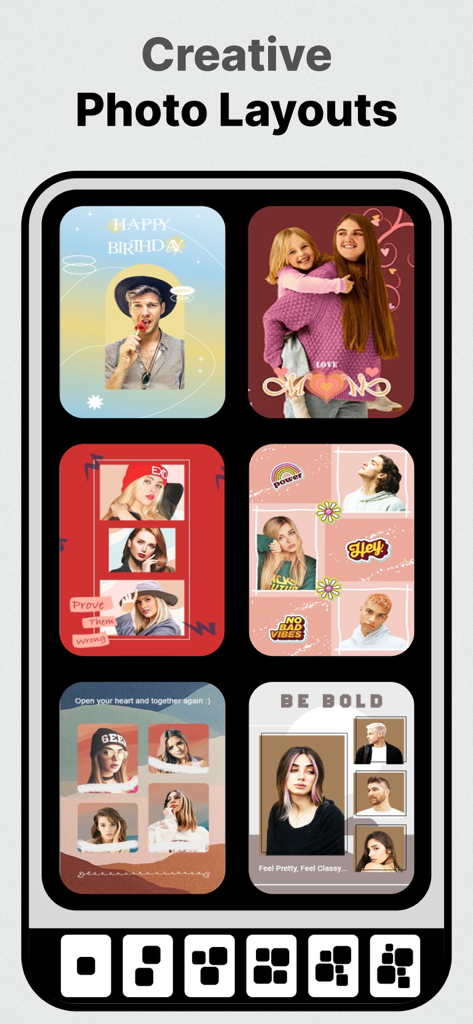
A selection of creative photo collage templates and layouts for social media
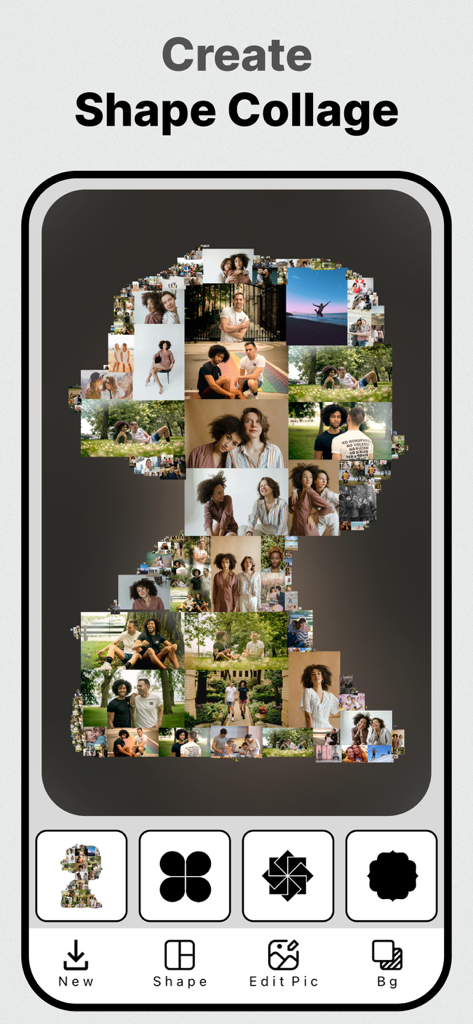
Photo Blend app interface showing a shape collage feature with multiple photos forming a silhouette
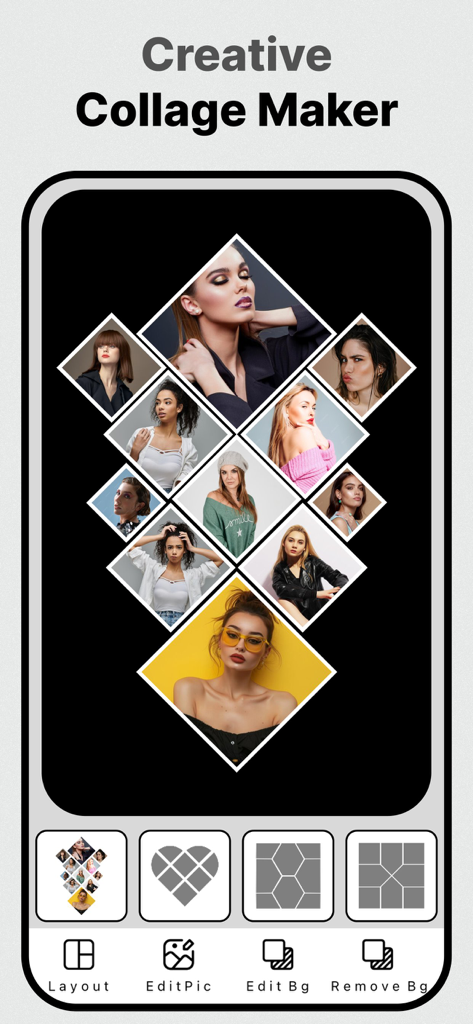
Creative photo collage maker interface with diamond layout
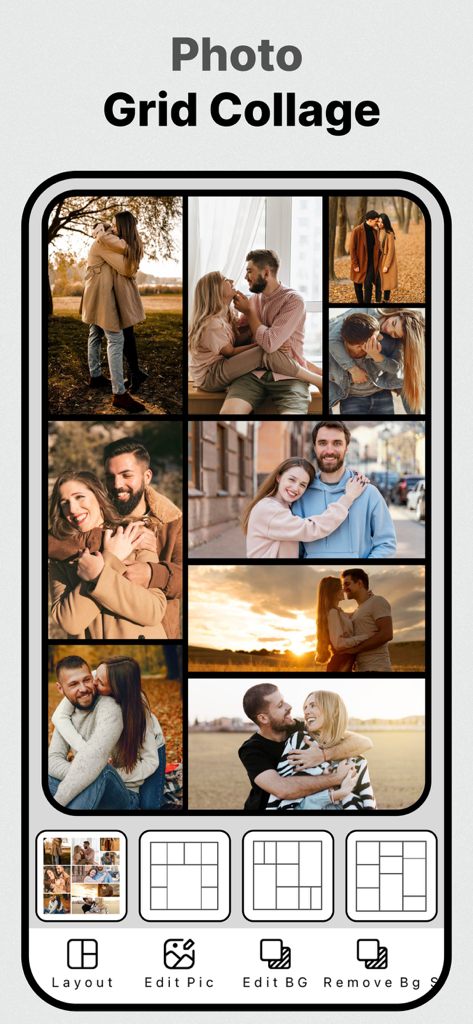
A mobile app interface displaying a grid collage of couple photos with different layout templates at the bottom
Description
Download
More Like This
Top-ranked apps in the same category

CapCut: Photo & Video Editor
BYTEDANCE PTE. LTD.

Instagram, Inc.

YouTube
Google LLC

Canva: AI Photo & Video Editor
Canva Pty Ltd

Snapchat
Snap, Inc.

快手
Beijing Kwai Technology Co., Ltd.

Edits: Video Editor
Instagram, Inc.

Meitu- AI Photo & Video Editor
Xiamen Meitu Technology Co., Ltd.

Google Photos: Backup & Edit
Google LLC
This page is not an official page of the app or its developer, but an independent editorial publication created for informational and commentary purposes. Unless expressly stated otherwise, neither the app nor its developer is affiliated with, endorsed by, sponsored by, authorized by, or otherwise officially connected with MWM, Apple, Google Play, the app publisher, or the app's developer, and nothing on this page implies that the app was developed using MWM's services. Any trademarks, logos, screenshots, and other content remain the property of their respective owners.