
This page is not an official page of the app or its developer, but an independent editorial publication created for informational and commentary purposes. Unless expressly stated otherwise, neither the app nor its developer is affiliated with, endorsed by, sponsored by, authorized by, or otherwise officially connected with MWM, Apple, Google Play, the app publisher, or the app's developer, and nothing on this page implies that the app was developed using MWM's services. Any trademarks, logos, screenshots, and other content remain the property of their respective owners.


Photo Cut Paste
Effortlessly cut out people or objects and paste them into stunning new backgrounds. Create the ultimate social media flex in seconds without the Photoshop struggle.
Downloads
160K+User Rating
Total Ratings
900Publisher
Category
Photo & VideoLocales
1Latest Version
1.32Size
64.7 MBFirst Released
Sep 6, 2016Elevate Your Social Feed Instantly
Transform your photos from ordinary to extraordinary. Cut out any subject and transport yourself anywhere in the world with our intuitive AI-powered tools.
Smart AI Cut-Outs
Forget tedious manual tracing. Our intelligent auto-mode detects and extracts subjects with precision in seconds for a perfect finish.
Teleport Anywhere
Swap boring backgrounds for iconic global landmarks or aesthetic studio sets from our curated library to create the ultimate social flex.
The following screenshots and description are sourced directly from the app's official store listing and are the property of the app developer.
App Store
Screenshots
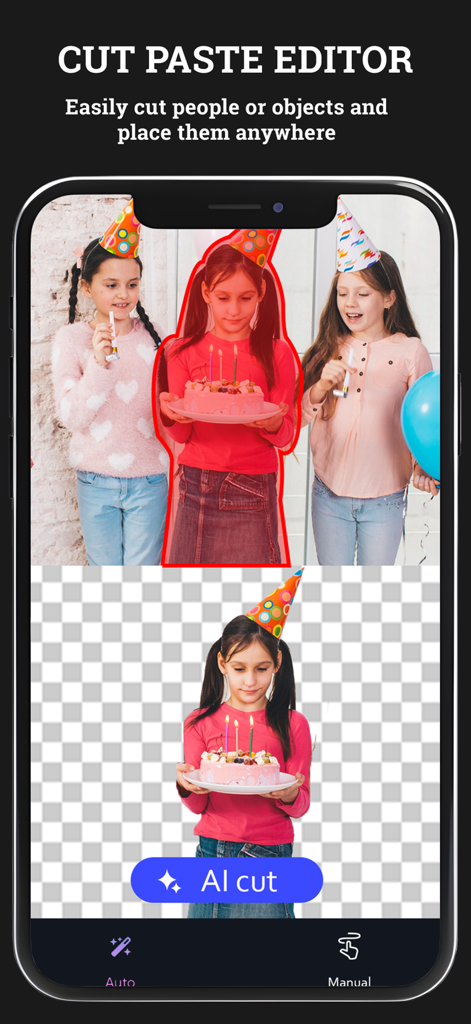
Screenshot of the Photo Cut Paste app demonstrating the AI cut feature isolating a person from a background.
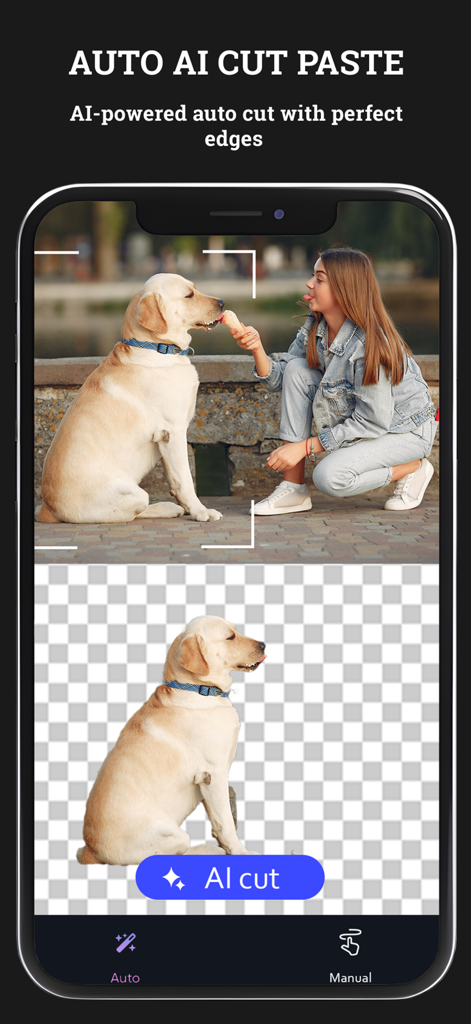
A screenshot of the Photo Cut Paste app showing the AI powered auto cut feature removing a dog from its background.
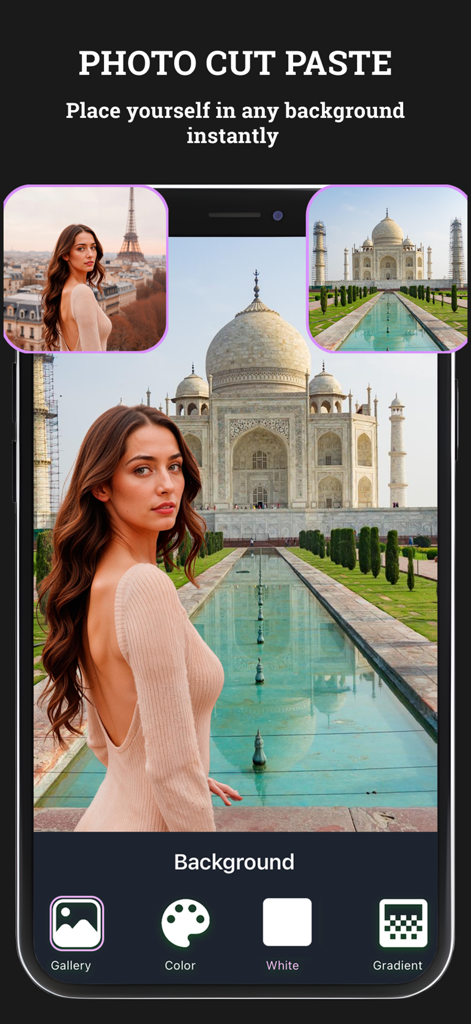
Screenshot of the Photo Cut Paste app showing a woman edited into a Taj Mahal background with various editing options
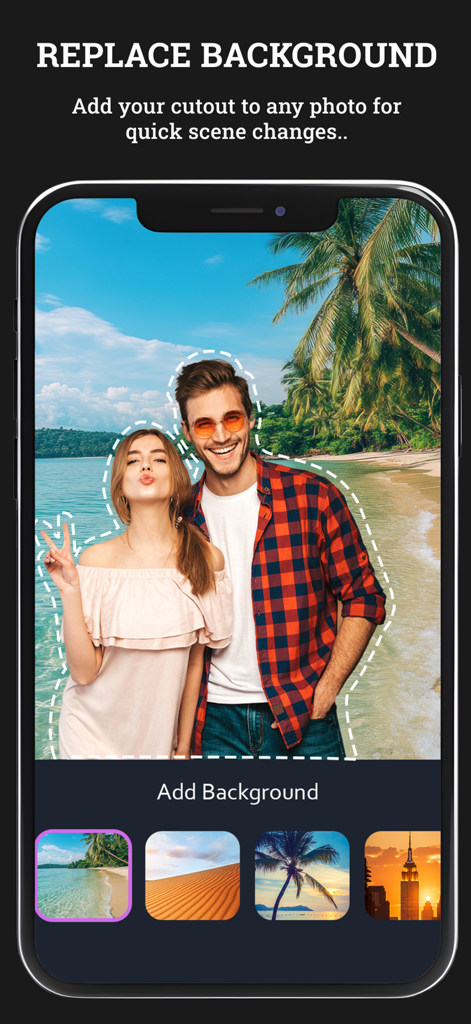
A mobile app interface showing a couple cutout against a tropical beach background with various scene options.
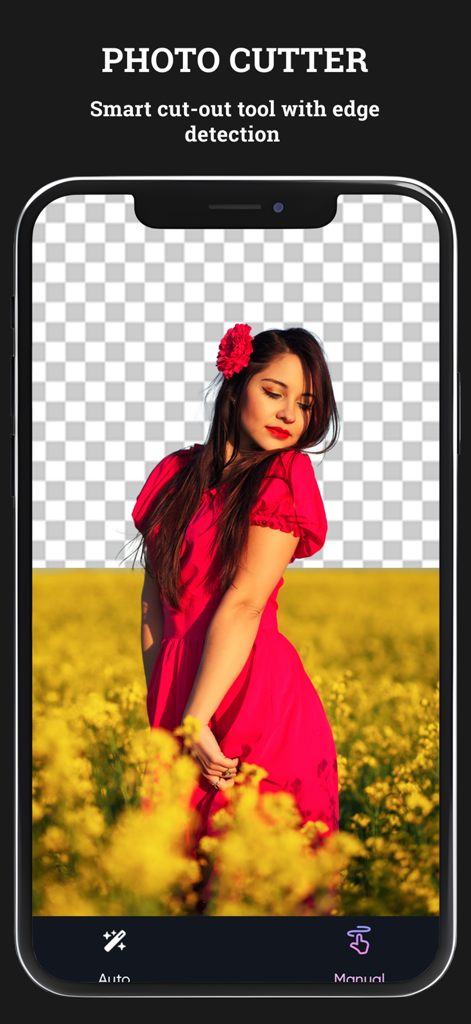
Photo Cut Paste app interface showing the smart cutout tool removing a background from a portrait
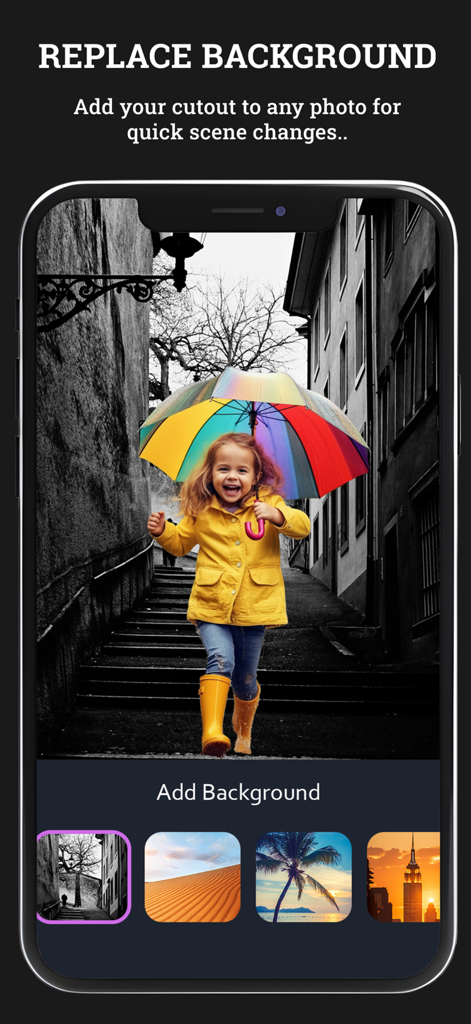
Photo Cut Paste app interface showing a girl with a rainbow umbrella on a replaced background with different scenery options
Description
Download
More Like This
Top-ranked apps in the same category

CapCut: Photo & Video Editor
BYTEDANCE PTE. LTD.

Instagram, Inc.

YouTube
Google LLC

Canva: AI Photo & Video Editor
Canva Pty Ltd

Snapchat
Snap, Inc.

快手
Beijing Kwai Technology Co., Ltd.

Edits: Video Editor
Instagram, Inc.

Meitu- AI Photo & Video Editor
Xiamen Meitu Technology Co., Ltd.

Google Photos: Backup & Edit
Google LLC
This page is not an official page of the app or its developer, but an independent editorial publication created for informational and commentary purposes. Unless expressly stated otherwise, neither the app nor its developer is affiliated with, endorsed by, sponsored by, authorized by, or otherwise officially connected with MWM, Apple, Google Play, the app publisher, or the app's developer, and nothing on this page implies that the app was developed using MWM's services. Any trademarks, logos, screenshots, and other content remain the property of their respective owners.