
This page is not an official page of the app or its developer, but an independent editorial publication created for informational and commentary purposes. Unless expressly stated otherwise, neither the app nor its developer is affiliated with, endorsed by, sponsored by, authorized by, or otherwise officially connected with MWM, Apple, Google Play, the app publisher, or the app's developer, and nothing on this page implies that the app was developed using MWM's services. Any trademarks, logos, screenshots, and other content remain the property of their respective owners.

Photo Markup - Draw & Annotate
Turn screenshots into actionable feedback in seconds. Highlight details, add expressive emojis, and use Apple Pencil precision to communicate clearly with your team or friends.
Downloads
500User Rating
Total Ratings
0Publisher
Category
Photo & VideoLocales
6Latest Version
2.0Size
3.7 MBFirst Released
Jul 21, 2019Communicate Clearly with Visual Markups
The ultimate tool for professionals and students to annotate, highlight, and explain ideas on photos and screenshots with unmatched speed.
Precision Drawing & Shapes
Circle, underline, or highlight key details with ease. Fully optimized for Apple Pencil to ensure professional-grade accuracy on your iPad or iPhone.
300+ Expressive Emojis
Go beyond basic lines. Use a massive library of smileys and icons to add personality, context, and clear expression to your visual feedback.
The following screenshots and description are sourced directly from the app's official store listing and are the property of the app developer.
App Store
Screenshots
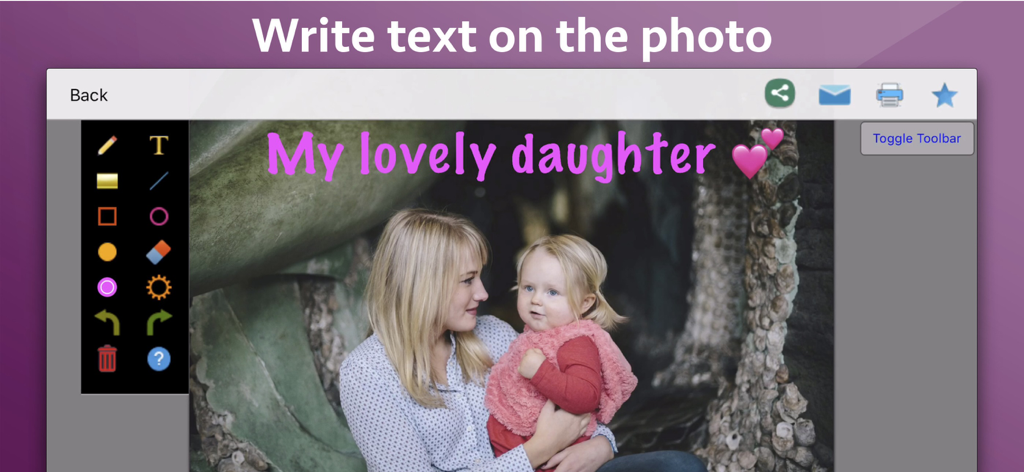
Interface of the Photo Markup app showing pink text and heart emojis added to a photo of a woman and child
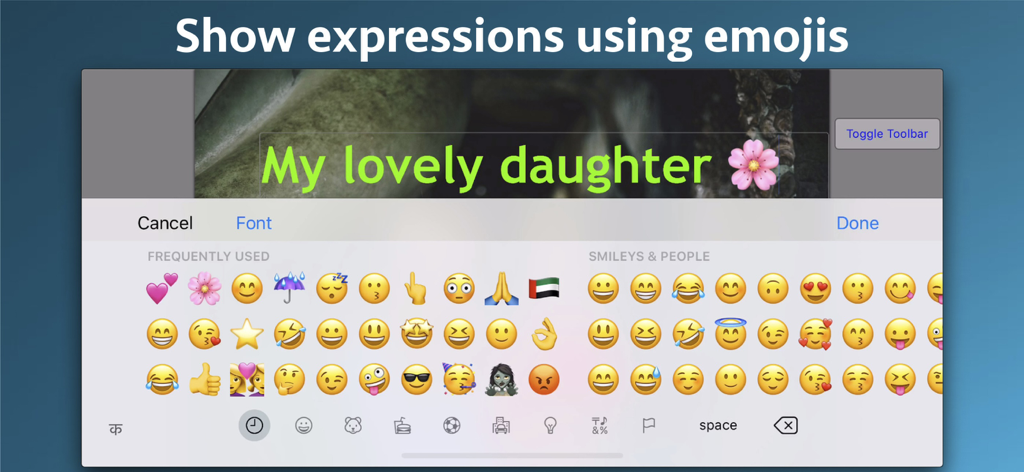
Screen showing an emoji keyboard used to add expressions and symbols to a photo with text
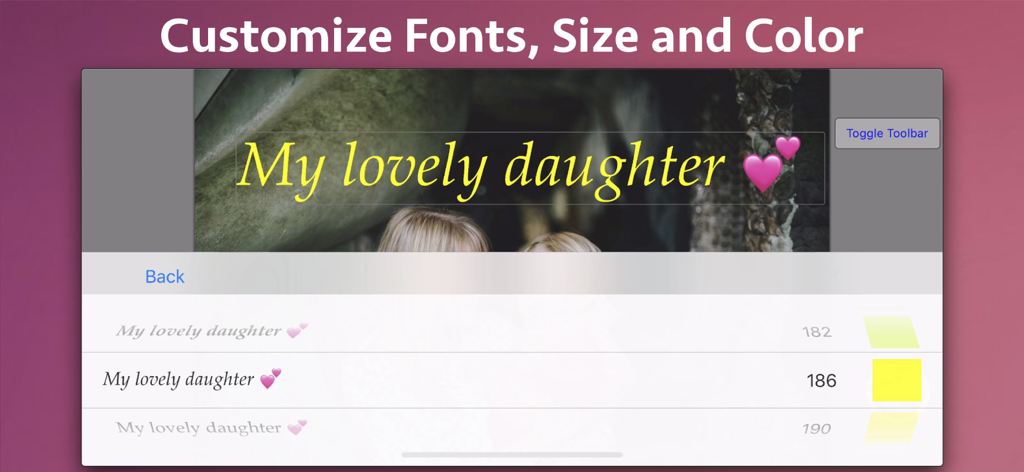
interface to customize font size and color of text on photos
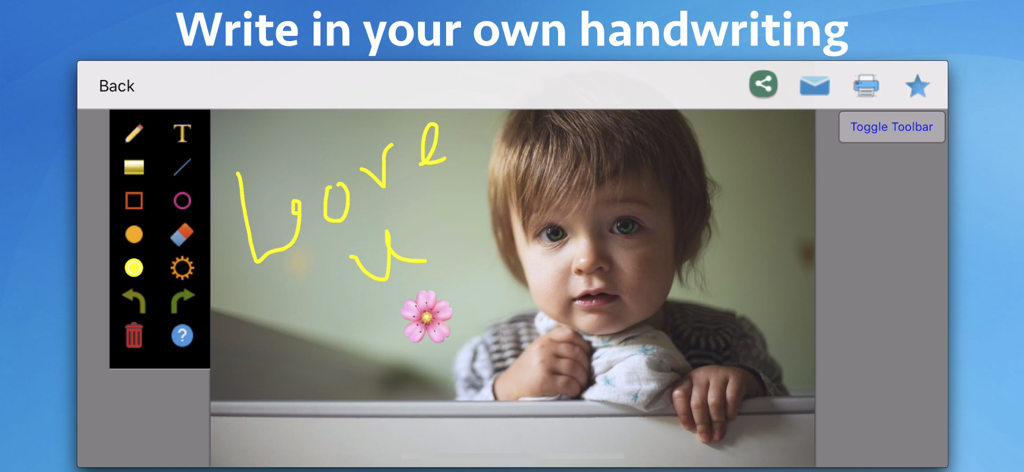
The Photo Markup app interface showing handwritten notes and a flower emoji on a childs photo
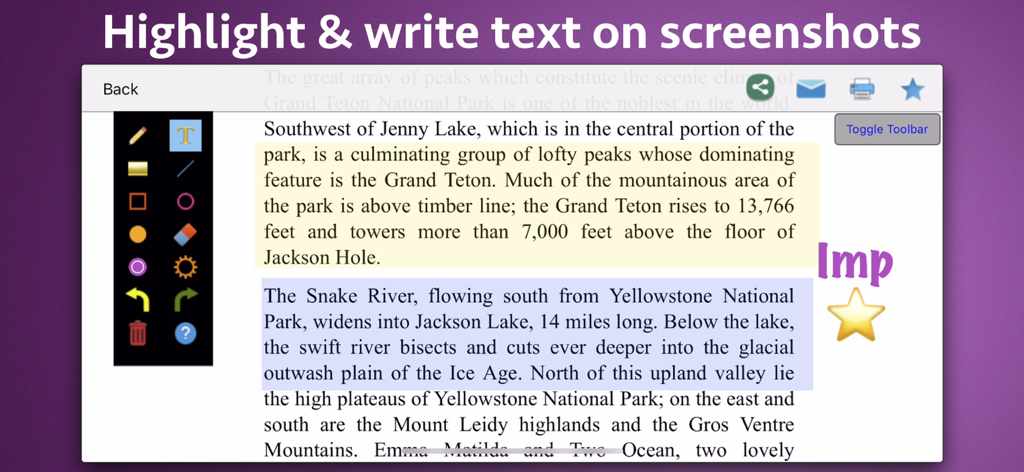
Screenshot of Photo Markup app showing text highlighted in yellow and blue with a handwritten note
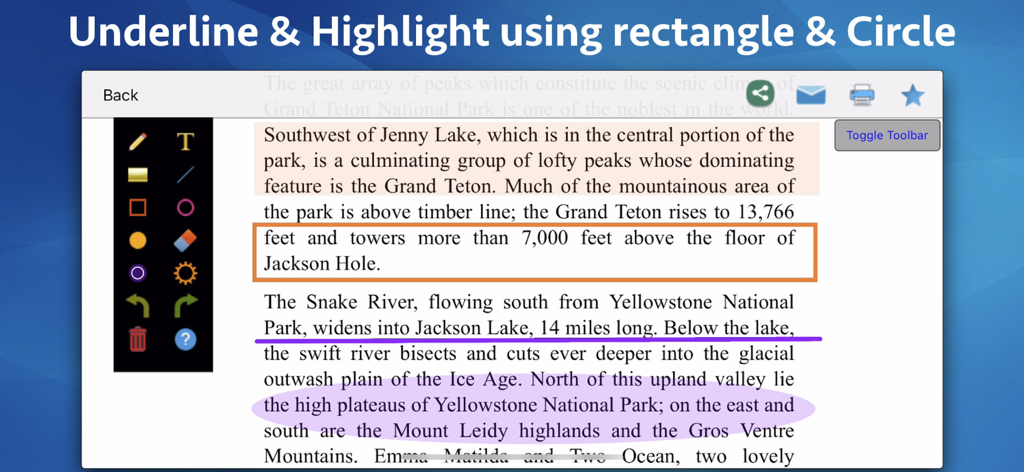
Underlining and highlighting text in the Photo Markup app
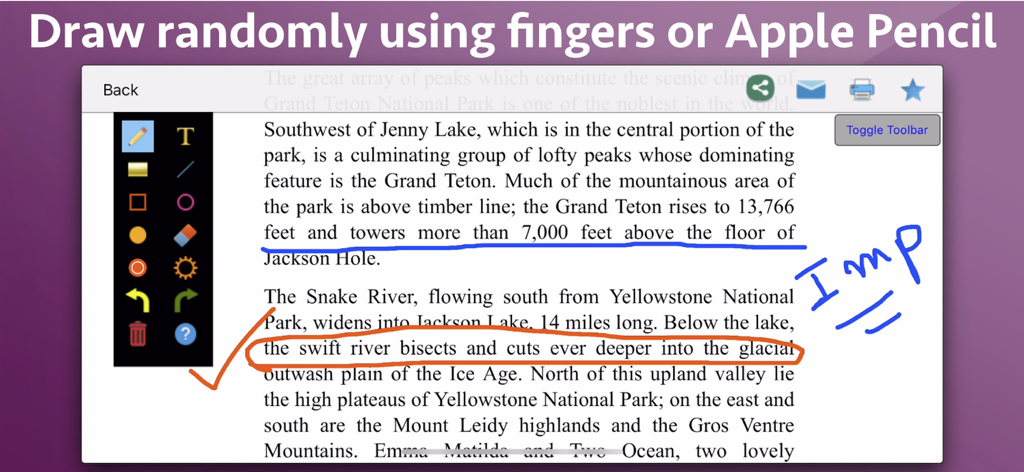
Interface of Photo Markup app showing text annotated with blue underlines and orange circles
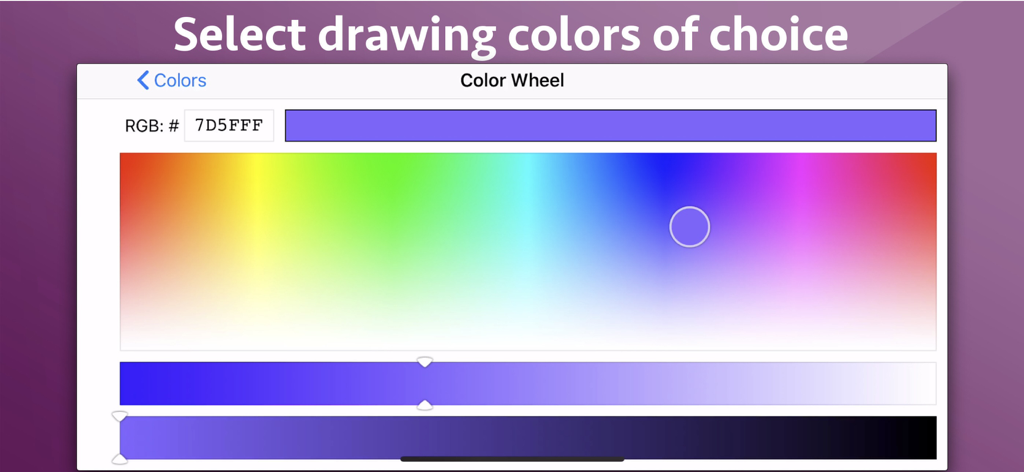
Color wheel interface in the Photo Markup app for selecting custom drawing colors.
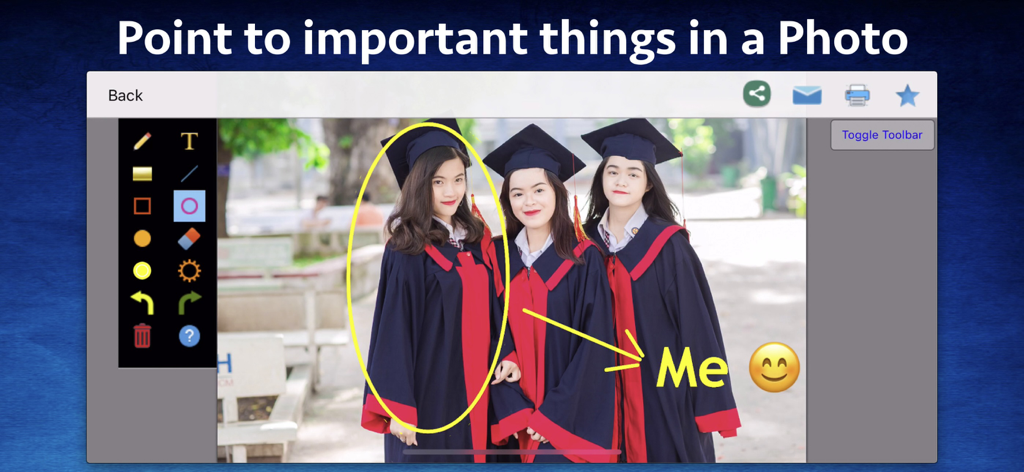
Interface of a photo markup app showing a yellow circle and arrow pointing to a person in a graduation photo with the label Me and a smiley face
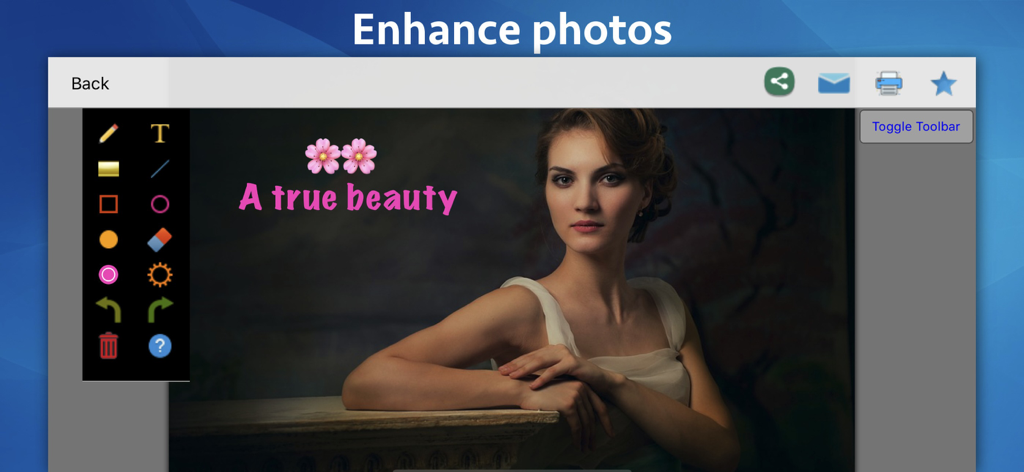
Photo Markup app interface showing a portrait photo enhanced with text and emoji icons
Description
Download
More Like This
Top-ranked apps in the same category

CapCut: Photo & Video Editor
BYTEDANCE PTE. LTD.

Instagram, Inc.

YouTube
Google LLC

Canva: AI Photo & Video Editor
Canva Pty Ltd

Snapchat
Snap, Inc.

快手
Beijing Kwai Technology Co., Ltd.

Edits: Video Editor
Instagram, Inc.

Meitu- AI Photo & Video Editor
Xiamen Meitu Technology Co., Ltd.

Google Photos: Backup & Edit
Google LLC
This page is not an official page of the app or its developer, but an independent editorial publication created for informational and commentary purposes. Unless expressly stated otherwise, neither the app nor its developer is affiliated with, endorsed by, sponsored by, authorized by, or otherwise officially connected with MWM, Apple, Google Play, the app publisher, or the app's developer, and nothing on this page implies that the app was developed using MWM's services. Any trademarks, logos, screenshots, and other content remain the property of their respective owners.