Photo to PDF - Image Converter

Photo to PDF - Image Converter

Download on App Store
Logo of Photo to PDF - Image Converter

Photo to PDF - Image Converter: Professional PDFs in Seconds

Transform your photos into branded documents with custom layouts, headers, and compression. Work securely offline and organize your files without the need for a scanner.

Publisher

Asad Ahsan

Category

Productivity

Downloads

23K+

User Rating

4.5/5

Total Ratings

200

Locales

69

See Efficiency in Action

Discover the interface used by 23K+ users.
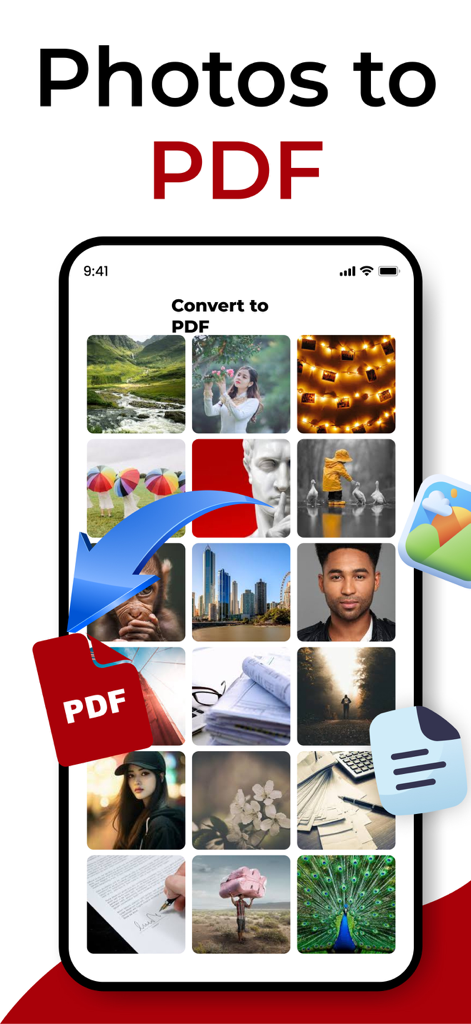
Interface of the Photo to PDF app showing multiple images being converted into a PDF document.

Interface of the Photo to PDF app showing multiple images being converted into a PDF document.

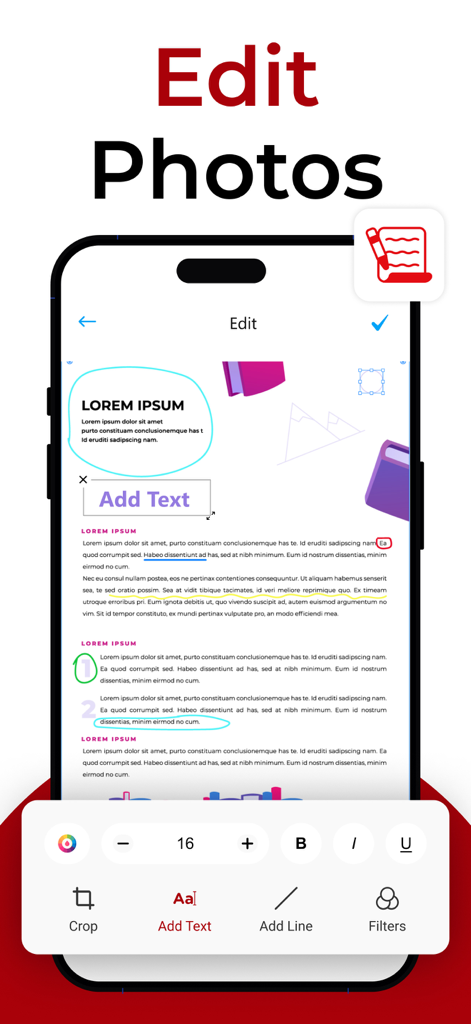
Interface of the Photo to PDF app showing photo editing tools like add text and add line

Interface of the Photo to PDF app showing photo editing tools like add text and add line

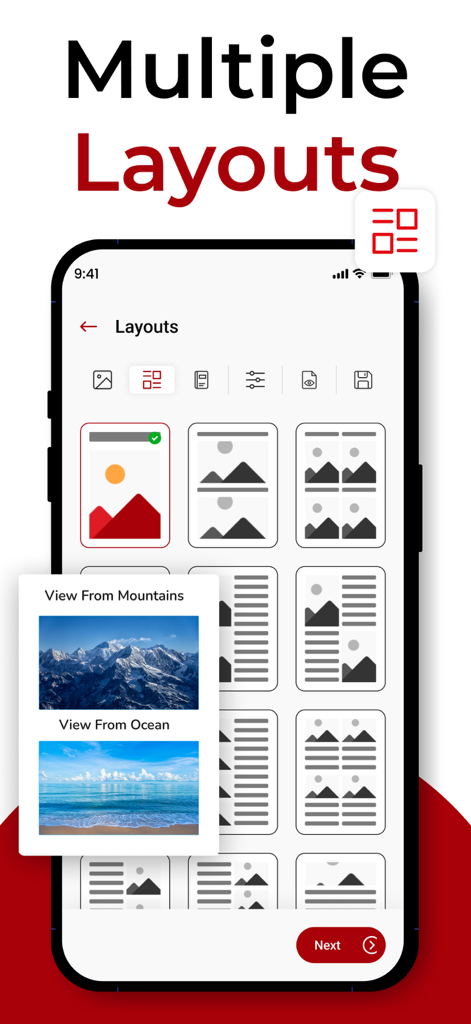
Mobile app screen showing multiple grid and list layout options for converting photos into a PDF document.

Mobile app screen showing multiple grid and list layout options for converting photos into a PDF document.

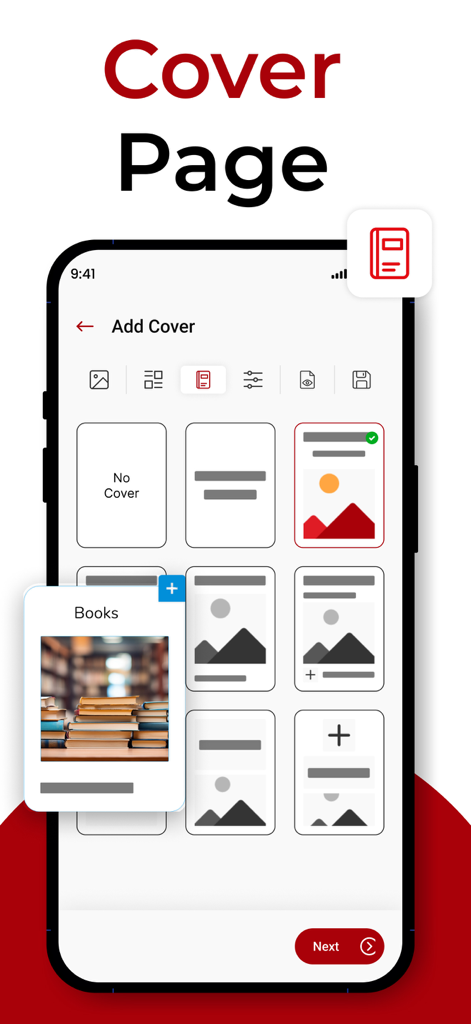
Smartphone interface of the Photo to PDF app showing professional cover page templates for document customization.

Smartphone interface of the Photo to PDF app showing professional cover page templates for document customization.

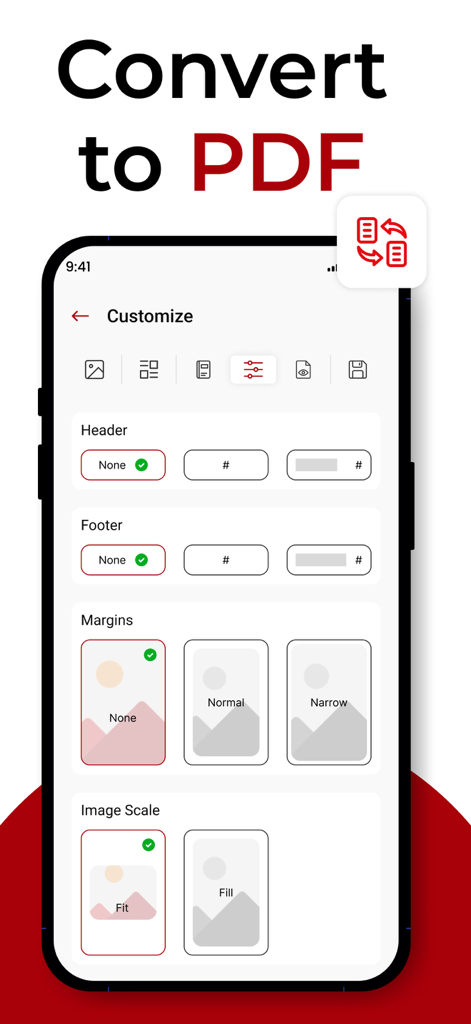
Interface showing customization options for headers, footers, margins, and image scaling in the Photo to PDF app.

Interface showing customization options for headers, footers, margins, and image scaling in the Photo to PDF app.

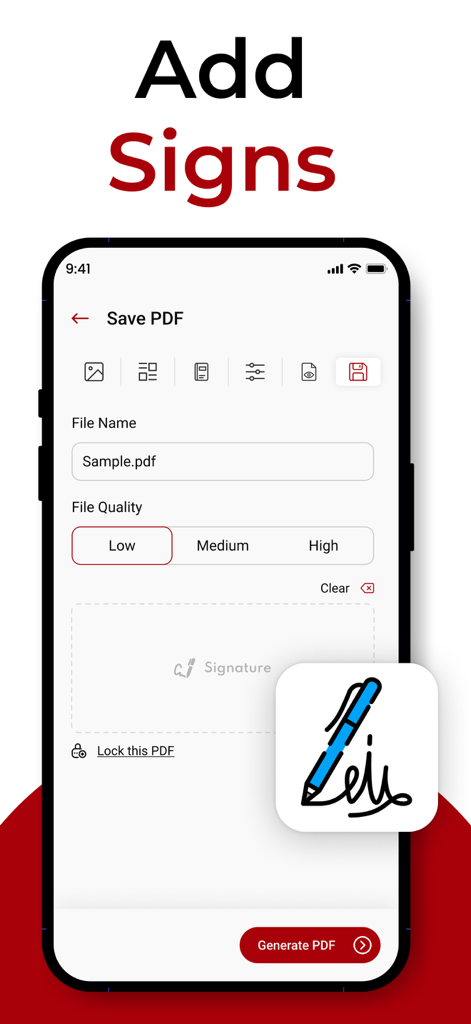
Interface of the Photo to PDF app showing the signature feature for digital documents

Interface of the Photo to PDF app showing the signature feature for digital documents

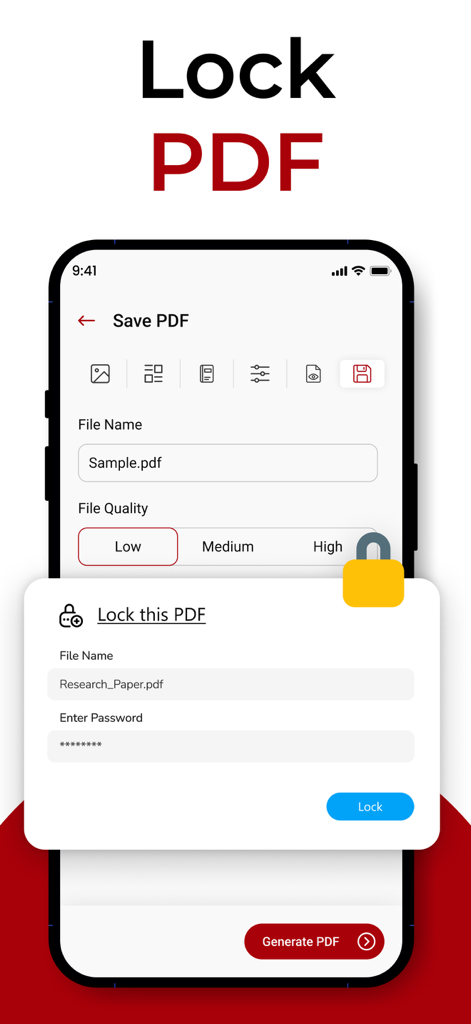
A mobile app interface showing how to password protect and lock a PDF file

A mobile app interface showing how to password protect and lock a PDF file

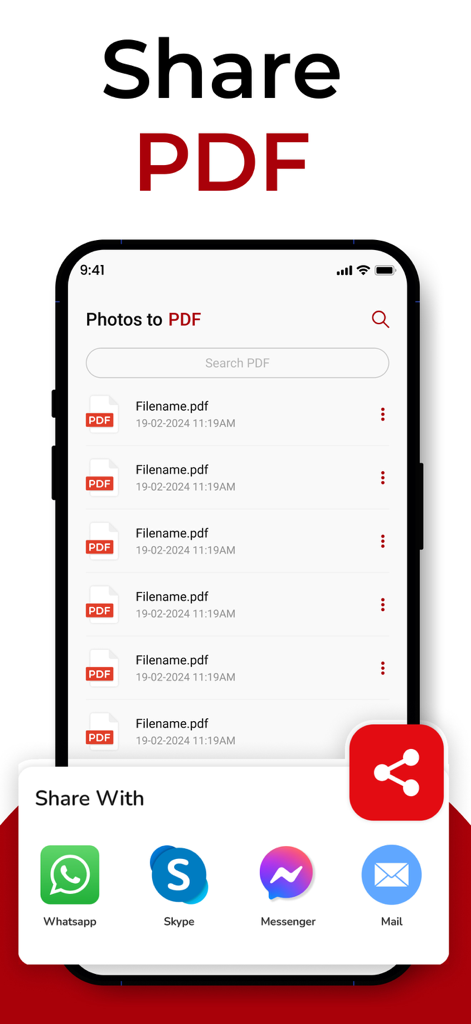
Mobile app interface showing a list of PDF files and options to share them via WhatsApp Skype Messenger and Email

Mobile app interface showing a list of PDF files and options to share them via WhatsApp Skype Messenger and Email

Professional PDFs in Seconds

The tools that make this app stand out, trusted by 23K+ users.

✒️

Branding & Customization

Stand out by adding professional headers, footers, and cover pages to your documents—perfect for freelancer invoices and student portfolios.

🔒

100% Offline & Private

Convert sensitive IDs and contracts securely on your device. No data usage or cloud uploads required, keeping your personal information safe.

📂

Merge & Compress

Combine multiple photos into one single PDF and optimize the file size for fast emailing and seamless uploads to platforms like Canvas or Slack.

About the app

Everything you need to know about Photo to PDF - Image Converter.

Description

Let this photo to pdf converter and maker app helps you to convert any compatible photo file formats to pdf document. Even now you can customize your images in different layouts with the use of this picture to pdf maker. Additionally, this free image to pdf creator assists within given ways: Brand Your PDF File with jpeg-png image file converter: Get branded pdf photos document with the use of this photo converter app instantly. Moreover, you can also add a title, subtitle, cover page, header, and footer to make your picture more dynamic. Various PDF Templates: Get going for creating your own customized templates with photo and text or choose default pdf templates available in photos to pdf converter. Resize Images: Now you can resize images with a couple of taps, even it helps to edit and rotate pictures without any distortion. Auto Sorting: This photo to pdf converter and image converter renames the pic to pdf document, adds an edited date or modified date, adds signatures, and sorts the pdf file by its size. Works Offline: You are not bound to have an active Internet connection to run this photo converter. This pic to pdf app is available with all its features offline. Compress Picture to PDF: No matter whatever the reason behind image to pdf compression, this image converter can saves your photo pdf in low, medium, and high-resolution formats. Convert photo to PDF: A best photos to pdf converter app that supports you to create a photo to pdf file that either contains one or more pictures in it. The conversion process takes a couple of seconds to reshape your images into a standard pdf file document layout. Scan Your Pictures: Get entertained with the facility of scanning new pictures by using a camera or choosing pictures already saved in the gallery. Whatever choice you make, this image to pdf converter will get it done for you readily. PDF Preview: You can access a temporary pdf preview of your converted photo with the help of this picture to pdf converter before finalizing. Save and Share: After you convert the picture to pdf, share it with your dear ones on any social media platform, google drive, and via WhatsApp. This photo to pdf converter app is just more than a simple picture maker. Features of Photo To PDF Converter: User-Friendly interface Easy to use Lets you follow a step by step procedure to make a photo pdf Available both online and offline No costs are required for its operation Save pdf image document on your device Share image files via any sort So hurry up, download this photos to pdf converter app, and store your images in standard PDF files while keeping the quality high. Privacy Policy: https://theonlineconverter.com/privacy-policy Terms of Service: https://theonlineconverter.com/terms

Latest Version

1.0.53

Size

56.7 MB

First Released

Mar 14, 2022

Transform Your Photos into Professional PDFs Today

Join 23,000+ users who scan, brand, and share documents instantly. Work offline, stay organized, and go paperless for free on your iPhone or iPad.

Download on App Store

App information, icons, screenshots, and descriptions displayed on this page are sourced from the Apple App Store and are the property of their respective developers. Download estimates and rankings are based on MWM's proprietary models and may not reflect actual figures. This page is provided for informational and analytical purposes only.

Believe this page infringes your intellectual property? File a dispute