Photo to PDF - PicDoc
Download on App Store

This page is not an official page of the app or its developer, but an independent editorial publication created for informational and commentary purposes. Unless expressly stated otherwise, neither the app nor its developer is affiliated with, endorsed by, sponsored by, authorized by, or otherwise officially connected with MWM, Apple, Google Play, the app publisher, or the app's developer, and nothing on this page implies that the app was developed using MWM's services. Any trademarks, logos, screenshots, and other content remain the property of their respective owners.

Logo of Photo to PDF - PicDoc
Download on App Store

Photo to PDF - PicDoc

Convert photos to professional PDFs in three simple steps. Secure, on-device processing with built-in digital signatures designed for your busy life admin.

Key Figures

Downloads

0

User Rating

4.5/5

Total Ratings

0

Publisher

Subhan Dastgeer

Category

Productivity

Locales

1

Latest Version

1.23

Size

23.0 MB

First Released

Jul 15, 2021
Features

Simplify Your Digital Life

Powerful PDF tools designed for speed, security, and absolute ease of use—perfect for busy professionals and life administrators.

Instant Photo-to-PDF

Turn any image into a professional document in just three taps. No complex menus, just fast results for your busy schedule.

Private On-Device Processing

Keep sensitive data safe. All conversions happen locally on your iPhone, ensuring your documents never leave your device.

The following screenshots and description are sourced directly from the app's official store listing and are the property of the app developer.

App Store

Screenshots
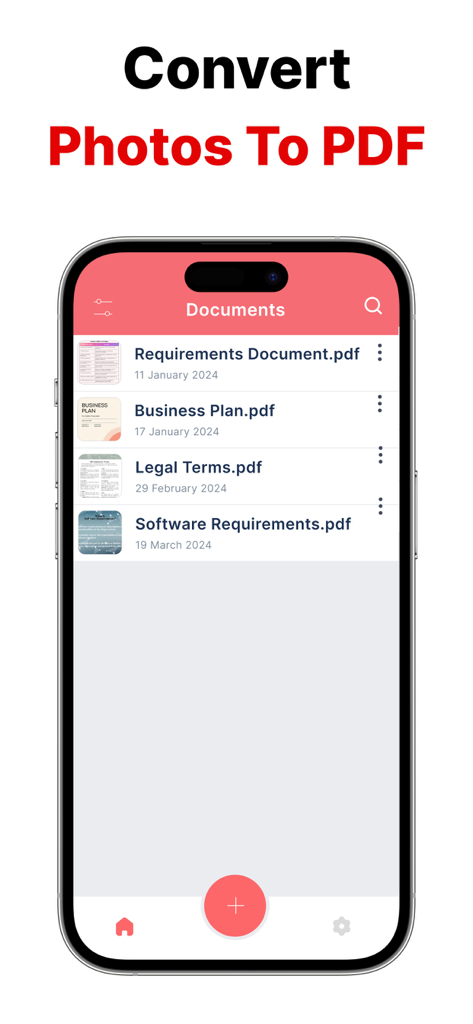
Photo to PDF - PicDoc - iPhone screen showing a list of PDF documents in the PicDoc app
iPhone screen showing a list of PDF documents in the PicDoc app

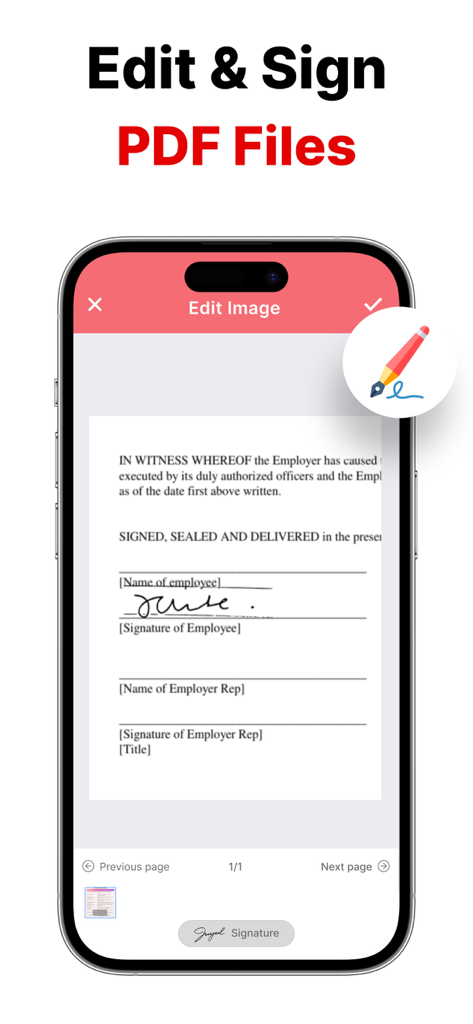
Photo to PDF - PicDoc - Interface of the PicDoc app showing how to sign a digital document on a smartphone
Interface of the PicDoc app showing how to sign a digital document on a smartphone

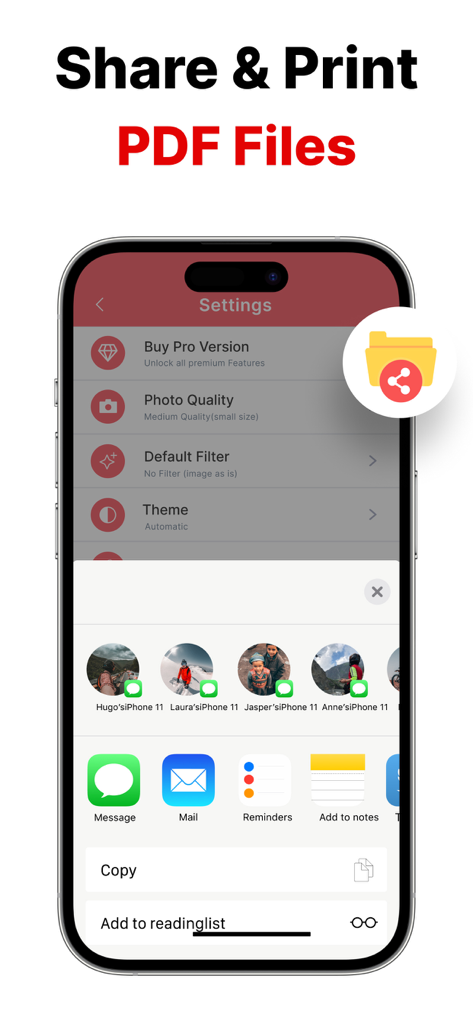
Photo to PDF - PicDoc - PicDoc app showing the iOS share sheet to share or print PDF files from an iPhone.
PicDoc app showing the iOS share sheet to share or print PDF files from an iPhone.

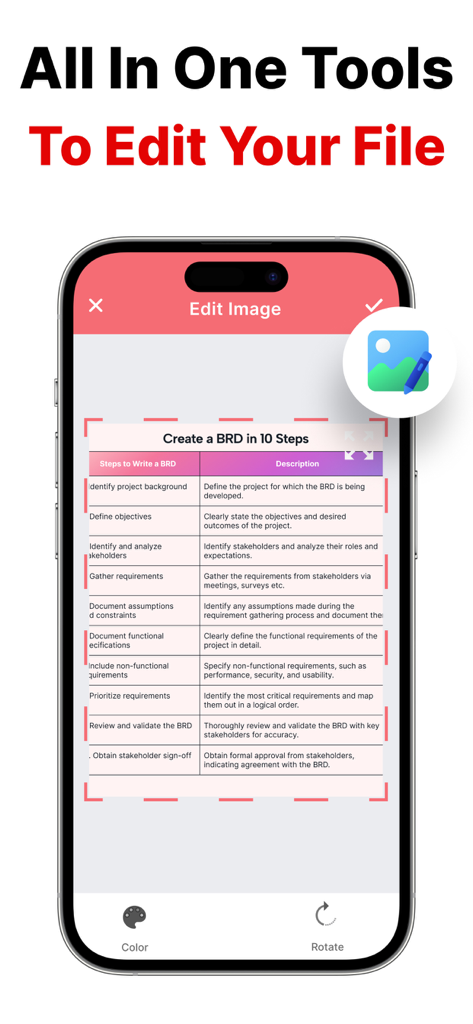
Photo to PDF - PicDoc - Screenshot of PicDoc app showing image editing and cropping tools for a document before PDF conversion
Screenshot of PicDoc app showing image editing and cropping tools for a document before PDF conversion

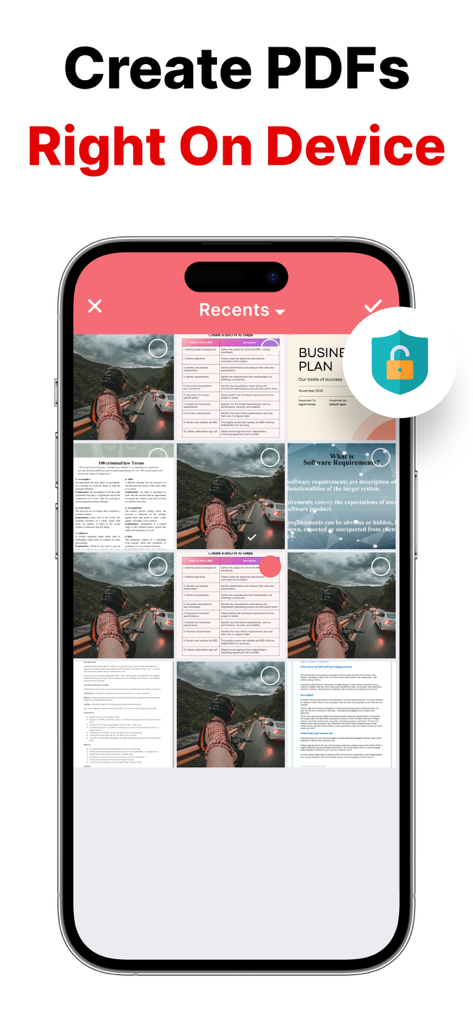
Photo to PDF - PicDoc - Smartphone interface of the PicDoc app showing photo selection and the headline Create PDFs Right On Device

Smartphone interface of the PicDoc app showing photo selection and the headline Create PDFs Right On Device

Description

Photo to PDF in 3 Simple Steps: 1. Open the App 2. Select Photos or Take New Pictures 3. Tap “Convert to PDF” — Done! With Photo to PDF Converter, creating high-quality PDF documents has never been easier. Forget complicated apps filled with unnecessary features. PicDoc is built for simplicity, speed, and productivity — so you can focus on your work, not on figuring out how to convert files. Key Features: -Simple & Intuitive Convert any photo to PDF quickly with our easy-to-use interface. No technical knowledge needed — just select your files and convert. -Powerful Editing Options Crop, rotate, or apply filters before converting your photos to PDF. Whether you need a fast basic conversion or advanced editing, PicDoc adapts to your needs. -Fast & Secure Conversion All conversions are done directly on your device. Your files stay private and secure — no internet connection required, and no data leaves your phone. -Stay Organized Manage all your PDFs effortlessly with folders and custom file names. Keep your documents neat and easy to find, even when you have many files. -Sign Documents Easily Add your signature directly to any PDF. Sign contracts, agreements, or forms in seconds without needing to print. -Share with a Tap Export your PDFs instantly by email, cloud storage, or messaging apps. Sharing your documents has never been this easy. Experience the easiest way to convert photos to PDF — fast, secure, and completely in your control. You can get unlimited access to all the advanced functionality by subscribing to a monthly or a yearly plan inside the app. There's also a free 3 day trial period to get a taste of what PicDoc Premium has to offer. Once expired, the trial period automatically changes to a paid yearly subscription. Payment will be charged to iTunes Account at confirmation of purchase. Subscription automatically renews unless auto-renew is turned off at least 24-hours before the end of the current period. Account will be charged for renewal within 24-hours prior to the end of the current period, and identify the cost of the renewal. Subscriptions may be managed by the user and auto-renewal may be turned off by going to the user's Account Settings after purchase. Any unused portion of a free trial period, if offered, will be forfeited when the user purchases a subscription to that publication, where applicable. Privacy Policy : https://sites.google.com/view/picdocprivacypolicy Terms of Use : https://sites.google.com/view/picdoctermsandconditions

Download

Download on App Store

This page is not an official page of the app or its developer, but an independent editorial publication created for informational and commentary purposes. Unless expressly stated otherwise, neither the app nor its developer is affiliated with, endorsed by, sponsored by, authorized by, or otherwise officially connected with MWM, Apple, Google Play, the app publisher, or the app's developer, and nothing on this page implies that the app was developed using MWM's services. Any trademarks, logos, screenshots, and other content remain the property of their respective owners.








