
This page is not an official page of the app or its developer, but an independent editorial publication created for informational and commentary purposes. Unless expressly stated otherwise, neither the app nor its developer is affiliated with, endorsed by, sponsored by, authorized by, or otherwise officially connected with MWM, Apple, Google Play, the app publisher, or the app's developer, and nothing on this page implies that the app was developed using MWM's services. Any trademarks, logos, screenshots, and other content remain the property of their respective owners.


PhotoGenie Ultra
Transform your photos into professional-grade masterpieces instantly. From artistic sketches to vibrant color splashes, unleash your creativity and level up your social game.
Downloads
20K+User Rating
Total Ratings
0Publisher
Category
EntertainmentLocales
1Latest Version
1.0Size
11.9 MBFirst Released
Jun 9, 2025Create Your Signature Aesthetic Instantly
Elevate your social feed with professional-grade effects, from artistic sketches to vibrant color splashes—all designed for the perfect post.
Magical One-Tap Filters
Instantly transform any photo into a masterpiece with AI-powered effects that do the hard work for you.
Artistic Sketch Styles
Turn your portraits into unique digital art or hand-drawn sketches to express your inner artist effortlessly.
Frequently Asked Questions
Everything you need to know about PhotoGenie Ultra
What is PhotoGenie Ultra?
PhotoGenie Ultra is a magical photo editing app. It transforms images with stunning one-tap effects, offering unique filters and customizable controls for professional-grade edits. The app has an intuitive interface.
What photo editing features does PhotoGenie Ultra provide?
PhotoGenie Ultra provides one-tap effects, artistic sketches, and vibrant color splashes. Features include Magic Touch, Color Splash, Glow Up, Sketch Me, Vibe Shift, Pixel Play, Shadow Pop, and Neon Dreams.
Does PhotoGenie Ultra offer customizable photo effects?
Yes, PhotoGenie Ultra offers customizable controls for its unique filters. Screenshot #4 displays a "Pixel Size" slider, confirming the ability to adjust effect parameters for precise enhancements.
How can users save their creations in PhotoGenie Ultra?
Users can save their creations effortlessly in PhotoGenie Ultra. All editing screens, such as Screenshot #2, #3, #4, #5, and #6, prominently feature a "Save" button for convenient saving.
Is PhotoGenie Ultra suitable for all skill levels?
Yes, PhotoGenie Ultra features an intuitive interface specifically designed for all skill levels. This allows both beginners and experienced editors to achieve professional-grade results effortlessly.
The following screenshots and description are sourced directly from the app's official store listing and are the property of the app developer.
App Store
Screenshots
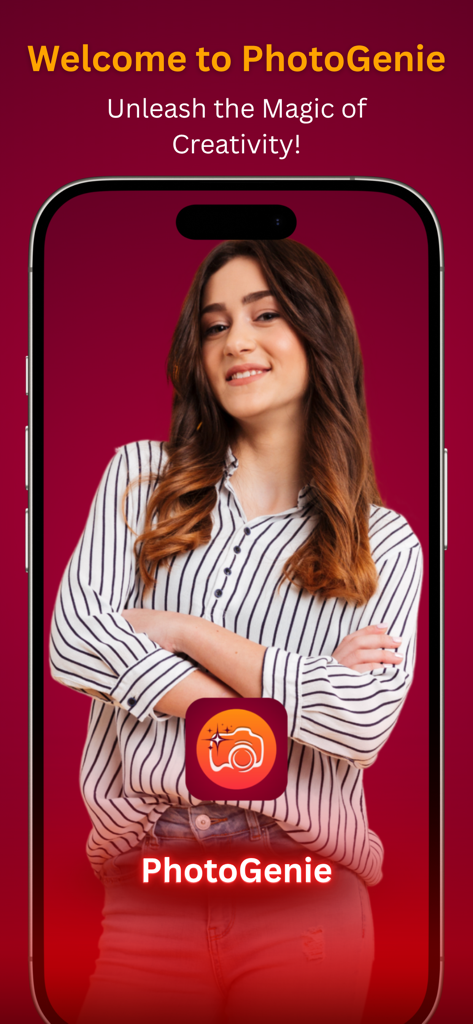
PhotoGenie Ultra welcome screen displaying a portrait photo on an iPhone with the slogan Unleash the Magic of Creativity
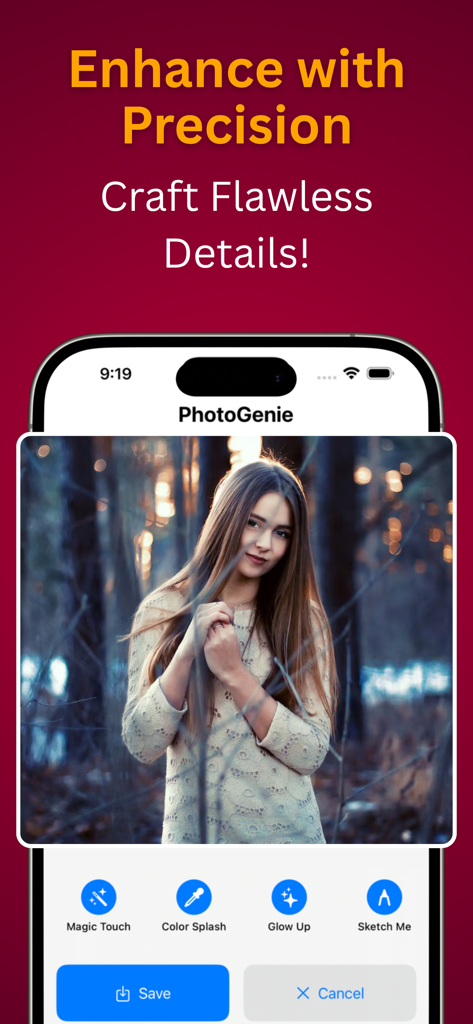
PhotoGenie Ultra mobile app interface showing photo editing tools and a portrait photo
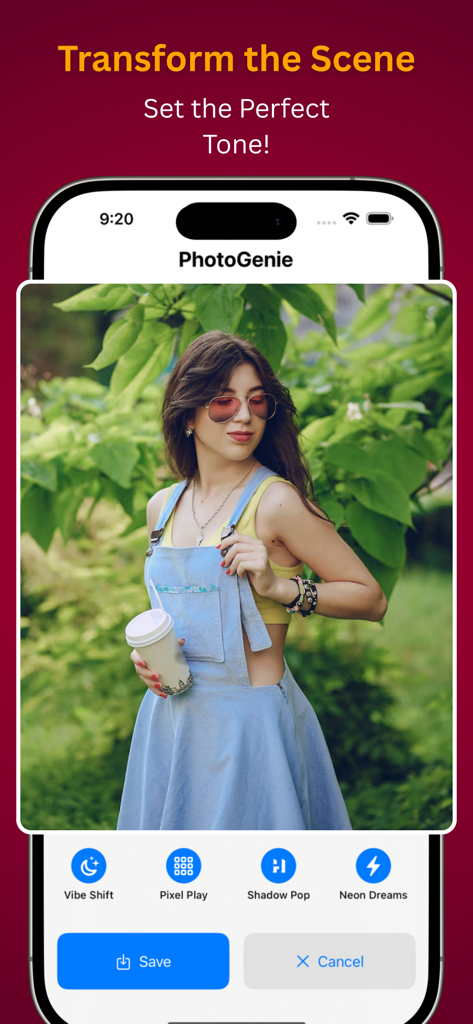
Smartphone display showing PhotoGenie Ultra app with photo editing filters and a woman portrait
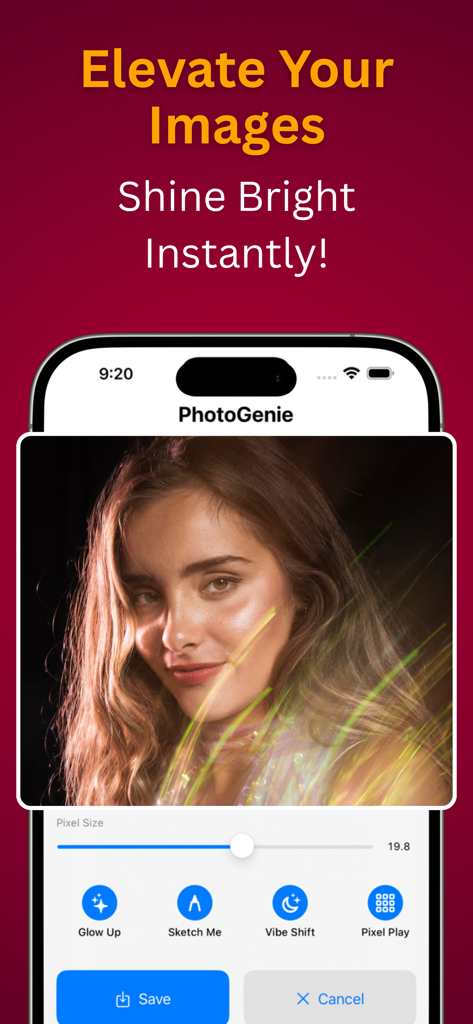
PhotoGenie Ultra app interface showing a glow up filter applied to a portrait
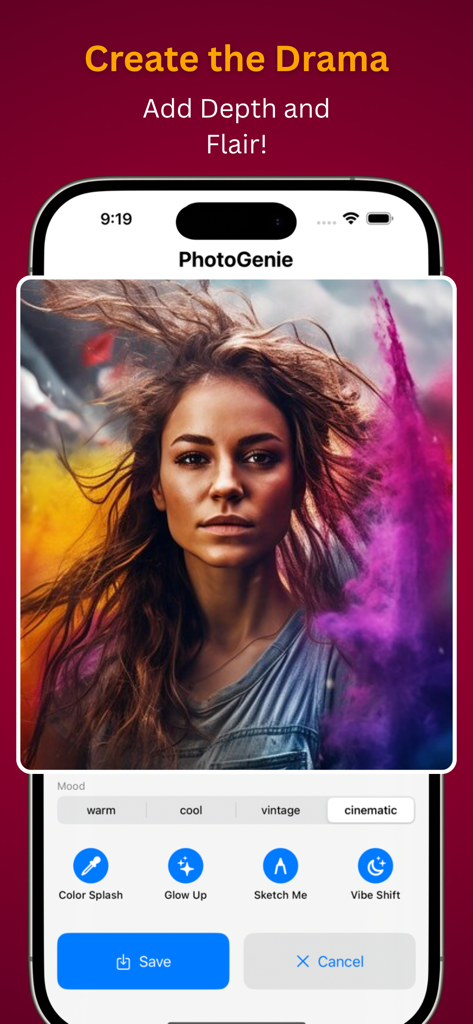
Screenshot of the PhotoGenie Ultra app interface showing a woman's portrait with a cinematic smoke effect and photo editing options.
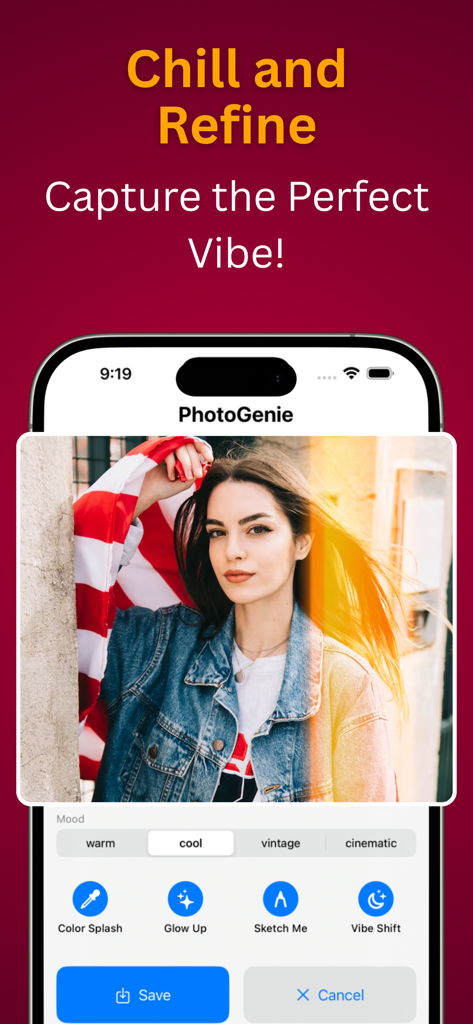
PhotoGenie Ultra app interface showing mood filters and editing tools like Color Splash and Glow Up
Description
Download
More Like This
Apps with similar features and user experience
WataameCamera
kenji hara

InFrame - Photo editor collage
INFRAME CO., LIMITED
MagicBrew: AI Photo Editor
Cardinal Blue Software, Inc
Graphite: Turn Photo to Sketch
Digital Masterpieces GmbH
BeCasso: Photo to Painting App
Digital Masterpieces GmbH

YingLow
立肯 郑
Colorify: Coloring Book Maker
YOYA MOBILE TEKNOLOJI ANONIM SIRKETI

Banana Studio: AI Photo Editor
Ozan Kilic

Artifex AI - AI photo Editor
Walrus Holdings(Hong Kong)Limited
This page is not an official page of the app or its developer, but an independent editorial publication created for informational and commentary purposes. Unless expressly stated otherwise, neither the app nor its developer is affiliated with, endorsed by, sponsored by, authorized by, or otherwise officially connected with MWM, Apple, Google Play, the app publisher, or the app's developer, and nothing on this page implies that the app was developed using MWM's services. Any trademarks, logos, screenshots, and other content remain the property of their respective owners.