
This page is not an official page of the app or its developer, but an independent editorial publication created for informational and commentary purposes. Unless expressly stated otherwise, neither the app nor its developer is affiliated with, endorsed by, sponsored by, authorized by, or otherwise officially connected with MWM, Apple, Google Play, the app publisher, or the app's developer, and nothing on this page implies that the app was developed using MWM's services. Any trademarks, logos, screenshots, and other content remain the property of their respective owners.

PhotoViva - Paintings from your photos!
Step beyond generic filters with the brush-based editor designed for the digital artisan. With 20 professional art brushes and precise manual control, PhotoViva empowers you to create hand-crafted masterpieces that reflect your unique creative vision.
Downloads
345K+User Rating
Total Ratings
1K+Publisher
Category
Photo & VideoLocales
5Latest Version
3.40Size
19.0 MBFirst Released
Aug 29, 2011From Memories to Masterpieces
Break free from generic filters. PhotoViva gives you the tools of a digital artisan to turn any photo into a stunning, hand-crafted painting with the human touch.
Expressive Brush System
Select from 20 professional art brushes to add rich texture and depth that AI filters simply cannot replicate.
Complete Creative Agency
Take command of every stroke. Adjust direction, hue, and saturation to ensure your art reflects your unique personal vision.
The following screenshots and description are sourced directly from the app's official store listing and are the property of the app developer.
App Store
Screenshots
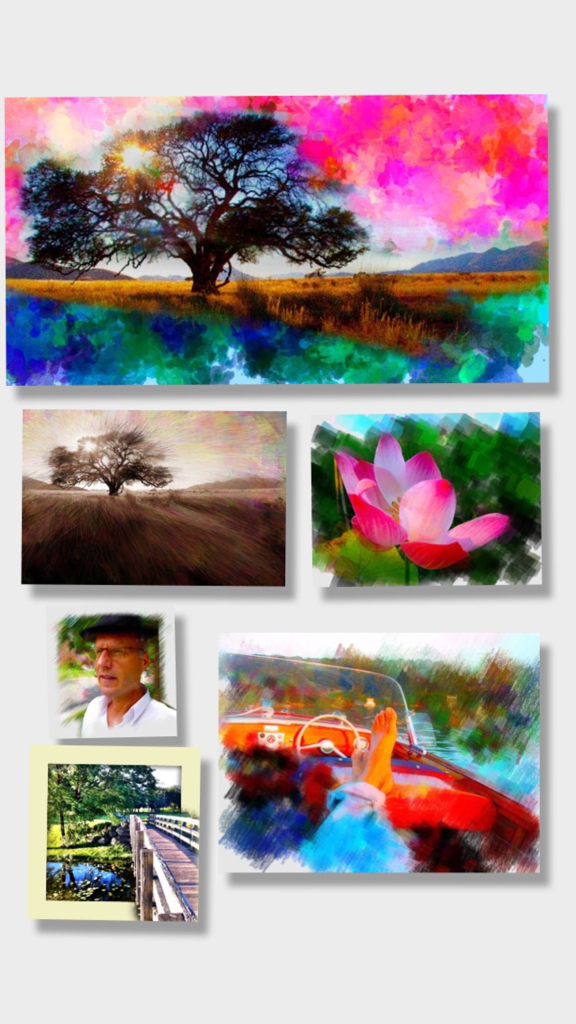
A collage showing various photos transformed into digital paintings using different brush styles in the PhotoViva app.
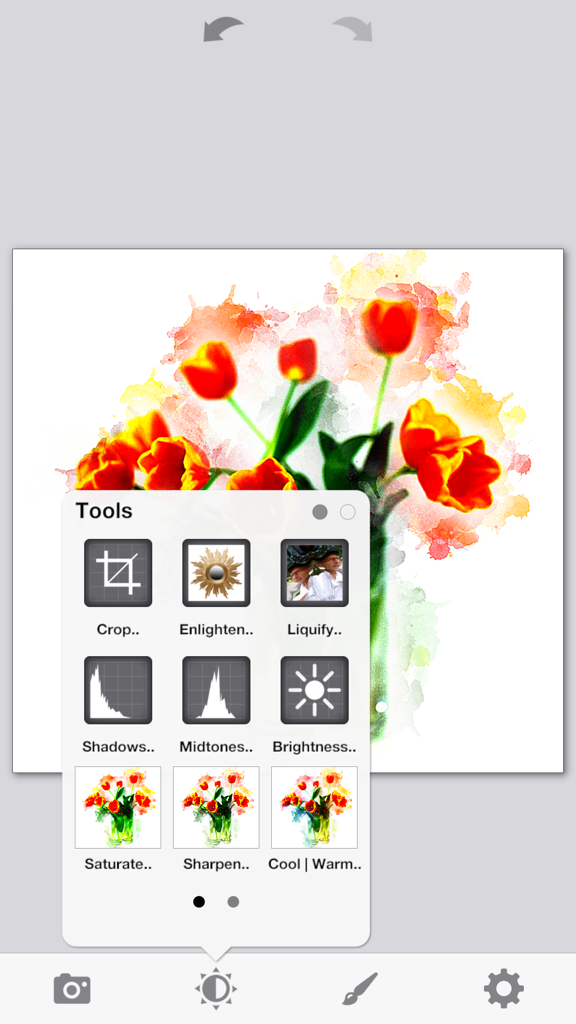
PhotoViva app interface showing a watercolor painting of tulips and a selection of photo editing tools
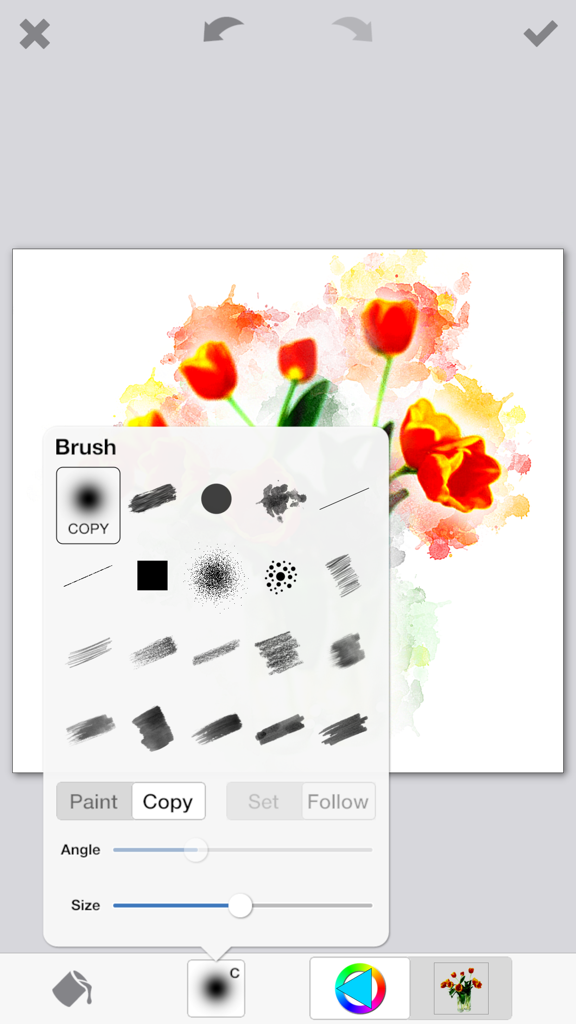
A screenshot of the PhotoViva app showing a menu of artistic brushes over a watercolor style painting of red tulips
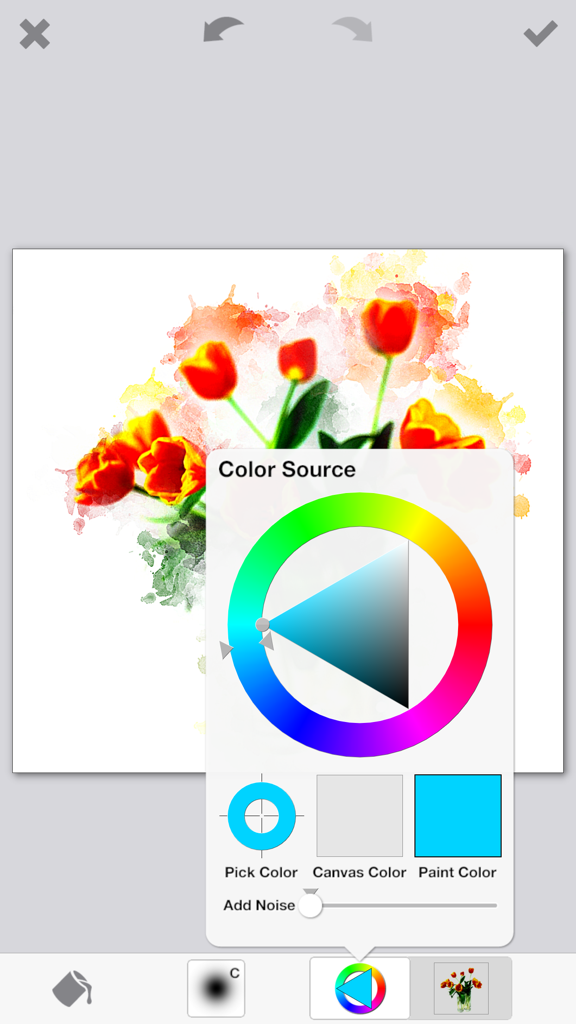
Color source picker wheel over a digital painting of red tulips in the PhotoViva app
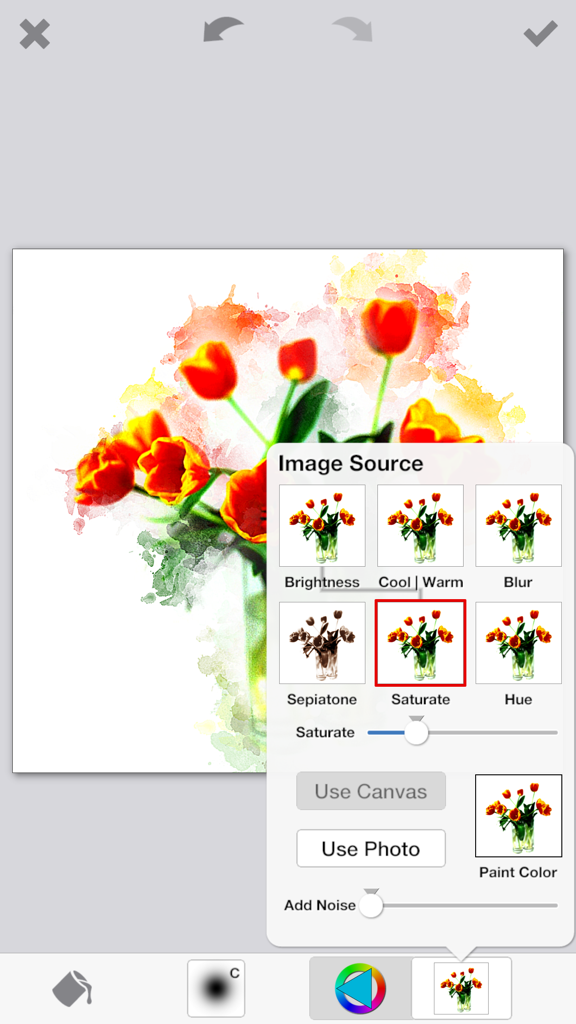
PhotoViva mobile app interface showing a floral photograph being edited into a watercolor painting with saturation and brush tools
Description
Download
More Like This
Top-ranked apps in the same category

CapCut: Photo & Video Editor
BYTEDANCE PTE. LTD.

Instagram, Inc.

YouTube
Google LLC

Canva: AI Photo & Video Editor
Canva Pty Ltd

Snapchat
Snap, Inc.

快手
Beijing Kwai Technology Co., Ltd.

Edits: Video Editor
Instagram, Inc.

Meitu- AI Photo & Video Editor
Xiamen Meitu Technology Co., Ltd.

Google Photos: Backup & Edit
Google LLC
This page is not an official page of the app or its developer, but an independent editorial publication created for informational and commentary purposes. Unless expressly stated otherwise, neither the app nor its developer is affiliated with, endorsed by, sponsored by, authorized by, or otherwise officially connected with MWM, Apple, Google Play, the app publisher, or the app's developer, and nothing on this page implies that the app was developed using MWM's services. Any trademarks, logos, screenshots, and other content remain the property of their respective owners.