
This page is not an official page of the app or its developer, but an independent editorial publication created for informational and commentary purposes. Unless expressly stated otherwise, neither the app nor its developer is affiliated with, endorsed by, sponsored by, authorized by, or otherwise officially connected with MWM, Apple, Google Play, the app publisher, or the app's developer, and nothing on this page implies that the app was developed using MWM's services. Any trademarks, logos, screenshots, and other content remain the property of their respective owners.


PicWish: AI Photo Editor
Join 3 million+ resellers and solopreneurs using our one-tap background remover, photo enhancer, and batch editor to turn everyday snapshots into high-converting studio images.
Downloads
3M+User Rating
Total Ratings
2K+Publisher
Category
Graphics & DesignLocales
8Latest Version
2.3.8Size
139.0 MBFirst Released
Mar 9, 2022Elevate Your Brand Instantly
Transform your product shots into professional assets with AI-powered tools designed for busy entrepreneurs and resellers.
One-Tap Background Removal
Instantly replace cluttered backgrounds with studio-clean whites or AI-generated lifestyle scenes to make your products pop.
Powerful Batch Editing
Save hours of manual work by processing up to 30 images at once—unblur, resize, and remove backgrounds in a single click.
Frequently Asked Questions
Everything you need to know about PicWish: AI Photo Editor
What is PicWish: AI Photo Editor?
PicWish is an AI photo editing app that automatically removes backgrounds, unblurs photos, enhances images, and offers advanced AI features like object removal and background generation. It makes photo editing as easy as chat.
Can PicWish remove backgrounds from photos?
Yes, PicWish automatically removes photo backgrounds. Users can manually edit details, change backgrounds, add multiple cutouts, resize, and add shadows. It also offers AI Background generation.
Does PicWish offer a free trial for its features?
Yes, PicWish offers a 3-day free trial for PicWish Pro, which provides full access to all features, including 450 AI credits/month and high-definition export.
How does PicWish handle object removal in photos?
PicWish allows users to remove unwanted objects, such as folds, smudges, or text, from images. It supports an auto removal mode where PicWish AI detects and removes text automatically.
Can PicWish unblur multiple photos at once?
Yes, PicWish can unblur multiple photos instantly. It also provides features to enhance photo quality, colorize white-and-black photos, and add filters.
What are the subscription options for PicWish Pro?
PicWish Pro offers weekly, monthly, and annually subscriptions, all starting with a 3-day free trial. Subscriptions auto-renew unless canceled 24 hours before the period ends.
How can I cancel my PicWish Pro subscription?
To stop the auto-renewal of a PicWish Pro subscription, users must visit their Account Settings in iTunes after purchase at least 24 hours before the end of the current period.
Does PicWish provide features for creating ID photos?
Yes, PicWish includes an ID Photos feature. It allows users to change background color and size to meet ID photo standards and custom sizes like 2x2 photos. It can also unblur ID photos.
Can PicWish generate new backgrounds for product photos using AI?
Yes, PicWish AI Background automatically removes the existing background and generates suitable new backgrounds for product shots or any photo.
Who is PicWish: AI Photo Editor designed for?
PicWish is designed for newbies, pro users, resellers, small businesses, graphics designers, and anyone who regularly handles a large number of images and values accuracy.
Does PicWish allow editing photos using text commands?
Yes, PicWish features "Chat Edit & AI Designer" under AI Premium. Users can transform photos by chatting to edit them with a simple text command.
Can PicWish edit multiple images at once?
Yes, PicWish offers a Batch mode for processing multiple images. It supports batch background removal or enhancement for up to 30 images at a time.
Does PicWish have customer support?
Yes, users can contact PicWish support for questions, problems, or feedback by emailing support@picwish.com. They also have a TikTok presence for design tips.
The following screenshots and description are sourced directly from the app's official store listing and are the property of the app developer.
App Store
Screenshots
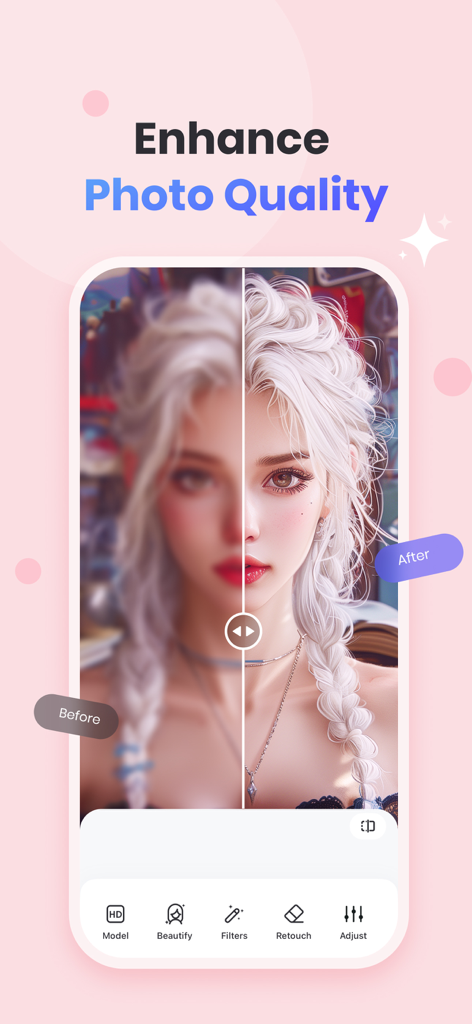
A before and after comparison showing a blurry portrait being sharpened and enhanced by the PicWish AI Photo Editor app.
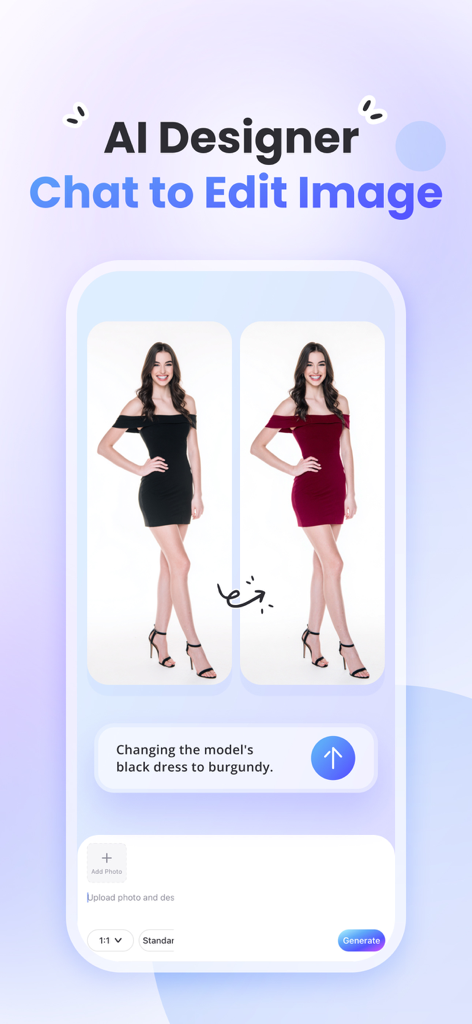
PicWish AI photo editor chat to edit feature changing dress color on a model
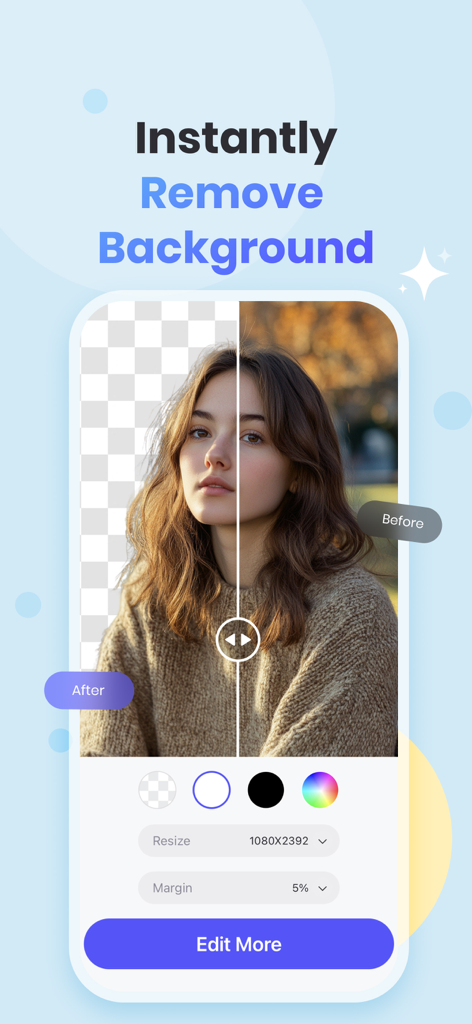
Split screen showing a portrait with the background removed using PicWish AI photo editor
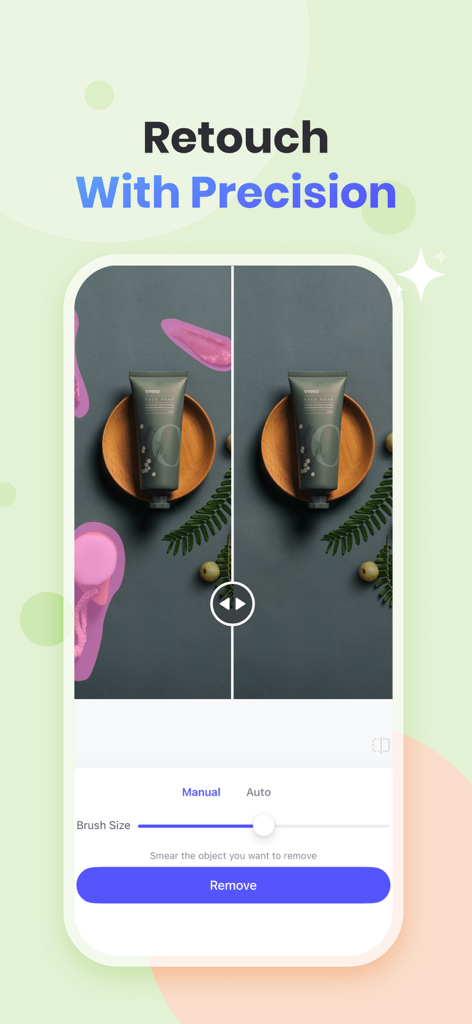
PicWish app interface showing the precision retouch tool to remove unwanted objects from a product photo.
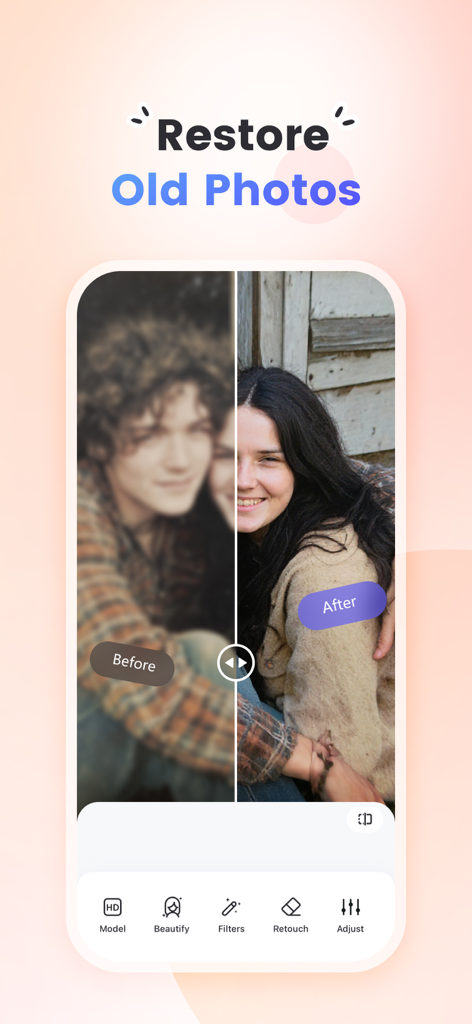
A before and after comparison of an old photo being restored and unblurred using PicWish AI
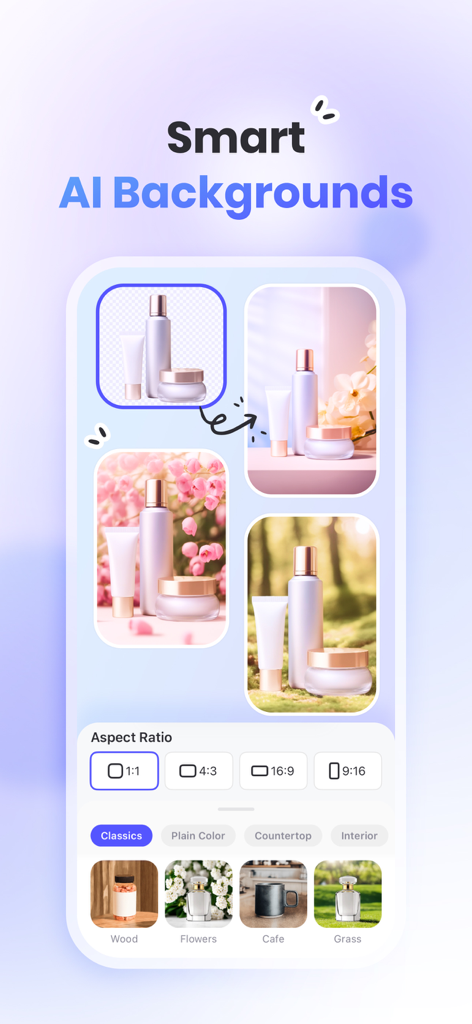
PicWish app screen showing the smart AI backgrounds feature for creating professional product photos with different lifestyle backdrops and aspect ratios.
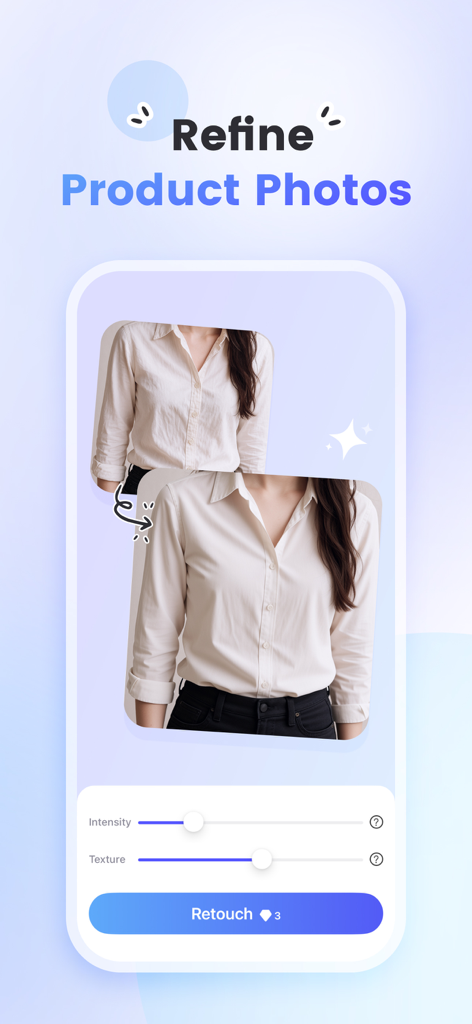
Interface of PicWish AI photo editor showing the retouch tool to refine product photos of clothing.
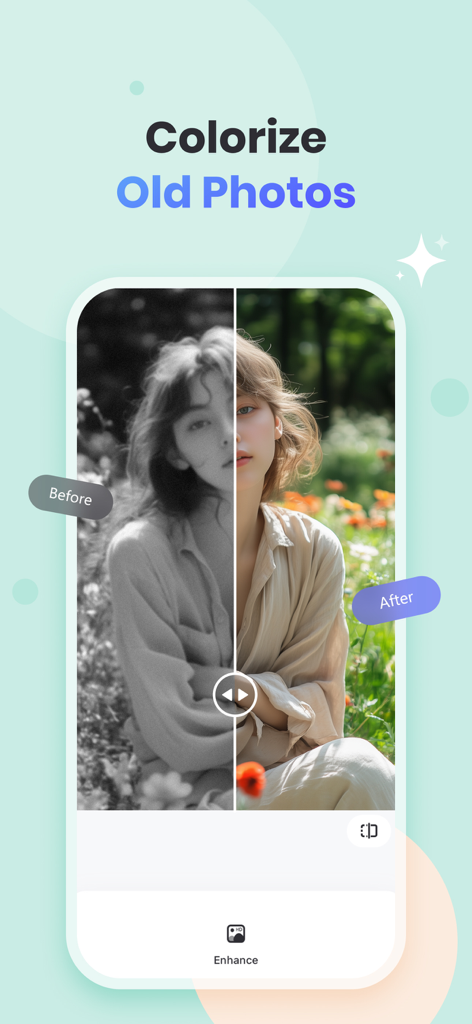
Before and after comparison of colorizing an old black and white photo using PicWish AI photo editor
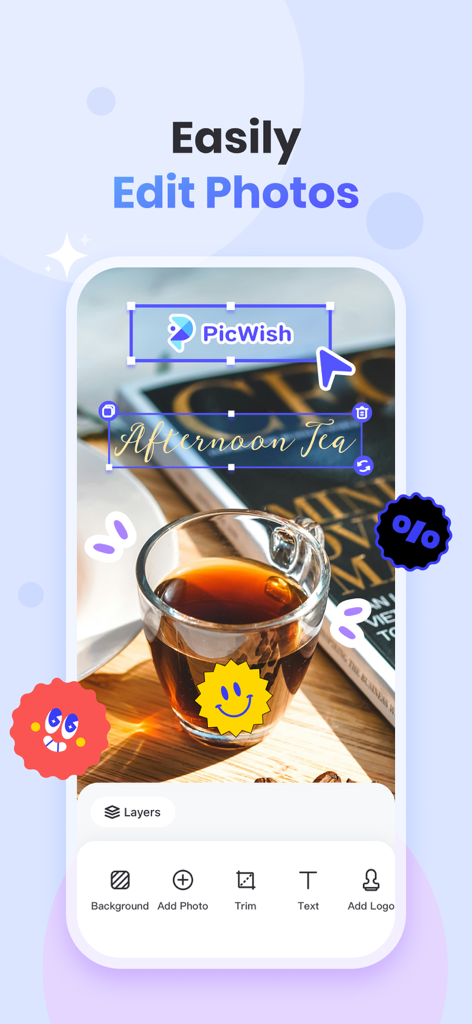
PicWish mobile app screen showing photo editing tools for adding text and logos to an image
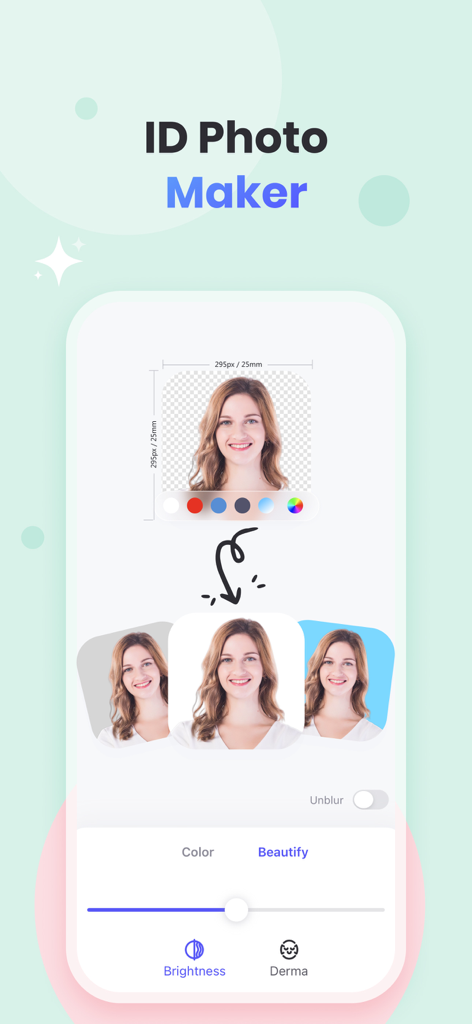
PicWish app screen showing ID Photo Maker feature with portrait background color options and beauty editing tools
Description
Download
More Like This
Apps with similar features and user experience

EPIK - AI Photo & Video Editor
SNOW Corporation

Citrus: AI 1 Tap Perfect Photo
Wemagine.ai LLP

SnapEdit: Photo Editor AI
SilverAI Joint Stock Company

Background Eraser 〜 Stickers
handyCloset Inc.

PhotoScan by Google Photos
Google LLC

Magic Eraser - Remove Object
Creatix Technology Global Limited

Magic Eraser Background Editor
Honk Honk Punch Pty Ltd

ProKnockOut-Cut Paste Photos
Shenzhen Qianhai Happy Tour Network Technology Co., Ltd.

Background Eraser - Remove BG*
SHANTANU PTE. LTD.
This page is not an official page of the app or its developer, but an independent editorial publication created for informational and commentary purposes. Unless expressly stated otherwise, neither the app nor its developer is affiliated with, endorsed by, sponsored by, authorized by, or otherwise officially connected with MWM, Apple, Google Play, the app publisher, or the app's developer, and nothing on this page implies that the app was developed using MWM's services. Any trademarks, logos, screenshots, and other content remain the property of their respective owners.