
This page is not an official page of the app or its developer, but an independent editorial publication created for informational and commentary purposes. Unless expressly stated otherwise, neither the app nor its developer is affiliated with, endorsed by, sponsored by, authorized by, or otherwise officially connected with MWM, Apple, Google Play, the app publisher, or the app's developer, and nothing on this page implies that the app was developed using MWM's services. Any trademarks, logos, screenshots, and other content remain the property of their respective owners.


Ping – Network Tools
Master your connection with a 7-in-1 toolkit built for precision. Monitor latency, scan ports, and troubleshoot networks with pro-grade metrics, zero ads, and absolute privacy.
Downloads
0User Rating
Total Ratings
0Publisher
Category
UtilitiesLocales
23Latest Version
3.0.1Size
14.0 MBFirst Released
Apr 30, 2025Professional Grade Network Diagnostics
Master your connection with seven powerful tools designed for precision, speed, and 100% privacy. No ads, no tracking—just pure performance.
Real-Time Latency & Stability
Track jitter, packet loss, and p99 percentiles with terminal-style logs and live visual charts to ensure peak gaming and streaming performance.
7-in-1 Professional Toolkit
From Traceroute and DNS Lookups to Port Scanning and Wake on LAN, manage your entire network infrastructure from the palm of your hand.
The following screenshots and description are sourced directly from the app's official store listing and are the property of the app developer.
App Store
Screenshots
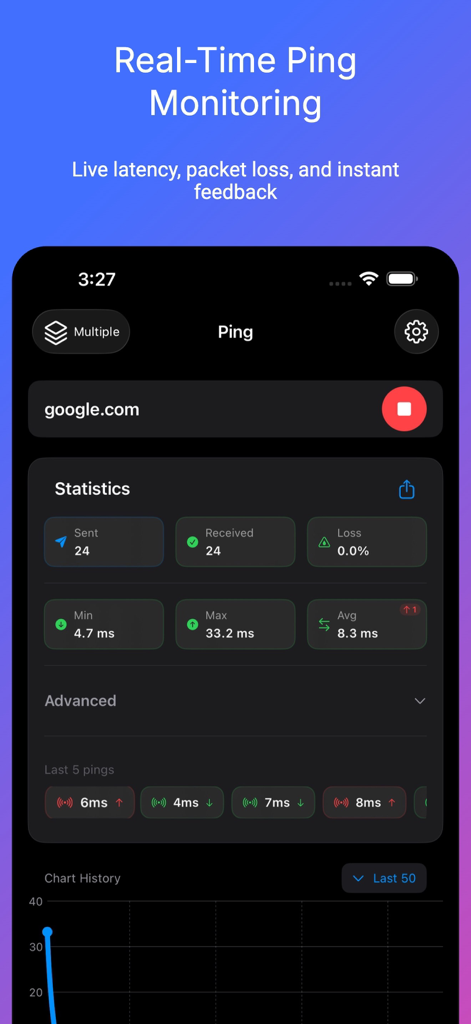
Real time ping monitoring interface showing latency statistics and packet loss data for Google
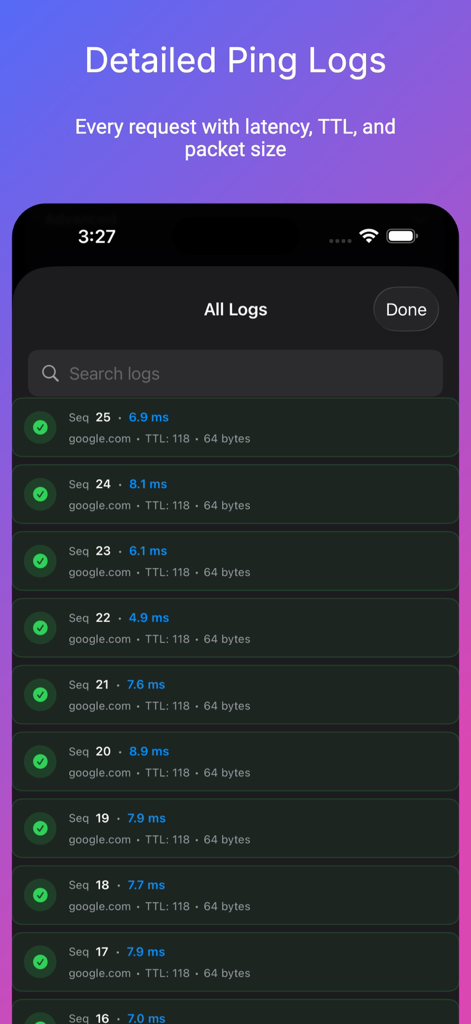
A list of detailed ping logs showing latency TTL and packet size for each request in a dark mode interface
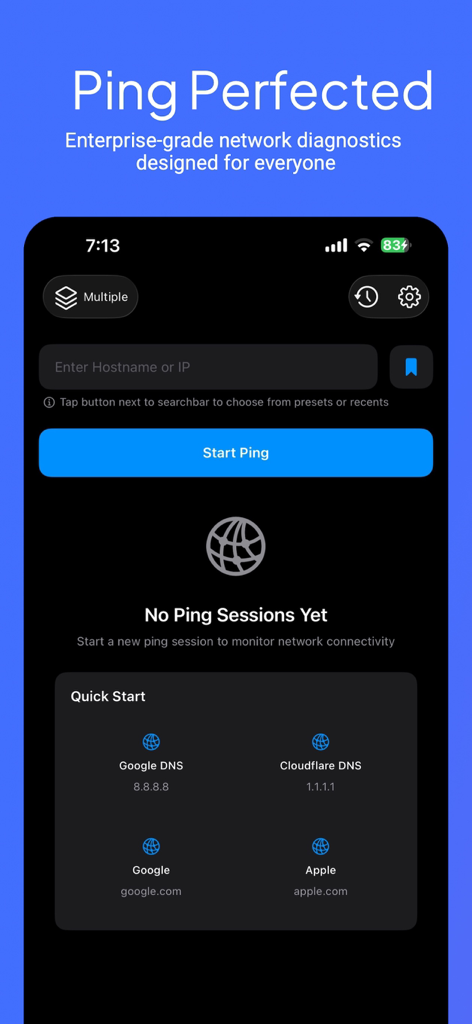
The main dashboard of Ping Network Tools app featuring a ping test input and quick start options for DNS and common domains.
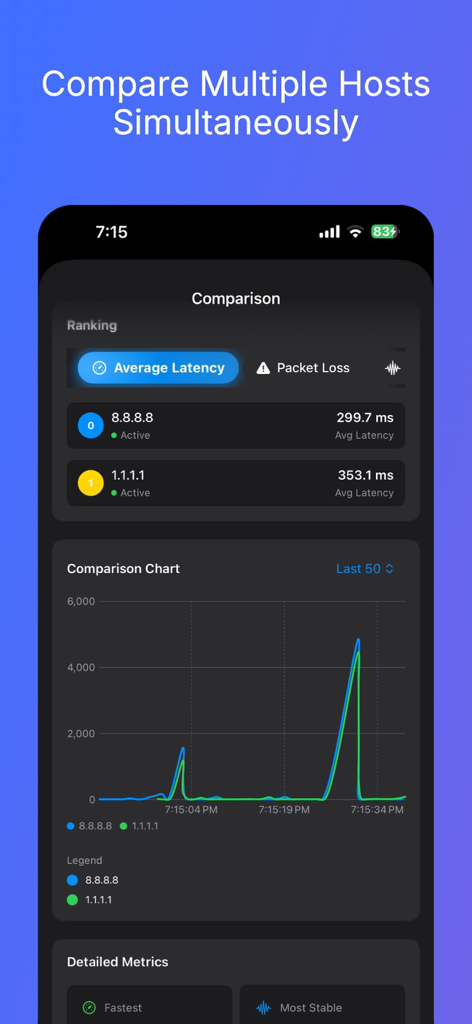
Host comparison screen showing average latency and a line chart for network stability
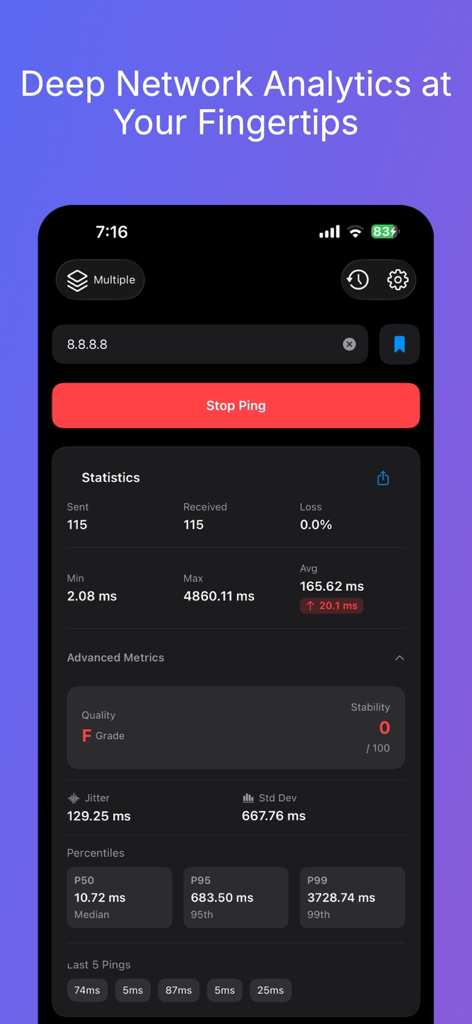
Ping Network Tools app interface showing deep network analytics including latency statistics jitter and p99 percentiles
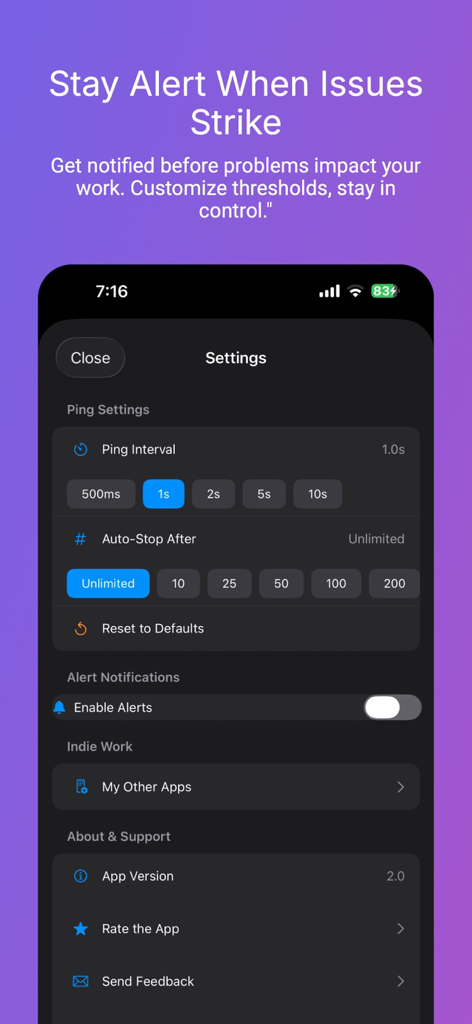
Ping Network Tools app settings screen for alerts and intervals
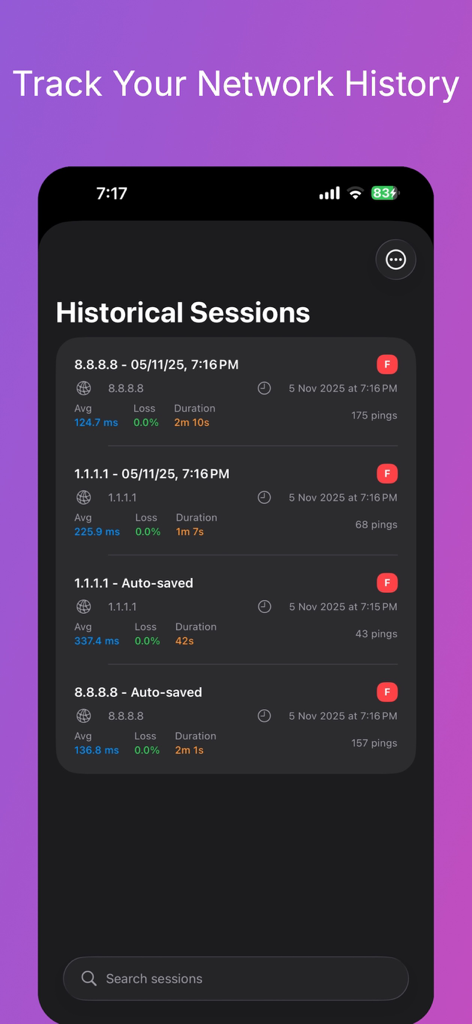
Screenshot of the Historical Sessions screen in the Ping app showing a list of past network ping test results with latency and packet loss data.
Description
Download
More Like This
Top-ranked apps in the same category

Google LLC

Google Chrome
Google LLC

中国移动(手机营业厅)
China Mobile Online Services Co., Ltd.

Google Authenticator
Google LLC

gov.br
Servicos e Informacoes do Brasil

Cleanup: Phone Storage Cleaner
DEEP FLOW SOFTWARE SERVICES - FZCO

Super VPN Fly 2026
YUNFAN TECHNOLOGY CO., LIMITED

百度-AI智能搜索
Beijing Baidu Netcom Science & Technology Co.,Ltd

Microsoft Edge: AI Browser
Microsoft Corporation
This page is not an official page of the app or its developer, but an independent editorial publication created for informational and commentary purposes. Unless expressly stated otherwise, neither the app nor its developer is affiliated with, endorsed by, sponsored by, authorized by, or otherwise officially connected with MWM, Apple, Google Play, the app publisher, or the app's developer, and nothing on this page implies that the app was developed using MWM's services. Any trademarks, logos, screenshots, and other content remain the property of their respective owners.