
This page is not an official page of the app or its developer, but an independent editorial publication created for informational and commentary purposes. Unless expressly stated otherwise, neither the app nor its developer is affiliated with, endorsed by, sponsored by, authorized by, or otherwise officially connected with MWM, Apple, Google Play, the app publisher, or the app's developer, and nothing on this page implies that the app was developed using MWM's services. Any trademarks, logos, screenshots, and other content remain the property of their respective owners.


Pip Up: Persist/Float Post-It
Supercharge your productivity by floating web content, reference photos, and checklists over any app. Stop app-switching and transform your iPhone or iPad into a multi-window powerhouse using seamless Picture-in-Picture technology.
Downloads
300User Rating
Total Ratings
0Publisher
Category
ProductivityLocales
1Latest Version
2025-09-13Size
77.8 MBFirst Released
Apr 10, 2024Elevate Your Productivity
Stop switching apps and start doing. Pip Up keeps your notes, references, and tasks in a floating window that stays on top of everything else.
Always-on-Top Reference
Display web pages or photos in a persistent window to keep your research or inspiration visible while you work or create.
Instant Floating Notes
Capture ideas or check off tasks on the fly with a movable drawing board and TO-DO list that never disappears behind other apps.
The following screenshots and description are sourced directly from the app's official store listing and are the property of the app developer.
App Store
Screenshots
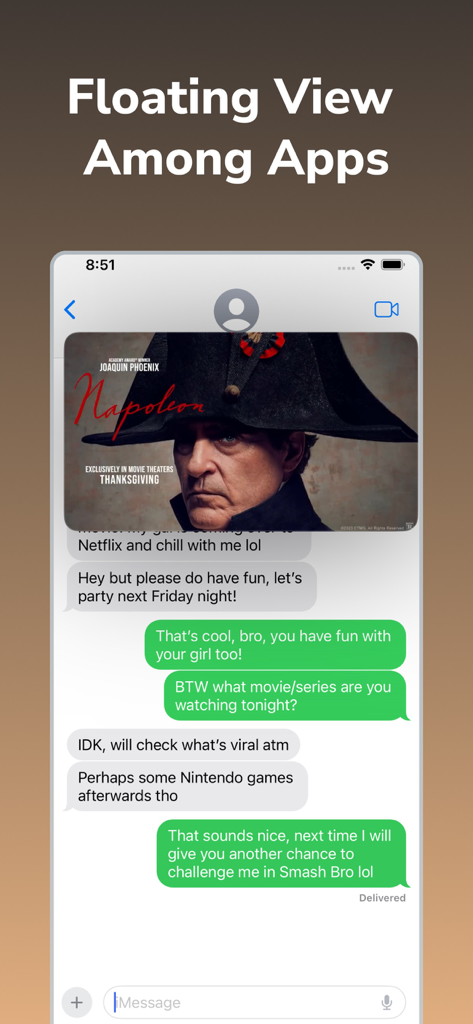
iPhone screen showing a floating window with a movie poster over a text messaging app for multitasking
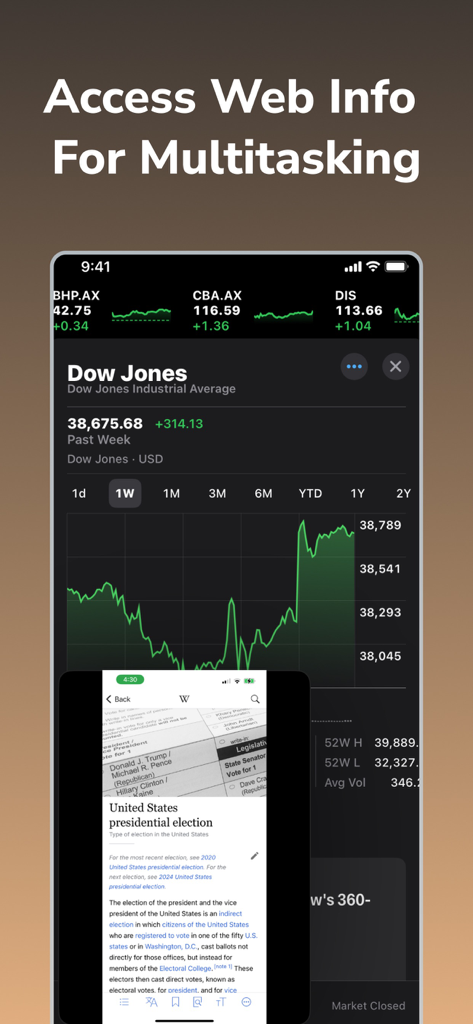
iPhone screen showing a floating web window with Wikipedia content overlaid on a stock market tracking app for multitasking.
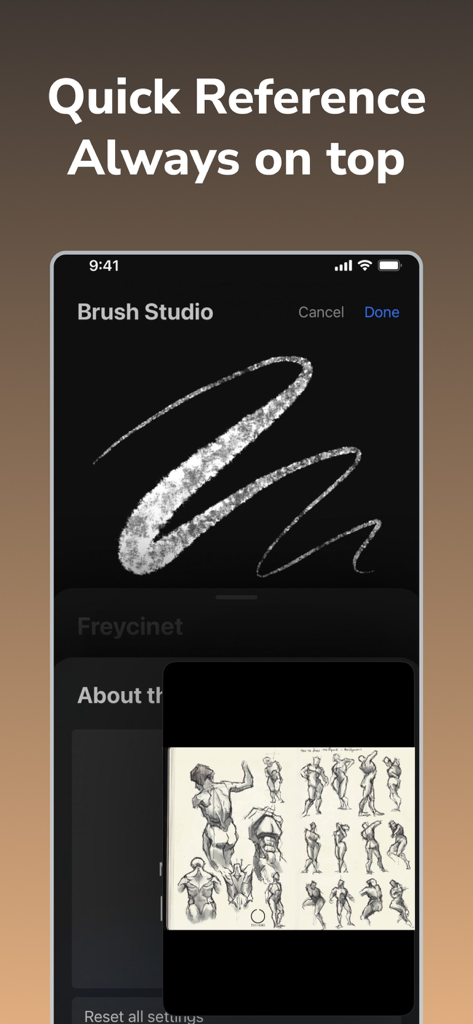
A floating window displaying reference sketches over a drawing app for easy multitasking on an iPhone

A floating to-do list window overlaid on a mobile web browser for easy multitasking.
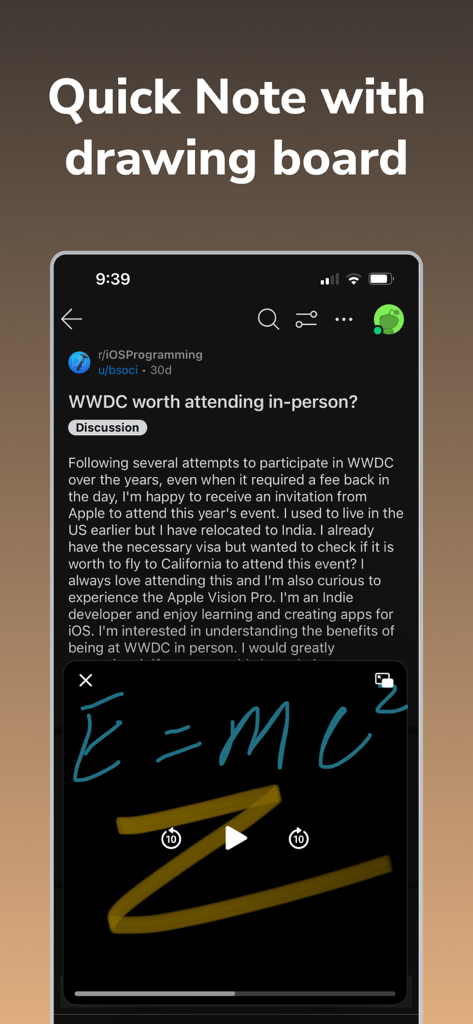
A floating hand-drawn note with E=mc2 formula overlaid on a Reddit post using the Pip Up drawing board feature.
Description
Download
More Like This
Top-ranked apps in the same category

ChatGPT
OpenAI OpCo, LLC

Google Gemini
Google LLC

Grok
X.AI Corporation

Gmail - Email by Google
Google LLC

千问 - 阿里最强大模型官方AI助手
Shanghai Zhixin Puhui Technology Co., Ltd.

Google Drive
Google LLC

Microsoft Authenticator
Microsoft Corporation

Google Sheets
Google LLC

Google Docs
Google LLC
This page is not an official page of the app or its developer, but an independent editorial publication created for informational and commentary purposes. Unless expressly stated otherwise, neither the app nor its developer is affiliated with, endorsed by, sponsored by, authorized by, or otherwise officially connected with MWM, Apple, Google Play, the app publisher, or the app's developer, and nothing on this page implies that the app was developed using MWM's services. Any trademarks, logos, screenshots, and other content remain the property of their respective owners.