
This page is not an official page of the app or its developer, but an independent editorial publication created for informational and commentary purposes. Unless expressly stated otherwise, neither the app nor its developer is affiliated with, endorsed by, sponsored by, authorized by, or otherwise officially connected with MWM, Apple, Google Play, the app publisher, or the app's developer, and nothing on this page implies that the app was developed using MWM's services. Any trademarks, logos, screenshots, and other content remain the property of their respective owners.

Pipe Saddle Layout Calculator
Stop the complex trigonometry and manual layout errors. Generate accurate 1:1 printable templates for perfect fish mouth cuts and pipe intersections on any size, angle, or thickness.
Downloads
80K+User Rating
Total Ratings
0Publisher
Category
ProductivityLocales
1Latest Version
4.0.3Size
0.8 MBFirst Released
May 15, 2012Master Every Joint with Professional Precision
The digital evolution of the pipefitter's Blue Book. Save time, eliminate material waste, and get perfect cuts with instant calculations and full-size printable templates.
Zero-Math Layouts
Skip the complex trigonometry and manual charts. Enter your main and branch pipe specs to get precise offset dimensions for perfect fish-mouth and cope cuts instantly.
Wrap & Trace Templates
The ultimate field shortcut. Generate full-size 1:1 scale patterns on standard 8.5x11 paper. Just print, wrap, and trace for a flawless fit without the manual measuring.
The following screenshots and description are sourced directly from the app's official store listing and are the property of the app developer.
App Store
Screenshots
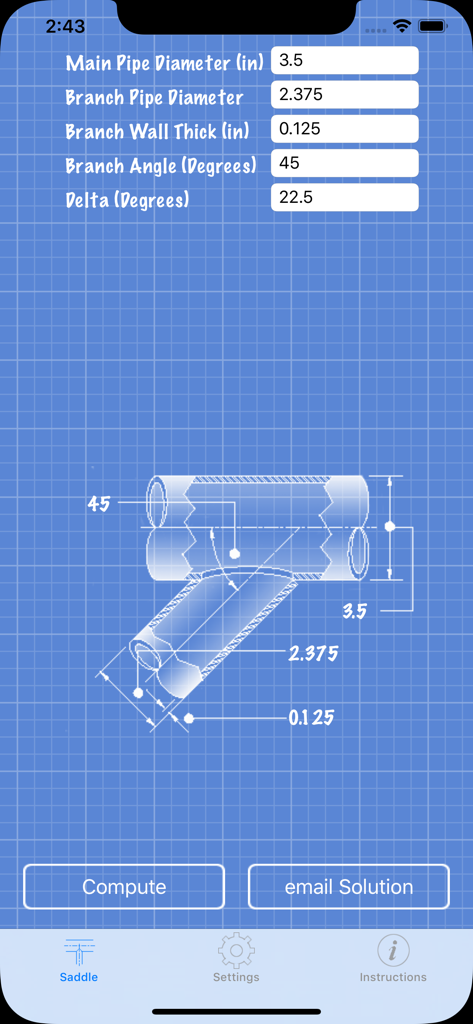
Pipe saddle layout calculator interface showing blueprint diagram and input fields for pipe dimensions and angles
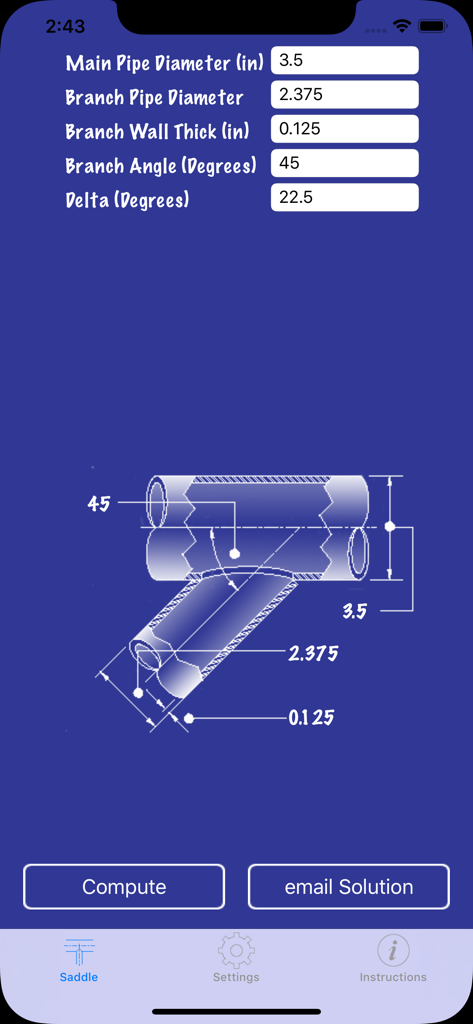
Pipe saddle layout calculator interface showing measurement inputs and pipe diagram
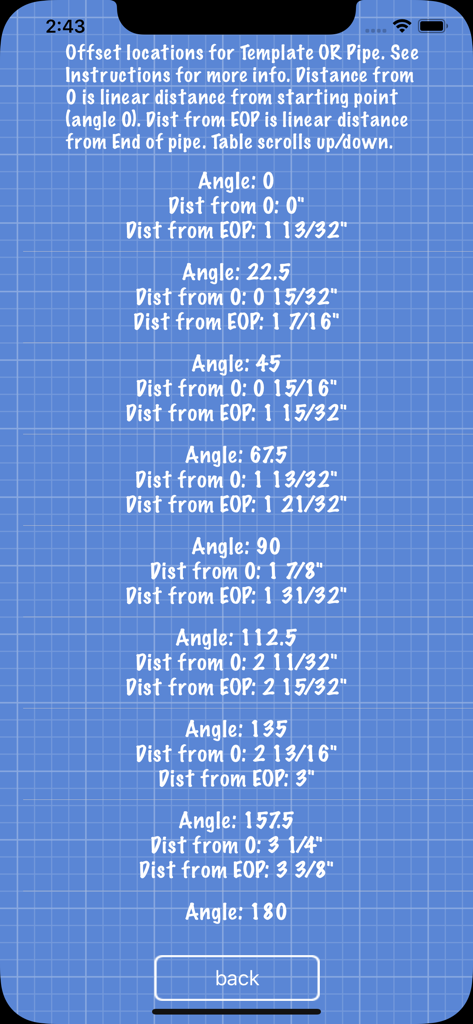
Table of pipe saddle layout offset locations and distance measurements for precise cutting.
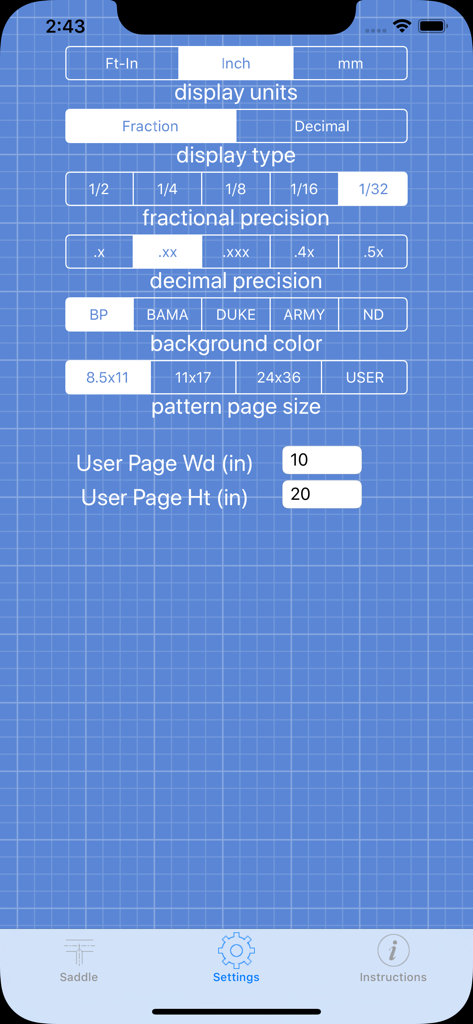
Settings screen of the Pipe Saddle Layout Calculator app showing unit and precision preferences.
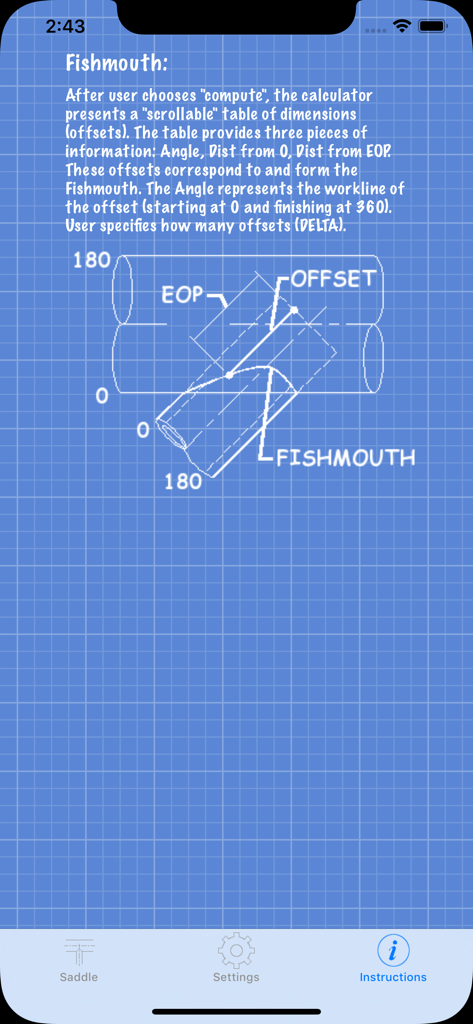
Instructional screen showing a fishmouth pipe cut diagram on a blue grid blueprint background.
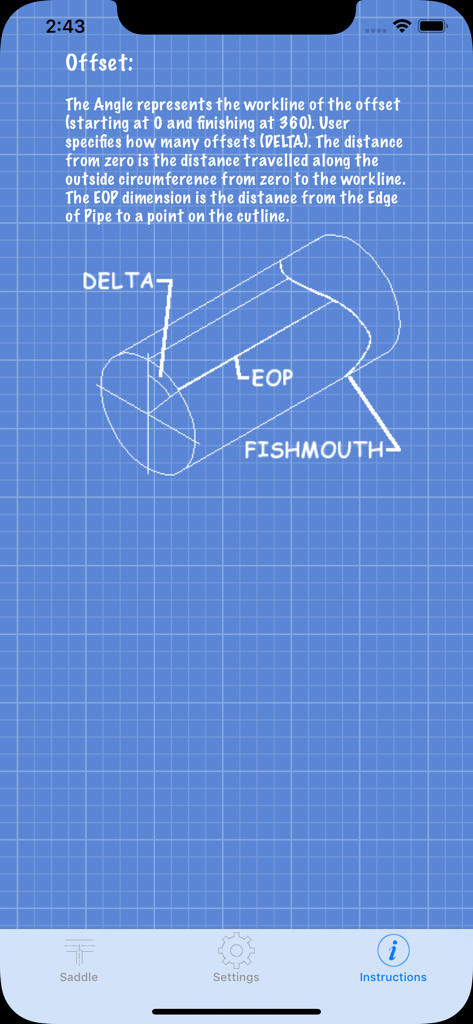
Instruction screen showing a technical blueprint diagram for a pipe fishmouth cut
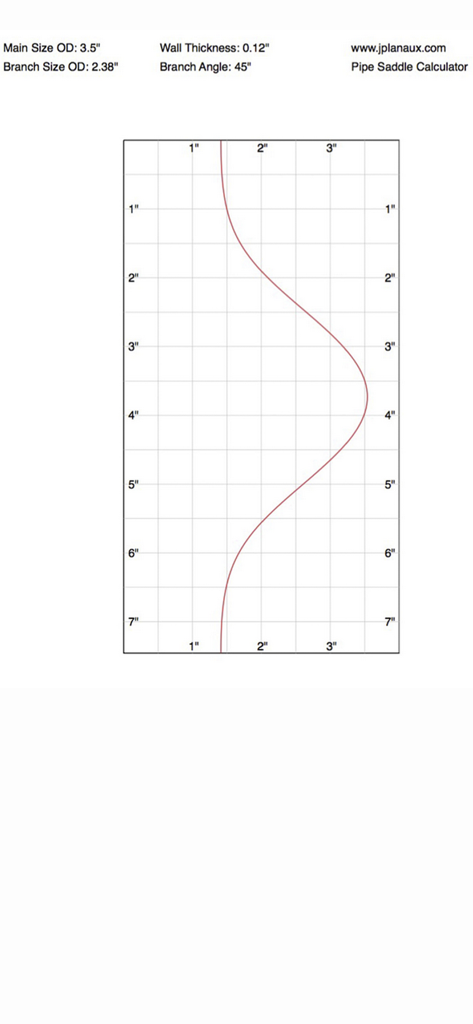
A pipe saddle layout template on a grid for an accurate 45 degree branch cut
Description
Download
More Like This
Top-ranked apps in the same category

ChatGPT
OpenAI OpCo, LLC

Google Gemini
Google LLC

Grok
X.AI Corporation

Gmail - Email by Google
Google LLC

千问 - 阿里最强大模型官方AI助手
Shanghai Zhixin Puhui Technology Co., Ltd.

Google Drive
Google LLC

Microsoft Authenticator
Microsoft Corporation

Google Sheets
Google LLC

Google Docs
Google LLC
This page is not an official page of the app or its developer, but an independent editorial publication created for informational and commentary purposes. Unless expressly stated otherwise, neither the app nor its developer is affiliated with, endorsed by, sponsored by, authorized by, or otherwise officially connected with MWM, Apple, Google Play, the app publisher, or the app's developer, and nothing on this page implies that the app was developed using MWM's services. Any trademarks, logos, screenshots, and other content remain the property of their respective owners.