
This page is not an official page of the app or its developer, but an independent editorial publication created for informational and commentary purposes. Unless expressly stated otherwise, neither the app nor its developer is affiliated with, endorsed by, sponsored by, authorized by, or otherwise officially connected with MWM, Apple, Google Play, the app publisher, or the app's developer, and nothing on this page implies that the app was developed using MWM's services. Any trademarks, logos, screenshots, and other content remain the property of their respective owners.


PIX4Dcatch: 3D scanner
Transform your mobile device into a powerful tool for site digitization. Capture centimeter-accurate data, document underground utilities, and visualize 3D models in AR to streamline your professional workflows.
Downloads
12K+User Rating
Total Ratings
900Publisher
Category
UtilitiesLocales
9Latest Version
2.19.1Size
148.7 MBFirst Released
Jun 12, 2020Engineered for Precision Reality Capture
Turn your mobile device into a professional-grade 3D scanner. Bridge the gap between hardware flexibility and industrial-standard accuracy for construction and engineering.
Centimeter-Level Accuracy
Pair with RTK rovers to achieve survey-grade precision. Capture geolocated data that is structurally and legally defensible for your most critical projects.
Rapid Site Documentation
Digitize trenches, stockpiles, and utilities in minutes. Maintain a perfect digital record of site progress to prevent costly re-work and utility strikes.
The following screenshots and description are sourced directly from the app's official store listing and are the property of the app developer.
App Store
Screenshots
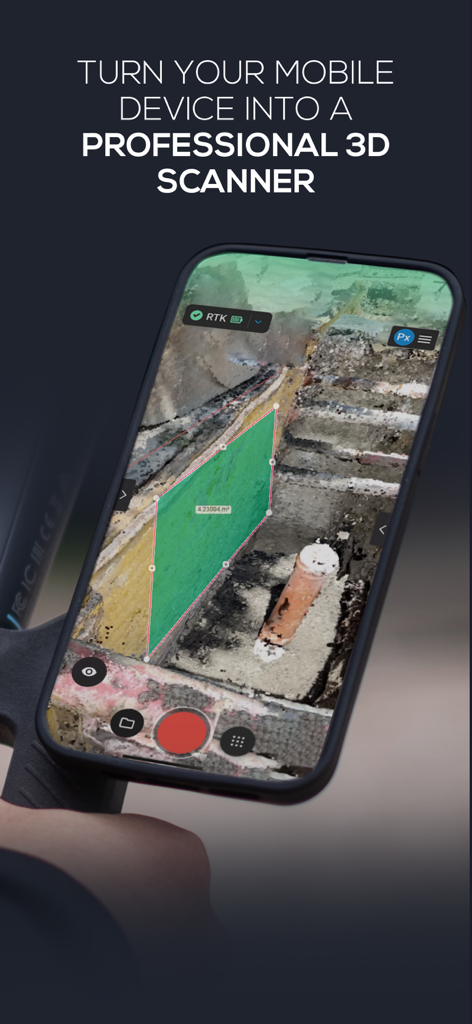
iPhone screen displaying the PIX4Dcatch app interface while performing a 3D scan and area measurement on an excavation site
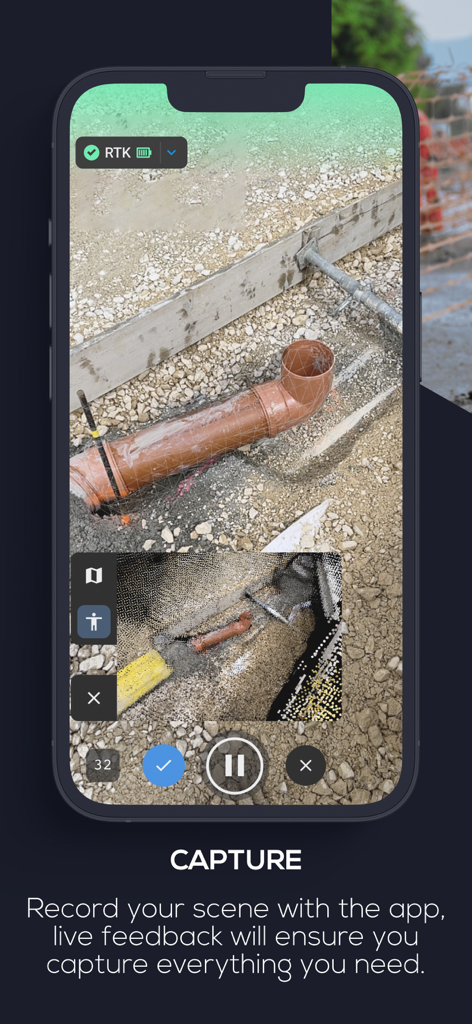
PIX4Dcatch app interface capturing a 3D model of underground pipes on a construction site
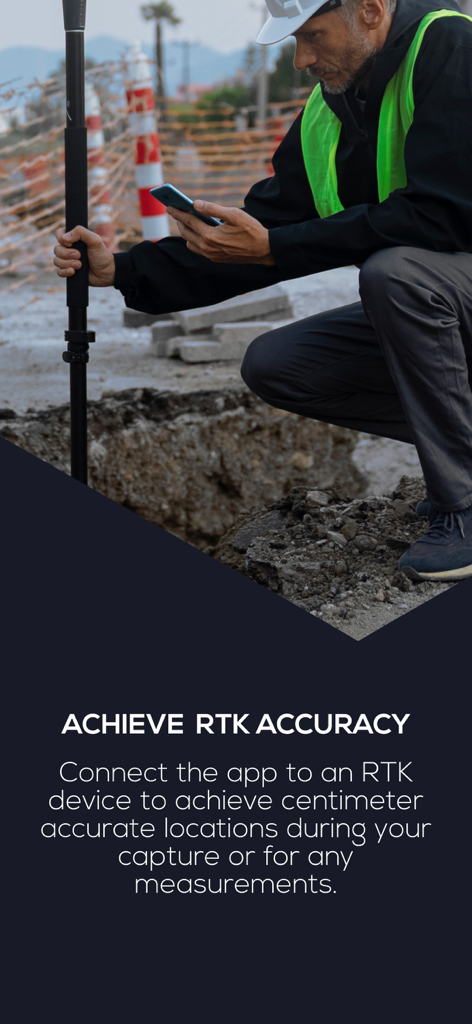
Construction professional using PIX4Dcatch with an RTK device for precise site surveying
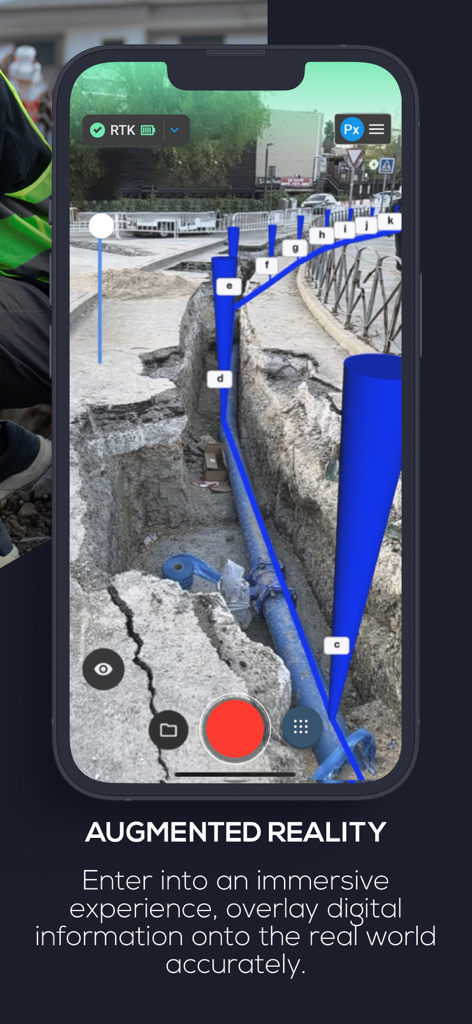
PIX4Dcatch app showing an AR overlay of underground pipes in a construction trench
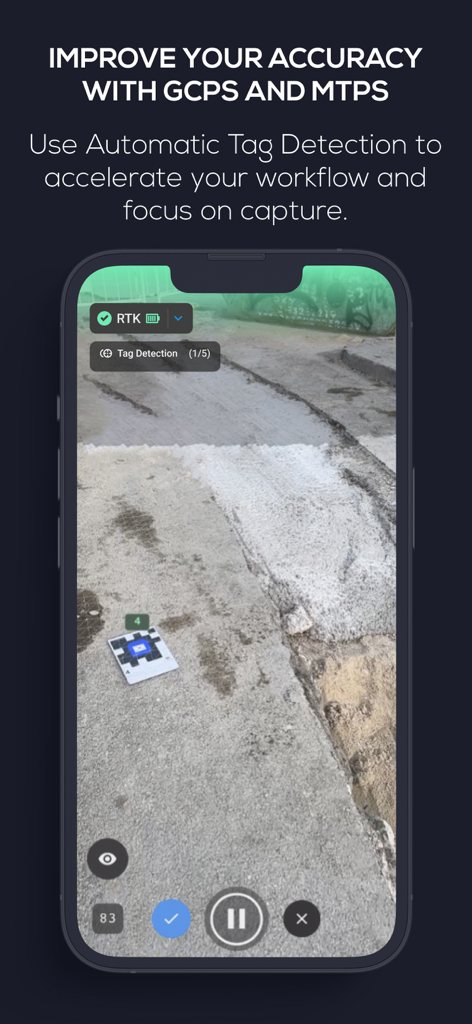
PIX4Dcatch app interface showing automatic tag detection of ground control points for high precision 3D scanning
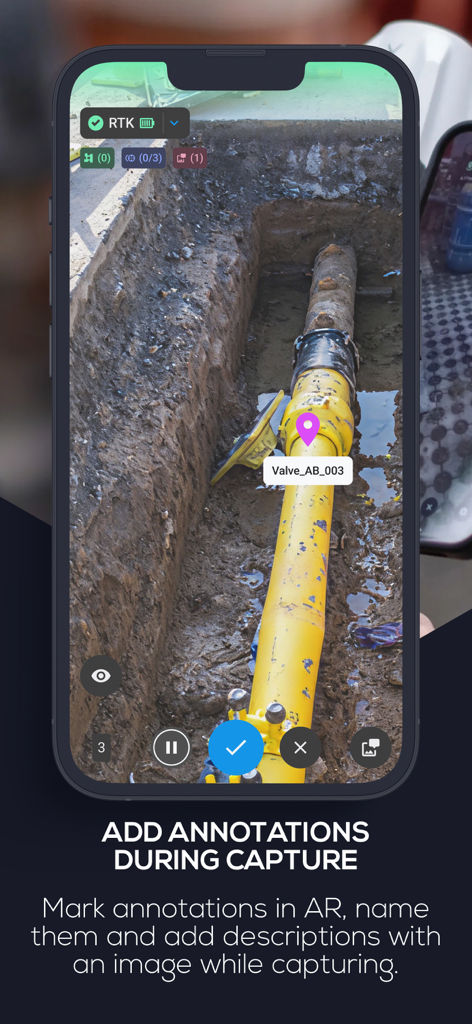
Smartphone screen showing PIX4Dcatch app adding an AR annotation to a pipe in a construction trench
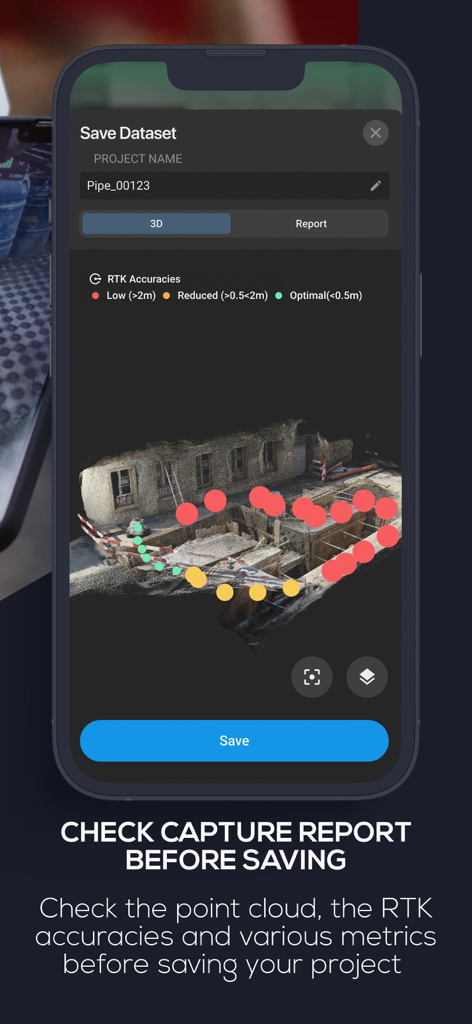
PIX4Dcatch app interface showing a 3D scan capture report with RTK accuracy indicators on a construction site model
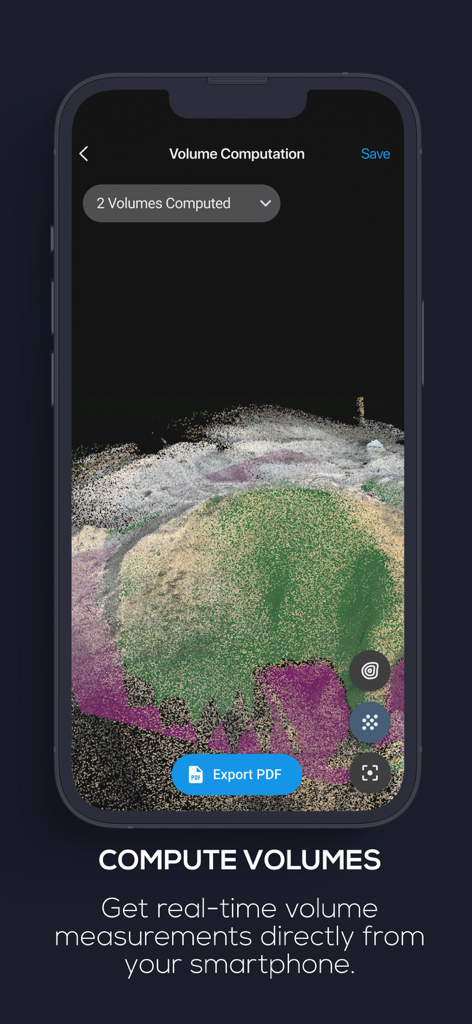
3D stockpile scan with real-time volume computation on the PIX4Dcatch mobile app interface.
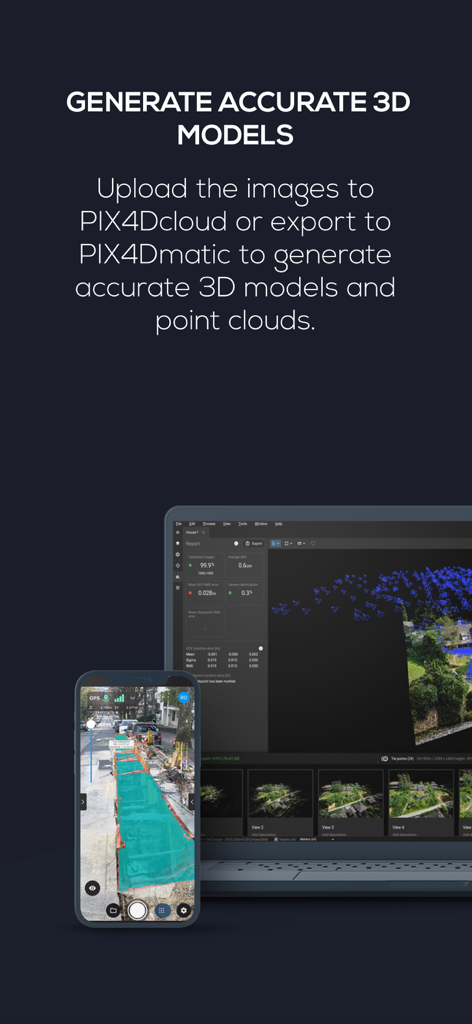
Smartphone and laptop screens showing professional 3D model generation and point cloud processing
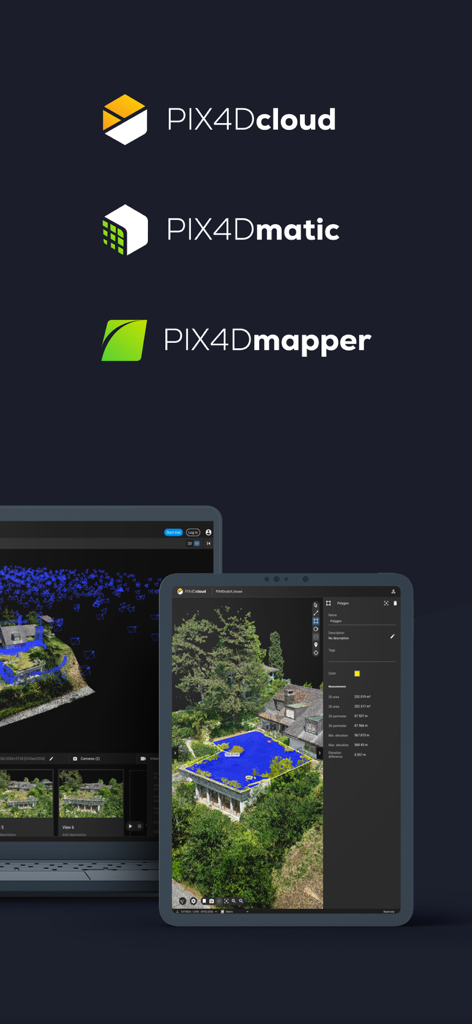
Logos for PIX4Dcloud PIX4Dmatic and PIX4Dmapper above a tablet and laptop showing 3D mapping and measurement data
Description
Download
More Like This
Top-ranked apps in the same category

Google LLC

Google Chrome
Google LLC

中国移动(手机营业厅)
China Mobile Online Services Co., Ltd.

Google Authenticator
Google LLC

CNH do Brasil
Servicos e Informacoes do Brasil

Cleanup: Phone Storage Cleaner
DEEP FLOW SOFTWARE SERVICES - FZCO

gov.br
Servicos e Informacoes do Brasil

中国电信-全国统一官方服务平台
CHINA TELECOM Corporation Ltd.

Microsoft Edge: AI Browser
Microsoft Corporation
This page is not an official page of the app or its developer, but an independent editorial publication created for informational and commentary purposes. Unless expressly stated otherwise, neither the app nor its developer is affiliated with, endorsed by, sponsored by, authorized by, or otherwise officially connected with MWM, Apple, Google Play, the app publisher, or the app's developer, and nothing on this page implies that the app was developed using MWM's services. Any trademarks, logos, screenshots, and other content remain the property of their respective owners.