
This page is not an official page of the app or its developer, but an independent editorial publication created for informational and commentary purposes. Unless expressly stated otherwise, neither the app nor its developer is affiliated with, endorsed by, sponsored by, authorized by, or otherwise officially connected with MWM, Apple, Google Play, the app publisher, or the app's developer, and nothing on this page implies that the app was developed using MWM's services. Any trademarks, logos, screenshots, and other content remain the property of their respective owners.


Pixaki 4 Pro
The ultimate studio for indie game developers and digital artists. Create pixel-perfect sprites, isometric worlds, and complex animations with a professional workflow that bridges the gap between your couch and your desk.
Downloads
105K+User Rating
Total Ratings
300Publisher
Category
Graphics & DesignLocales
1Latest Version
4.6Size
29.4 MBFirst Released
Dec 18, 2020Pro-Grade Pixel Art, Anywhere
Pixaki 4 Pro brings desktop-class animation, isometric tools, and seamless file integration to your iPad, crafted for the serious indie developer and digital artist.
Pixel-Perfect Drawing
Create flawlessly clean lines with smart pixel-perfect painting and dedicated isometric line tools tailored for modern game design.
Advanced Animation Layers
Master complex motion with a scrubbable timeline, shared layers across frames, and professional onion skinning for smooth transitions.
The following screenshots and description are sourced directly from the app's official store listing and are the property of the app developer.
App Store
Screenshots
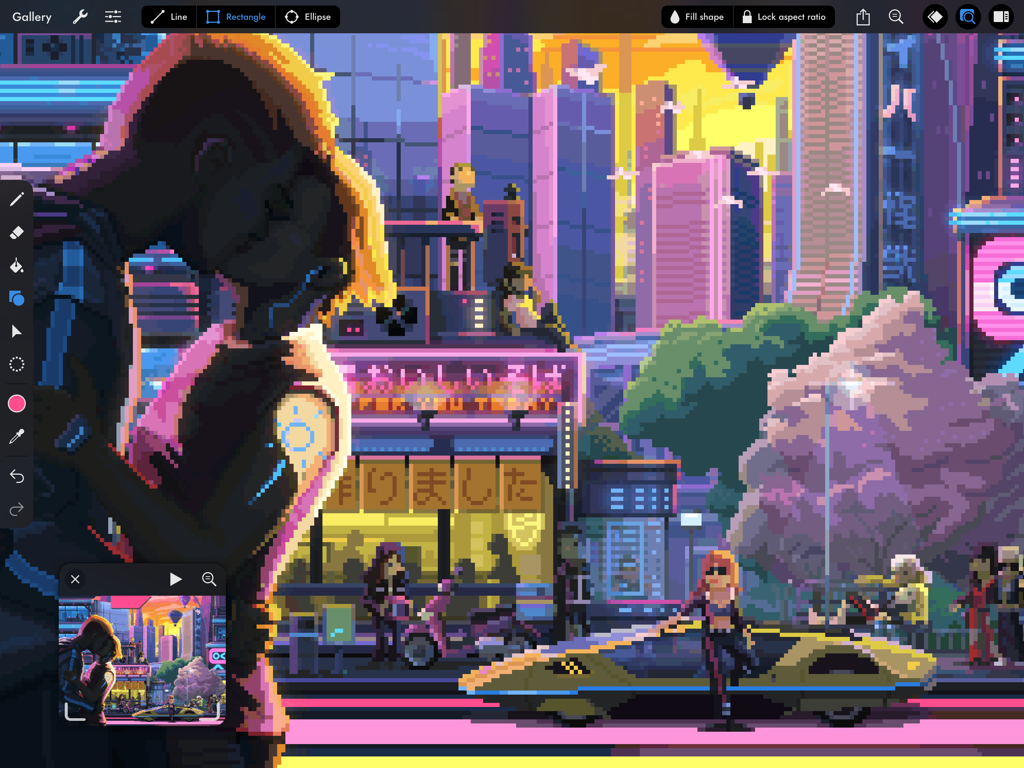
Detailed cyberpunk city pixel art illustration inside the Pixaki 4 Pro iPad interface
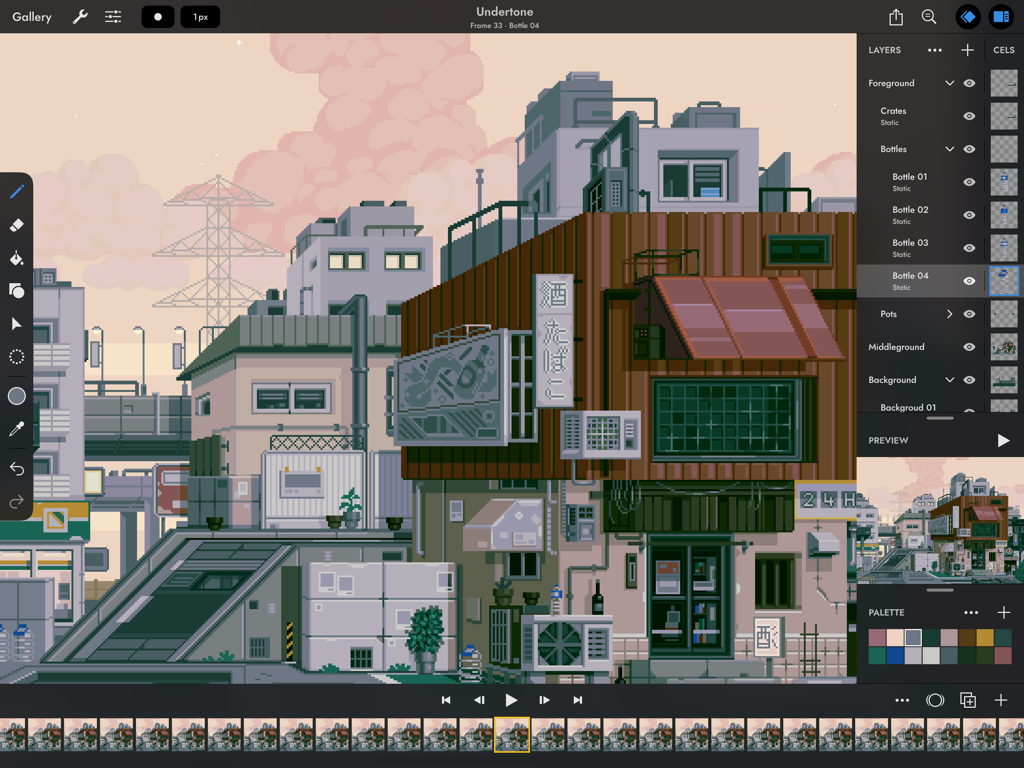
Pixaki 4 Pro app interface on iPad showing a detailed pixel art cityscape and animation timeline

Pixaki 4 Pro app interface showing a pixel art illustration of a girl and a black cat
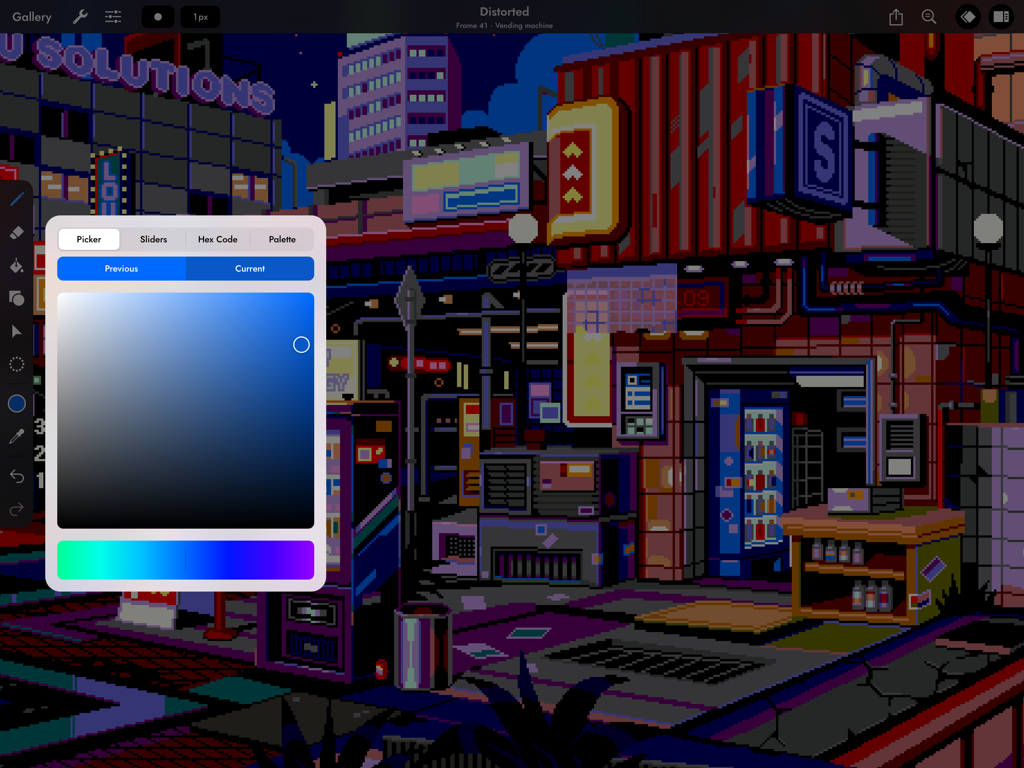
A cyberpunk pixel art city scene on iPad using the Pixaki 4 Pro color picker tool.
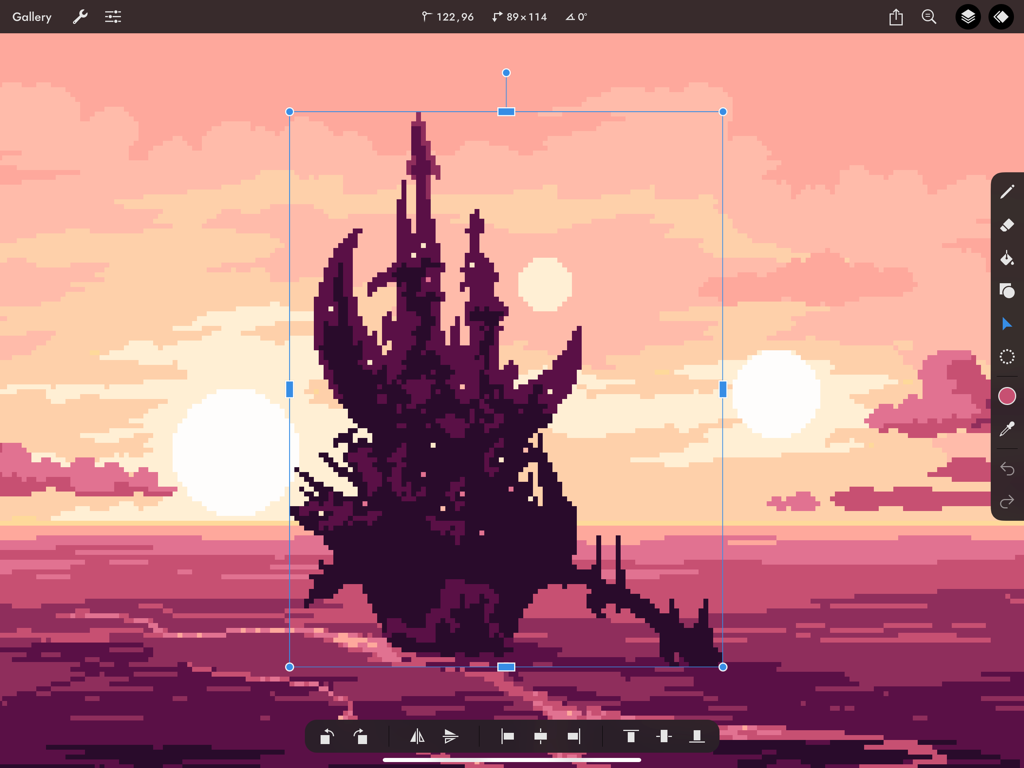
A dark pixel art castle being resized using the transform tool in Pixaki 4 Pro on iPad against a pink sunset background.
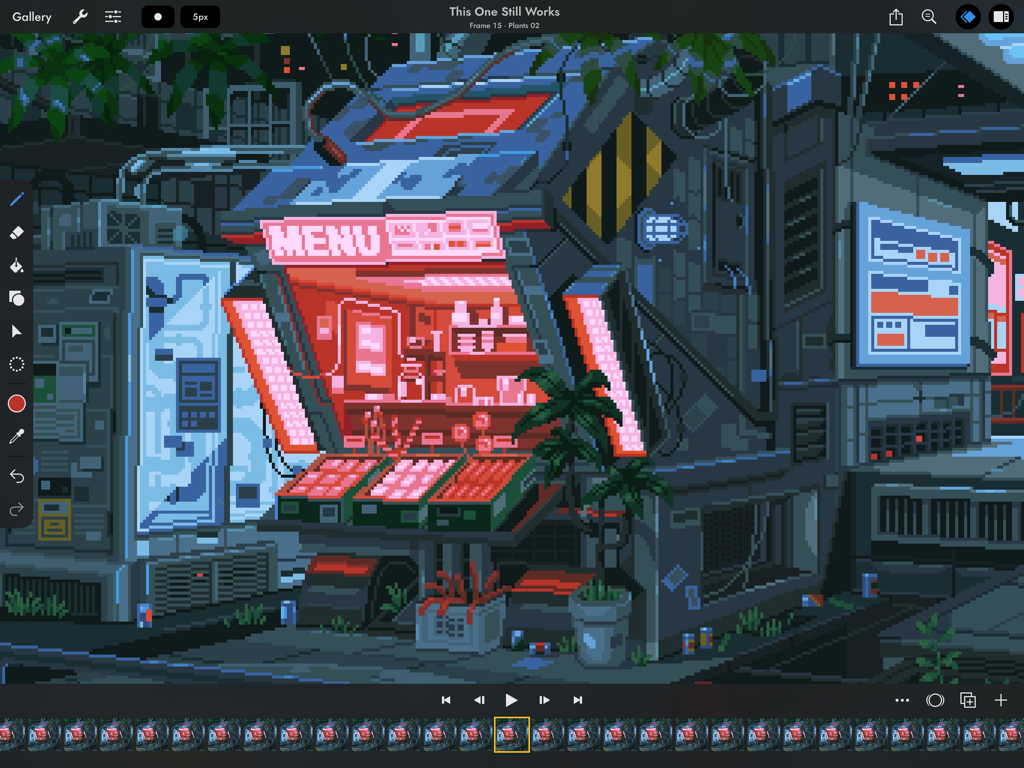
Pixel art animation interface in Pixaki 4 Pro featuring a cyberpunk storefront
Description
Download
More Like This
Apps with similar features and user experience



This page is not an official page of the app or its developer, but an independent editorial publication created for informational and commentary purposes. Unless expressly stated otherwise, neither the app nor its developer is affiliated with, endorsed by, sponsored by, authorized by, or otherwise officially connected with MWM, Apple, Google Play, the app publisher, or the app's developer, and nothing on this page implies that the app was developed using MWM's services. Any trademarks, logos, screenshots, and other content remain the property of their respective owners.