
This page is not an official page of the app or its developer, but an independent editorial publication created for informational and commentary purposes. Unless expressly stated otherwise, neither the app nor its developer is affiliated with, endorsed by, sponsored by, authorized by, or otherwise officially connected with MWM, Apple, Google Play, the app publisher, or the app's developer, and nothing on this page implies that the app was developed using MWM's services. Any trademarks, logos, screenshots, and other content remain the property of their respective owners.


Pixel Studio for pixel art
From indie game development to retro animations, create pixel-perfect art anywhere. Join 5 million artists with advanced layers, frame-by-frame animation, and seamless cross-platform sync.
Downloads
1M+User Rating
Total Ratings
6K+Publisher
Category
Graphics & DesignLocales
26Latest Version
5.42Size
125.0 MBFirst Released
Jul 30, 2018Build Your Own Worlds, One Pixel at a Time
The most powerful mobile pixel art editor for game developers and digital artists. From simple icons to complex game sprites, Pixel Studio turns your device into a professional-grade workstation.
Game-Ready Animations
Create fluid frame-by-frame animations with onion skinning. Export your work directly to sprite sheets or high-quality GIFs ready for Unity or Godot.
Seamless Cross-Platform Sync
Start your project on your iPhone during your commute and finish it on your PC. Google Drive integration keeps your assets synced across all your devices.
Frequently Asked Questions
Everything you need to know about Pixel Studio for pixel art
What is Pixel Studio?
Pixel Studio is a pixel art editor for artists and game developers, designed to create pixel art and animations. It offers simplicity, speed, and portability for users of all skill levels.
Can I create animations with Pixel Studio?
Yes, Pixel Studio supports creating frame-by-frame animations. Users can export these animations to GIF, sprite sheets, or MP4 videos, and also add music to them.
Does Pixel Studio support cloud synchronization?
Yes, Pixel Studio offers Google Drive sync. This feature allows users to synchronize their work across various mobile and desktop devices, ensuring access from anywhere.
Is there a community platform for Pixel Studio users?
Yes, Pixel Studio integrates with Pixel Network™, a dedicated community for pixel art enthusiasts. Users can join to share their creations and connect with other artists.
What file formats does Pixel Studio support?
Pixel Studio supports a wide array of formats including PNG, JPG, GIF, BMP, TGA, PSP, PSD, and EXR. It also supports JASC Palette (PAL) format and Aseprite file import.
Is Pixel Studio PRO a one-time purchase?
Yes, Pixel Studio PRO is a one-time purchase. It removes ads, enables Dark Theme, unlocks 256-color palettes, extends project size, and adds extra format support among other benefits.
Does Pixel Studio support Apple Pencil?
Yes, Pixel Studio officially supports Apple Pencil. This provides enhanced precision and control for users creating pixel art on compatible Apple devices.
What are the system requirements for Pixel Studio?
The minimum system requirements for Pixel Studio include 2GB or more RAM for large projects and animations. A powerful CPU with an AnTuTu score of 100,000+ is also necessary.
Where can I find the Privacy Policy for Pixel Studio?
The Privacy Policy for Pixel Studio is available on GitHub. Users can find the complete policy document at https://github.com/hippogamesunity/PixelStudioHub/wiki/Privacy-Policy.
The following screenshots and description are sourced directly from the app's official store listing and are the property of the app developer.
App Store
Screenshots
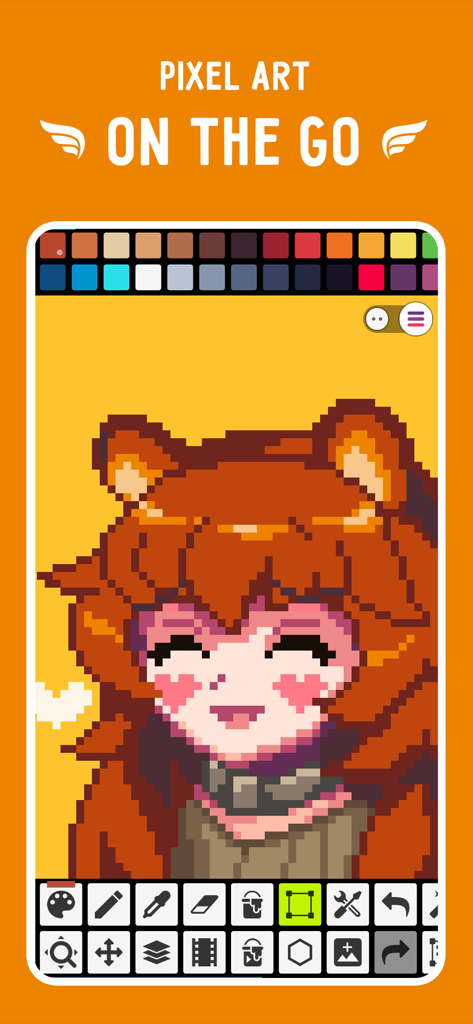
Pixel Studio app showing a pixel art character creation on a mobile screen
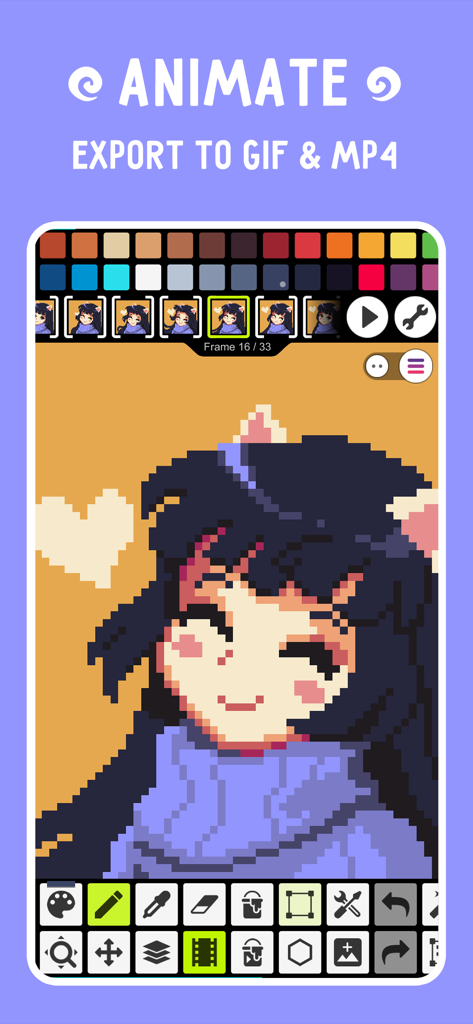
Pixel Studio animation interface showing a character on a timeline with options to export as GIF or MP4.
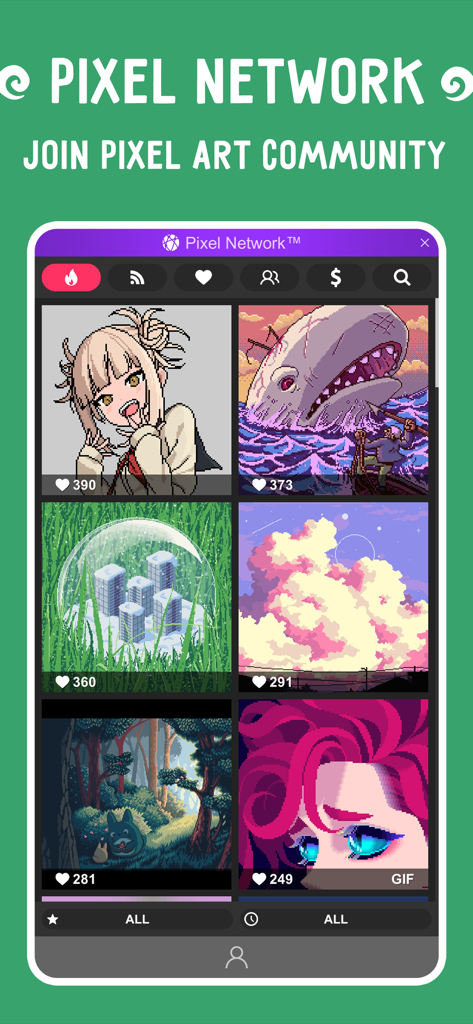
A gallery of user-generated pixel art showcasing the Pixel Network community within the app.
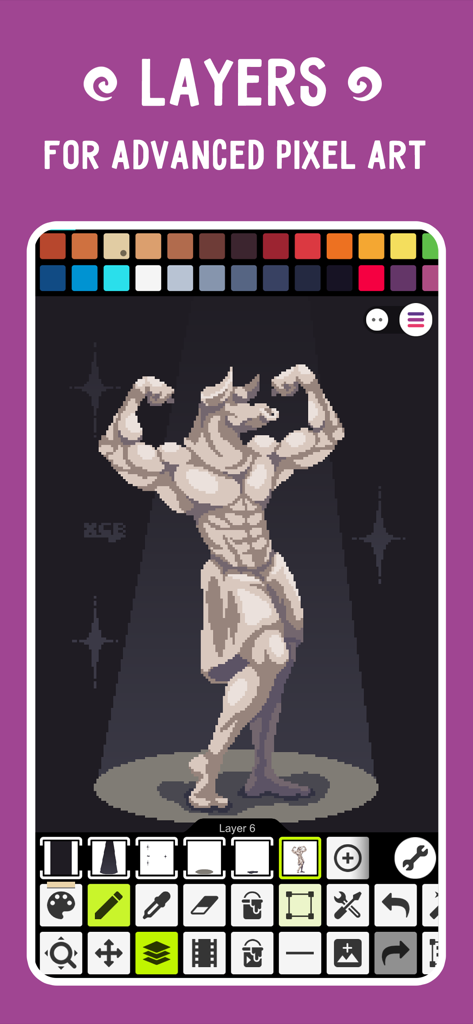
Interface of Pixel Studio showing a muscular bull character being created using layers
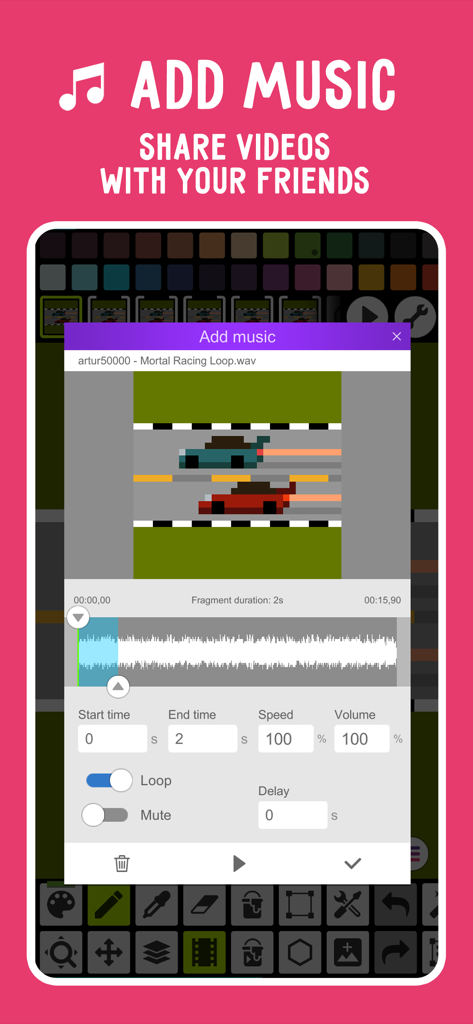
Interface of Pixel Studio showing the feature to add music to a pixel art racing animation
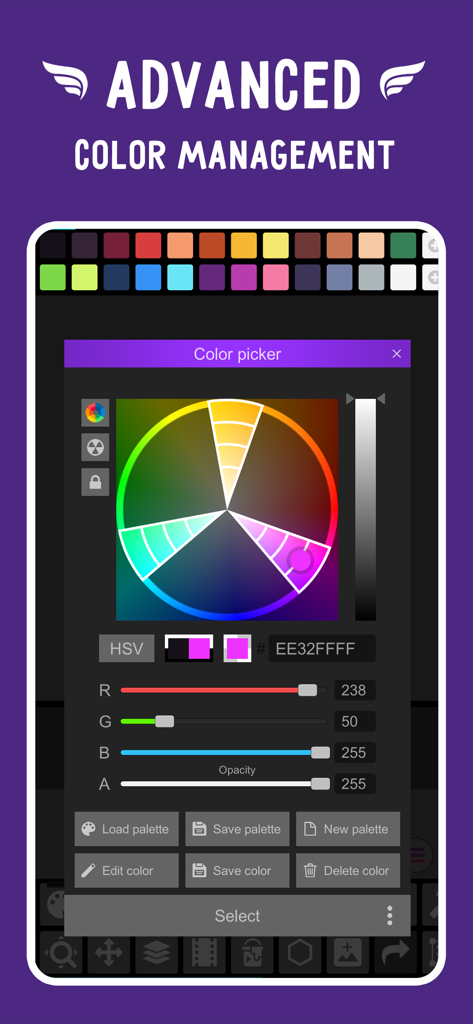
Advanced color picker interface in Pixel Studio showing a color wheel with HSV and RGBA slider controls for precision pixel art creation
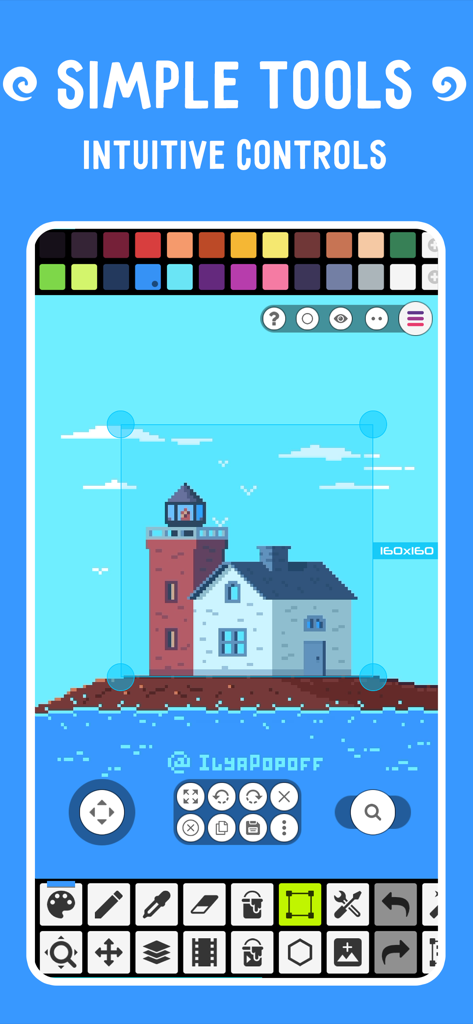
Pixel Studio app interface displaying intuitive tools and a pixel art lighthouse.
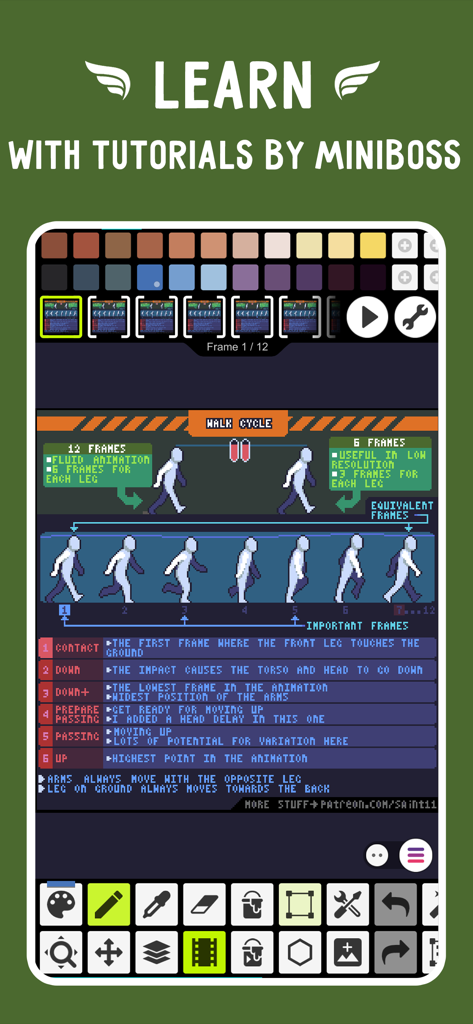
Pixel art animation tutorial for a walk cycle within the Pixel Studio app interface.
Description
Download
More Like This
Apps with similar features and user experience



This page is not an official page of the app or its developer, but an independent editorial publication created for informational and commentary purposes. Unless expressly stated otherwise, neither the app nor its developer is affiliated with, endorsed by, sponsored by, authorized by, or otherwise officially connected with MWM, Apple, Google Play, the app publisher, or the app's developer, and nothing on this page implies that the app was developed using MWM's services. Any trademarks, logos, screenshots, and other content remain the property of their respective owners.