
This page is not an official page of the app or its developer, but an independent editorial publication created for informational and commentary purposes. Unless expressly stated otherwise, neither the app nor its developer is affiliated with, endorsed by, sponsored by, authorized by, or otherwise officially connected with MWM, Apple, Google Play, the app publisher, or the app's developer, and nothing on this page implies that the app was developed using MWM's services. Any trademarks, logos, screenshots, and other content remain the property of their respective owners.


PixVerse AI Picture Generator
The all-in-one AI creative suite to transform your ideas into stunning visuals, enhance your photos, and design pro-level social media posts effortlessly.
Downloads
200User Rating
Total Ratings
0Publisher
Category
Photo & VideoLocales
1Latest Version
1.0.3Size
240.8 MBFirst Released
Oct 3, 2025Your All-in-One AI Creative Studio
Join thousands of creators using PixVerse to transform simple ideas into stunning, high-definition visuals that demand attention on social media.
Text-to-Image Generation
Convert your prompts into professional artwork and realistic photos in seconds. No design skills needed—just your imagination.
Viral-Ready Face Swaps
Blend your face seamlessly into any character, historical figure, or cultural aesthetic with realistic, high-fidelity AI transformations.
Frequently Asked Questions
Everything you need to know about PixVerse AI Picture Generator
What is PixVerse AI Picture Generator?
PixVerse AI Picture Generator is an intuitive app that transforms ideas into stunning visuals using AI. It generates unique artwork, photos, allows face swaps, enhances portraits, and creates social media posts.
How does PixVerse AI Picture Generator create images?
PixVerse AI Picture Generator converts text prompts into high-quality visuals. Users describe their ideas, choose a style, and the advanced AI models bring the concepts to life.
Can PixVerse AI Picture Generator perform face swaps?
Yes, PixVerse AI Picture Generator performs realistic face swaps. Users can swap faces with celebrities or characters, and the AI blends details naturally for lifelike transformations.
Does PixVerse AI Picture Generator offer different image styles?
Yes, PixVerse AI Picture Generator offers a wide range of creative styles. These include cultural, traditional, fantasy, anime, realistic art, military, and Western categories.
Can I enhance existing photos with PixVerse AI Picture Generator?
Yes, PixVerse AI Picture Generator includes a Photo Enhancer. It sharpens details, improves lighting, and refreshes low-quality images, making them perfect for profile pictures or prints.
Does PixVerse AI Picture Generator save my creations?
Yes, PixVerse AI Picture Generator saves every creation in a dedicated Creation History library. Users can revisit, edit, or download their generated images at any time.
Is PixVerse AI Picture Generator suitable for creating social media content?
Yes, PixVerse AI Picture Generator includes a Social Media Post Creator. It allows users to design clean, modern posts by customizing text, layout, and framing within the app.
Does PixVerse AI Picture Generator use advanced AI models?
Yes, PixVerse AI Picture Generator is powered by the latest advanced AI models. This ensures high-quality, detailed, and realistic results for all image generation tasks.
Where can I find the Privacy Policy for PixVerse AI Picture Generator?
The Privacy Policy for PixVerse AI Picture Generator is available at https://aiimagecreator.online/privacy-policy-2/. This link is provided in the app description.
Are design skills required to use PixVerse AI Picture Generator?
No, design skills are not required to use PixVerse AI Picture Generator. Users simply type to create or enhance images, making the app accessible to everyone.
The following screenshots and description are sourced directly from the app's official store listing and are the property of the app developer.
App Store
Screenshots
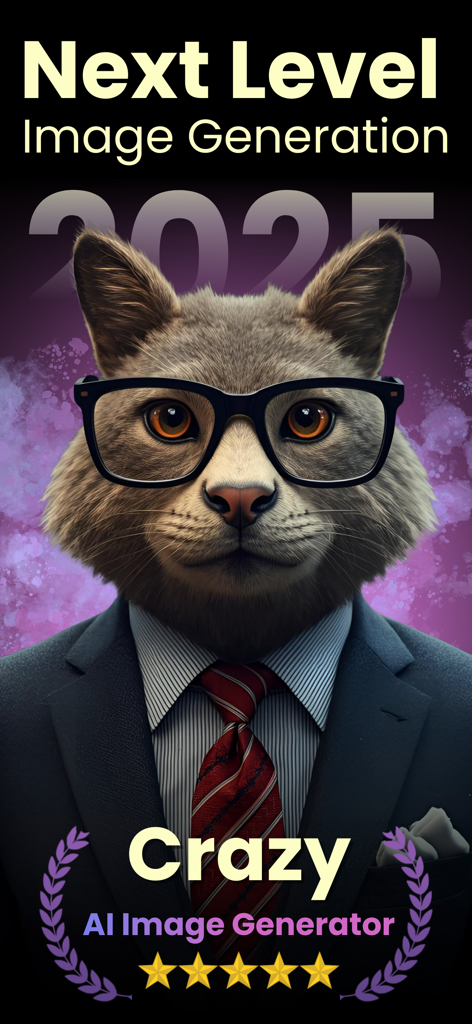
AI generated portrait of a cat in a business suit and glasses using PixVerse
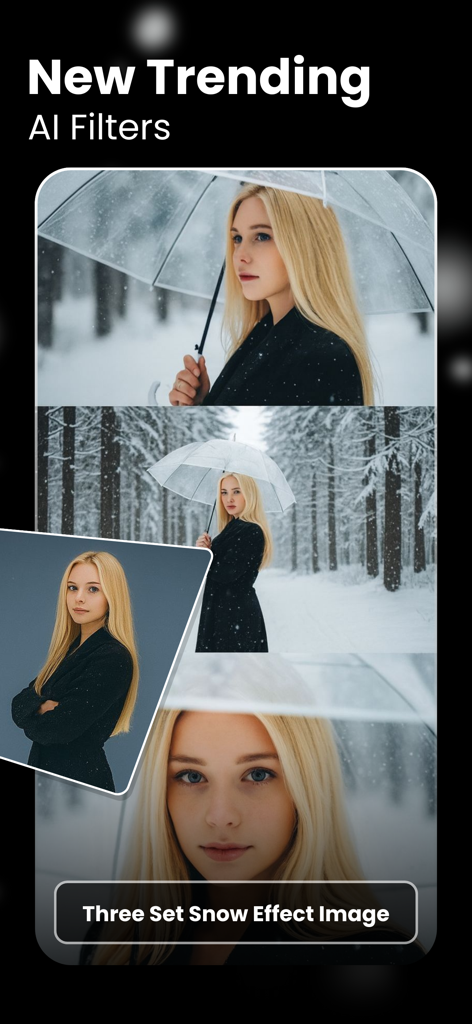
AI generated snow effect filters featuring a woman with blonde hair in winter scenes
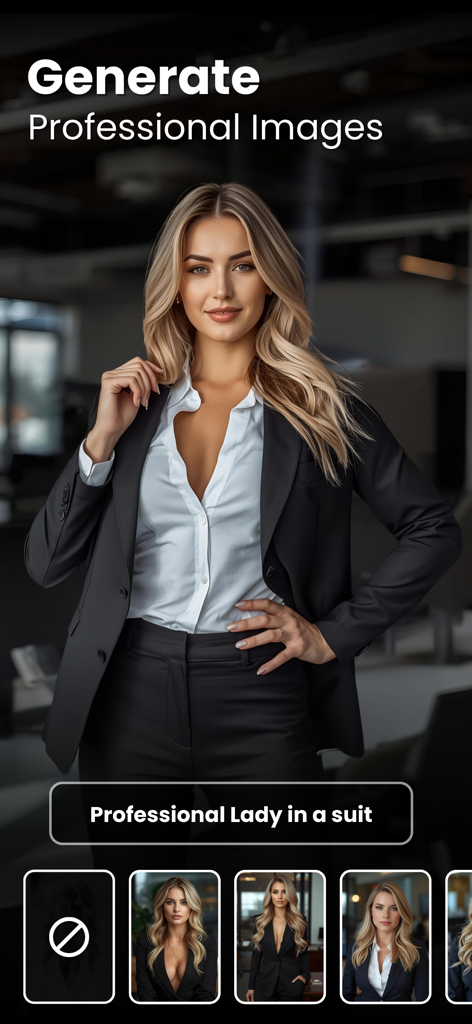
AI generated image of a professional woman in a suit from the PixVerse app
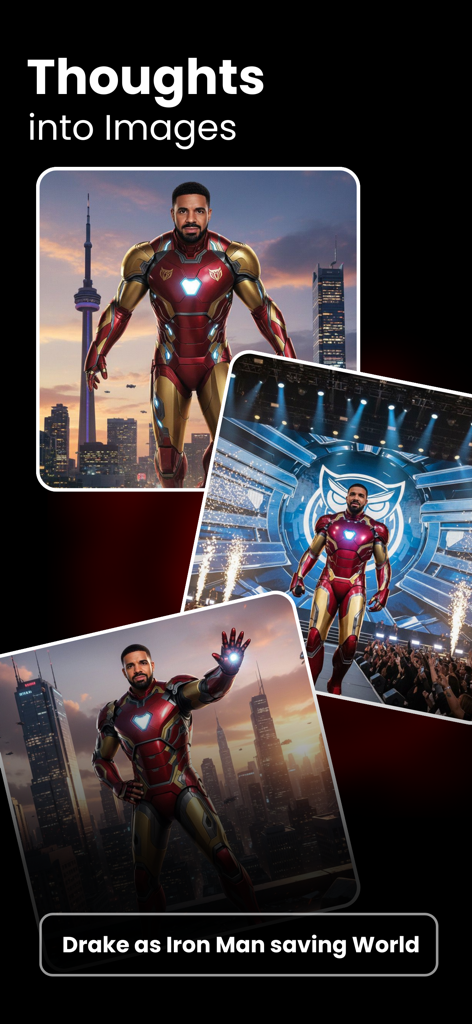
AI generated images of Drake as Iron Man showcasing the thoughts into images feature
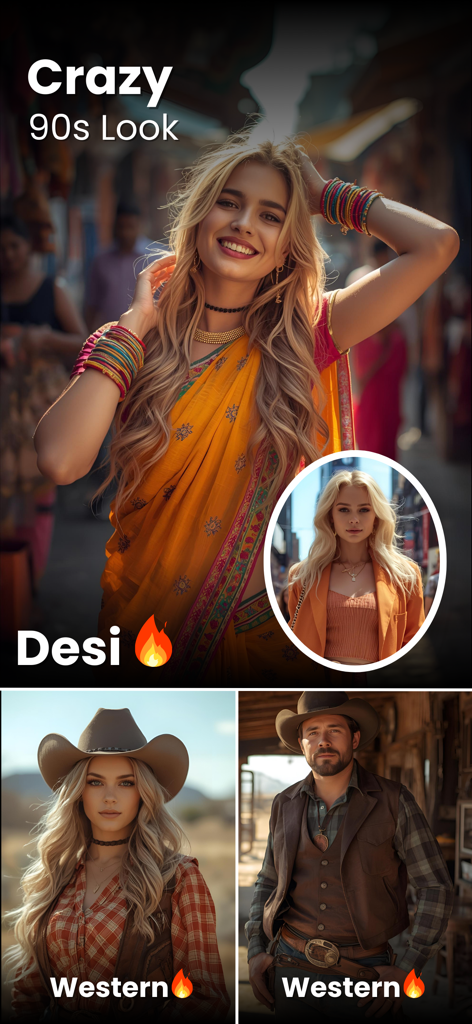
AI generated photos showing a woman in a Desi look and a man and woman in Western outfits
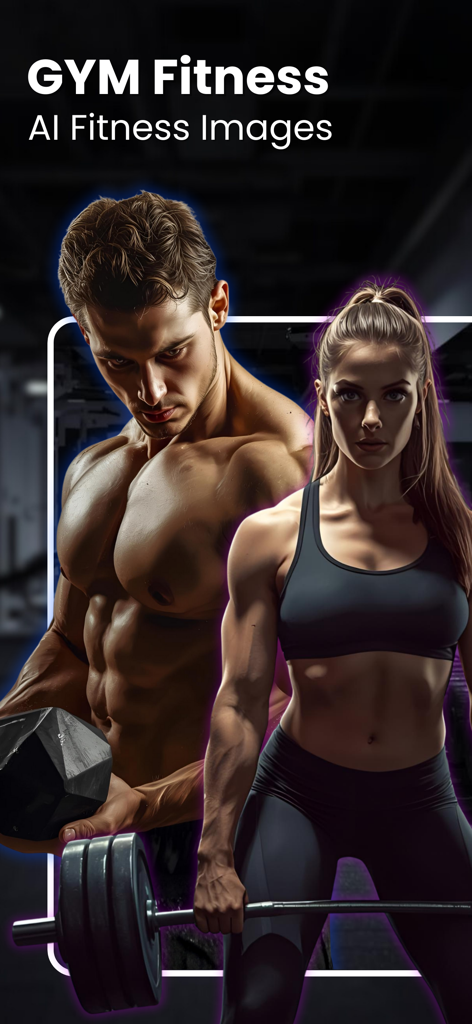
AI generated high definition fitness images of a muscular man and woman in a gym
Description
Download
More Like This
Top-ranked apps in the same category

CapCut: Photo & Video Editor
BYTEDANCE PTE. LTD.

Instagram, Inc.

YouTube
Google LLC

Canva: AI Photo & Video Editor
Canva Pty Ltd

Snapchat
Snap, Inc.

快手
Beijing Kwai Technology Co., Ltd.

Edits: Video Editor
Instagram, Inc.

Meitu- AI Photo & Video Editor
Xiamen Meitu Technology Co., Ltd.

Google Photos: Backup & Edit
Google LLC
This page is not an official page of the app or its developer, but an independent editorial publication created for informational and commentary purposes. Unless expressly stated otherwise, neither the app nor its developer is affiliated with, endorsed by, sponsored by, authorized by, or otherwise officially connected with MWM, Apple, Google Play, the app publisher, or the app's developer, and nothing on this page implies that the app was developed using MWM's services. Any trademarks, logos, screenshots, and other content remain the property of their respective owners.