
This page is not an official page of the app or its developer, but an independent editorial publication created for informational and commentary purposes. Unless expressly stated otherwise, neither the app nor its developer is affiliated with, endorsed by, sponsored by, authorized by, or otherwise officially connected with MWM, Apple, Google Play, the app publisher, or the app's developer, and nothing on this page implies that the app was developed using MWM's services. Any trademarks, logos, screenshots, and other content remain the property of their respective owners.

PixVesre: Art Studio Generator
From custom drawings to viral pixel art and sketch filters, unlock professional tools designed for your iPhone and iPad. Edit, create, and share your aesthetic masterpieces in seconds.
Downloads
10K+User Rating
Total Ratings
0Publisher
Category
Photo & VideoLocales
1Latest Version
2.5Size
19.1 MBFirst Released
Oct 9, 2025Create Your Unique Digital Aesthetic
From viral pixel art to custom sketch effects, PixVerse gives you the tools to transform your photos and unleash your creativity without the steep learning curve.
Aesthetic Art Filters
Instantly turn any photo into a retro pixel art masterpiece or a professional sketch effect that stands out on your feed.
Pro Drawing Studio
Express yourself with a full suite of brushes and stickers. Draw directly on your photos or start from scratch on a digital canvas.
Frequently Asked Questions
Everything you need to know about PixVesre: Art Studio Generator
What is PixVesre: Art Studio Generator?
PixVesre: Art Studio Generator is a professional drawing application offering unique features to create drawings and edit photos. It provides a beautiful, user-friendly interface for unleashing creativity in art production.
Can I draw freely in PixVesre: Art Studio Generator?
Yes, PixVesre: Art Studio Generator allows free drawing. Users can choose their preferred background and drawing colors, and utilize various drawing tools to create original artwork.
Does PixVesre: Art Studio Generator allow photo editing?
Yes, PixVesre: Art Studio Generator provides comprehensive photo editing capabilities. Users can upload images to draw on them, add stickers, apply filters, and convert them to sketch or pixel art styles.
How do I add stickers to photos in PixVesre: Art Studio Generator?
To add stickers in PixVesre: Art Studio Generator, import an image into the editor. The app presents various sticker options, which you can then select and place directly onto your photo.
Can I apply filters to my images using PixVesre: Art Studio Generator?
Yes, PixVesre: Art Studio Generator enables users to apply filters to their images. The photo editing feature includes a range of filter options that enhance or alter the visual appearance of uploaded pictures.
Does PixVesre: Art Studio Generator save my creations?
Yes, PixVesre: Art Studio Generator includes a dedicated storage section. It saves all free-drawn pictures and edited photos, allowing users to conveniently access and manage their artwork within the app.
Can I share my art from PixVesre: Art Studio Generator?
Yes, PixVesre: Art Studio Generator facilitates sharing of creations. Users can easily share their saved artwork, including free-drawn pictures and edited photos, with friends directly from the application.
What drawing tools does PixVesre: Art Studio Generator offer?
PixVesre: Art Studio Generator offers various drawing tools. These include options for selecting background and drawing colors, as well as implements like a pen and an eraser for precise artistic control.
The following screenshots and description are sourced directly from the app's official store listing and are the property of the app developer.
App Store
Screenshots
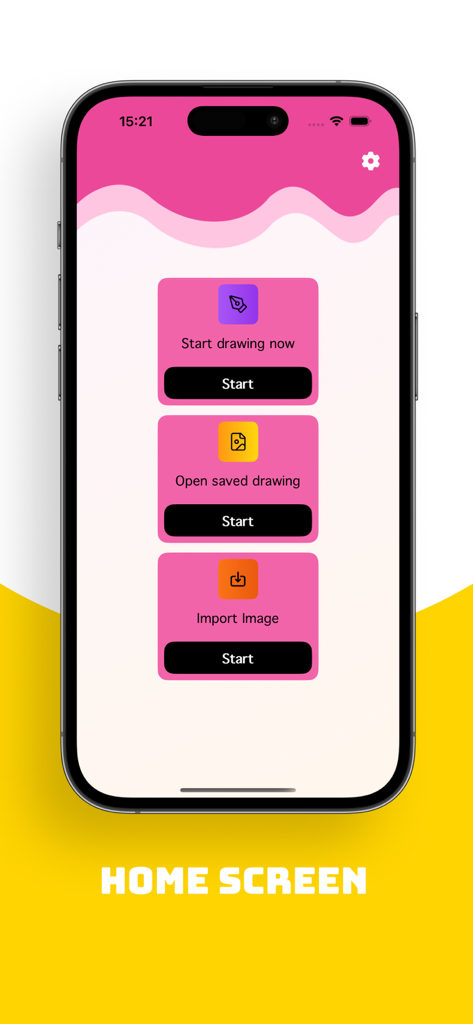
PixVerse app home screen showing buttons to start drawing, open saved drawings, and import images
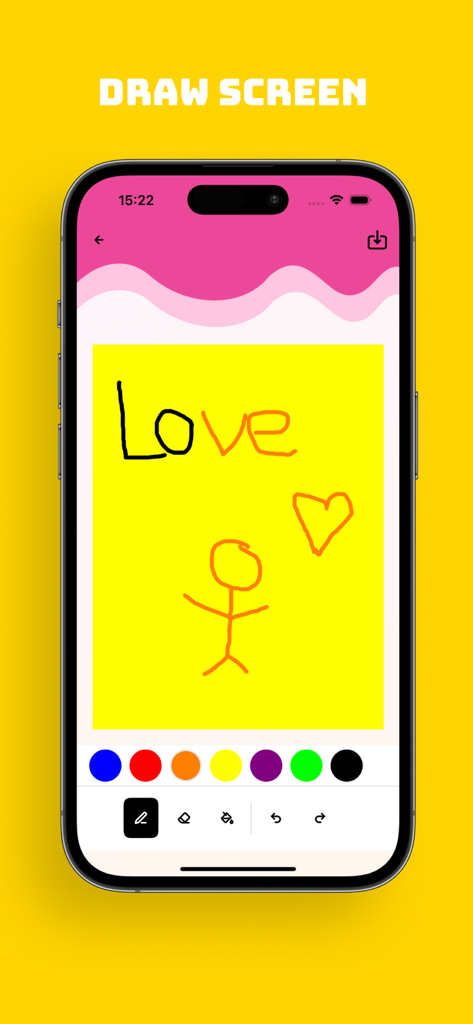
PixVerse app drawing screen showing a yellow canvas with a stick figure sketch and color selection tools
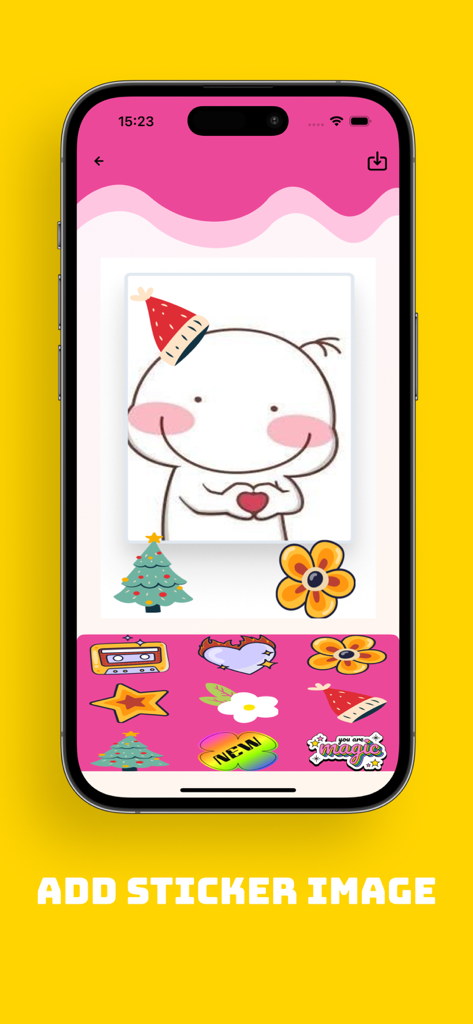
PixVerse app interface showing a character being decorated with digital stickers like a party hat and flowers
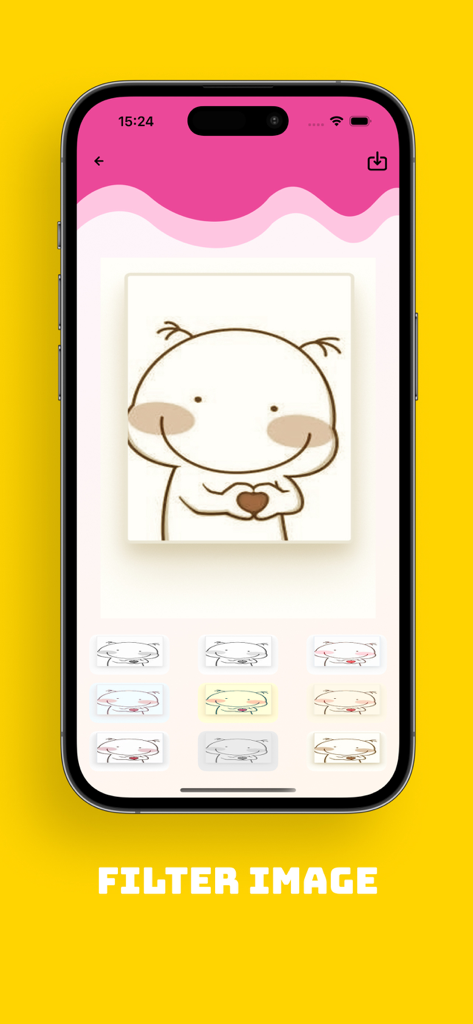
A screenshot of PixVerse app showing the filter image interface with various color and sketch filters applied to a cartoon character drawing.
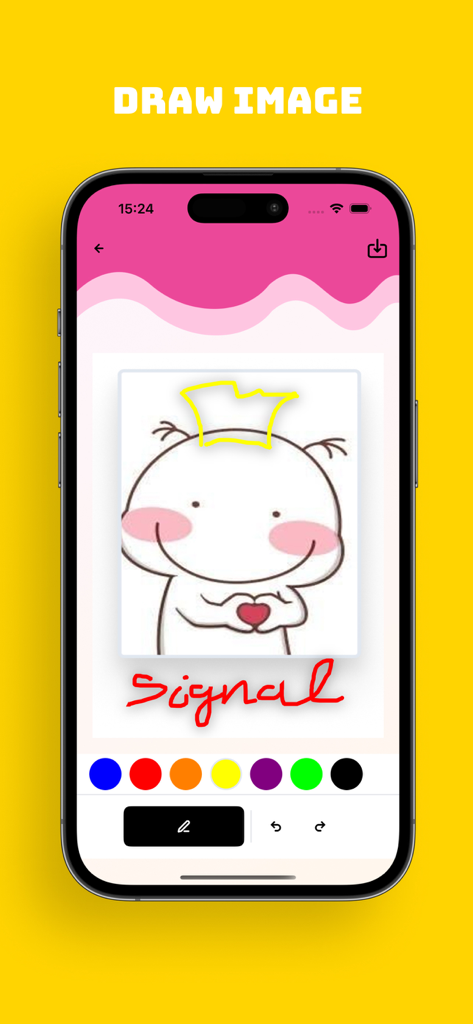
A screenshot of the PixVerse app showing the drawing interface with a character sketch and color tools
Description
Download
More Like This
Top-ranked apps in the same category

CapCut: Photo & Video Editor
BYTEDANCE PTE. LTD.

Instagram, Inc.

YouTube
Google LLC

Canva: AI Photo & Video Editor
Canva Pty Ltd

Snapchat
Snap, Inc.

快手
Beijing Kwai Technology Co., Ltd.

Edits: Video Editor
Instagram, Inc.

Meitu- AI Photo & Video Editor
Xiamen Meitu Technology Co., Ltd.

Google Photos: Backup & Edit
Google LLC
This page is not an official page of the app or its developer, but an independent editorial publication created for informational and commentary purposes. Unless expressly stated otherwise, neither the app nor its developer is affiliated with, endorsed by, sponsored by, authorized by, or otherwise officially connected with MWM, Apple, Google Play, the app publisher, or the app's developer, and nothing on this page implies that the app was developed using MWM's services. Any trademarks, logos, screenshots, and other content remain the property of their respective owners.