
This page is not an official page of the app or its developer, but an independent editorial publication created for informational and commentary purposes. Unless expressly stated otherwise, neither the app nor its developer is affiliated with, endorsed by, sponsored by, authorized by, or otherwise officially connected with MWM, Apple, Google Play, the app publisher, or the app's developer, and nothing on this page implies that the app was developed using MWM's services. Any trademarks, logos, screenshots, and other content remain the property of their respective owners.

piZap: Design & Edit Photos
The all-in-one photo editor for non-designers. Ditch the complex software and whip up stunning social posts, memes, and collages with the easiest tools at your fingertips.
Downloads
1M+User Rating
Total Ratings
34K+Publisher
Category
Graphics & DesignLocales
30Latest Version
20.8Size
232.0 MBFirst Released
May 6, 2013Design Without the Drama
The all-in-one creative suite for social media stars, side-hustlers, and memory-makers. Transform your photos into eye-catching designs in seconds—no experience needed.
Pro Editing Made Simple
Skip the complex software. Use intuitive touch-up tools, cutouts, and filters to get professional results without the steep learning curve.
Thousands of Creative Assets
Express your unique style with over 4,500 stickers, 300+ borders, and hundreds of custom fonts designed to make your content pop.
Frequently Asked Questions
Everything you need to know about piZap: Design & Edit Photos
What is piZap: Design & Edit Photos?
piZap is an all-in-one photo editor and design app. It enables users to create photo layouts, edit photos, make collages, memes, and social media posts using a variety of tools and features.
What are the core features of the piZap app?
piZap provides design tools for social posts, collages, and memes, intuitive photo editing including cropping and retouching, and graphic design with templates, fonts, stickers, and filters. It also offers social media specific design features.
Does piZap offer free photo editing features?
Yes, piZap offers many tools and features at no cost. Users can create designs and edit photos using a wide range of free options within the application.
Can I remove photo backgrounds using piZap: Design & Edit Photos?
Yes, piZap provides tools to remove backgrounds from photos. The app allows for instant focus and background removal with a single tap.
How many templates does piZap provide for graphic design?
piZap offers thousands of premade templates for various designs, including flyers and social media posts. This feature allows users to begin their creative projects quickly and efficiently.
What are the subscription prices for piZap Pro?
piZap Pro offers an annual subscription for $59.99 USD/year, billed annually, or a monthly subscription for $9.99 USD/month. Both options include a 7-day free trial.
Does piZap Pro offer a free trial period?
Yes, piZap Pro includes a 7-day free trial. Any unused portion of this free trial period is forfeited when a user purchases a subscription to piZap Pro.
Is piZap suitable for creating social media content?
Yes, piZap is specifically designed for creating social media content. It includes features for photo editing, meme making, and designing posts for platforms like Instagram, Facebook, and LinkedIn.
How many fonts and stickers are available in piZap: Design & Edit Photos?
piZap provides 367 unique fonts and 4530 stickers for creative design. It also includes 304 borders and various text styles, such as curved text, outlines, and drop shadows.
How does piZap Pro handle subscription renewals?
piZap Pro subscriptions automatically renew unless auto-renew is disabled at least 24 hours before the current period ends. Payment is charged to the user's iTunes Account at purchase confirmation.
The following screenshots and description are sourced directly from the app's official store listing and are the property of the app developer.
App Store
Screenshots
A colorful screenshot of the piZap app featuring the headline Design Simplified.
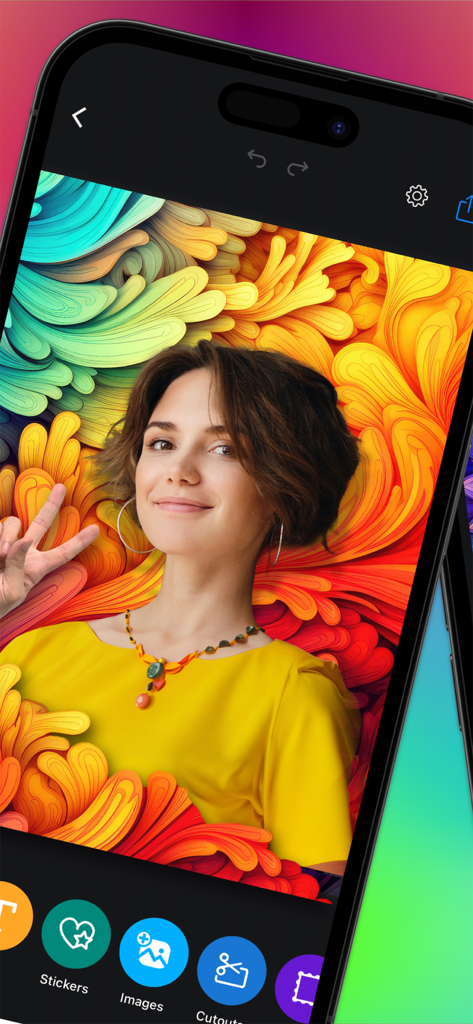
Mobile app interface of piZap showing a photo of a woman with vibrant graphic backgrounds
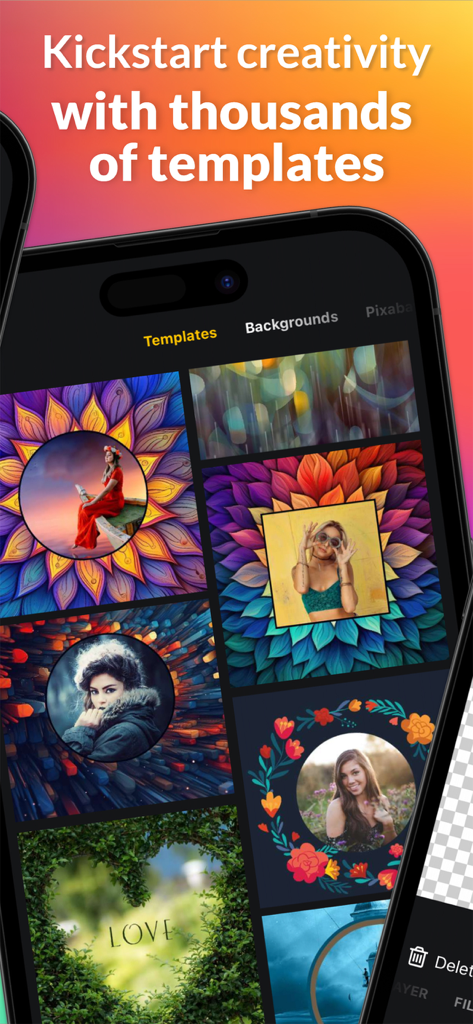
A mobile app interface showcasing a variety of artistic photo design templates and colorful backgrounds.
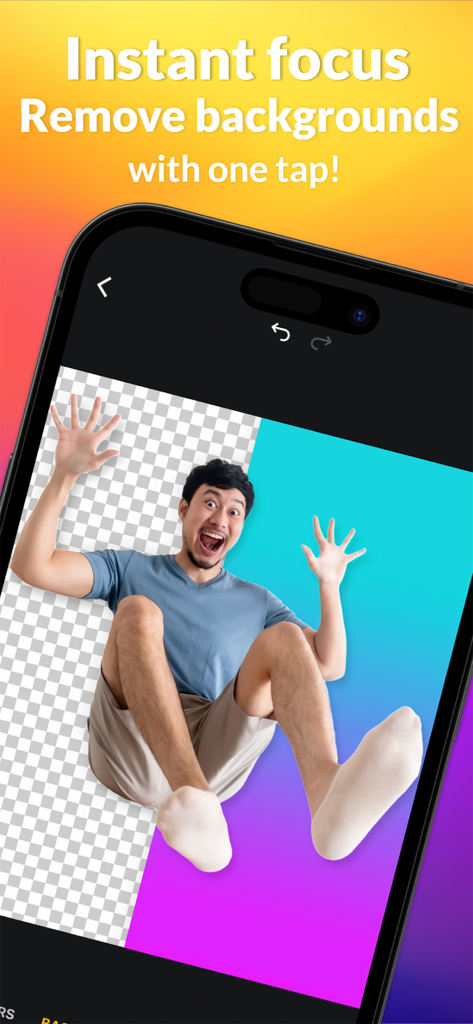
piZap app screenshot showing background removal with one tap
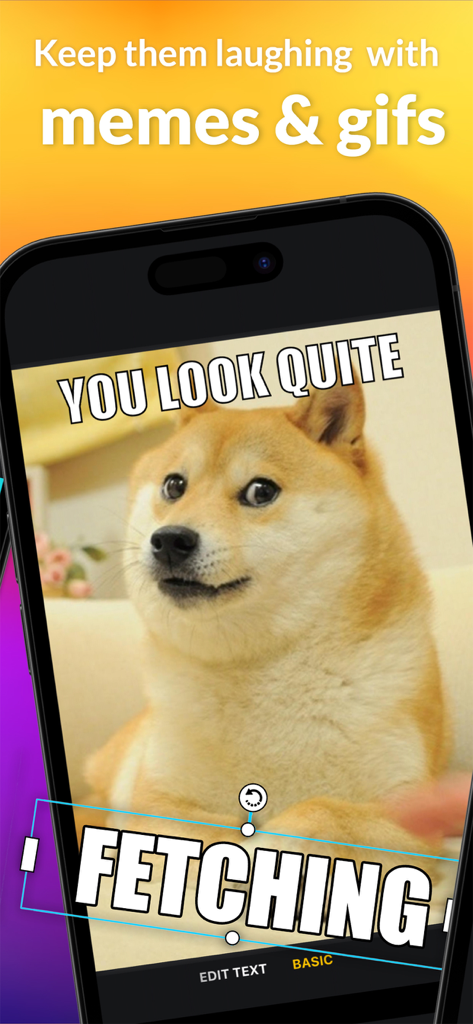
piZap app meme maker interface showing a doge meme with custom text
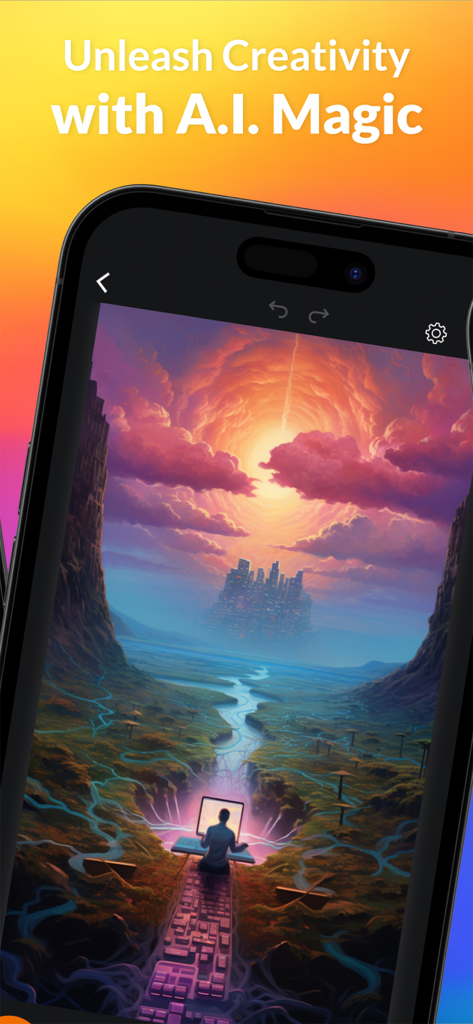
Smartphone displaying the piZap app with an AI-generated surreal landscape and the text Unleash Creativity with AI Magic
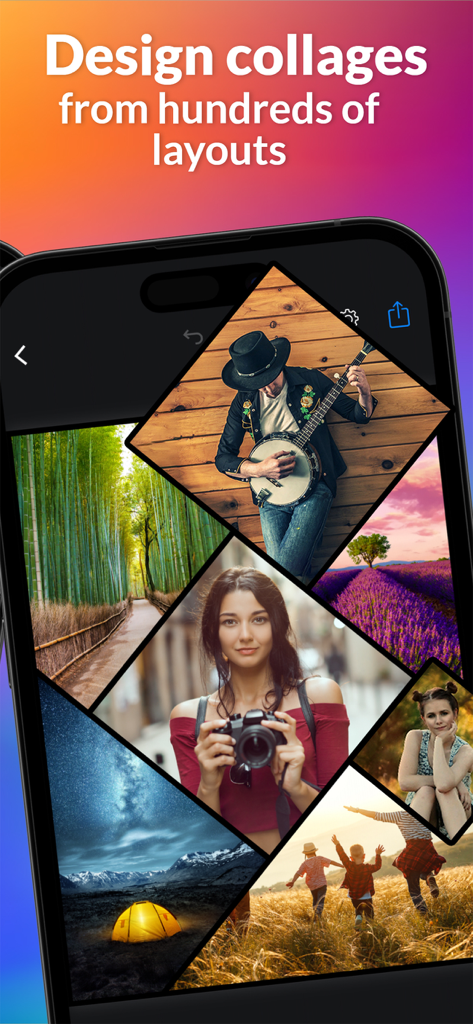
A smartphone screen displaying the piZap app with a creative multi-photo collage layout
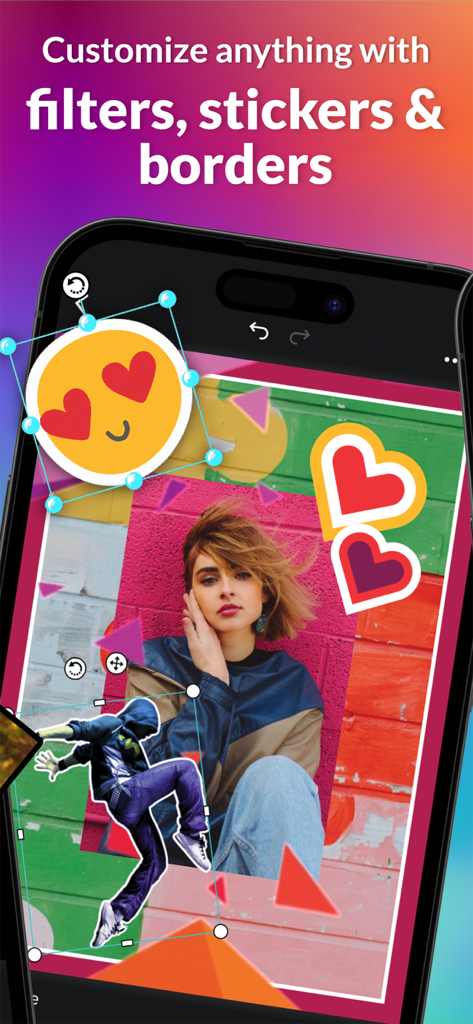
Mobile screen showing piZap photo editor with colorful stickers and creative filters
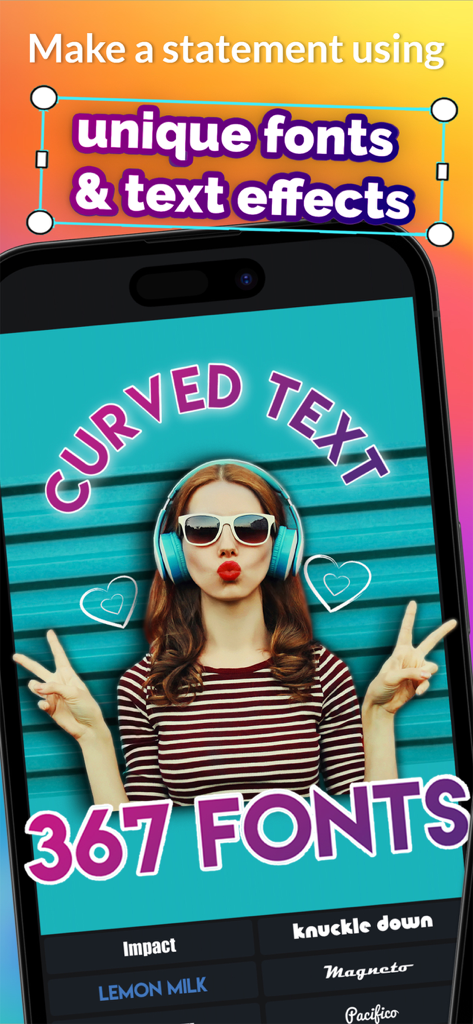
piZap mobile app displaying curved text and various font styles for photo editing.
Description
Download
More Like This
Apps with similar features and user experience

SCRL: Photo Collage Maker
Appostrophe AB

PhotoGrid: Video Collage Maker
JUPITER PALACE PTE. LTD.

Layout for Instagram: Collage
Shamble, Inc.

Photo Collage Maker: InCollage
SHANTANU PTE. LTD.

TicPic
Zhuhai Kuxiong Network Technology Co., Ltd.

Collage Maker: CollagePlus
Shamble, Inc.

Photo Collage Montage Maker
Honk Honk Punch Pty Ltd

Photo Collage Maker & Creator
Honk Honk Punch Pty Ltd

Photo Collage Montage & Layout
Honk Honk Punch Pty Ltd
This page is not an official page of the app or its developer, but an independent editorial publication created for informational and commentary purposes. Unless expressly stated otherwise, neither the app nor its developer is affiliated with, endorsed by, sponsored by, authorized by, or otherwise officially connected with MWM, Apple, Google Play, the app publisher, or the app's developer, and nothing on this page implies that the app was developed using MWM's services. Any trademarks, logos, screenshots, and other content remain the property of their respective owners.