Planit2d
Planit2d
Download on App Store

This page is not an official page of the app or its developer, but an independent editorial publication created for informational and commentary purposes. Unless expressly stated otherwise, neither the app nor its developer is affiliated with, endorsed by, sponsored by, authorized by, or otherwise officially connected with MWM, Apple, Google Play, the app publisher, or the app's developer, and nothing on this page implies that the app was developed using MWM's services. Any trademarks, logos, screenshots, and other content remain the property of their respective owners.


Logo of Planit2d
Download on App Store

Planit2d

The fastest, most user-friendly 2D floor plan creator for DIYers and homeowners. Turn your sketches into accurate, scaled designs on your iPhone or iPad and bring your dream renovation to life.

Key Figures

Downloads

220K+

User Rating

4.1/5

Total Ratings

600

Publisher

Paul Wright

Category

Productivity

Locales

30

Latest Version

2.0.3

Size

9.2 MB

First Released

Mar 28, 2013
Features

Design Like a Pro, Anywhere

Transform your ideas into professional 2D blueprints with powerful tools designed for homeowners, DIYers, and visionaries.

Effortless Layouts

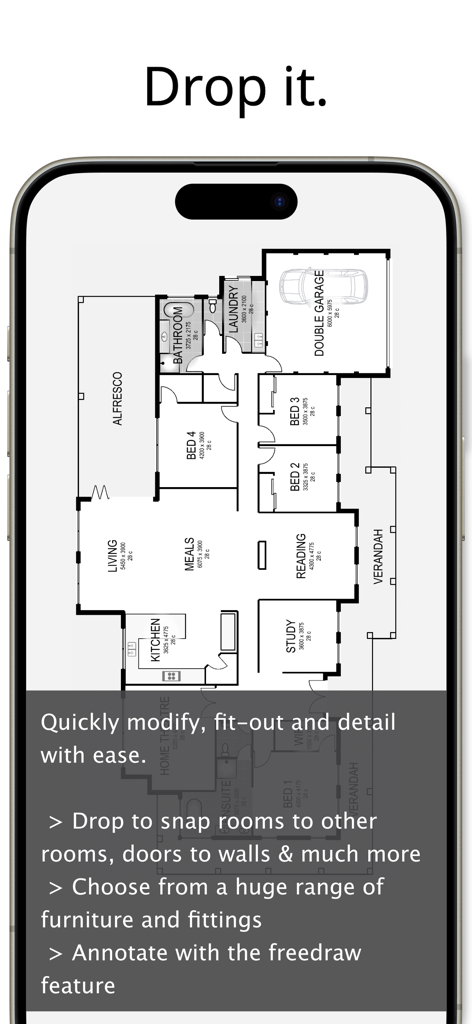
Drag and drop rooms and furniture onto a digital graph paper to visualize your space in seconds without complex CAD software.

Pro-Level Accuracy

Design with confidence using real-world measurements and industry-standard fittings for a construction-ready floor plan.

The following screenshots and description are sourced directly from the app's official store listing and are the property of the app developer.

App Store

Screenshots
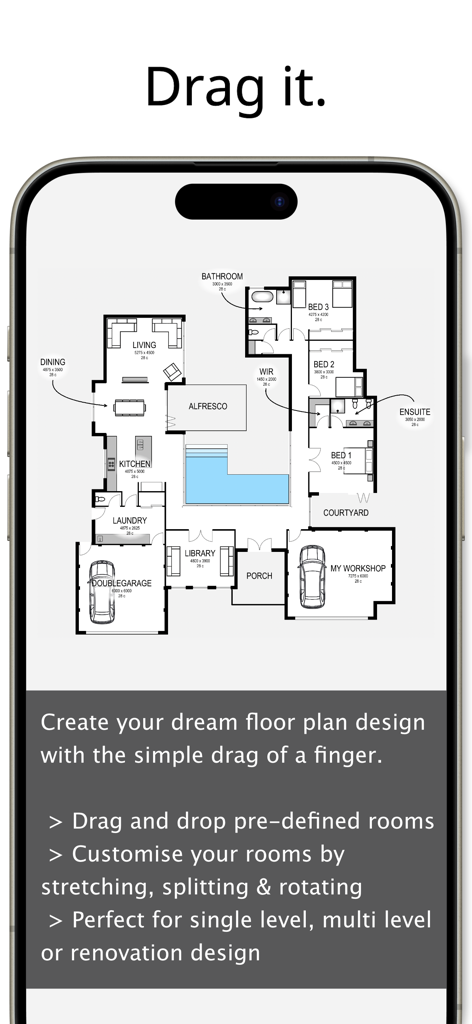
Planit2d - Planit2d mobile app interface showing a 2D house floor plan with drag and drop room features
Planit2d mobile app interface showing a 2D house floor plan with drag and drop room features

Planit2d - A detailed 2D house blueprint displayed on a mobile phone screen showing room layouts and furniture
A detailed 2D house blueprint displayed on a mobile phone screen showing room layouts and furniture

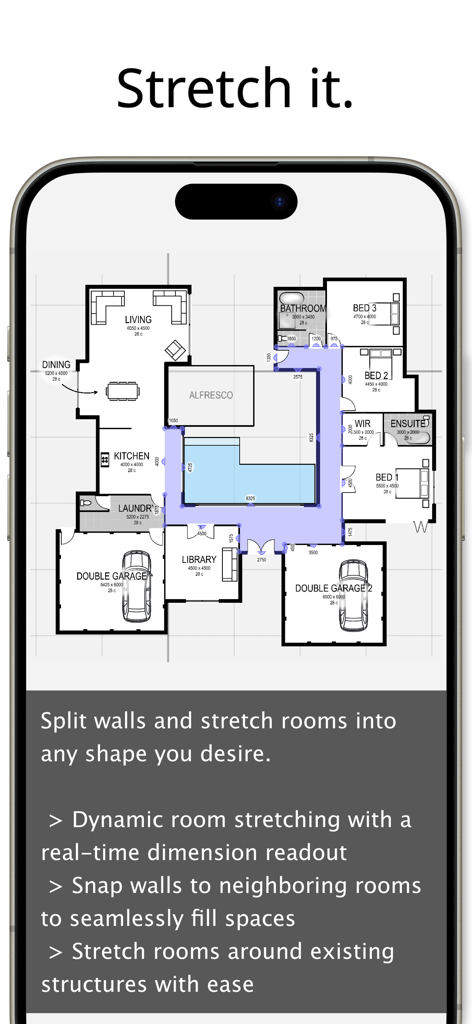
Planit2d - iPhone display of the Planit2d app showing a complex 2D house blueprint being edited with room stretching features
iPhone display of the Planit2d app showing a complex 2D house blueprint being edited with room stretching features

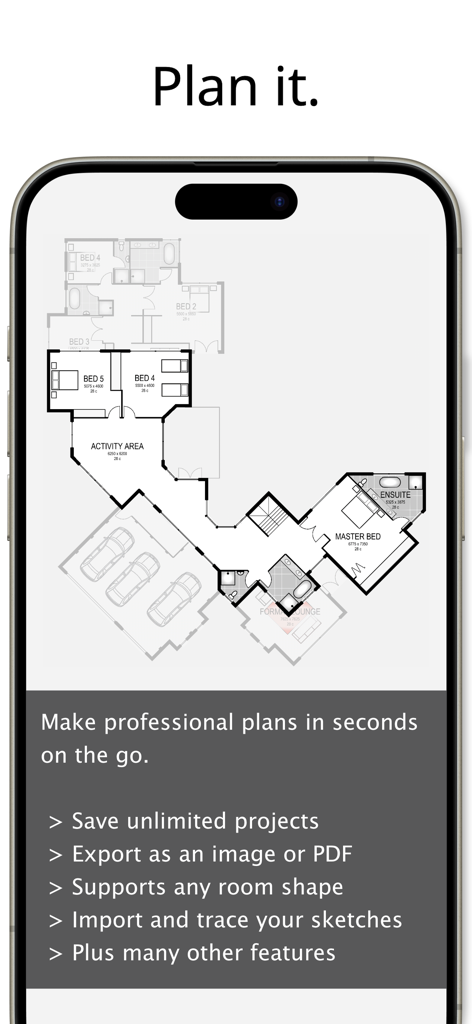
Planit2d - Planit2d app interface on a smartphone screen showing a detailed 2D house floor plan with rooms and garage

Planit2d app interface on a smartphone screen showing a detailed 2D house floor plan with rooms and garage

Description

If you can imagine it, you can create your dream home design with Planit2d floor plan creator. House design has always been a complex task reserved for an architect or other professionals. Planit2d will change the way you think about home design. It is the fastest, most user friendly, 2D floorplan and house blueprint maker available on the App Store aimed at anyone and everyone with an idea in their mind, or a sketch on grid paper. Travelling to work on the train and have an idea for a room or house design? At home and away from your desk? No problem. Pull out your phone and capture the idea right there and then using Planit2d as a simple floor plan creator. Ideally suited to developing single, double or multiple level conceptual floor plan design to achieve accurately sized spaces, using scaled fittings and furniture. Share your house design with family and friends, or pass on to your builder or architect for further development or pricing of your house blueprint. Use your iPad or iPhone as a professional floorplanner wherever you may be. √ “Drag and Drop” physics with graph paper makes Planit2d an extremely user friendly floor planner √ Undo and redo feature for easy corrections and adjustments √ Save your house plans so you can resume at a later date √ Multi-level home design capabilities √ Import your own sketch √ Create your block of land before you create a house √ Pre-defined rooms, fittings and furniture with graph paper grid √ Plan your room blueprint using industry standard sized furniture √ Modify any room floor plan with ease √ Entire floors can be duplicated, mirrored and moved with the drag of a finger √ Save your completed home design to your device photo album √ Export your house plans as an image or PDF and add a grid, sketch, graph paper, dimensions and a scale bar √ The ability to split and/or hide sections of walls - no architect required! √ Dynamic room stretching with realtime dimension read-out on your house plan √ Don’t like the name of a pre-defined room? Simply change it to your desired description √ Move or hide room labels in those smaller spaces √ Customizable settings, units of measure and colours √ Add text or notes to your house design √ A number of “freedraw” items are available for adding detail to your home design. Limited only by your imagination √ Duplicate an entire project blueprint √ Share your house plans on Facebook or via text or email directly from your device √ Create a house design blueprint ready for construction from your sketch, no chief architect required √ Print via Airprint directly from your device (must have an Airprint enabled printer) √ Tutorials can be found at www.planit2d.com or by searching on YouTube √ Find us on Facebook. Don’t forget to “Like” us

Download

Download on App Store

This page is not an official page of the app or its developer, but an independent editorial publication created for informational and commentary purposes. Unless expressly stated otherwise, neither the app nor its developer is affiliated with, endorsed by, sponsored by, authorized by, or otherwise officially connected with MWM, Apple, Google Play, the app publisher, or the app's developer, and nothing on this page implies that the app was developed using MWM's services. Any trademarks, logos, screenshots, and other content remain the property of their respective owners.








