Planner: Daily, Weekly Diary
Download on App Store

This page is not an official page of the app or its developer, but an independent editorial publication created for informational and commentary purposes. Unless expressly stated otherwise, neither the app nor its developer is affiliated with, endorsed by, sponsored by, authorized by, or otherwise officially connected with MWM, Apple, Google Play, the app publisher, or the app's developer, and nothing on this page implies that the app was developed using MWM's services. Any trademarks, logos, screenshots, and other content remain the property of their respective owners.

Logo of Planner: Daily, Weekly Diary
Download on App Store

Planner: Daily, Weekly Diary

Experience the classic weekly spread you love without the bulk. Organize your life, track your habits, and reach your goals with the simplest, most aesthetic planner for iPhone and iPad.

Key Figures

Downloads

296K+

User Rating

4.7/5

Total Ratings

3K+

Publisher

Digital Legal Tech, Societatea cu Raspundere Limitata

Category

Productivity

Locales

28

Latest Version

2.0.7

Size

1.4 GB

First Released

Dec 9, 2020
Features

Your Paper Planner, Reimagined for Digital Life

Experience the intuitive feel of a classic diary with the power of modern productivity. No complex setups—just open, plan, and achieve your goals.

The Iconic Weekly Spread

Visualize your entire week at a single glance. Our layout mirrors the traditional paper planner you love, making it easier to manage your work-life balance without digital fatigue.

Digital Paper Experience

Write, type, or use your Apple Pencil. Whether you are jotting down grocery lists or sketching out big goals, our stylus support and voice entry make planning feel natural and frictionless.

The following screenshots and description are sourced directly from the app's official store listing and are the property of the app developer.

App Store

Screenshots
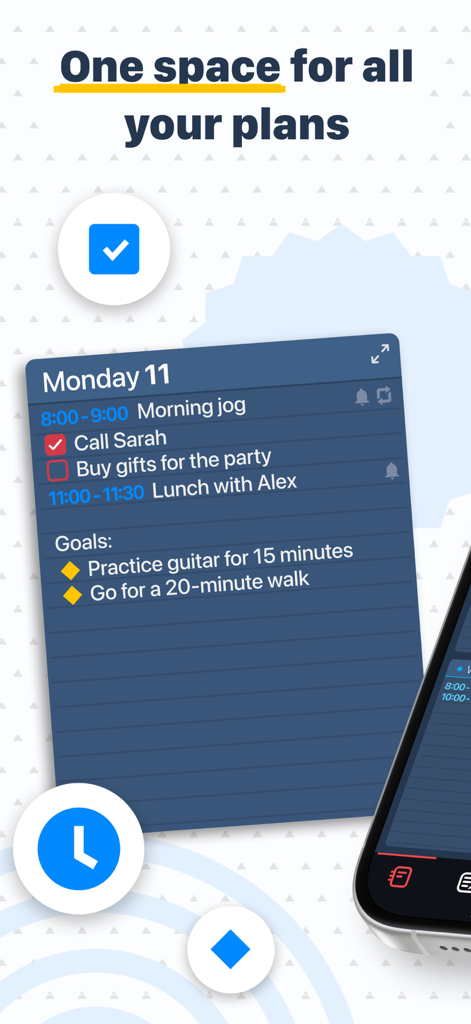
Planner: Daily, Weekly Diary - Daily planner app interface showing a Monday schedule with task lists and goal tracking.
Daily planner app interface showing a Monday schedule with task lists and goal tracking.

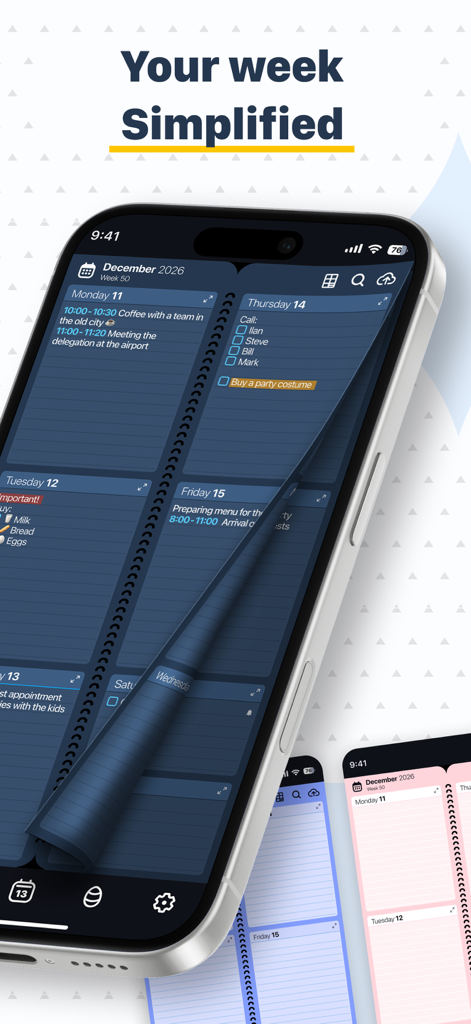
Planner: Daily, Weekly Diary - iPhone displaying the Planner app with a dark blue weekly calendar spread and a page flipping animation.
iPhone displaying the Planner app with a dark blue weekly calendar spread and a page flipping animation.

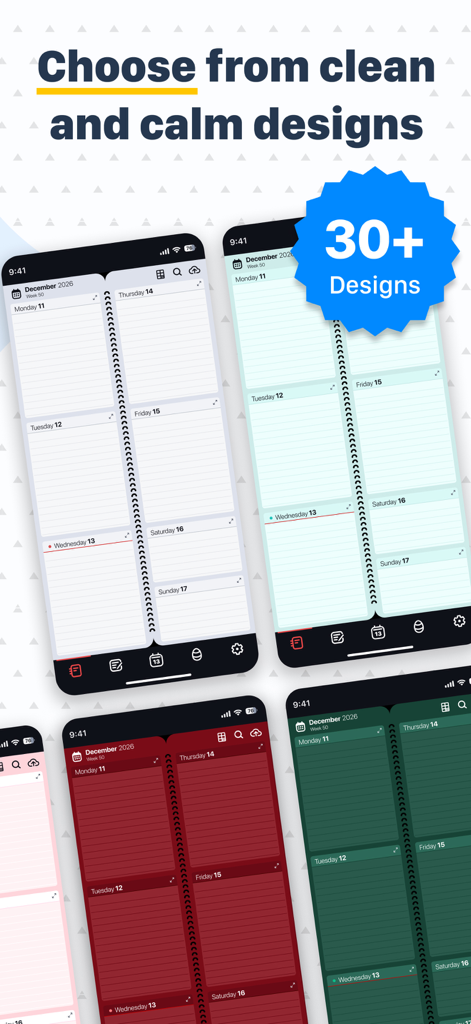
Planner: Daily, Weekly Diary - A variety of colorful background designs and themes for the digital weekly planner app.
A variety of colorful background designs and themes for the digital weekly planner app.

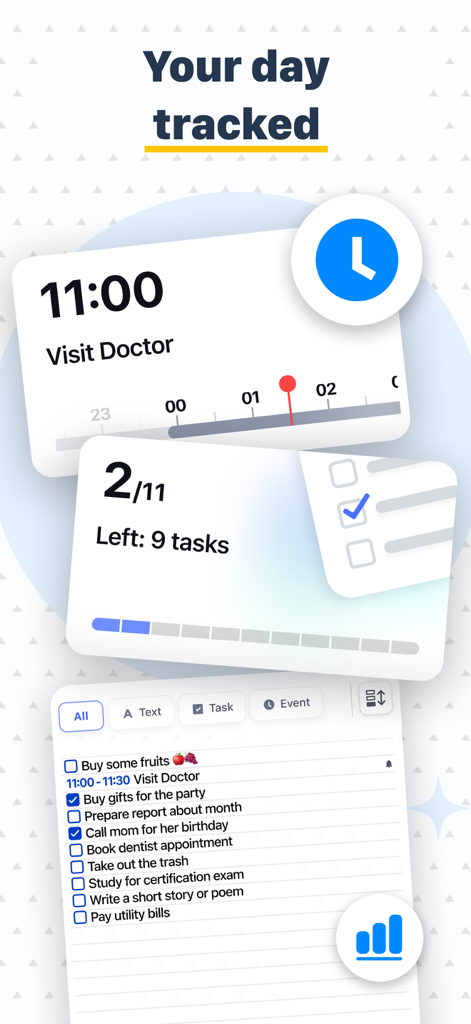
Planner: Daily, Weekly Diary - A mobile app interface showing a daily task list with progress tracking and scheduled appointments

A mobile app interface showing a daily task list with progress tracking and scheduled appointments
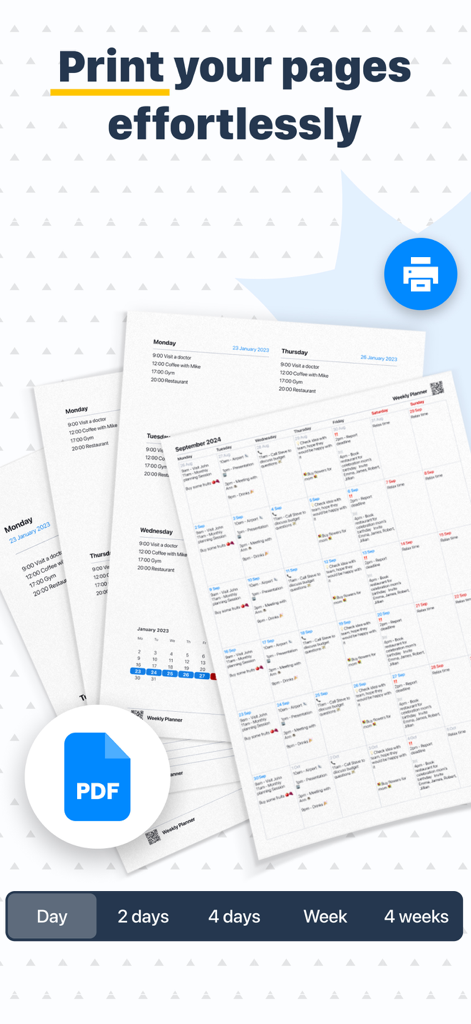
Planner: Daily, Weekly Diary - Interface showing the option to print daily and weekly planner pages or export them as PDF files.

Interface showing the option to print daily and weekly planner pages or export them as PDF files.
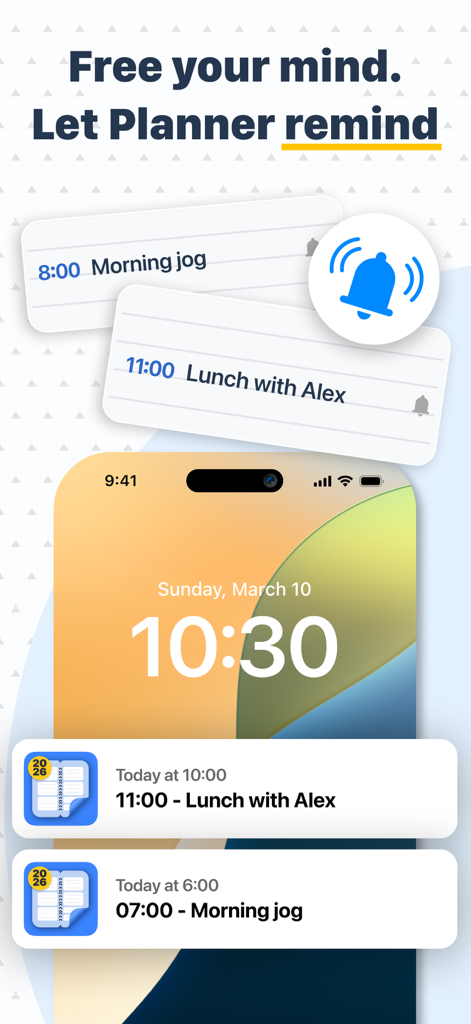
Planner: Daily, Weekly Diary - iPhone lock screen displaying scheduled task notifications and reminders from the Planner app
iPhone lock screen displaying scheduled task notifications and reminders from the Planner app

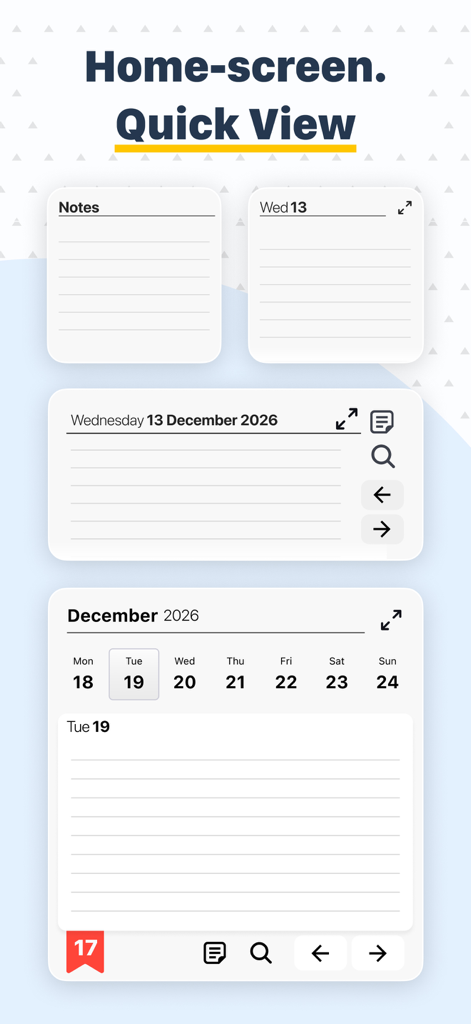
Planner: Daily, Weekly Diary - Planner app home screen interface featuring quick view widgets for notes and calendar
Planner app home screen interface featuring quick view widgets for notes and calendar

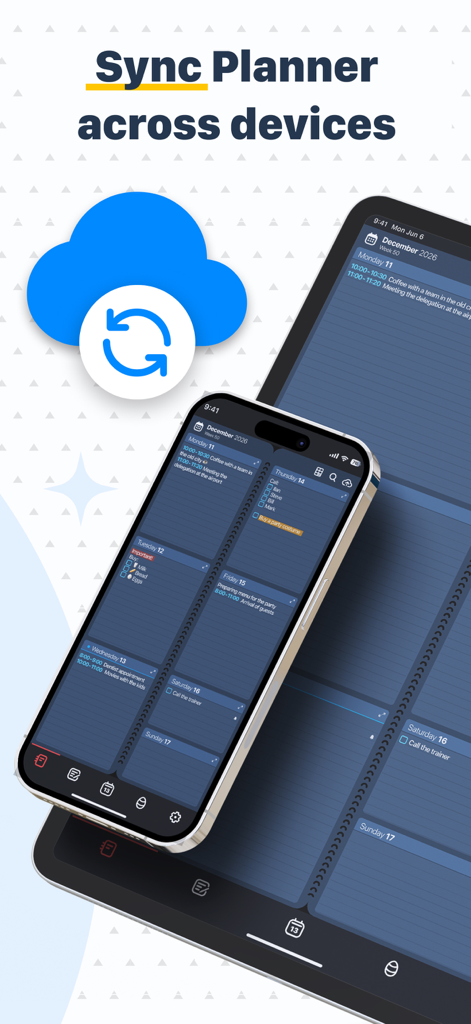
Planner: Daily, Weekly Diary - Weekly planner app synced between iPhone and iPad with cloud icon

Weekly planner app synced between iPhone and iPad with cloud icon

Planner: Daily, Weekly Diary - Friendly purple paperclip character waving with text Ask AI 24/7 for productivity help

Friendly purple paperclip character waving with text Ask AI 24/7 for productivity help

Planner: Daily, Weekly Diary - A relaxing mini game screen featuring colorful patterned eggs and a small red dragon in the Planner app.

A relaxing mini game screen featuring colorful patterned eggs and a small red dragon in the Planner app.

Description

Diary, Calendar, Organiser, Planner is designed to combine a notepad, planner, reminder, calendar, habit tracker, and to-do list into one simple application - both for your private life and for work. It will replace your usual paper organizer of the week with its absolutely identical digital copy, so you can easily make and keep track of your plans and achieve your goals. A dream written next to the date becomes a goal! Millions of people around the world use our Planner. It helps you make a class schedule, keep notes, client, to-do, and shopping lists, develop habits, be productive and never forget anything. The Planner interface is a classic paper notebook people have been using for centuries. The easiest and most user-friendly way to plan. It's like a school diary. It's like a minimalistic paper planner. On one screen, you see all your plans for the week - the most visible period of time for the smartest planning. You can easily flip back and forth for as many weeks, months, years as you want. Any tasks, plans, habits - easy to set, change, delete. No complicated data entry systems, no filling out forms - just enter text by typing or by voice, just like in ordinary memos. Key Functions of Diary, Calendar, Organiser, Planner: • Nice flipping experience - like a paper calendar (diary, planner). You no longer need to carry a paper notebook. • A full week view and a zoomed-in one-day view for more notes. All the plans are spread before your eyes. • A variety of background designs to suit the most demanding tastes. One can change them an infinite number of times. • A calendar with an easy move to any date in the past and the future. • Highlight notes with color, underline, strikethrough, bold, italics. All for prioritizing tasks, marking their completion. • A separate list of notes (to-do list), not tied to a date. You can make a shopping list, write down valuable ideas. • Specifying the week number and return to the current date at any time. • Change the color and font size of records and events. • Change language. • Change the first day of the week. • You can add voice notes or use a stylus on the tablet as well. • Save to or retrieve from iCloud. • Word search function. We have also added: • Recurring events (daily, annual, etc.) For birthdays, workouts, schedules. • Automatic reminders. • Ticks to mark completed tasks. • Integration with iPhone Calendar We will add soon: • Splitting days by hours for a more convenient timetable with a stable schedule. • Option to share your schedule with colleagues, friends and family. • Integration with other calendars (such as Google Calendar). • and so much more. The basic Diary, Calendar, Organiser, Planner function is always free. You can also purchase Premium version, either through a one-time payment or a subscription. E-mail: appweeklyplanner@gmail.com

Download

Download on App Store

This page is not an official page of the app or its developer, but an independent editorial publication created for informational and commentary purposes. Unless expressly stated otherwise, neither the app nor its developer is affiliated with, endorsed by, sponsored by, authorized by, or otherwise officially connected with MWM, Apple, Google Play, the app publisher, or the app's developer, and nothing on this page implies that the app was developed using MWM's services. Any trademarks, logos, screenshots, and other content remain the property of their respective owners.








