
This page is not an official page of the app or its developer, but an independent editorial publication created for informational and commentary purposes. Unless expressly stated otherwise, neither the app nor its developer is affiliated with, endorsed by, sponsored by, authorized by, or otherwise officially connected with MWM, Apple, Google Play, the app publisher, or the app's developer, and nothing on this page implies that the app was developed using MWM's services. Any trademarks, logos, screenshots, and other content remain the property of their respective owners.


Pocket QR Code Reader Scanner
The ultimate utility for smart shoppers and busy professionals. Instantly decode QR codes, find the best prices with barcode scanning, and generate custom QR codes to grow your business—all in one fast, organized app.
Downloads
60K+User Rating
Total Ratings
0Publisher
Category
UtilitiesLocales
1Latest Version
1.0.2Size
45.2 MBFirst Released
Jul 7, 2025Everything You Need to Navigate the Digital World
Pocket QR Reader combines lightning-fast scanning with powerful tools to help you shop smarter, stay organized, and grow your business.
Shop Smarter, Save Faster
Instantly compare prices and view product details by scanning any barcode to ensure you get the best deal every time.
Professional QR Creation
Generate and customize your own QR codes for websites, digital business cards, or social media links in seconds.
Frequently Asked Questions
Everything you need to know about Pocket QR Code Reader Scanner
What is Pocket QR Code Reader Scanner?
Pocket QR Code Reader Scanner is an app that scans and decodes QR codes, recognizes various barcode formats, and allows users to create, customize, and save personalized QR codes.
Does Pocket QR Code Reader Scanner scan QR codes?
Yes, Pocket QR Code Reader Scanner features an advanced QR Reader that instantly scans and decodes any QR code, providing fast and accurate results.
Can Pocket QR Code Reader Scanner scan barcodes?
Yes, the Pocket QR Code Reader Scanner app includes a powerful barcode scanner that reads product labels and supports multiple barcode formats for detailed product information and price comparison.
Can I create QR codes with Pocket QR Code Reader Scanner?
Yes, Pocket QR Code Reader Scanner has a built-in QR code generator to create personalized codes for links, contact details, or custom text, which can also be customized.
How can I customize QR codes using Pocket QR Code Reader Scanner?
Pocket QR Code Reader Scanner allows customization of created QR codes by choosing different styles, adding logos, and selecting custom colors through its built-in generator.
Does Pocket QR Code Reader Scanner save scan history?
Yes, Pocket QR Code Reader Scanner automatically saves every scan in its history, allowing users to revisit, manage, or export their data whenever needed.
Does Pocket QR Code Reader Scanner offer a free trial?
Yes, Pocket QR Code Reader Scanner offers a 3-day trial period with the purchase of any Premium Subscription option.
What subscription options are available for Pocket QR Code Reader Scanner?
Pocket QR Code Reader Scanner offers Premium Subscription plans, including Week, Month, and Annual options, to unlock all app features.
How do I manage auto-renewal for my Pocket QR Code Reader Scanner subscription?
To manage auto-renewal for Pocket QR Code Reader Scanner, users must adjust their subscription and renewal preferences in their iTunes Account Settings.
Where can I find the privacy policy for Pocket QR Code Reader Scanner?
The privacy policy for Pocket QR Code Reader Scanner is available at: https://sites.google.com/view/pp-qr-code/home, ensuring data protection transparency.
What types of information can Pocket QR Code Reader Scanner decode from QR codes?
The Pocket QR Code Reader Scanner decodes information such as Wi-Fi network details, digital business cards, website links, and product verification data from QR codes.
The following screenshots and description are sourced directly from the app's official store listing and are the property of the app developer.
App Store
Screenshots
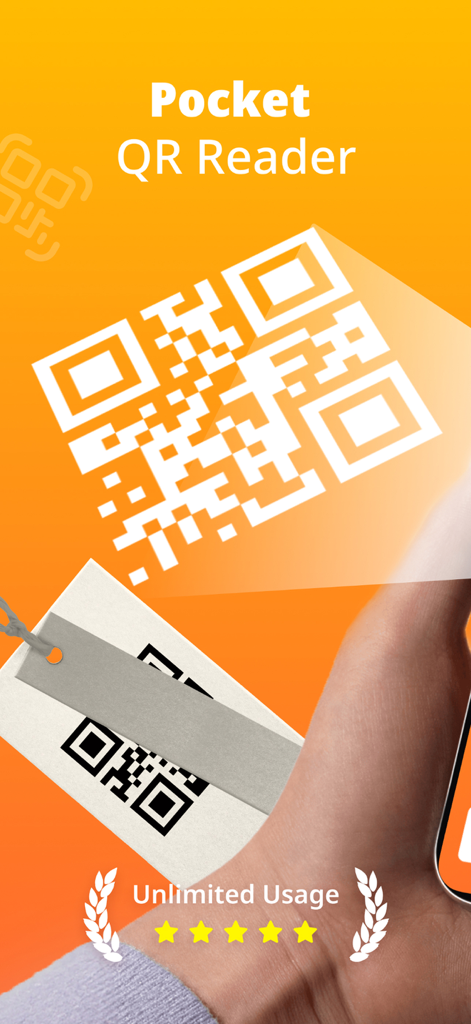
Pocket QR Reader app interface for unlimited scanning of QR codes and barcodes
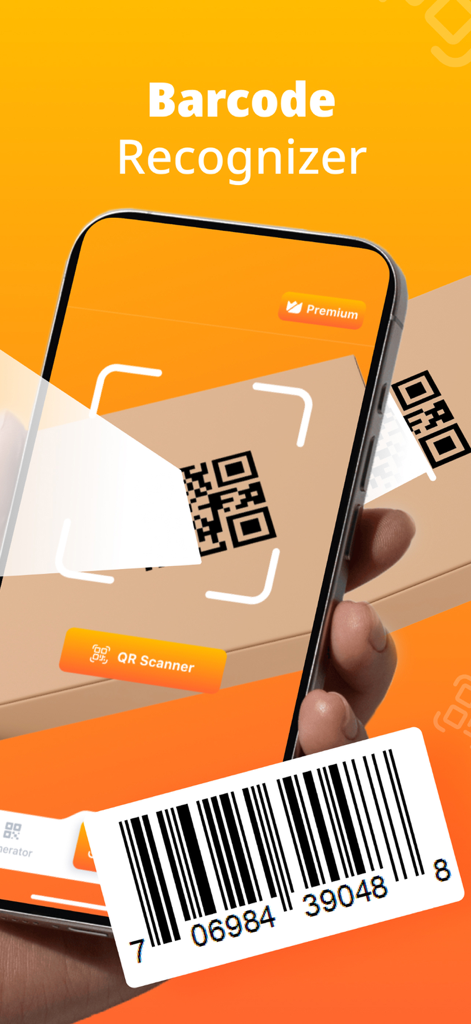
Pocket QR Code Reader app scanning a barcode and QR code on an orange background
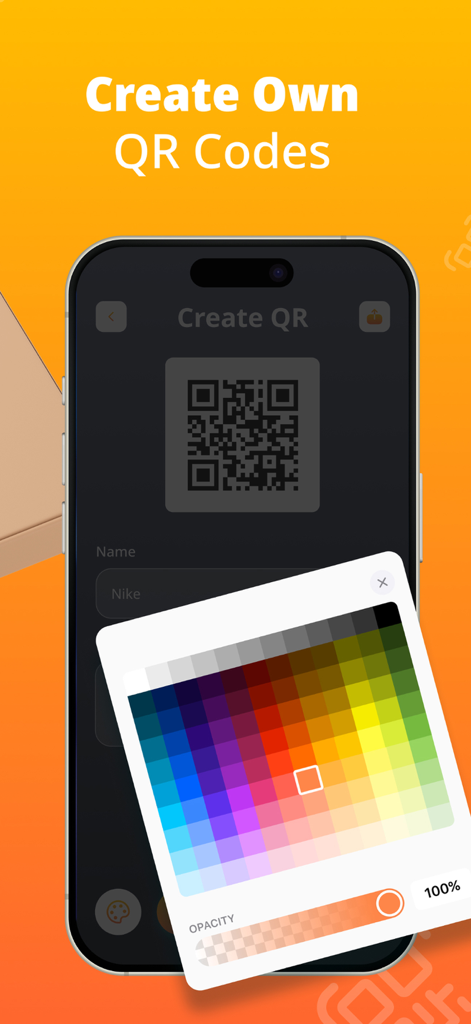
Mobile app interface showing a custom QR code generator with a color picker for personalization.
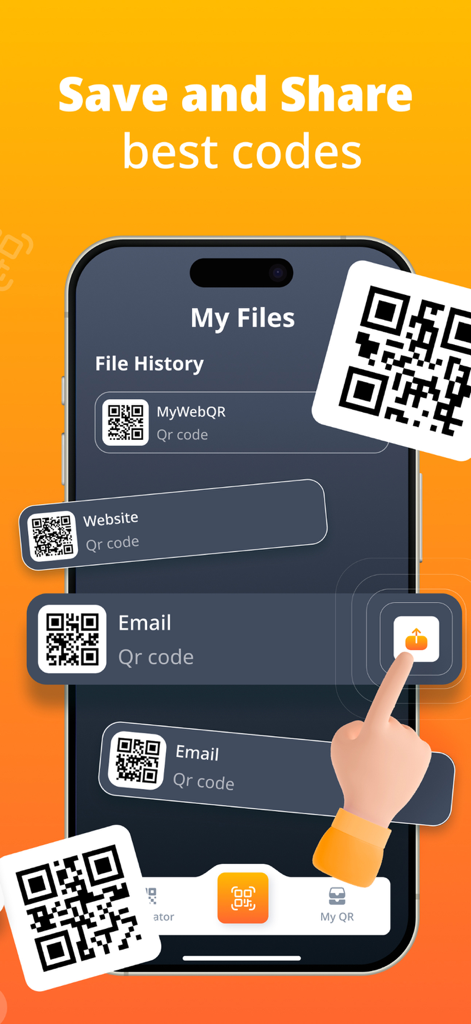
iPhone screen showing the file history of saved and shared QR codes in the Pocket QR Reader app
Description
Download
More Like This
Top-ranked apps in the same category

Google LLC

Google Chrome
Google LLC

中国移动(手机营业厅)
China Mobile Online Services Co., Ltd.

Google Authenticator
Google LLC

CNH do Brasil
Servicos e Informacoes do Brasil

Cleanup: Phone Storage Cleaner
DEEP FLOW SOFTWARE SERVICES - FZCO

gov.br
Servicos e Informacoes do Brasil

中国电信-全国统一官方服务平台
CHINA TELECOM Corporation Ltd.

Microsoft Edge: AI Browser
Microsoft Corporation
This page is not an official page of the app or its developer, but an independent editorial publication created for informational and commentary purposes. Unless expressly stated otherwise, neither the app nor its developer is affiliated with, endorsed by, sponsored by, authorized by, or otherwise officially connected with MWM, Apple, Google Play, the app publisher, or the app's developer, and nothing on this page implies that the app was developed using MWM's services. Any trademarks, logos, screenshots, and other content remain the property of their respective owners.