
This page is not an official page of the app or its developer, but an independent editorial publication created for informational and commentary purposes. Unless expressly stated otherwise, neither the app nor its developer is affiliated with, endorsed by, sponsored by, authorized by, or otherwise officially connected with MWM, Apple, Google Play, the app publisher, or the app's developer, and nothing on this page implies that the app was developed using MWM's services. Any trademarks, logos, screenshots, and other content remain the property of their respective owners.


Pomodoro Daily
The minimalist companion for deep work. Stay productive, avoid burnout, and crush your daily tasks with the proven power of the Pomodoro technique.
Downloads
0User Rating
Total Ratings
0Publisher
Category
ProductivityLocales
1Latest Version
2.6.2Size
25.8 MBFirst Released
Nov 15, 2020Master the Art of Deep Work
Achieve more without the burnout. Pomodoro Daily simplifies time management so you can reclaim your focus and hit your goals faster.
Frictionless Focus
Eliminate decision fatigue with a minimalist interface designed to get you into flow state instantly.
Visualize Your Success
Turn your tasks into tangible progress with daily checkmarks and habit-building streaks.
The following screenshots and description are sourced directly from the app's official store listing and are the property of the app developer.
App Store
Screenshots
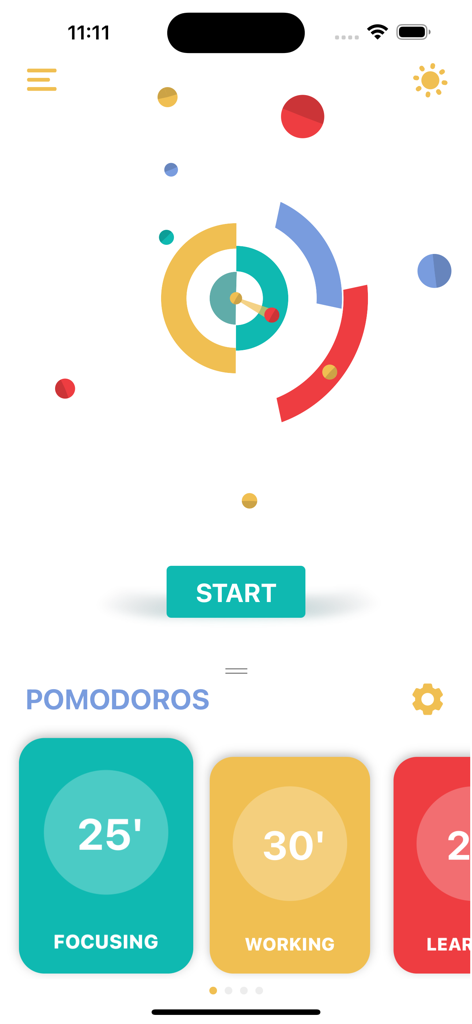
Pomodoro Daily app home screen featuring a minimalist circular focus timer and various task duration presets.
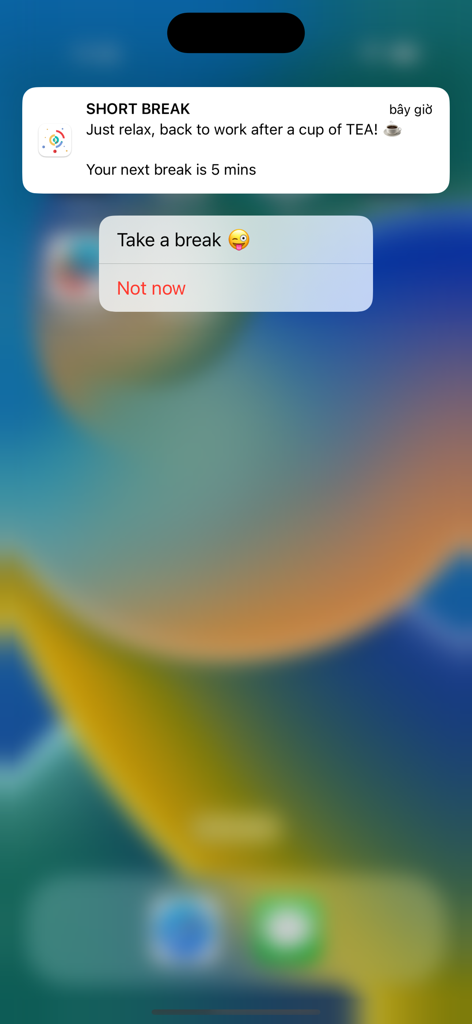
Pomodoro Daily app short break notification on iPhone screen with a reminder to relax and take a break.
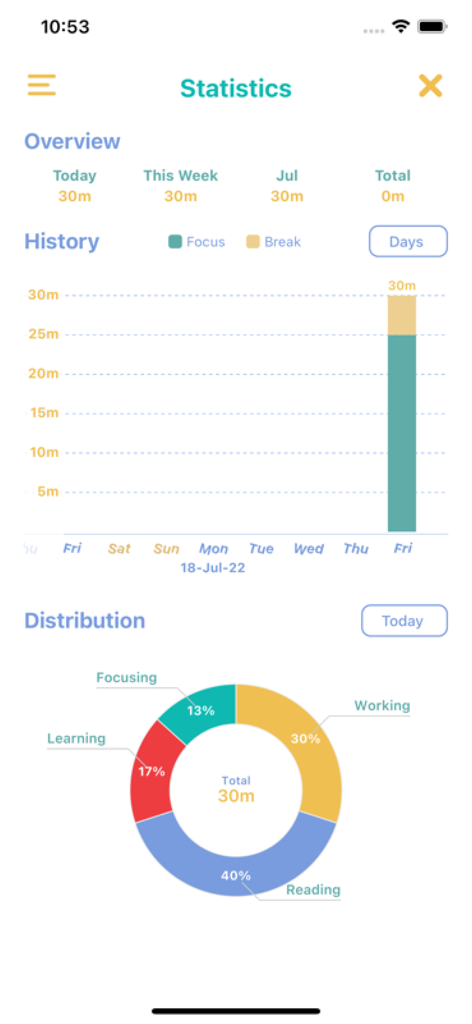
A minimalist dashboard showing productivity statistics including focus history and task distribution charts.
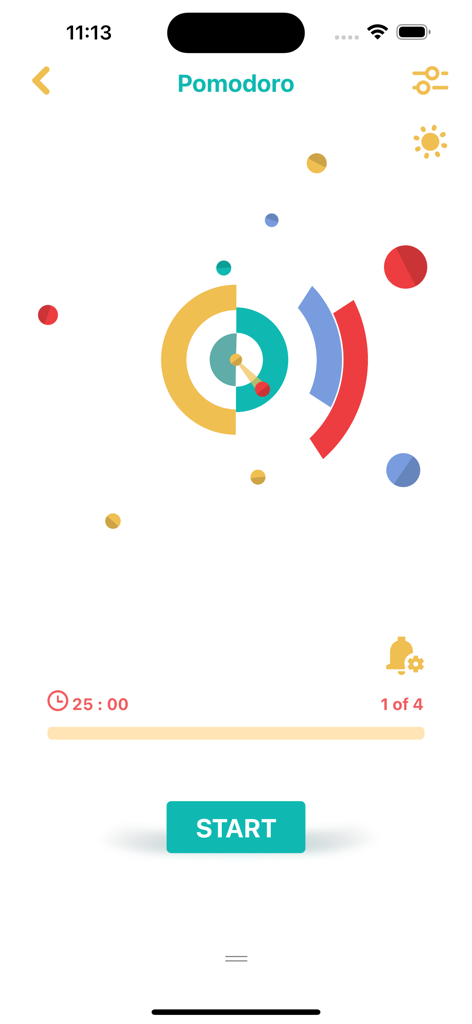
A minimalist Pomodoro Daily app interface showing a 25 minute focus timer with colorful abstract shapes and a teal start button
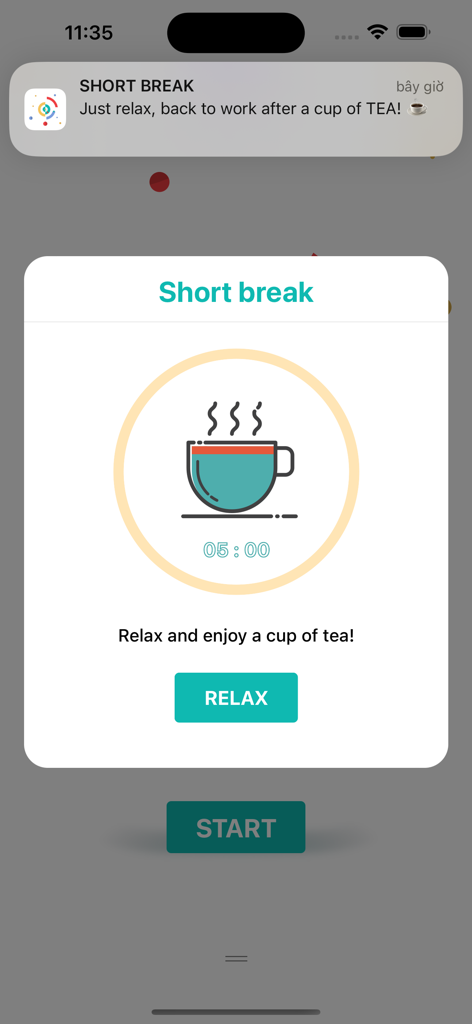
Pomodoro Daily app short break screen featuring a 5 minute timer and a steaming tea cup icon
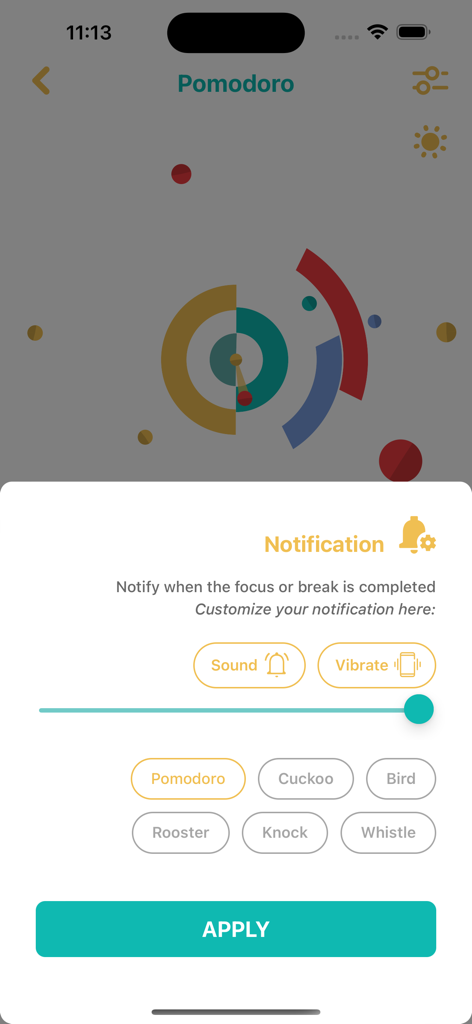
Customization menu for focus and break notifications in the Pomodoro Daily app showing sound and vibration options
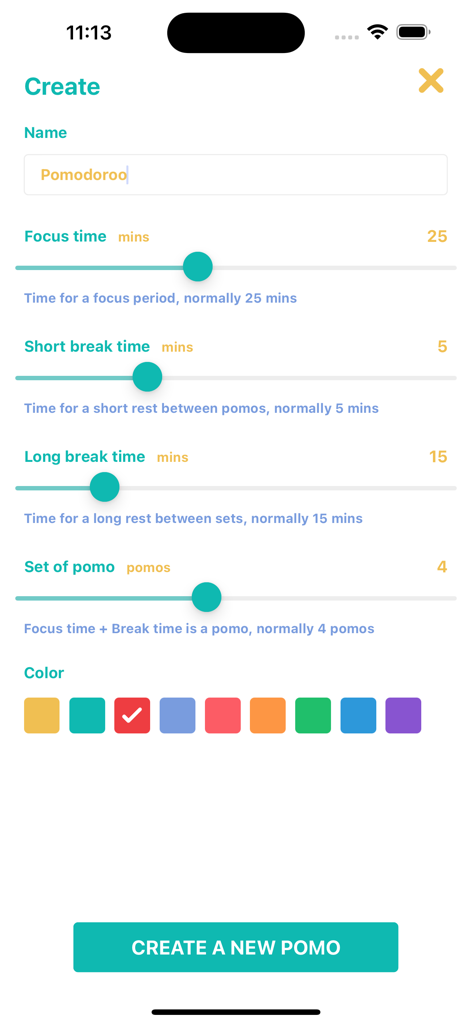
A screen for creating a new focus task with sliders for focus and break times
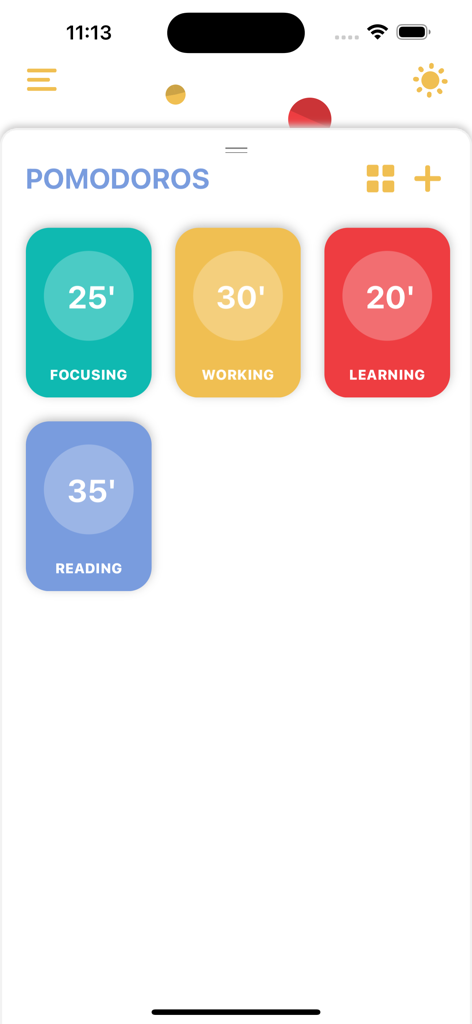
Pomodoro Daily app interface showing colorful timer presets for focusing, working, learning, and reading tasks.
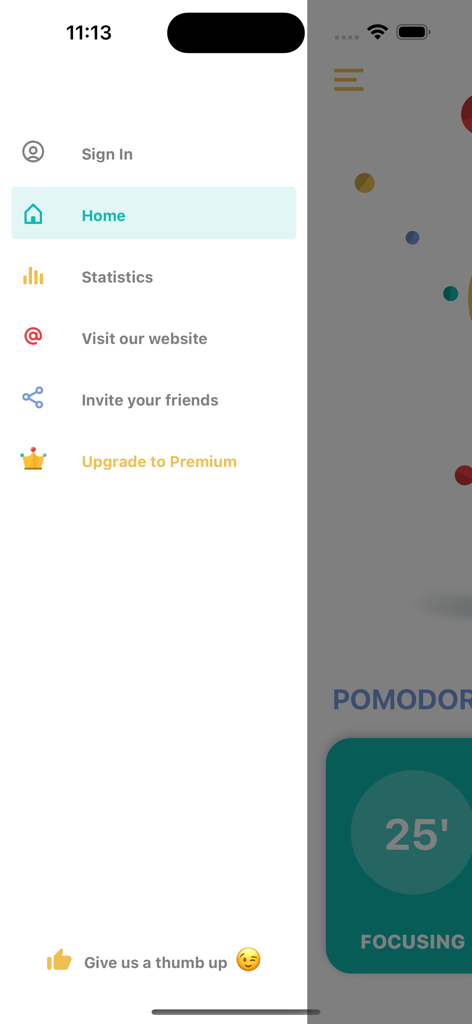
Side navigation menu of the Pomodoro Daily productivity app showing home, statistics, and premium upgrade options.
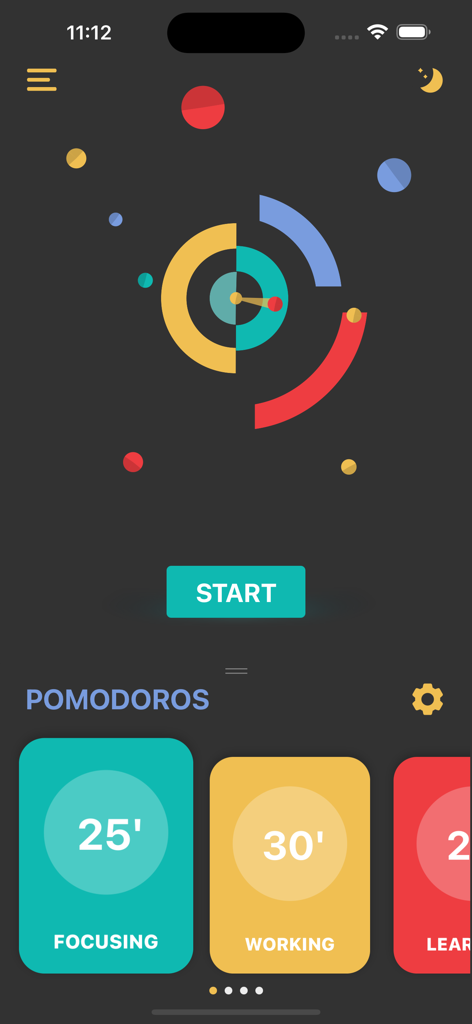
Main interface of the Pomodoro Daily app showing a minimalist timer and session presets for focusing and working
Description
Download
More Like This
Top-ranked apps in the same category

ChatGPT
OpenAI OpCo, LLC

Google Gemini
Google LLC

Claude by Anthropic
Anthropic PBC

Gmail - Email by Google
Google LLC

千问 - 阿里最强大模型官方AI助手
Shanghai Zhixin Puhui Technology Co., Ltd.

Grok - AI Chat & Video
X.AI Corporation

Google Drive
Google LLC

Microsoft Authenticator
Microsoft Corporation

Google Sheets
Google LLC
This page is not an official page of the app or its developer, but an independent editorial publication created for informational and commentary purposes. Unless expressly stated otherwise, neither the app nor its developer is affiliated with, endorsed by, sponsored by, authorized by, or otherwise officially connected with MWM, Apple, Google Play, the app publisher, or the app's developer, and nothing on this page implies that the app was developed using MWM's services. Any trademarks, logos, screenshots, and other content remain the property of their respective owners.