
This page is not an official page of the app or its developer, but an independent editorial publication created for informational and commentary purposes. Unless expressly stated otherwise, neither the app nor its developer is affiliated with, endorsed by, sponsored by, authorized by, or otherwise officially connected with MWM, Apple, Google Play, the app publisher, or the app's developer, and nothing on this page implies that the app was developed using MWM's services. Any trademarks, logos, screenshots, and other content remain the property of their respective owners.

Pop Out Timer Stopwatch Clock
Keep a floating timer, stopwatch, or Pomodoro window always on screen. Perfect for staying focused during study sessions, tracking HIIT workouts, or timing presentations without ever leaving your main app.
Downloads
25K+User Rating
Total Ratings
200Publisher
Category
UtilitiesLocales
30Latest Version
5.0.6Size
22.6 MBFirst Released
Apr 30, 2018Master Every Minute, In Every App
Stop switching screens to check the clock. Our floating Picture-in-Picture timer keeps your schedule front and center so you can maintain your flow and maximize productivity.
Seamless Multitasking
Keep your timer visible on top of any app. Perfect for tracking presentation length, workout intervals, or study sessions without ever leaving your main workspace.
Pomodoro Focus Mode
Boost your deep work efficiency with built-in Pomodoro cycles. Visualize your remaining focus time to stay disciplined during intense academic or professional tasks.
The following screenshots and description are sourced directly from the app's official store listing and are the property of the app developer.
App Store
Screenshots
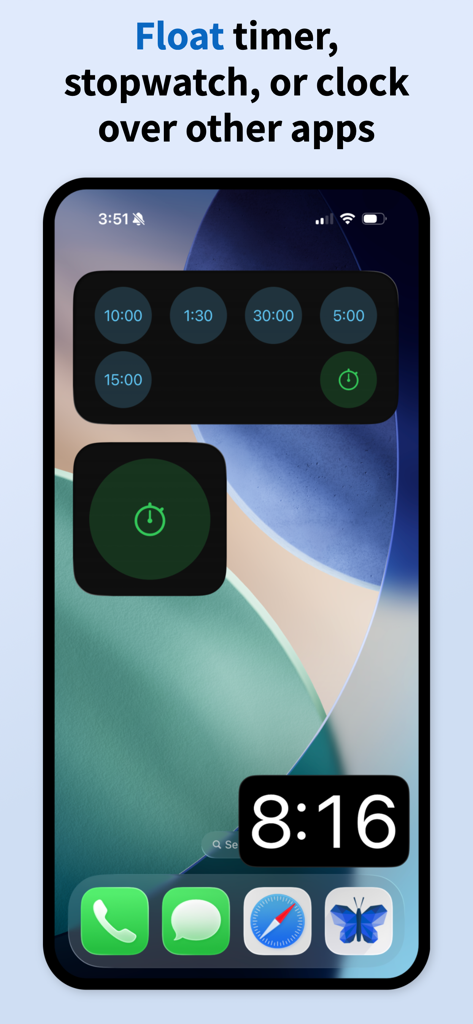
iPhone home screen displaying a floating digital clock and various timer widgets
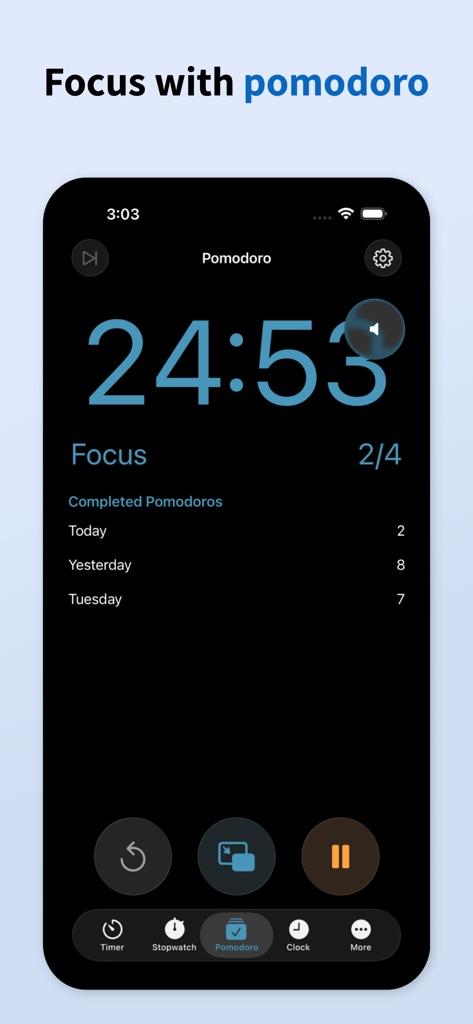
Pomodoro focus timer screen in the Pop Out Timer app showing time remaining and daily progress
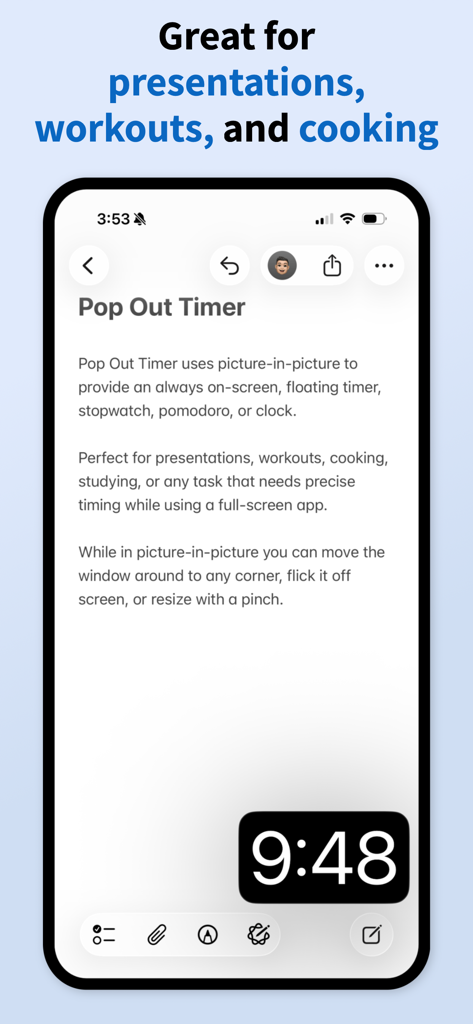
An iPhone screen showing a floating picture-in-picture timer overlaying a productivity app.
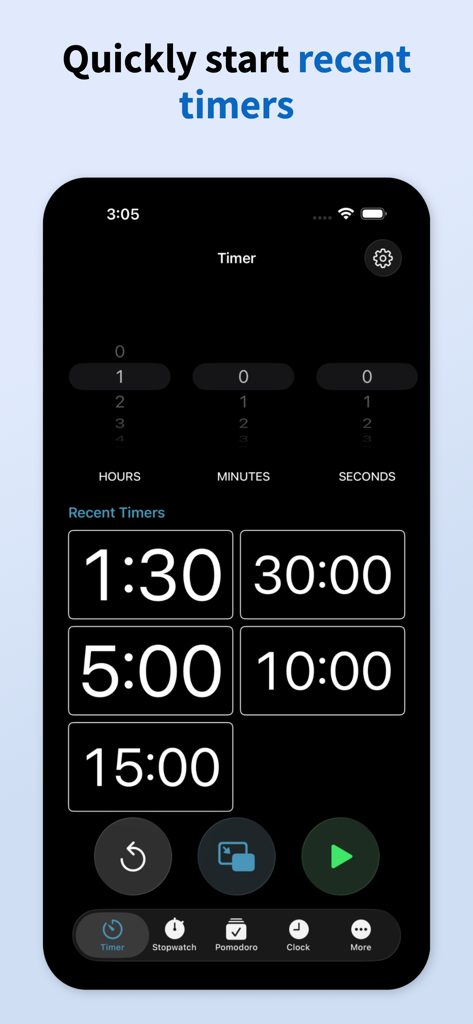
A mobile interface for the Pop Out Timer app highlighting recent timer presets
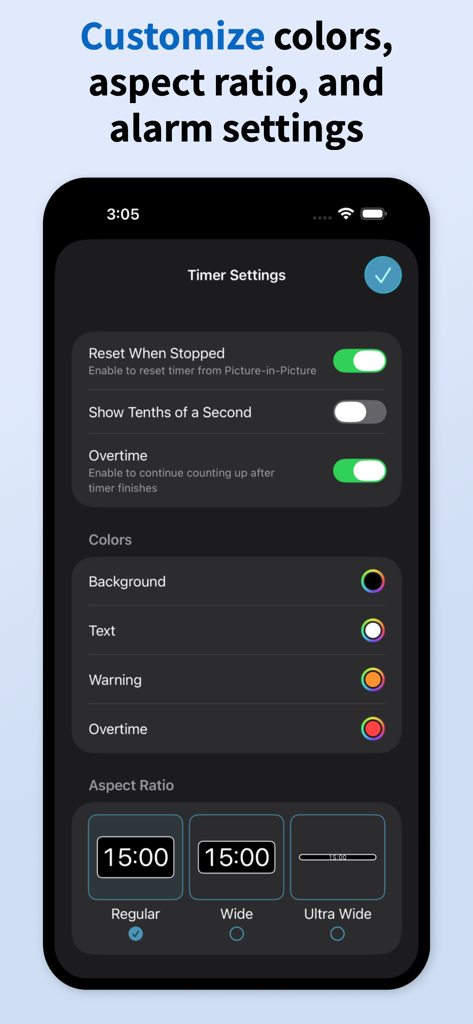
Pop Out Timer app settings for customizing colors and aspect ratio
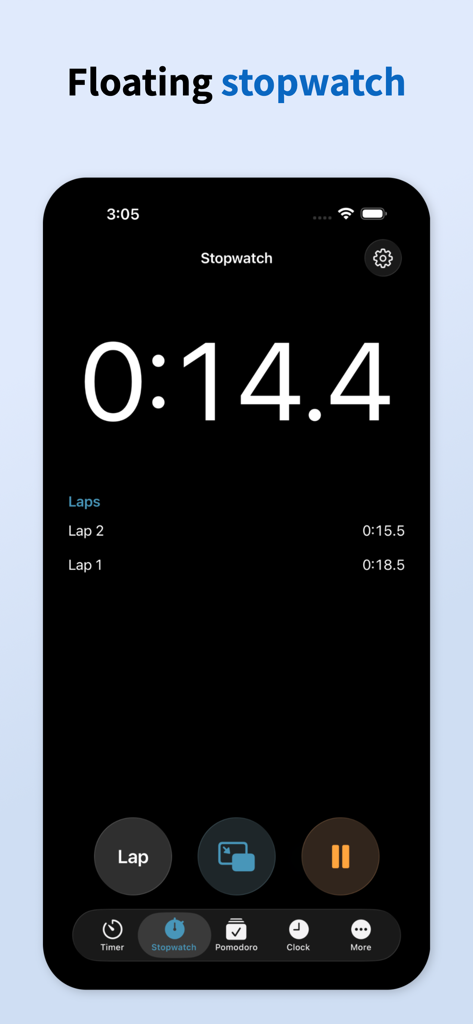
Floating stopwatch interface of the Pop Out Timer app showing lap times
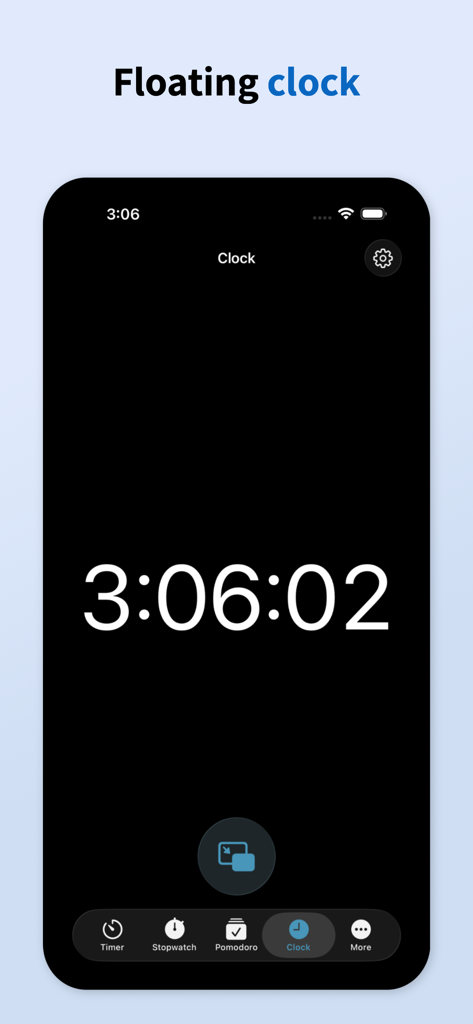
Screenshot showing the floating digital clock feature of the Pop Out Timer app on an iPhone
Description
Download
More Like This
Top-ranked apps in the same category

Google LLC

Google Chrome
Google LLC

中国移动(手机营业厅)
China Mobile Online Services Co., Ltd.

Google Authenticator
Google LLC

CNH do Brasil
Servicos e Informacoes do Brasil

Cleanup: Phone Storage Cleaner
DEEP FLOW SOFTWARE SERVICES - FZCO

gov.br
Servicos e Informacoes do Brasil

中国电信-全国统一官方服务平台
CHINA TELECOM Corporation Ltd.

Microsoft Edge: AI Browser
Microsoft Corporation
This page is not an official page of the app or its developer, but an independent editorial publication created for informational and commentary purposes. Unless expressly stated otherwise, neither the app nor its developer is affiliated with, endorsed by, sponsored by, authorized by, or otherwise officially connected with MWM, Apple, Google Play, the app publisher, or the app's developer, and nothing on this page implies that the app was developed using MWM's services. Any trademarks, logos, screenshots, and other content remain the property of their respective owners.