
This page is not an official page of the app or its developer, but an independent editorial publication created for informational and commentary purposes. Unless expressly stated otherwise, neither the app nor its developer is affiliated with, endorsed by, sponsored by, authorized by, or otherwise officially connected with MWM, Apple, Google Play, the app publisher, or the app's developer, and nothing on this page implies that the app was developed using MWM's services. Any trademarks, logos, screenshots, and other content remain the property of their respective owners.


PostgreSQL Client
Connect directly and securely to your PostgreSQL databases with no server setup. Leverage AI-assisted SQL, SSH tunneling, and advanced analytics on your iPhone or iPad to manage your infrastructure from anywhere.
Downloads
62K+User Rating
Total Ratings
0Publisher
Category
Developer ToolsLocales
1Latest Version
44.0Size
94.9 MBFirst Released
May 16, 2017Professional PostgreSQL Tools in Your Pocket
Stop compromising on your mobile workflow. DB Compass brings a full-featured, secure, and AI-enhanced database environment to your iOS devices without any middleman servers.
AI-Assisted Querying
Harness OpenAI or your local Ollama server to write complex SQL, analyze query plans, and optimize performance in seconds.
Zero-Trust Security
Secure your connections with SSH tunnels, TLS encryption, and hardware keys like U2F/FIDO—keeping your enterprise data private and protected.
The following screenshots and description are sourced directly from the app's official store listing and are the property of the app developer.
App Store
Screenshots
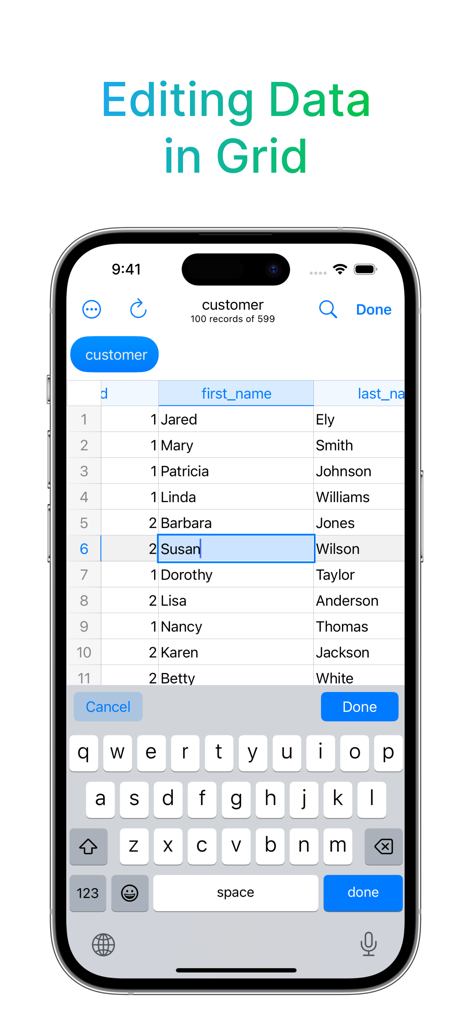
PostgreSQL Client app interface showing data grid editing on iPhone
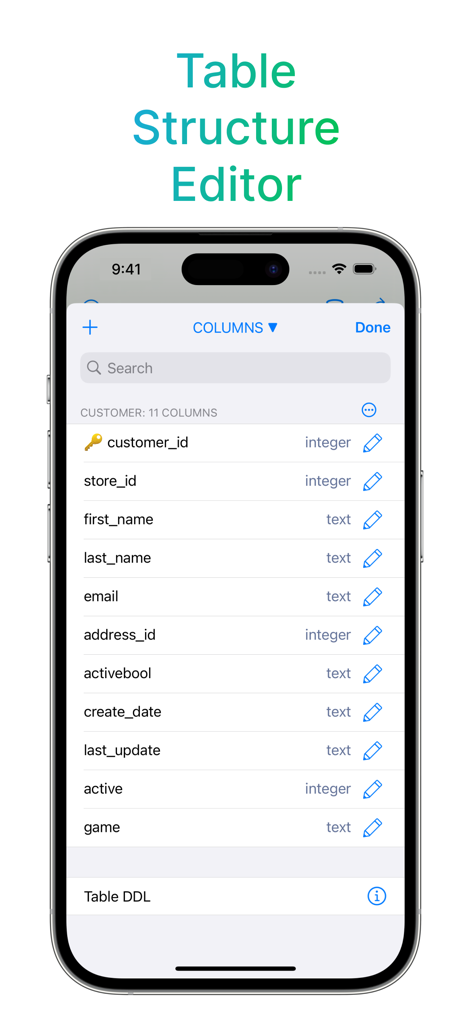
PostgreSQL database table structure editor showing column names and data types on a mobile interface
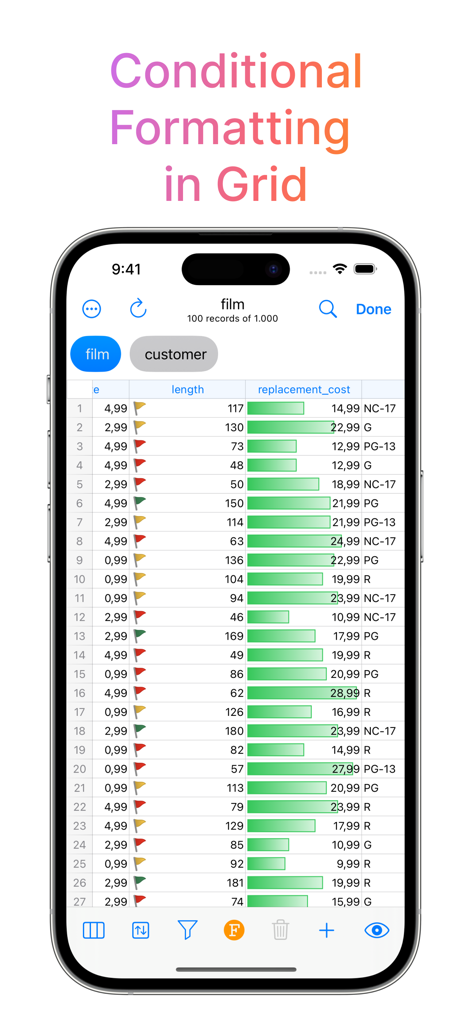
PostgreSQL database grid showing conditional formatting with status flags and visual progress bars
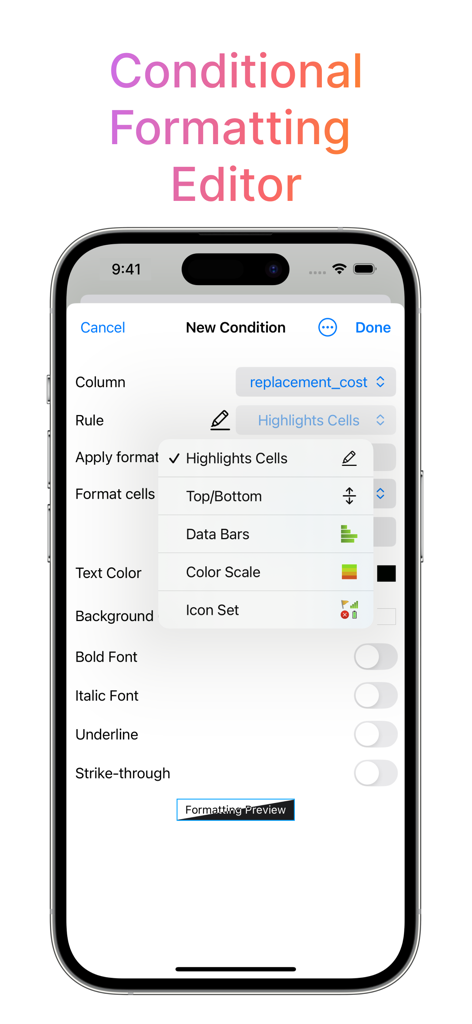
A screenshot of the Conditional Formatting Editor in the DB Compass for PostgreSQL mobile app showing data visualization rules like color scales and data bars.
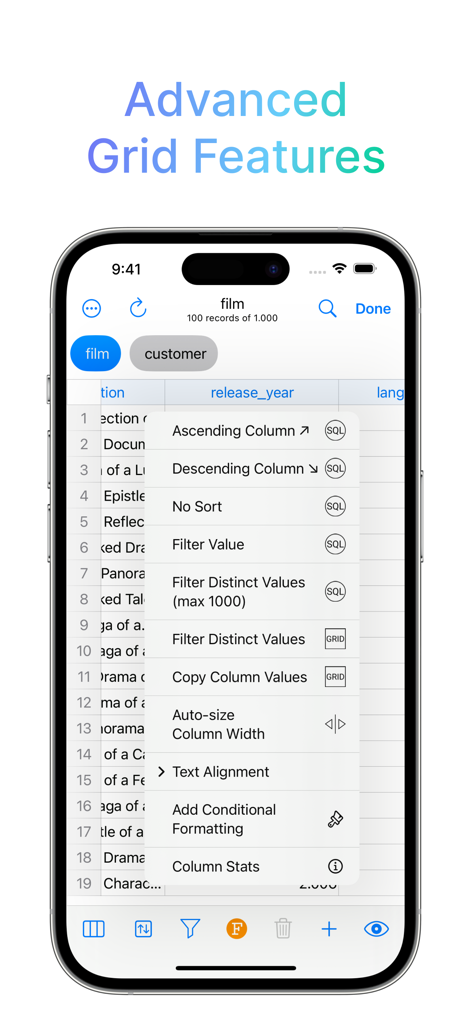
PostgreSQL Client app showing advanced grid features menu with sorting and filtering options
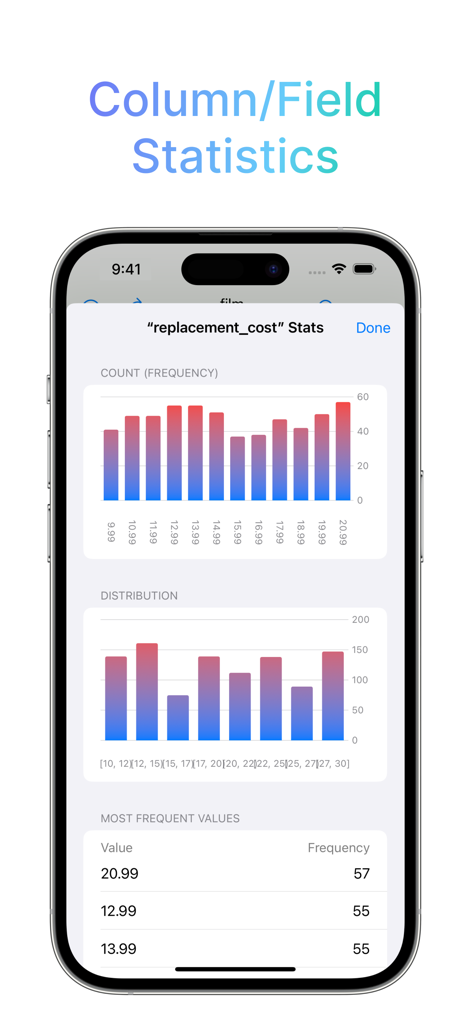
PostgreSQL database field statistics showing frequency and distribution charts
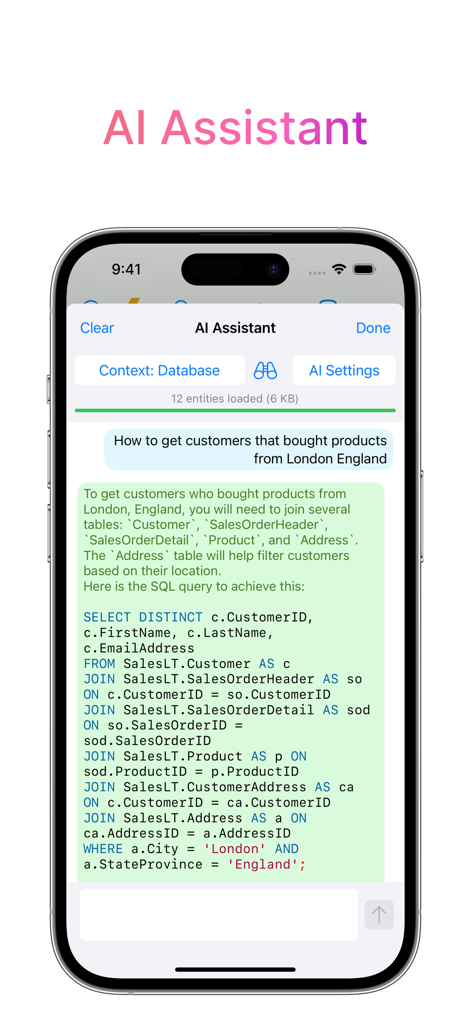
AI Assistant feature in the PostgreSQL Client app generating an SQL query from a natural language prompt
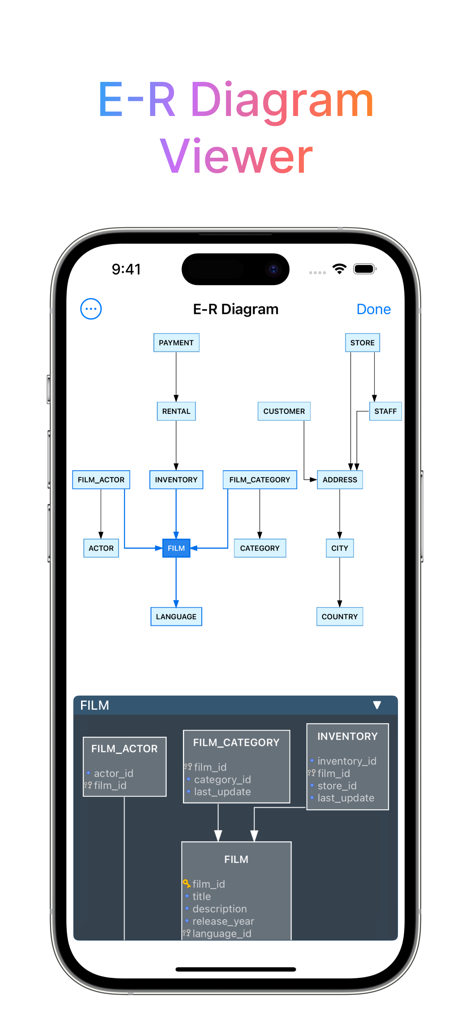
ER Diagram Viewer in DB Compass for PostgreSQL showing database schema relationships on an iPhone
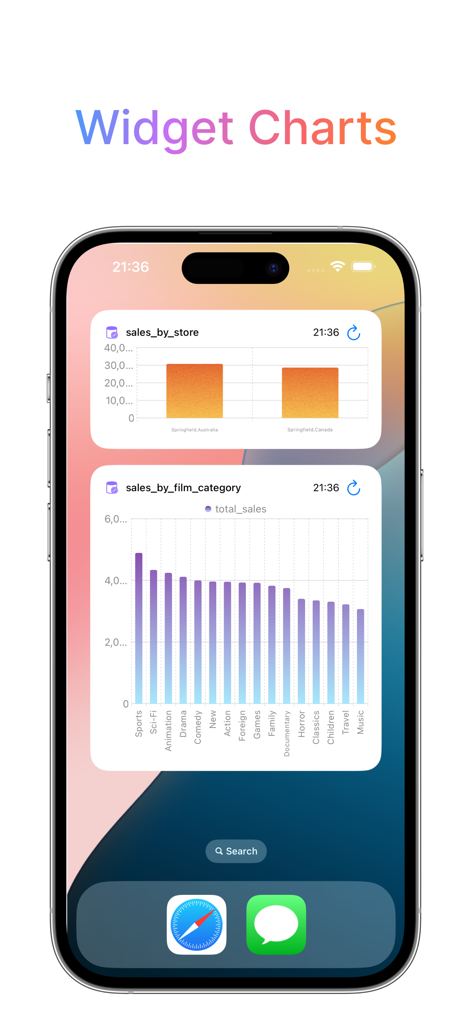
iOS widgets displaying database sales charts from DB Compass for PostgreSQL
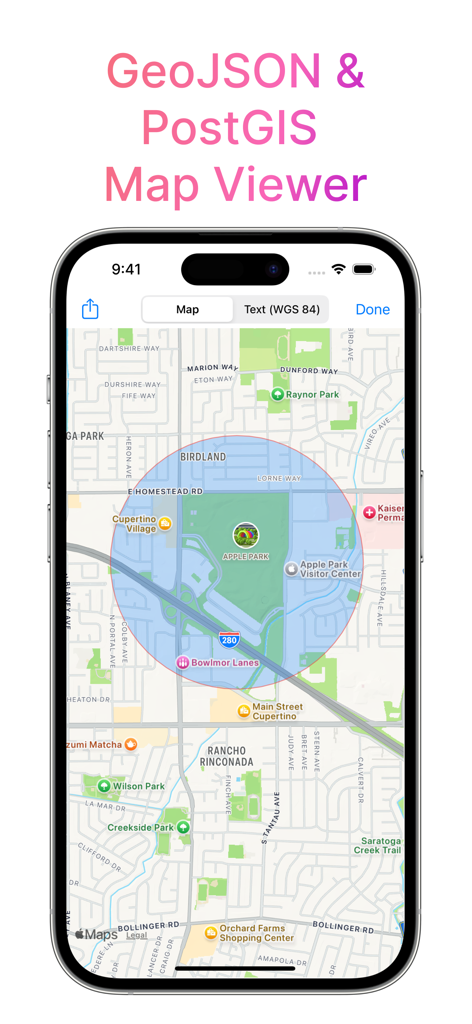
PostgreSQL client interface showing PostGIS and GeoJSON map data viewer on an iPhone.
Description
Download
More Like This
Top-ranked apps in the same category

TestFlight
Apple Inc.

Replit: Vibe Code Apps
Replit, Inc

GitHub
GitHub

O-KAM Pro
Shenzhen VeePai IoT Intelligent Technology LLC

Apple Developer
Apple Inc.

Expo Go
650 Industries, Inc.

Scriptable
Simon Stovring

App Store Connect
Apple Inc.

Sekai: Create · Remix · Play
Versa AI, Inc.
This page is not an official page of the app or its developer, but an independent editorial publication created for informational and commentary purposes. Unless expressly stated otherwise, neither the app nor its developer is affiliated with, endorsed by, sponsored by, authorized by, or otherwise officially connected with MWM, Apple, Google Play, the app publisher, or the app's developer, and nothing on this page implies that the app was developed using MWM's services. Any trademarks, logos, screenshots, and other content remain the property of their respective owners.