
Printer App: Print & Scan PDF

Turn your iPhone or iPad into a powerful mobile office. Scan, edit, and print documents or photos instantly to over 5,000 AirPrint printers—no PC required.
Publisher
Category
BusinessDownloads
3M+User Rating
Total Ratings
34K+Locales
33Discover the interface used by 3M+ users.
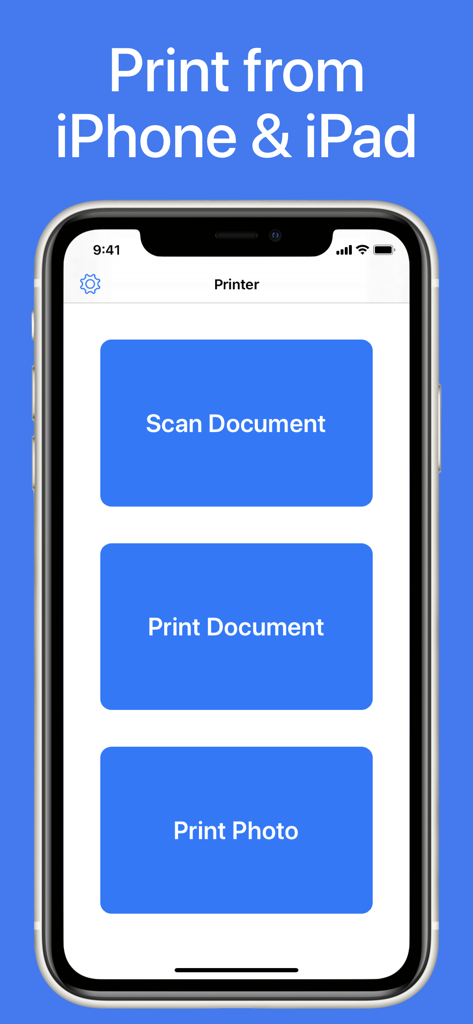
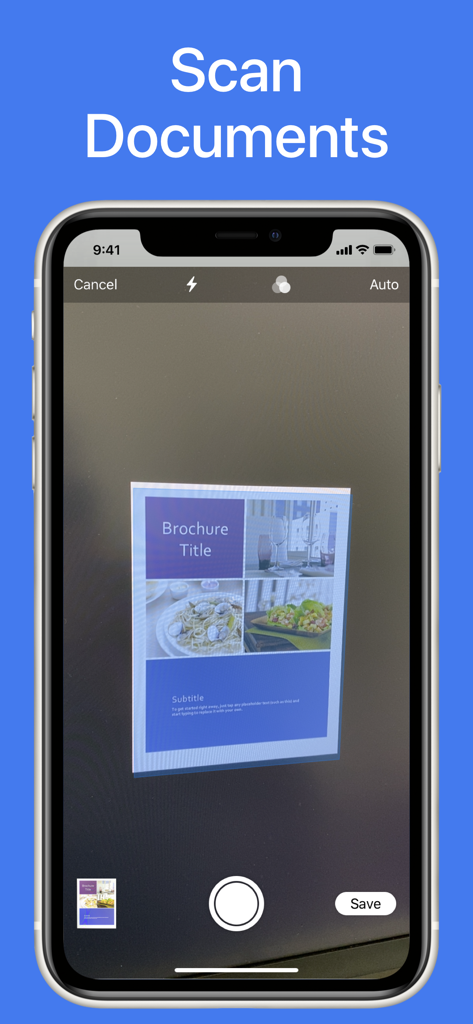
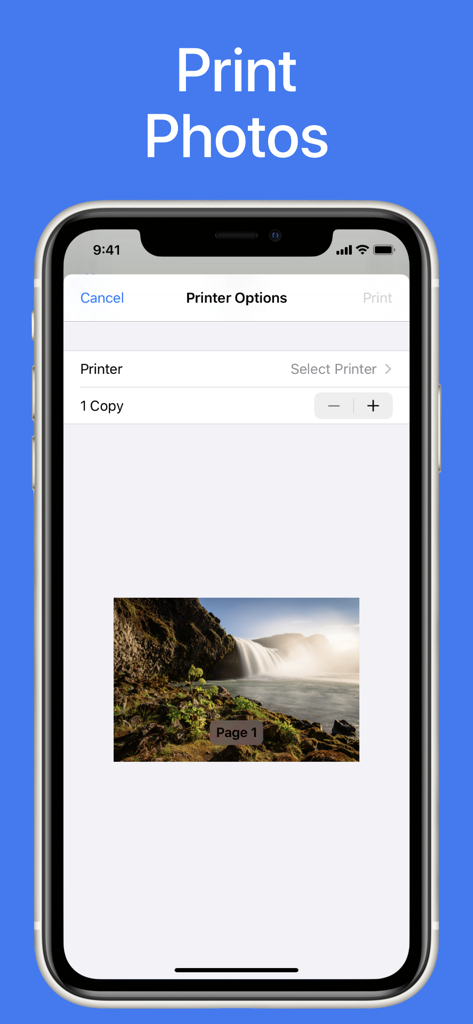
The tools that make this app stand out, trusted by 3M+ users.
Connect instantly to over 5,000 AirPrint models including HP, Canon, Epson, and Brother without installing complex drivers.
Transform your iPhone into a portable office. Scan contracts, IDs, or receipts and convert them to print-ready PDFs in seconds.
Print everything from professional Word and Excel files to high-resolution Photoshop designs and cloud-stored documents effortlessly.
Insights from user reviews.
Sentiment Score
Summary
This mobile printing app receives overwhelmingly negative feedback, largely due to its unexpected subscription model and hidden costs, which many users perceive as a 'scam'. Users frequently report significant issues with printing functionality, such as difficulty connecting to printers, devices staying offline, and a lack of customisation options like paper size control or accurate scaling. While a few users praise its scanning capabilities and general ease of use for that feature, the app is often deemed useless or redundant, particularly by those who can already use AirPrint or find it interferes with existing printing methods.
Common Themes
Everything you need to know about Printer App: Print & Scan PDF.
Description
Latest Version
2.8.4
Size
10.8 MB
First Released
Mar 26, 2020
Join over 3 million professionals who have simplified their workflow. Scan, edit, and print to over 5,000 printer models—no computer required.
Everything you need to know about Printer App: Print & Scan PDF
The Printer App: Print & Scan PDF enables users to print documents and photos easily from iPhone or iPad. It also features an integrated scanner to digitize documents or images.
Yes, Printer App: Print & Scan PDF includes an integrated scanner. Users can capture documents or photos with their device's camera and proceed to print the scanned items directly.
Printer App: Print & Scan PDF supports printing various file types. These include PDF, Word DOC, Excel XLS, PowerPoint PPT, Photoshop PSD, JPEG, PNG, BMP, TIFF, and GIF formats.
The Printer App: Print & Scan PDF is compatible with over 5000 printer models. Supported brands include Brother, Canon, Dell, Epson, HP, Kyocera, Lexmark, Panasonic, Samsung, and Xerox.
Yes, users print photos from their iPhone or iPad using Printer App: Print & Scan PDF. They select the desired photo, choose a printer, and send the print job directly from the app.
Apps with similar features and user experience

Jeremiah Lachica

Ivan Spyrydonov

HP Inc.

Canon Inc.

Seiko Epson Corporation

Brother Industries, LTD.

Seiko Epson Corporation

Netpeak EOOD

AppFusion OU
App information, icons, screenshots, and descriptions displayed on this page are sourced from the Apple App Store and are the property of their respective developers. Download estimates and rankings are based on MWM's proprietary models and may not reflect actual figures. This page is provided for informational and analytical purposes only.
Believe this page infringes your intellectual property? File a dispute