
This page is not an official page of the app or its developer, but an independent editorial publication created for informational and commentary purposes. Unless expressly stated otherwise, neither the app nor its developer is affiliated with, endorsed by, sponsored by, authorized by, or otherwise officially connected with MWM, Apple, Google Play, the app publisher, or the app's developer, and nothing on this page implies that the app was developed using MWM's services. Any trademarks, logos, screenshots, and other content remain the property of their respective owners.


Private Browser Fast, eBrowser
Secure your digital life with native incognito browsing and a powerhouse file manager. Download media, unzip RAR files, and manage documents in one secure, password-protected utility.
Downloads
200User Rating
Total Ratings
0Publisher
Category
UtilitiesLocales
6Latest Version
1.0.10Size
94.7 MBFirst Released
Feb 18, 2023Privacy Meets Professional Power
eBrowser is the ultimate all-in-one utility for users who demand absolute privacy, high-speed downloads, and advanced file management on their mobile devices.
Permanent Incognito Mode
Browse without a footprint. Your cookies, sessions, and history are automatically wiped the moment you exit, ensuring your digital life remains strictly private.
Pro-Grade File Management
Turn your iPhone into a desktop. Extract RAR and Zip archives, organize folders, and view any document or media file directly within the app.
Frequently Asked Questions
Everything you need to know about Private Browser Fast, eBrowser
Is eBrowser a private browser?
Yes, eBrowser operates in a permanent private mode, automatically deleting all cookies and session data when the application closes. It does not save browsing history by default.
Which search engines does eBrowser support?
eBrowser provides configurable search engine options including Bing, Google, and Yahoo. Users can select their preferred search engine within the app's settings.
Does Private Browser Fast (eBrowser) have tabbed browsing?
Yes, eBrowser supports tabbed browsing, allowing users to quickly switch between multiple open web pages within a single session for efficient navigation.
Can I download files with the eBrowser app?
Yes, eBrowser includes a download manager that allows users to download files, images, and videos. It supports pausing, resuming, and canceling downloads, with a progress bar.
Does eBrowser include a file manager?
Yes, eBrowser features a comprehensive file manager. It supports creating, moving, copying, and renaming files and folders, and can view various document types.
Can eBrowser play audio and video files?
Yes, eBrowser can play audio and video files. It includes a complete audio player with playlist functionality and an mp4 video player within its file manager.
Does Private Browser Fast (eBrowser) allow users to unzip files?
Yes, eBrowser supports unzipping compressed files. It can extract RAR and ZIP files, including those that are password protected.
How can I transfer files to or from eBrowser?
Yes, eBrowser offers file transfer options including iTunes USB file sharing and Wi-Fi transfer from a computer, enabling convenient file management.
Can I change the User-Agent in eBrowser?
Yes, users can change the User-Agent in eBrowser. The app provides options to select different User-Agents such as Google Chrome, Safari, and Firefox.
Can I protect eBrowser with a password?
Yes, eBrowser allows users to set a password to restrict access to the application, enhancing security for private browsing activities.
The following screenshots and description are sourced directly from the app's official store listing and are the property of the app developer.
App Store
Screenshots
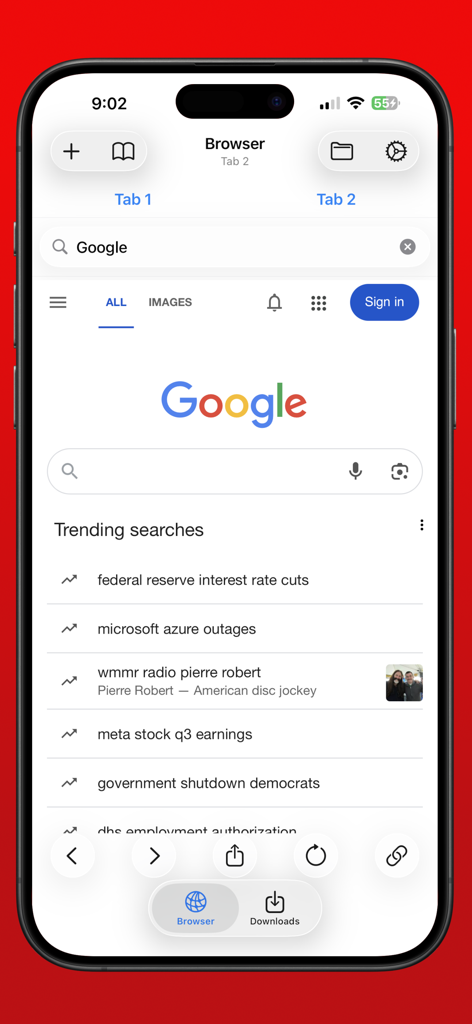
eBrowser mobile app interface showing permanent incognito search on iPhone
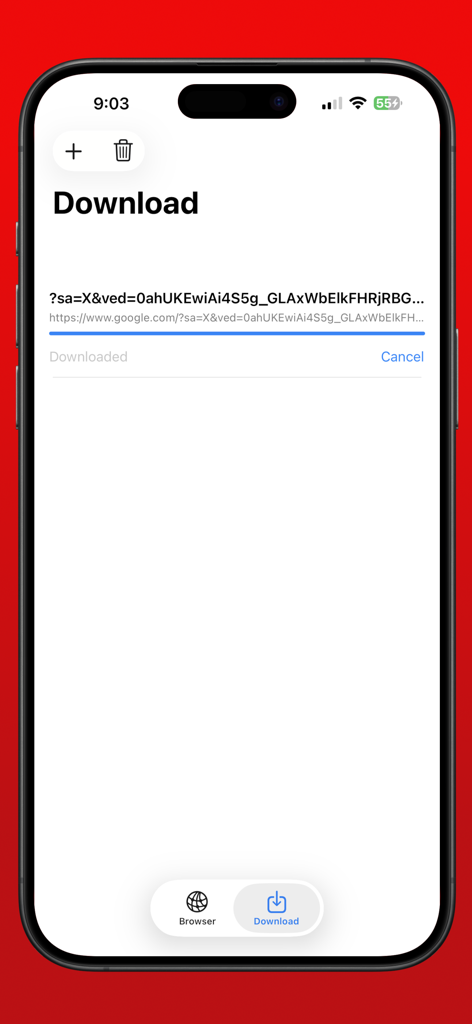
Interface of the eBrowser download manager showing a file download in progress on a mobile device.
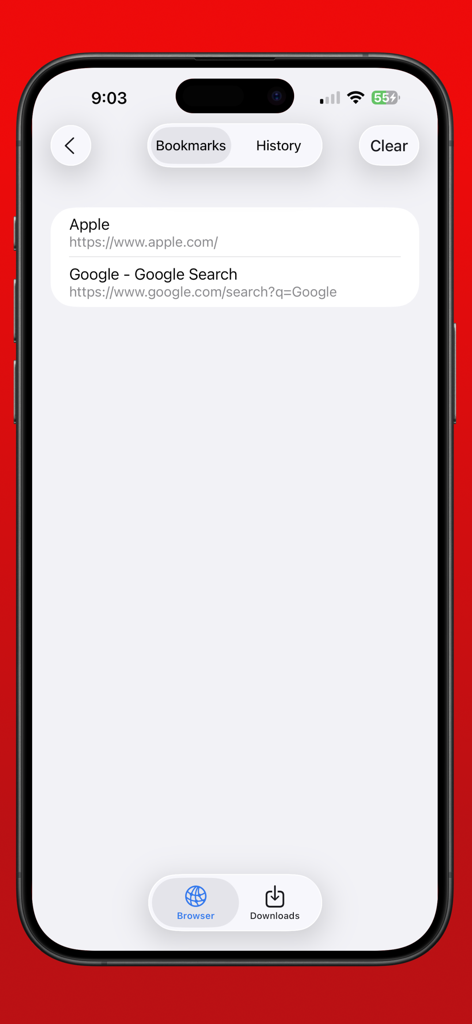
eBrowser private browser bookmarks list showing saved website links on iPhone
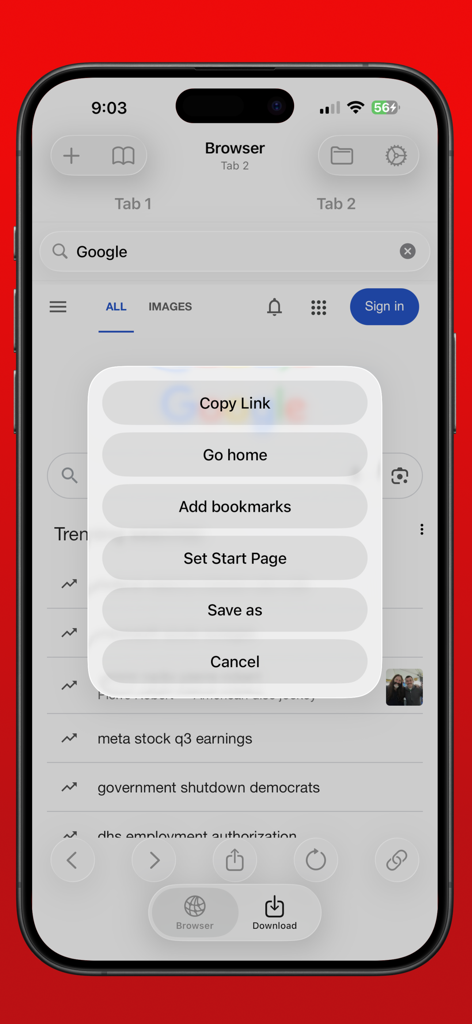
iPhone screen of eBrowser showing a menu with options like Copy Link and Save As.
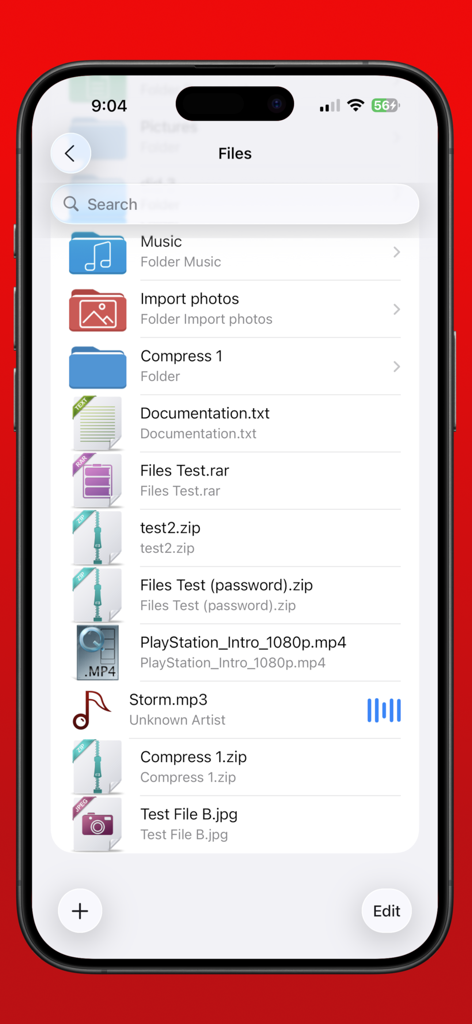
eBrowser file manager screen showing folders and downloaded files like mp4 music and zip archives
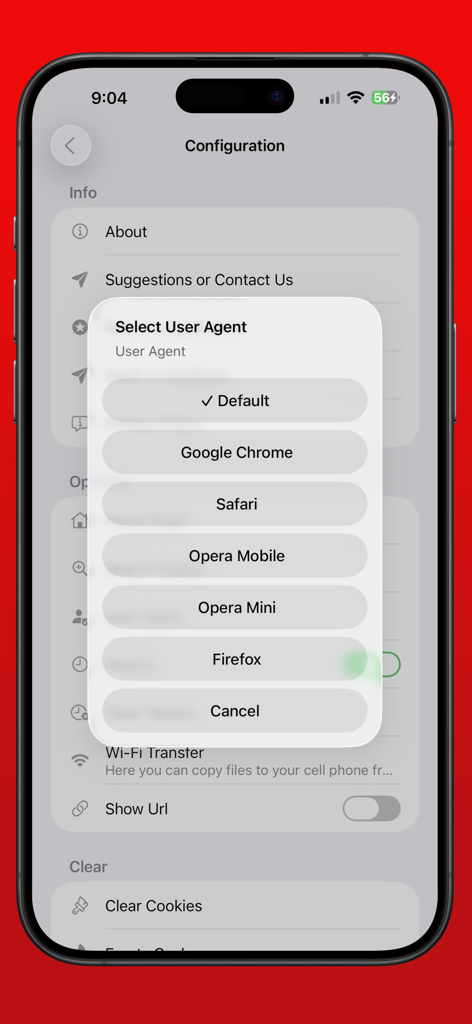
A menu in the eBrowser app for selecting a custom user agent from options like Chrome, Safari, and Firefox.
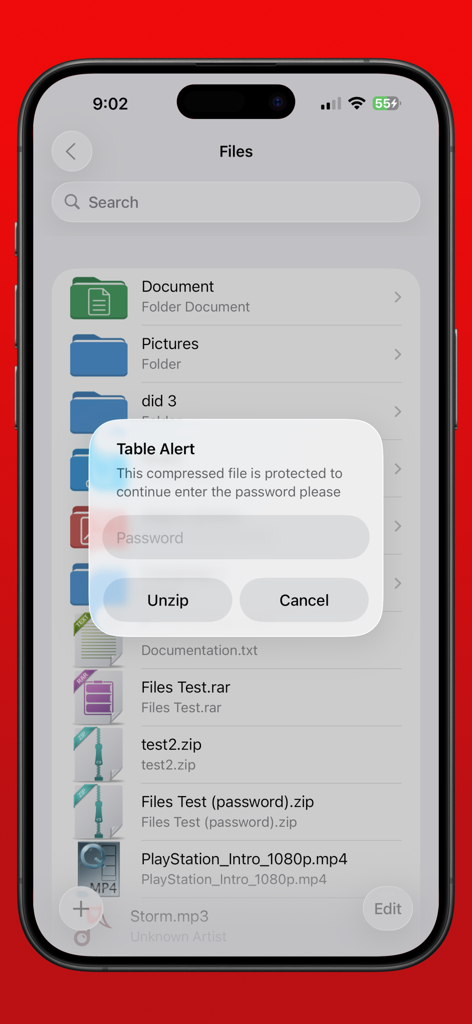
eBrowser file manager showing a password prompt for unzipping a compressed file on iPhone
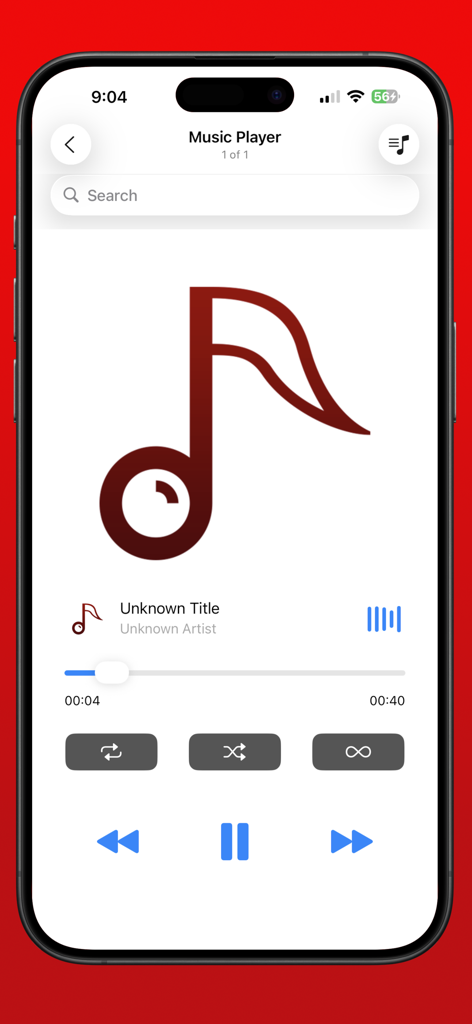
Music player interface within eBrowser app showing audio playback controls
Description
Download
More Like This
Top-ranked apps in the same category

Google LLC

Google Chrome
Google LLC

中国移动(手机营业厅)
China Mobile Online Services Co., Ltd.

Google Authenticator
Google LLC

CNH do Brasil
Servicos e Informacoes do Brasil

Cleanup: Phone Storage Cleaner
DEEP FLOW SOFTWARE SERVICES - FZCO

gov.br
Servicos e Informacoes do Brasil

中国电信-全国统一官方服务平台
CHINA TELECOM Corporation Ltd.

Microsoft Edge: AI Browser
Microsoft Corporation
This page is not an official page of the app or its developer, but an independent editorial publication created for informational and commentary purposes. Unless expressly stated otherwise, neither the app nor its developer is affiliated with, endorsed by, sponsored by, authorized by, or otherwise officially connected with MWM, Apple, Google Play, the app publisher, or the app's developer, and nothing on this page implies that the app was developed using MWM's services. Any trademarks, logos, screenshots, and other content remain the property of their respective owners.