
This page is not an official page of the app or its developer, but an independent editorial publication created for informational and commentary purposes. Unless expressly stated otherwise, neither the app nor its developer is affiliated with, endorsed by, sponsored by, authorized by, or otherwise officially connected with MWM, Apple, Google Play, the app publisher, or the app's developer, and nothing on this page implies that the app was developed using MWM's services. Any trademarks, logos, screenshots, and other content remain the property of their respective owners.


Private Photo Vault - Kakabox
Protect your privacy with quantum-resistant encryption, biometric locks, and decoy passwords. Optimize your device with 50% storage compression and sync seamlessly across your iPhone, iPad, and Mac.
Downloads
5K+User Rating
Total Ratings
300Publisher
Category
Photo & VideoLocales
34Latest Version
2.0.2Size
59.4 MBFirst Released
Mar 14, 2024The Gold Standard in Digital Privacy
Keep your personal media safe with elite encryption, decoy disguises, and smart space-saving technology designed for your Apple lifestyle.
Social Stealth Mode
Use decoy passwords and fake application icons to create a secondary 'safe' gallery, keeping your real vault hidden from prying eyes.
Smart Storage Savings
Free up your iPhone with advanced compression that shrinks photo and video sizes by 50% without sacrificing an ounce of quality.
The following screenshots and description are sourced directly from the app's official store listing and are the property of the app developer.
App Store
Screenshots
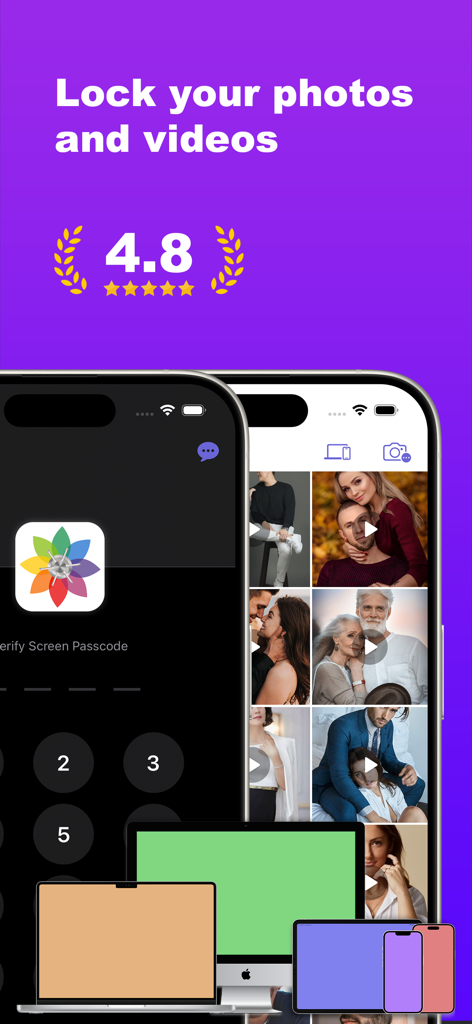
Kakabox app interface showing photo locking and cross-device synchronization across iPhone Mac and iPad.
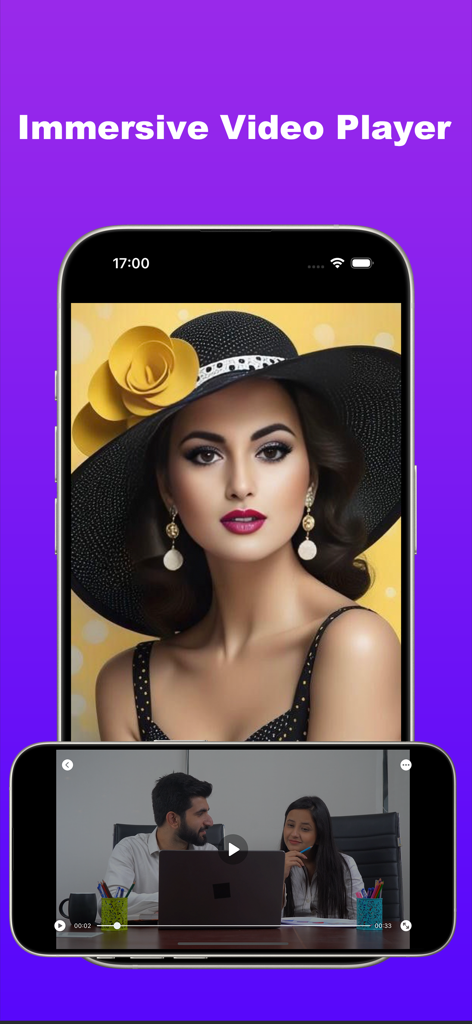
Smartphone screens showing the immersive video and photo player features of the Kakabox private vault app

Private browser interface within the Kakabox app showing Google search and bookmarked sites

Interface showing private cloud vault sync and security settings
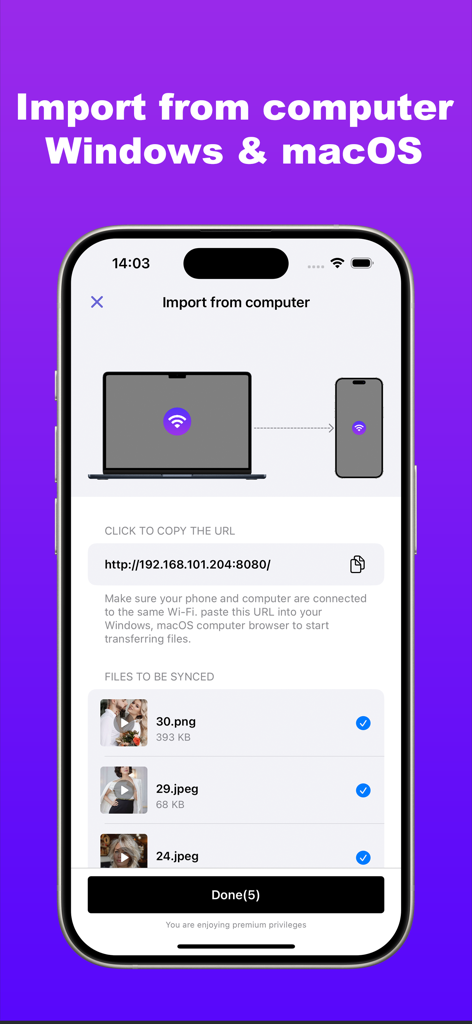
Kakabox app interface showing the wireless Wi-Fi transfer feature to import photos and videos from a computer.
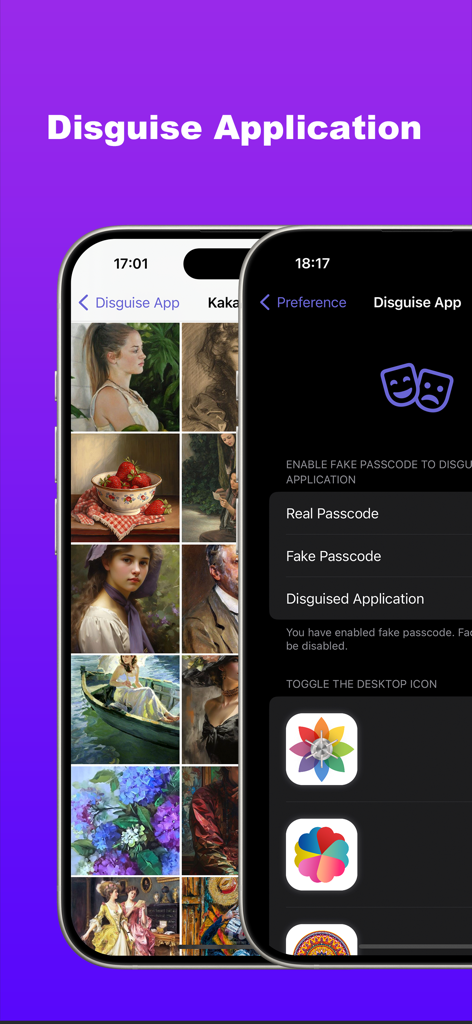
Interface of Kakabox app showing disguise features with fake passcode and customizable desktop icon options
Description
Download
More Like This
Top-ranked apps in the same category

CapCut: Photo & Video Editor
BYTEDANCE PTE. LTD.

Instagram, Inc.

YouTube
Google LLC

Canva: AI Photo & Video Editor
Canva Pty Ltd

Snapchat
Snap, Inc.

快手
Beijing Kwai Technology Co., Ltd.

Edits: Video Editor
Instagram, Inc.

Meitu- AI Photo & Video Editor
Xiamen Meitu Technology Co., Ltd.

Google Photos: Backup & Edit
Google LLC
This page is not an official page of the app or its developer, but an independent editorial publication created for informational and commentary purposes. Unless expressly stated otherwise, neither the app nor its developer is affiliated with, endorsed by, sponsored by, authorized by, or otherwise officially connected with MWM, Apple, Google Play, the app publisher, or the app's developer, and nothing on this page implies that the app was developed using MWM's services. Any trademarks, logos, screenshots, and other content remain the property of their respective owners.