
This page is not an official page of the app or its developer, but an independent editorial publication created for informational and commentary purposes. Unless expressly stated otherwise, neither the app nor its developer is affiliated with, endorsed by, sponsored by, authorized by, or otherwise officially connected with MWM, Apple, Google Play, the app publisher, or the app's developer, and nothing on this page implies that the app was developed using MWM's services. Any trademarks, logos, screenshots, and other content remain the property of their respective owners.

Pro Camera by Moment
Reclaim your creative vision with the manual camera app built for creators. Shoot in RAW, Apple Log, and 4K with professional tools like focus peaking, waveforms, and LUTs—all in a fast, intuitive interface.
Downloads
1M+User Rating
Total Ratings
21K+Publisher
Category
Photo & VideoLocales
1Latest Version
5.8.5Size
118.5 MBFirst Released
Nov 18, 2014Professional Control for the Modern Creator
Reclaim your creative vision from automatic processing. Pro Camera gives you the manual tools and high-end video specs you need to produce cinematic content without the bulk of a DSLR.
Precise Manual Control
Fine-tune ISO, shutter speed, and focus with intuitive sliders designed for fast, professional adjustments on the fly.
Cinematic Filmmaking
Unlock Apple Log, custom LUTs, and real-time waveforms to achieve a high-end Hollywood look directly on your mobile device.
Frequently Asked Questions
Everything you need to know about Pro Camera by Moment
What is Pro Camera by Moment?
Pro Camera by Moment is a manual camera app providing full creative control and professional performance at an affordable price, inspired by DSLR and mirrorless cameras.
Does Pro Camera by Moment offer manual camera controls?
Yes, Pro Camera by Moment offers full manual control over shutter speed, ISO, exposure, focus, and white balance using intuitive sliders.
Can users save custom camera settings in Pro Camera by Moment?
Yes, Pro Camera by Moment allows users to save and quickly recall their favorite camera settings on demand.
What filmmaking features are available in Pro Camera by Moment?
Pro Camera by Moment offers filmmaking features like LUTs, color spaces, bitrates, dual-channel audio meters, real-time waveforms, and quick access to frame rates.
Does Pro Camera by Moment support RAW photo capture?
Yes, Pro Camera by Moment shoots photos in RAW/ProRAW format for better editing, and also supports TIFF and RAW+JPG options for photographers.
Does Pro Camera by Moment offer customer support or tutorials?
Pro Camera by Moment provides getting started tips, video tutorials, and full-time customer service to help users set up and use the app.
What is Focus Peaking in Pro Camera by Moment?
Focus peaking in Pro Camera by Moment manually dials in focus by highlighting in-focus regions, ensuring subjects remain sharp.
How do zebra stripes function in Pro Camera by Moment?
Zebra stripes in Pro Camera by Moment quickly indicate over- and under-exposed areas directly within the viewfinder, assisting with exposure control.
Does Pro Camera by Moment include audio meters for video recording?
Yes, Pro Camera by Moment features real-time, precise, dual-channel audio meters to help filmmakers achieve optimal sound levels.
Is Timelapse mode a free feature in Pro Camera by Moment?
No, Timelapse mode in Pro Camera by Moment, which offers manual controls for 4K timelapses, is a premium feature requiring an in-app purchase.
Is Slow Shutter mode included for free in Pro Camera by Moment?
No, Slow Shutter mode in Pro Camera by Moment, which creates motion blur or light trail effects, is a premium feature requiring an in-app purchase.
Is Pro Camera by Moment compatible with Moment lenses?
Yes, Pro Camera by Moment works with Moment lenses, providing options like anamorphic de-squeeze and distortion correction.
Can I use custom LUTs in Pro Camera by Moment?
Yes, Pro Camera by Moment allows users to import, organize, and apply their favorite LUTs for color grading in video mode.
The following screenshots and description are sourced directly from the app's official store listing and are the property of the app developer.
App Store
Screenshots
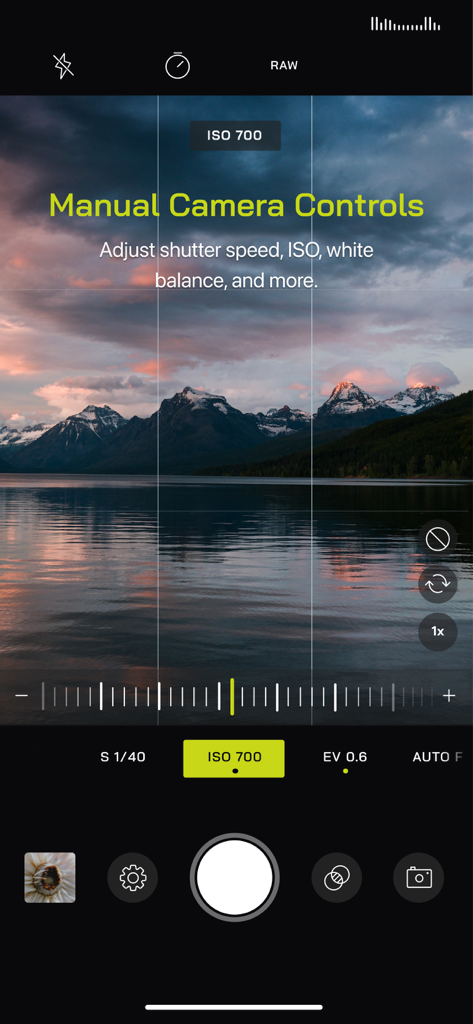
User interface of Pro Camera by Moment showing manual exposure and ISO controls over a landscape photo of mountains and a lake at sunset.
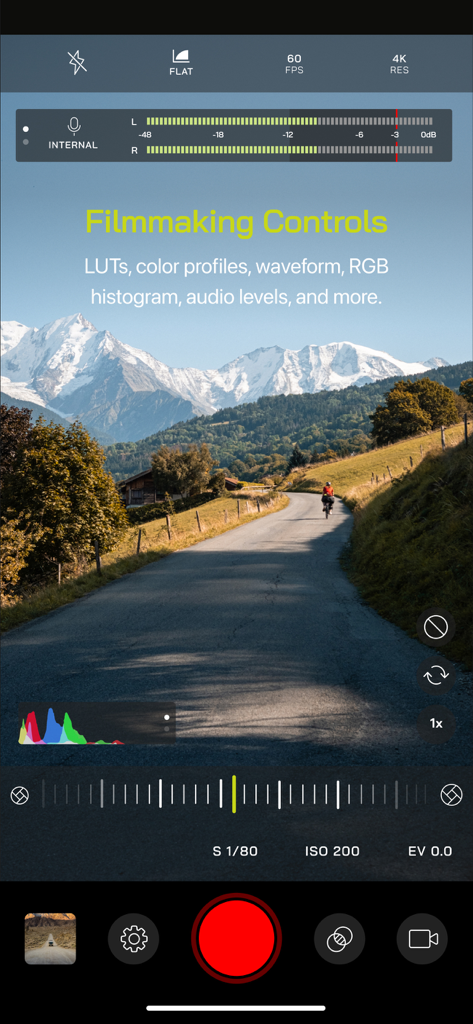
Pro Camera by Moment app interface showing filmmaking controls including audio levels and manual video settings over a mountain landscape
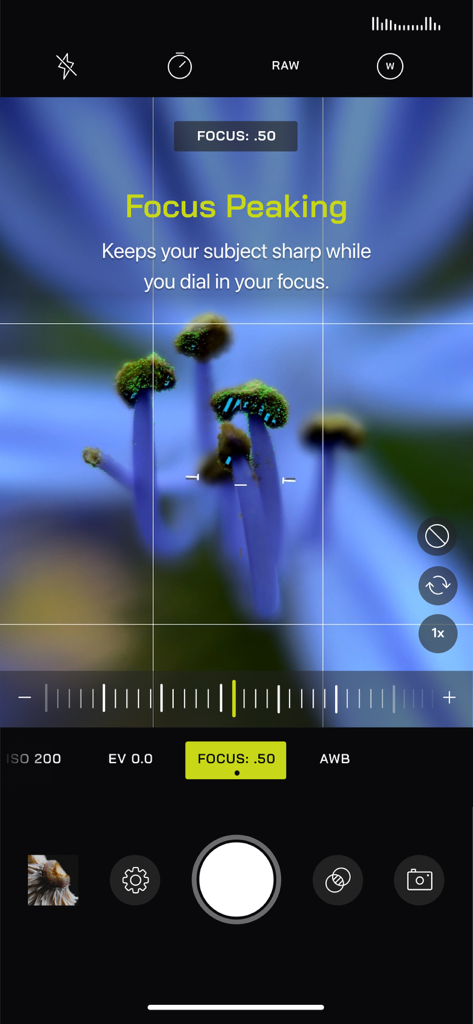
Pro Camera by Moment interface showing the focus peaking feature on a close up photo of a flower
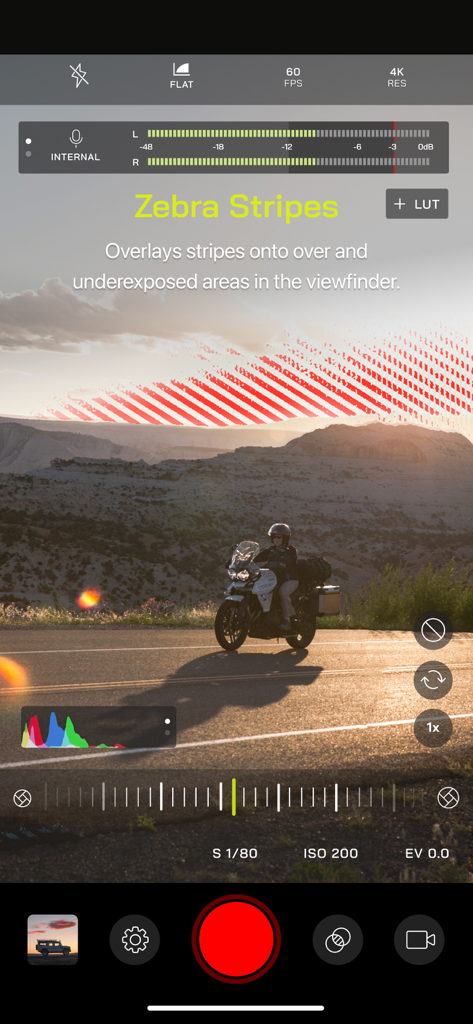
Pro Camera by Moment interface with zebra stripes for manual exposure control
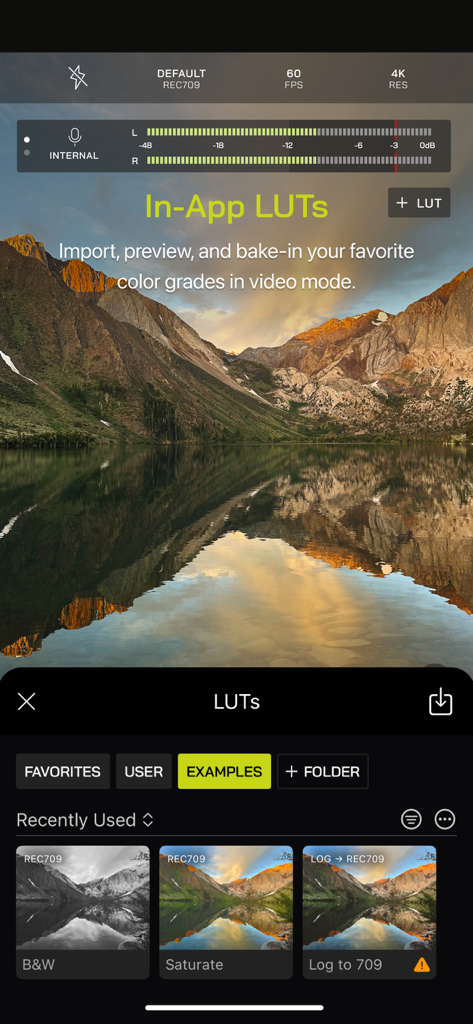
Pro Camera by Moment app interface showing in-app LUTs and color grading options for professional video editing.
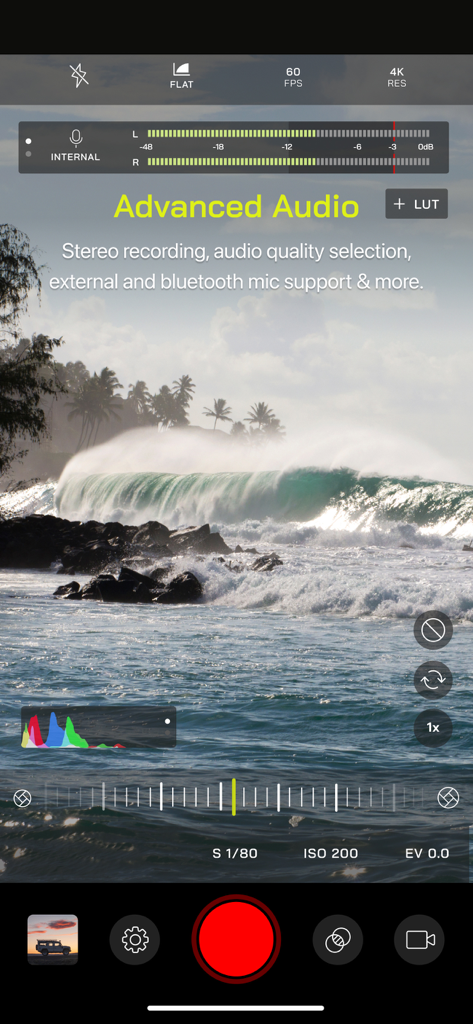
Video recording interface of Pro Camera by Moment with manual controls and audio meters
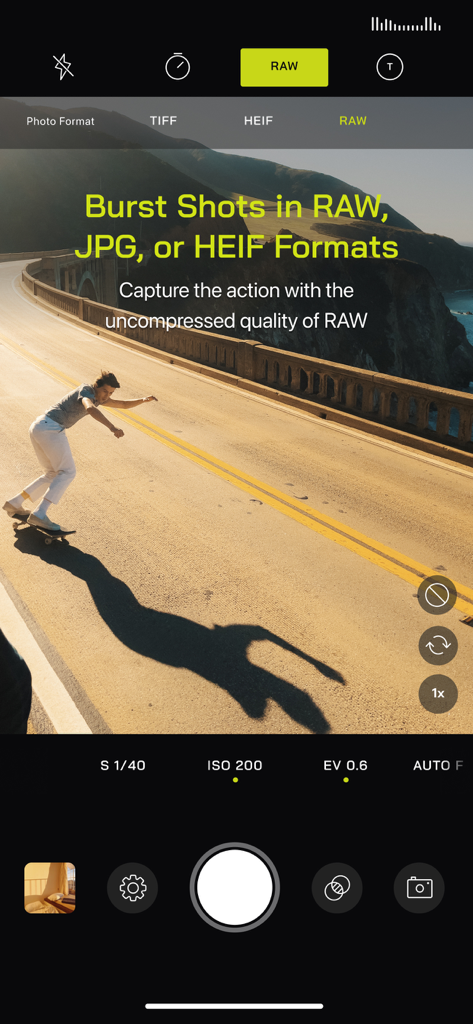
Pro Camera by Moment interface showing burst shots in RAW format with a skateboarder in action
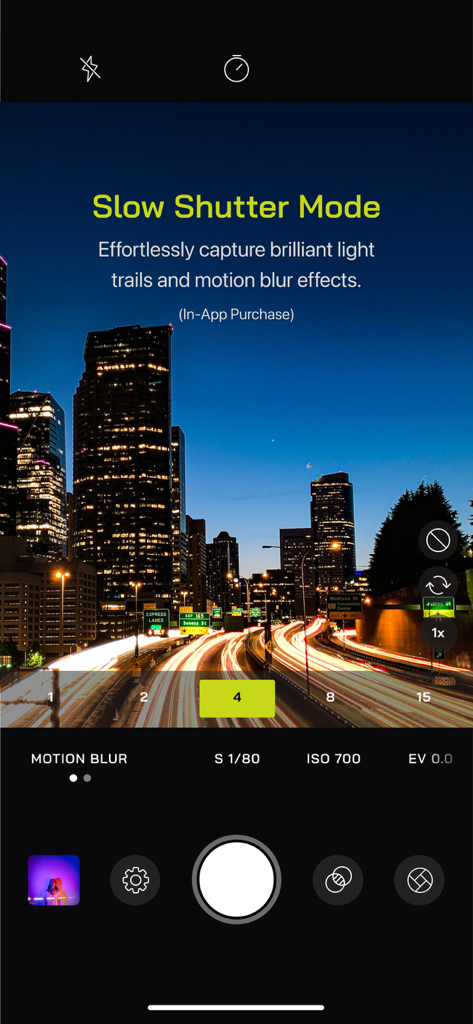
Pro Camera by Moment app interface showing the slow shutter mode capturing light trails in a night city landscape
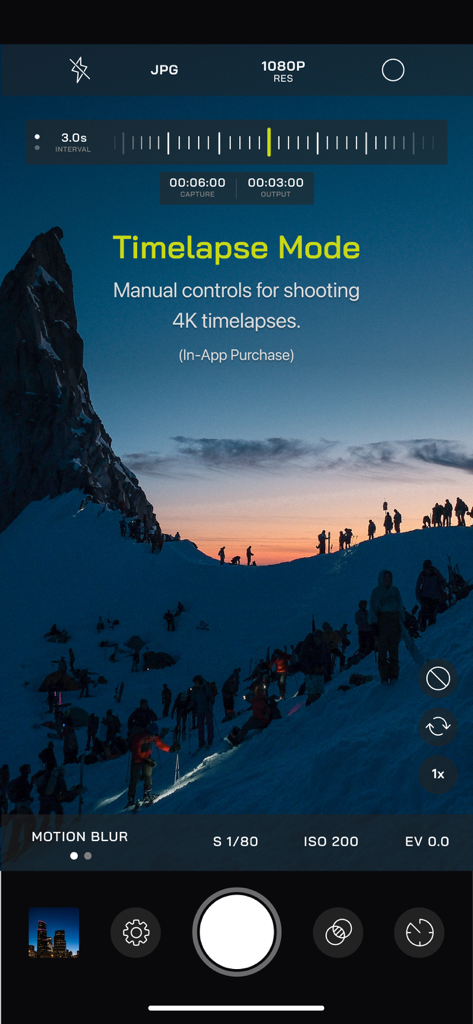
Pro Camera by Moment app interface showing manual timelapse mode controls over a snowy mountain landscape
Description
Download
More Like This
Apps with similar features and user experience

Blackmagic Camera
Blackmagic Design Inc

飓风相机
Hangzhou Ostar Media Co.,Ltd.

ProMovie Recorder
Panda Apps Limited

ReLens Camera-DSLR Portrait
Pixl Concerto Technology Limited

Leica LUX - Pro Manual Camera
Leica Camera AG

FotorGear - Camera in Pocket
Shenzhen Fotorgear Technology Co., Ltd.

Unsharp
北北 宋

ProCam:Professional RAW Camera
BRAND CELLAR HOLDINGS PTE LTD

Vibe Cam - Moments Never Fade
森 林
This page is not an official page of the app or its developer, but an independent editorial publication created for informational and commentary purposes. Unless expressly stated otherwise, neither the app nor its developer is affiliated with, endorsed by, sponsored by, authorized by, or otherwise officially connected with MWM, Apple, Google Play, the app publisher, or the app's developer, and nothing on this page implies that the app was developed using MWM's services. Any trademarks, logos, screenshots, and other content remain the property of their respective owners.