
This page is not an official page of the app or its developer, but an independent editorial publication created for informational and commentary purposes. Unless expressly stated otherwise, neither the app nor its developer is affiliated with, endorsed by, sponsored by, authorized by, or otherwise officially connected with MWM, Apple, Google Play, the app publisher, or the app's developer, and nothing on this page implies that the app was developed using MWM's services. Any trademarks, logos, screenshots, and other content remain the property of their respective owners.

ProShot
Unlock the full potential of your iPhone with the manual camera app designed for purists. Capture stunning ProRAW photos and ProRes video with total control over ISO, shutter speed, and white balance—no AI filters, no data harvesting, just pure photography.
Downloads
554K+User Rating
Total Ratings
7K+Publisher
Category
Photo & VideoLocales
13Latest Version
9.6.3Size
19.0 MBFirst Released
Oct 7, 2014Professional Power, Zero Compromise
Stop letting AI decide your shot. ProShot unlocks the full technical potential of your hardware, putting DSLR-grade precision and raw data at your fingertips.
Intuitive Manual Control
Master your settings with our Dual Dial system. Effortlessly adjust exposure, ISO, and shutter speed for the perfect shot every time.
ProRAW & Zero Processing
Capture raw images without AI interference. Maintain complete creative autonomy for professional-grade post-production and editing.
The following screenshots and description are sourced directly from the app's official store listing and are the property of the app developer.
App Store
Screenshots
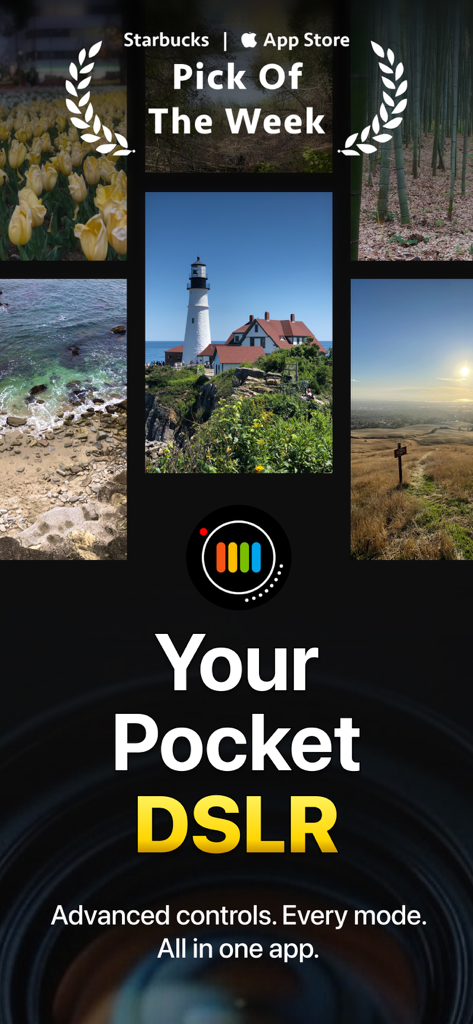
Promotional image for ProShot camera app featuring landscape photography and the headline Your Pocket DSLR
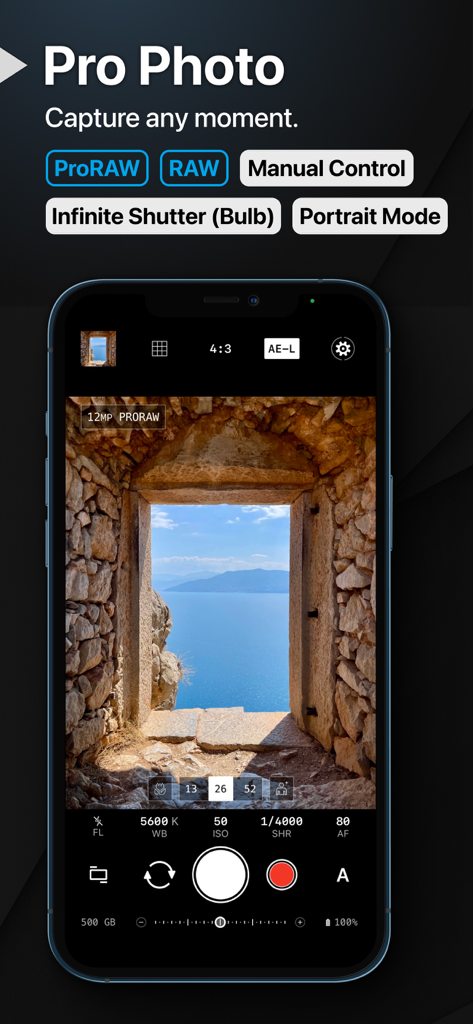
ProShot app interface showing manual camera controls and ProRAW support on an iPhone screen.
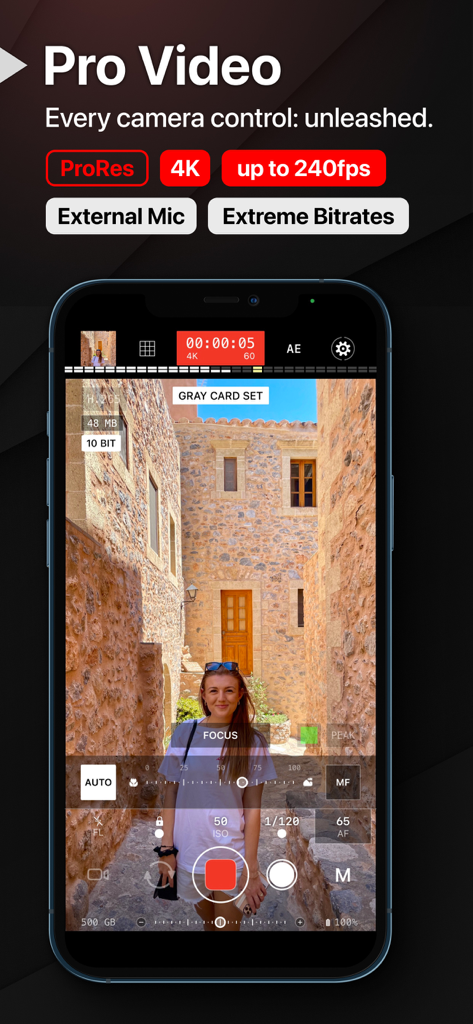
ProShot mobile app professional video recording interface with manual camera settings
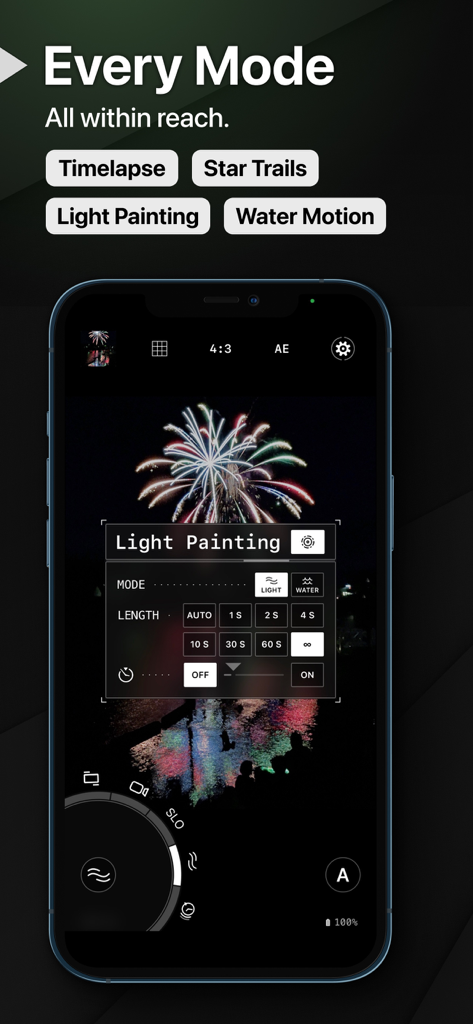
ProShot app interface showing Light Painting settings and firework photography on an iPhone
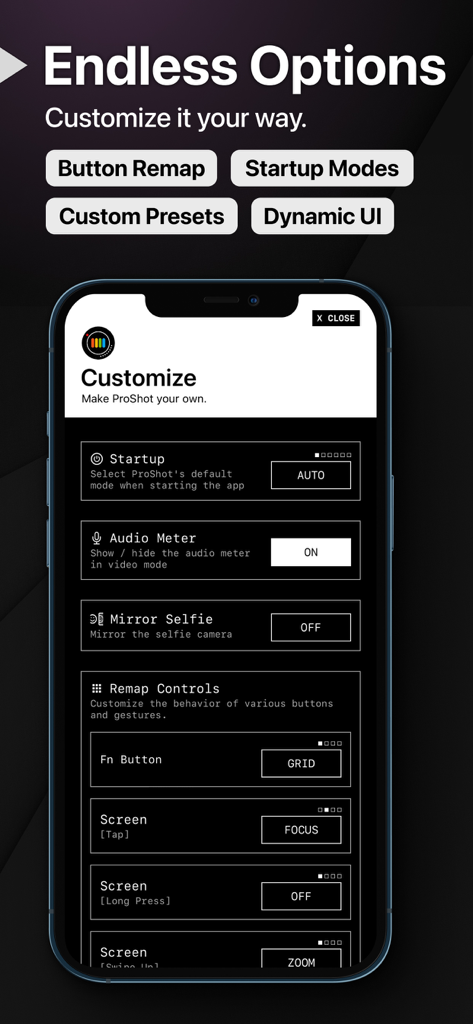
ProShot app settings menu for remapping buttons and customizing camera startup modes
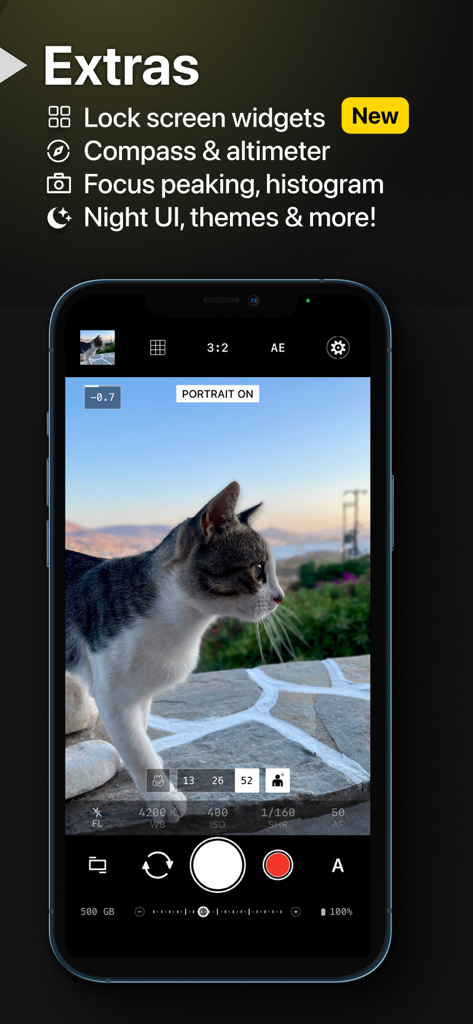
ProShot app interface showing a cat in portrait mode with manual camera controls on an iPhone
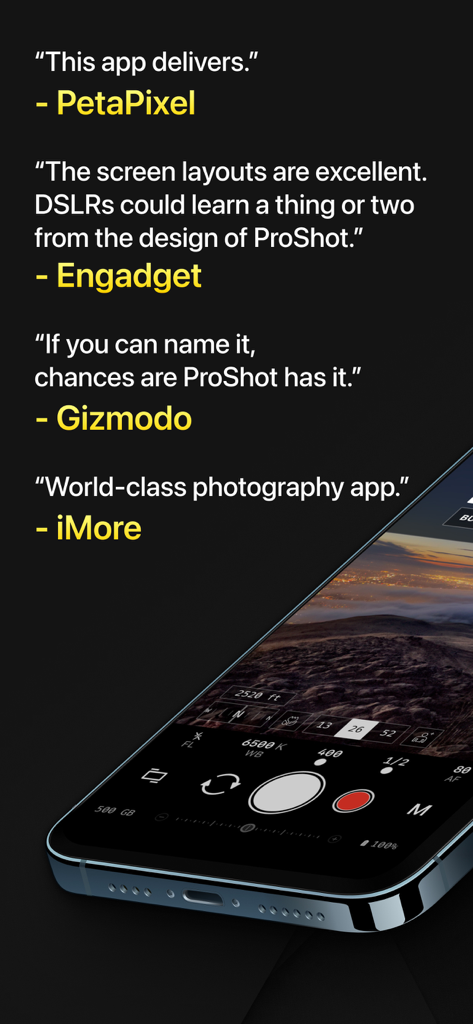
Professional media reviews of the ProShot app next to a smartphone showing the manual camera interface
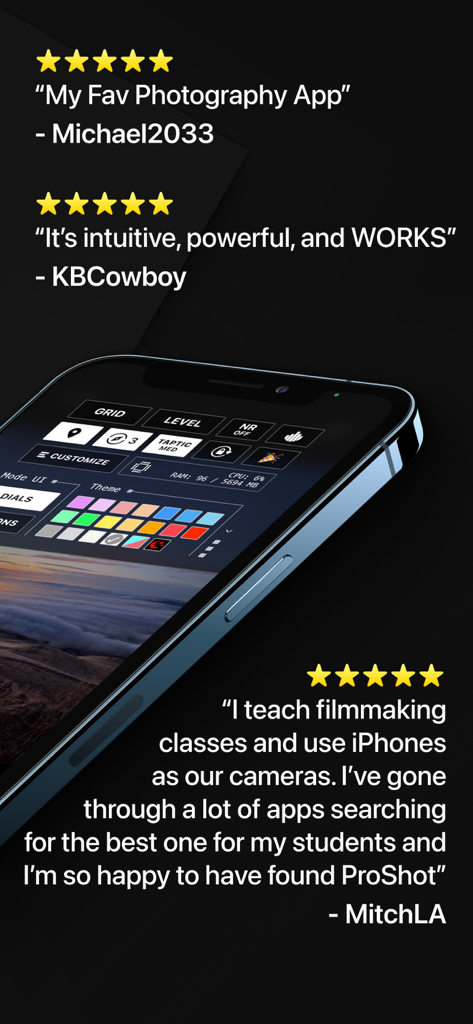
Smartphone screen showing the ProShot app customization interface alongside five-star user testimonials
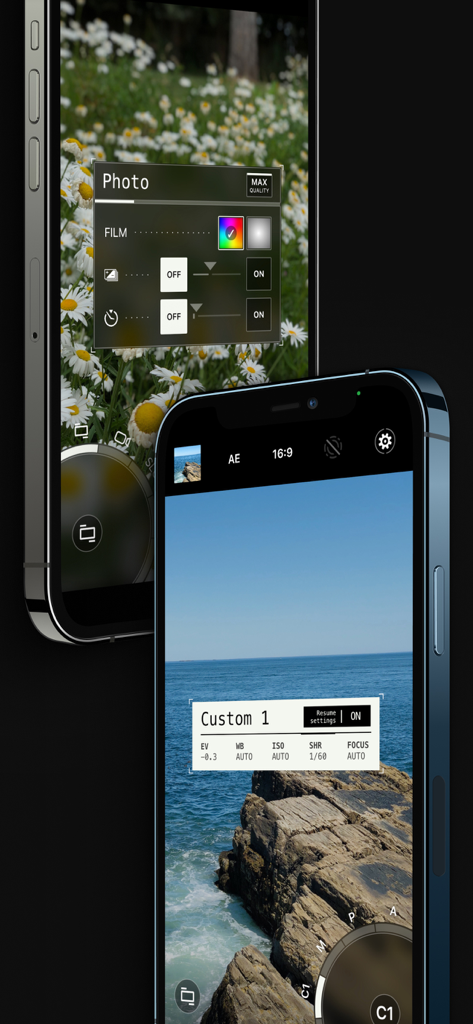
ProShot mobile app interface with professional manual camera controls and custom photography settings.
Description
Download
More Like This
Apps with similar features and user experience

Blackmagic Camera
Blackmagic Design Inc

飓风相机
Hangzhou Ostar Media Co.,Ltd.

ProMovie Recorder
Panda Apps Limited

ReLens Camera-DSLR Portrait
Pixl Concerto Technology Limited

Leica LUX - Pro Manual Camera
Leica Camera AG

FotorGear - Camera in Pocket
Shenzhen Fotorgear Technology Co., Ltd.

Unsharp
北北 宋

ProCam:Professional RAW Camera
BRAND CELLAR HOLDINGS PTE LTD

Vibe Cam - Moments Never Fade
森 林
This page is not an official page of the app or its developer, but an independent editorial publication created for informational and commentary purposes. Unless expressly stated otherwise, neither the app nor its developer is affiliated with, endorsed by, sponsored by, authorized by, or otherwise officially connected with MWM, Apple, Google Play, the app publisher, or the app's developer, and nothing on this page implies that the app was developed using MWM's services. Any trademarks, logos, screenshots, and other content remain the property of their respective owners.