
This page is not an official page of the app or its developer, but an independent editorial publication created for informational and commentary purposes. Unless expressly stated otherwise, neither the app nor its developer is affiliated with, endorsed by, sponsored by, authorized by, or otherwise officially connected with MWM, Apple, Google Play, the app publisher, or the app's developer, and nothing on this page implies that the app was developed using MWM's services. Any trademarks, logos, screenshots, and other content remain the property of their respective owners.

Proximity - Access Card Calc
Eliminate manual math and decode mystery fobs instantly. Convert binary and hex to facility codes and card numbers for HID®, Indala®, and Corporate 1000® formats directly on-site.
Downloads
1K+User Rating
Total Ratings
0Publisher
Category
UtilitiesLocales
1Latest Version
1.5.2Size
0.6 MBFirst Released
Dec 11, 2013Precision Tools for Security Professionals
Eliminate manual calculations and identify mystery fobs instantly. Proximity provides the essential technical bridge between raw data and actionable security credentials.
Bidirectional Conversion
Translate raw binary or hex strings into card numbers and facility codes instantly, or reverse the process to generate binary data for new fob programming.
Extensive Format Library
Built-in support for over 19 industry-standard formats including HID® Standard, Corporate 1000®, Indala, and Casi Rusco to ensure compatibility in the field.
The following screenshots and description are sourced directly from the app's official store listing and are the property of the app developer.
App Store
Screenshots
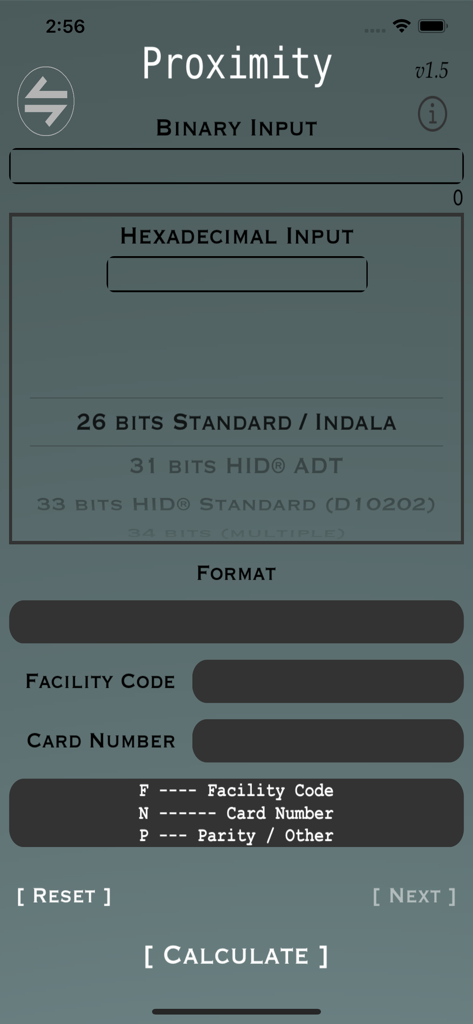
Proximity app main screen showing input fields for binary and hexadecimal values to calculate facility codes and card numbers.
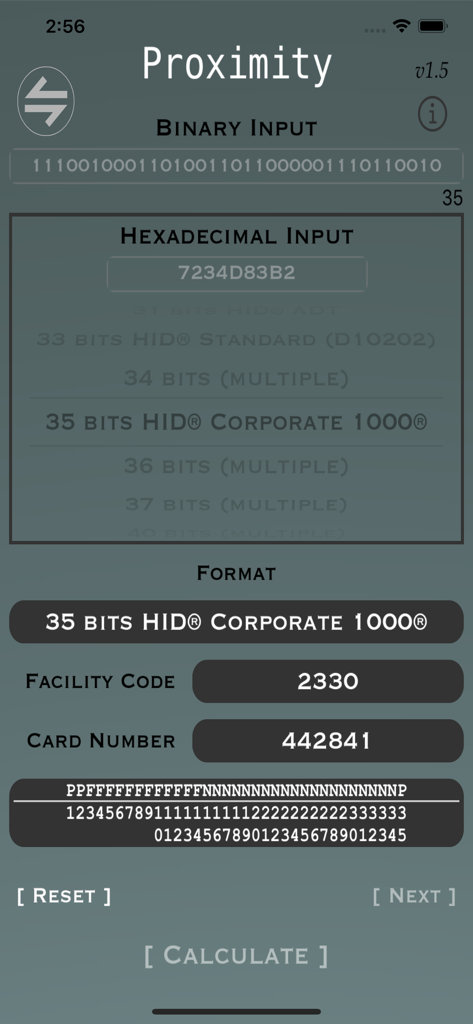
Proximity app interface showing facility code and card number calculation from hexadecimal input
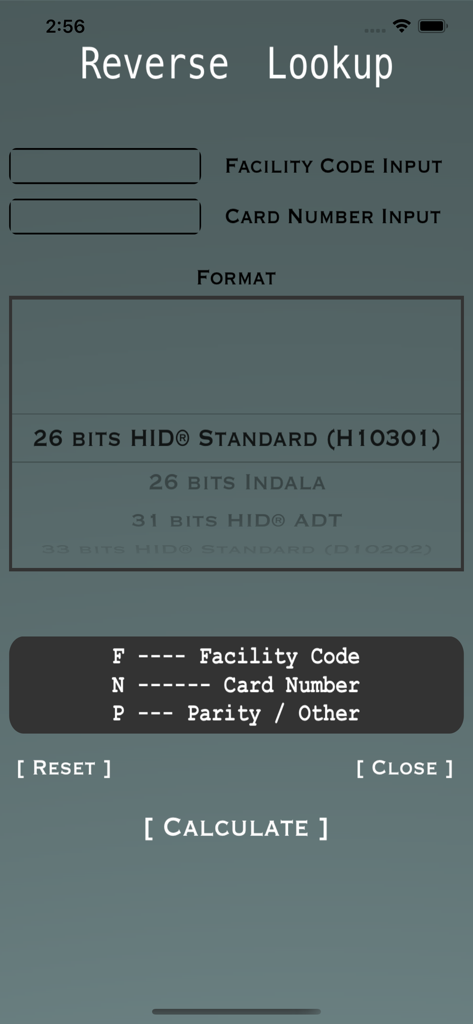
Reverse lookup screen for calculating access card binary from facility code and card number.
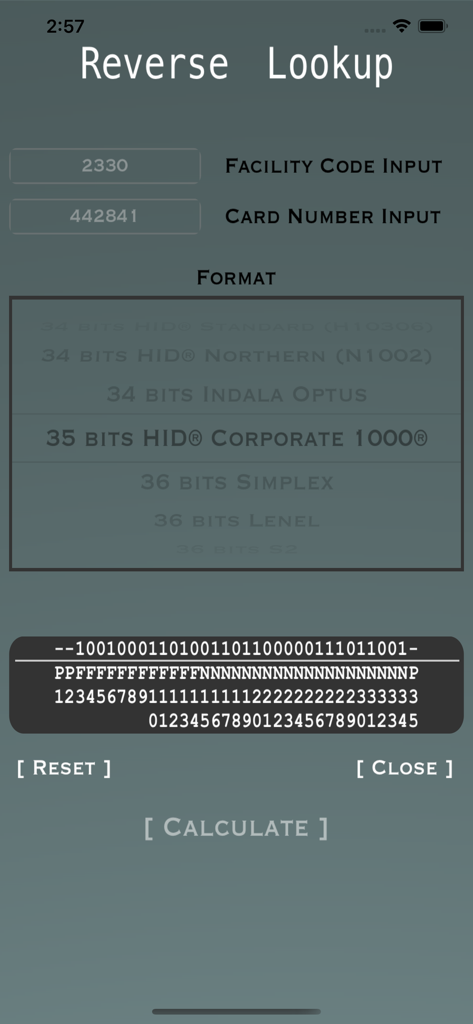
The reverse lookup screen of the Proximity app for security access card calculations
Description
Download
More Like This
Top-ranked apps in the same category

Google LLC

Google Chrome
Google LLC

中国移动(手机营业厅)
China Mobile Online Services Co., Ltd.

Google Authenticator
Google LLC

gov.br
Servicos e Informacoes do Brasil

Buddy VPN
Frederic Hennes Sprl

Cleanup: Phone Storage Cleaner
DEEP FLOW SOFTWARE SERVICES - FZCO

Microsoft Edge: AI Browser
Microsoft Corporation

Meu Social - Gás do Povo
Servicos e Informacoes do Brasil
This page is not an official page of the app or its developer, but an independent editorial publication created for informational and commentary purposes. Unless expressly stated otherwise, neither the app nor its developer is affiliated with, endorsed by, sponsored by, authorized by, or otherwise officially connected with MWM, Apple, Google Play, the app publisher, or the app's developer, and nothing on this page implies that the app was developed using MWM's services. Any trademarks, logos, screenshots, and other content remain the property of their respective owners.