
This page is not an official page of the app or its developer, but an independent editorial publication created for informational and commentary purposes. Unless expressly stated otherwise, neither the app nor its developer is affiliated with, endorsed by, sponsored by, authorized by, or otherwise officially connected with MWM, Apple, Google Play, the app publisher, or the app's developer, and nothing on this page implies that the app was developed using MWM's services. Any trademarks, logos, screenshots, and other content remain the property of their respective owners.


Proxmox VE Companion
Monitor cluster health, manage VM power states, and orchestrate migrations on the go with a professional-grade dashboard designed for SysAdmins and Home Lab enthusiasts.
Downloads
1K+User Rating
Total Ratings
0Publisher
Category
Developer ToolsLocales
1Latest Version
1.9.4Size
26.3 MBFirst Released
Dec 30, 2025Your Data Center, in Your Pocket
Take full command of your Proxmox Virtual Environment with a professional-grade mobile interface designed for system administrators and home lab enthusiasts.
Immediate Guest Control
Manage VM and container power states on the fly. Start, stop, or reboot critical services with a single tap from your iPhone or iPad.
Real-Time Performance Metrics
Monitor your infrastructure health with detailed RRD diagrams. Visualize CPU, RAM, and storage usage to ensure your cluster is running at peak efficiency.
The following screenshots and description are sourced directly from the app's official store listing and are the property of the app developer.
App Store
Screenshots
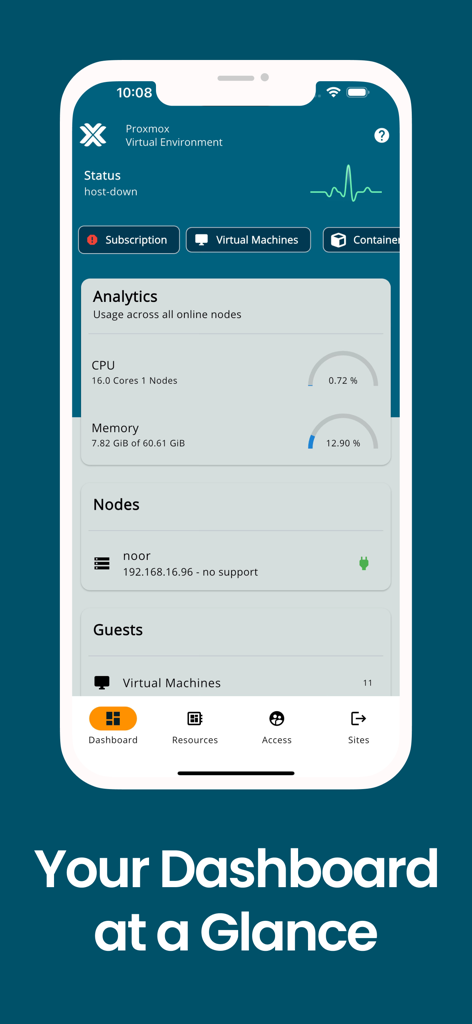
Dashboard of Proxmox VE Companion app showing CPU and memory usage analytics
Proxmox VE Companion app onboarding screen with logo and get started text
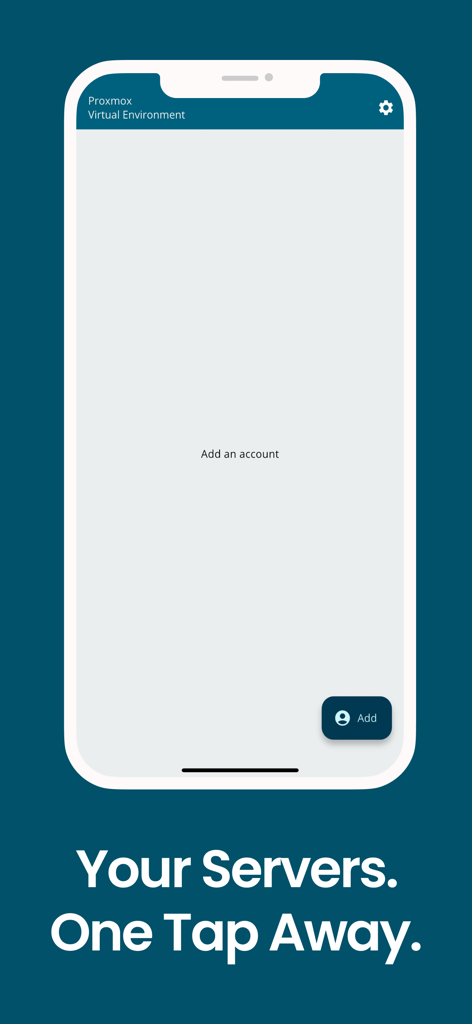
Onboarding screen of the Proxmox VE Companion app showing an option to add a new server account.
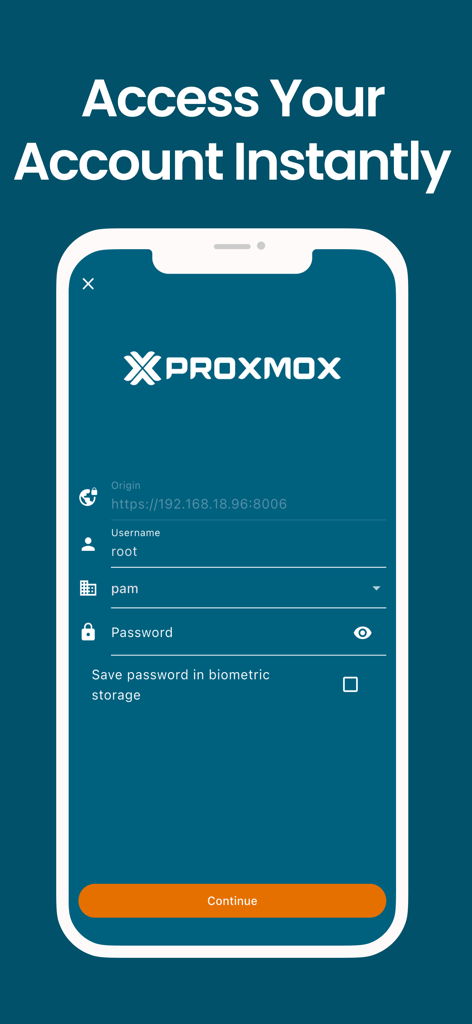
Proxmox VE Companion mobile login screen showing fields for server origin username and password
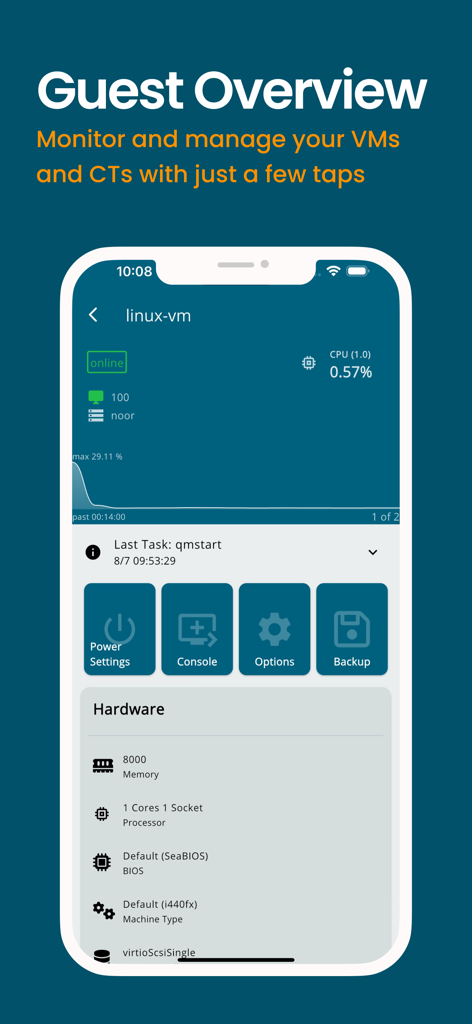
Proxmox VE Companion app guest overview screen showing virtual machine status monitoring and management options
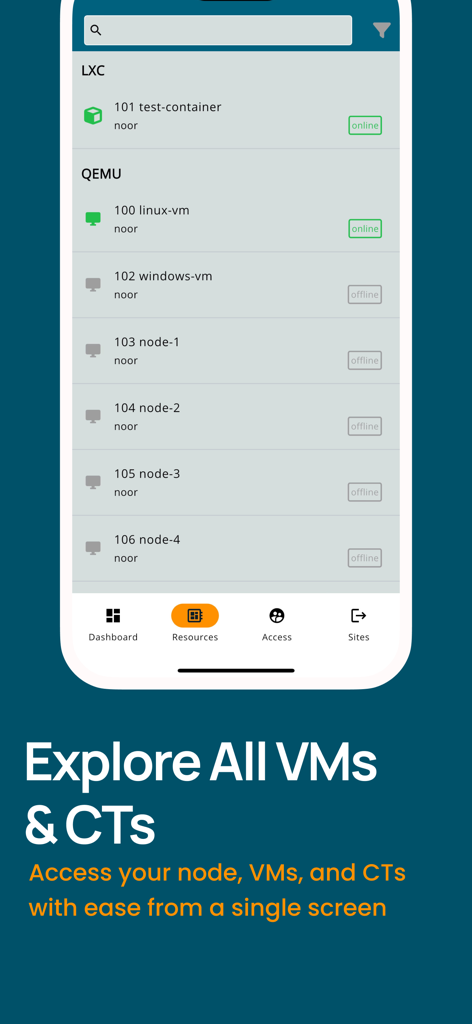
Proxmox VE Companion app showing a list of virtual machines and containers with their online and offline status
Description
Download
More Like This
Top-ranked apps in the same category

TestFlight
Apple Inc.

Replit: Vibe Code Apps
Replit, Inc

GitHub
GitHub

O-KAM Pro
Shenzhen VeePai IoT Intelligent Technology LLC

Apple Developer
Apple Inc.

Expo Go
650 Industries, Inc.

Scriptable
Simon Stovring

App Store Connect
Apple Inc.

Sekai: Create · Remix · Play
Versa AI, Inc.
This page is not an official page of the app or its developer, but an independent editorial publication created for informational and commentary purposes. Unless expressly stated otherwise, neither the app nor its developer is affiliated with, endorsed by, sponsored by, authorized by, or otherwise officially connected with MWM, Apple, Google Play, the app publisher, or the app's developer, and nothing on this page implies that the app was developed using MWM's services. Any trademarks, logos, screenshots, and other content remain the property of their respective owners.