
This page is not an official page of the app or its developer, but an independent editorial publication created for informational and commentary purposes. Unless expressly stated otherwise, neither the app nor its developer is affiliated with, endorsed by, sponsored by, authorized by, or otherwise officially connected with MWM, Apple, Google Play, the app publisher, or the app's developer, and nothing on this page implies that the app was developed using MWM's services. Any trademarks, logos, screenshots, and other content remain the property of their respective owners.


PureStatus: ByeBye Blur Status
Stop letting compression ruin your aesthetic. Upload high-quality, non-blurry videos and photos instantly with our precision compressor and smart status splitter.
Downloads
1M+User Rating
Total Ratings
44K+Publisher
Category
Photo & VideoLocales
6Latest Version
2024.08Size
60.5 MBFirst Released
Dec 8, 2022Professional HD Quality for Every Status
Stop letting WhatsApp compression ruin your 4K videos. Our smart technology ensures your status updates stay crystal clear, professional, and pixel-perfect.
Crystal Clear HD Video
Share your high-end iPhone footage exactly as it was meant to be seen. Say goodbye to blurry pixels and hello to pure clarity for your global audience.
Intelligent Auto-Splitter
Effortlessly share long clips. We automatically cut your videos into seamless 30-second segments while maintaining maximum HD resolution.
Frequently Asked Questions
Everything you need to know about PureStatus: ByeBye Blur Status
What is PureStatus: ByeBye Blur Status?
PureStatus is an app designed to prevent WhatsApp from reducing the quality of videos and photos when uploaded as a status. It precisely compresses media to maintain the highest possible HD quality for your WhatsApp status.
How does PureStatus improve WhatsApp video status quality?
PureStatus precisely compresses videos before upload, ensuring that WhatsApp's size reduction process results in the highest possible HD video quality for your status. It prevents blurriness and pixel loss.
Can PureStatus improve the quality of already low-quality videos?
No, PureStatus cannot improve the original quality of already low-quality or previously shared videos. It is designed to maintain the HD quality of high-quality videos when shared on WhatsApp status.
How do I use PureStatus to upload HD WhatsApp status?
To use PureStatus, download the app, open it, select your video, compress it, and then share it directly to your WhatsApp status to enjoy crystal-clear HD videos.
Does PureStatus offer a video splitting feature?
Yes, PureStatus includes a Video Status Splitter feature. It automatically cuts longer videos into 30-second parts, allowing users to upload extended videos to their WhatsApp status while maintaining HD quality.
What happens if I edit a video after compressing it with PureStatus?
If you edit or crop a video after compressing it with PureStatus, the quality will be lost when you upload it to your WhatsApp status. It is recommended to avoid post-compression edits.
Can PureStatus be used for sharing HD photos on WhatsApp status?
Yes, the photo function in PureStatus is specifically for uploading HD photos to your WhatsApp status. If you send them in chats, they will be sent as a video.
Does PureStatus support sharing to social media other than WhatsApp?
Yes, the PureStatus app allows direct sharing to your favorite social media platforms, including Status, Stories, and DMs, for your compressed media.
What types of videos are best for compression with PureStatus?
For the best results, always compress high-quality videos in PureStatus. The app maintains the quality of HD videos but does not improve already low-quality content or previously shared videos.
Is PureStatus easy to use for video compression?
Yes, PureStatus features an easy-to-use interface with simple one-touch compression. It aims to provide a fast, easy, and clean user experience for maintaining video quality.
The following screenshots and description are sourced directly from the app's official store listing and are the property of the app developer.
App Store
Screenshots
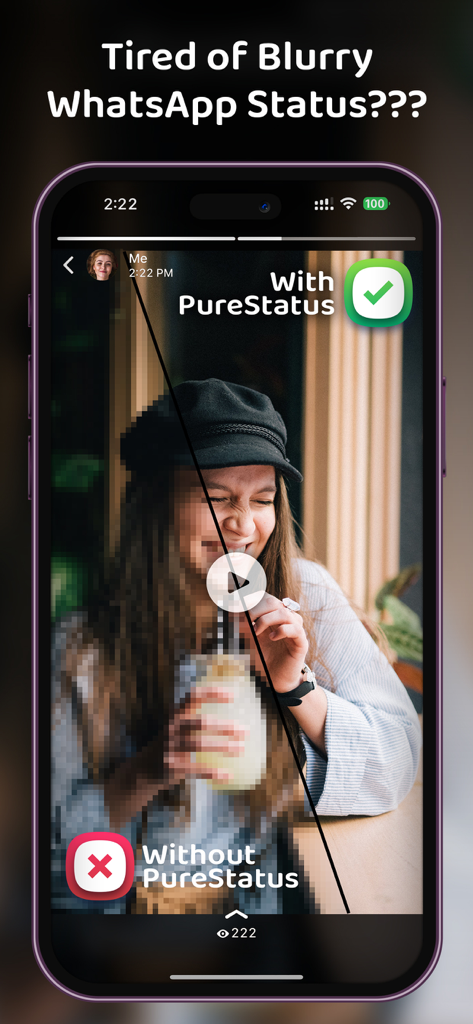
A side-by-side comparison of a blurry video status versus a clear HD video status using the PureStatus app on a smartphone.
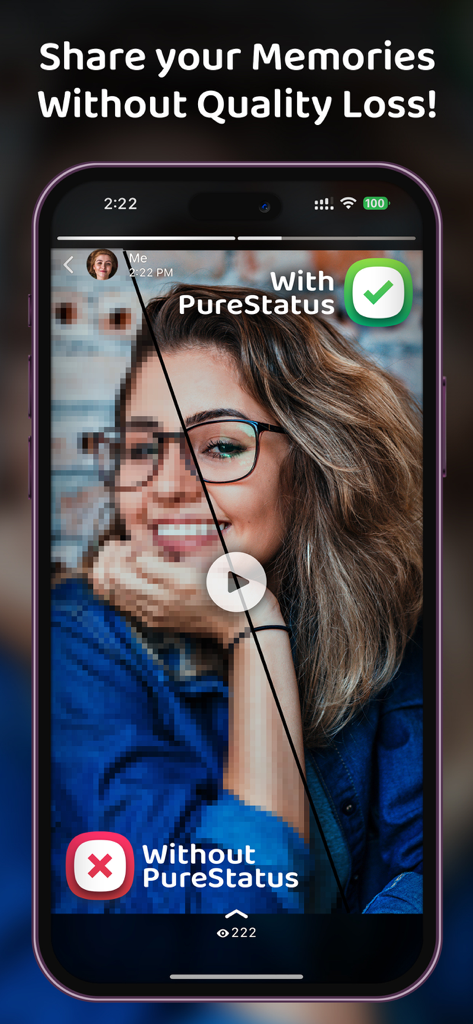
Split screen comparison showing clear HD video quality with PureStatus versus blurry pixelated video without it
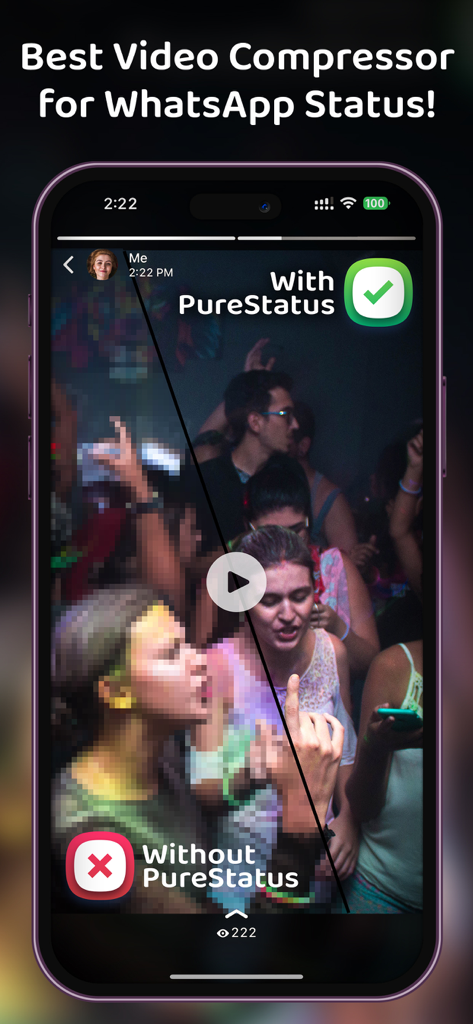
Comparison between blurry and clear video quality for WhatsApp Status using the PureStatus app
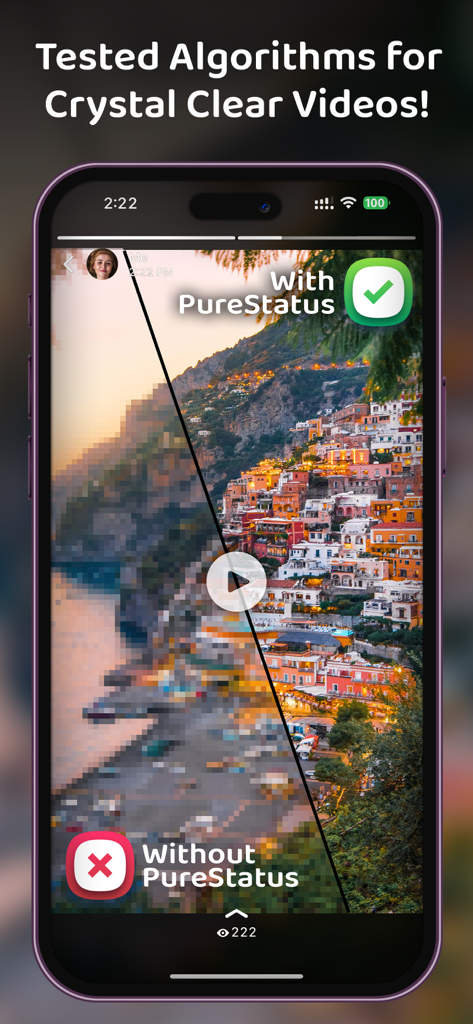
Comparison of blurry and crystal clear video quality for WhatsApp Status using PureStatus
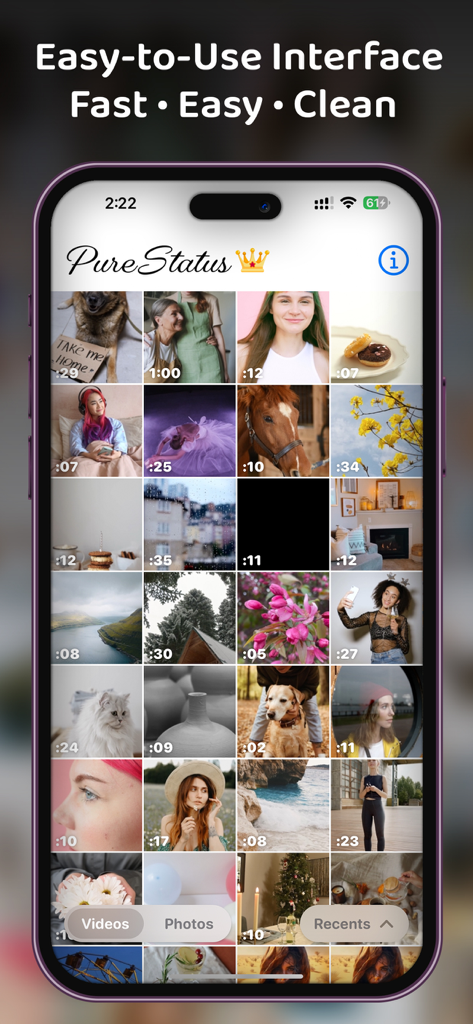
PureStatus app user interface showing a grid of videos and photos for status selection
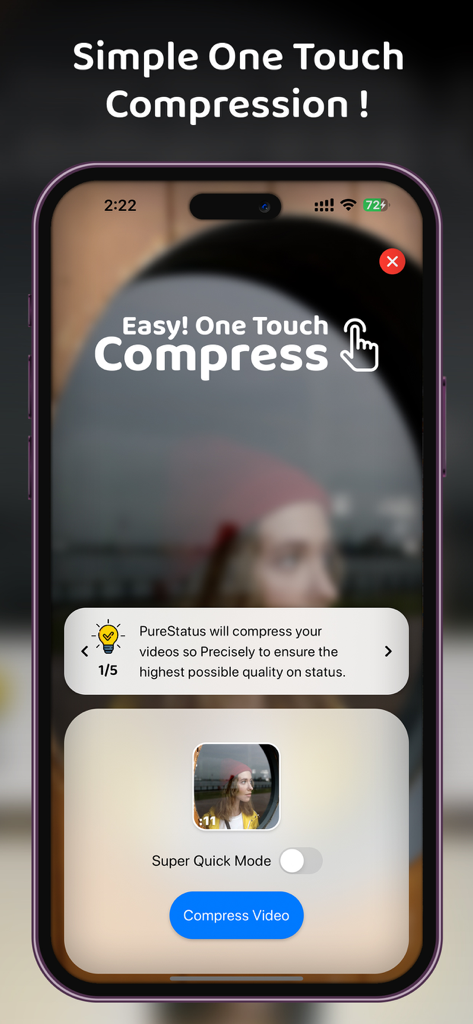
PureStatus app interface featuring a simple one touch video compression button for HD status updates
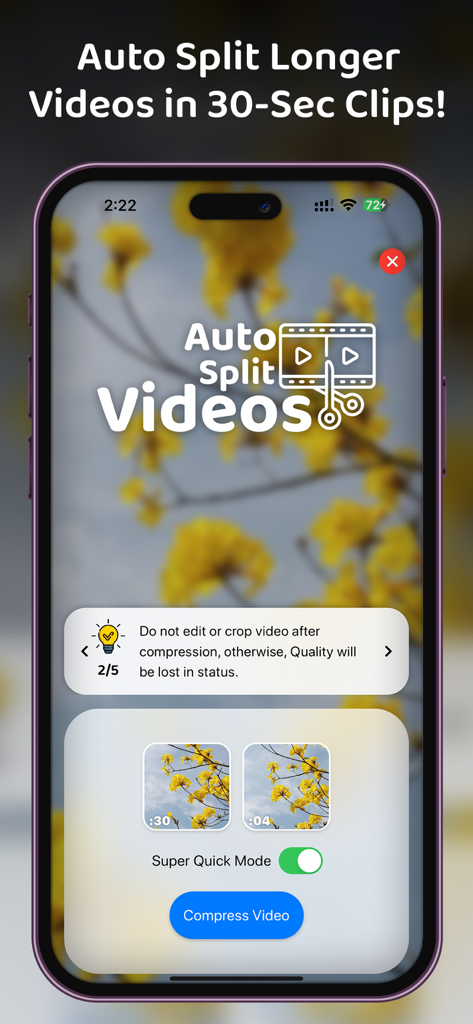
PureStatus app interface showing the auto split video feature to create 30 second clips for WhatsApp status
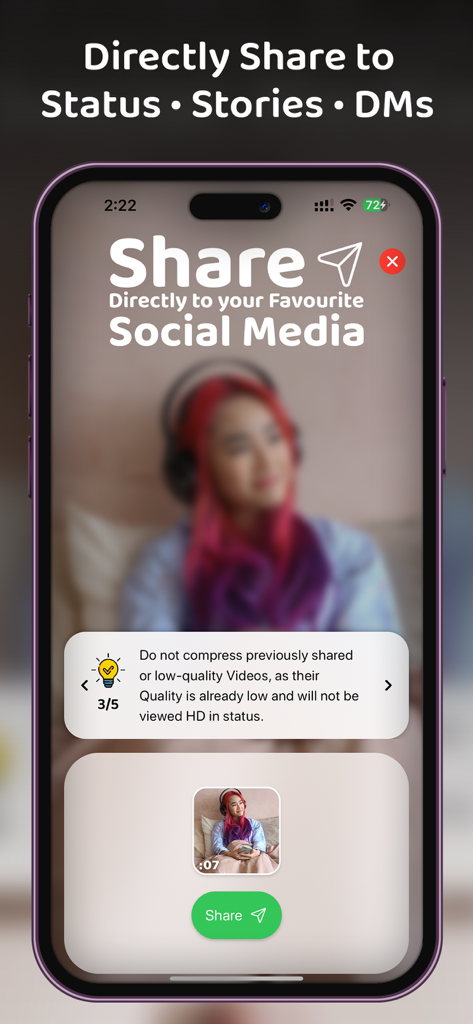
A smartphone screen showing the PureStatus app interface to share HD videos directly to social media status and stories.
Description
Download
More Like This
Top-ranked apps in the same category

CapCut: Photo & Video Editor
BYTEDANCE PTE. LTD.

Instagram, Inc.

YouTube
Google LLC

Canva: AI Photo & Video Editor
Canva Pty Ltd

Snapchat
Snap, Inc.

快手
Beijing Kwai Technology Co., Ltd.

Edits: Video Editor
Instagram, Inc.

Meitu- AI Photo & Video Editor
Xiamen Meitu Technology Co., Ltd.

Google Photos: Backup & Edit
Google LLC
This page is not an official page of the app or its developer, but an independent editorial publication created for informational and commentary purposes. Unless expressly stated otherwise, neither the app nor its developer is affiliated with, endorsed by, sponsored by, authorized by, or otherwise officially connected with MWM, Apple, Google Play, the app publisher, or the app's developer, and nothing on this page implies that the app was developed using MWM's services. Any trademarks, logos, screenshots, and other content remain the property of their respective owners.