
This page is not an official page of the app or its developer, but an independent editorial publication created for informational and commentary purposes. Unless expressly stated otherwise, neither the app nor its developer is affiliated with, endorsed by, sponsored by, authorized by, or otherwise officially connected with MWM, Apple, Google Play, the app publisher, or the app's developer, and nothing on this page implies that the app was developed using MWM's services. Any trademarks, logos, screenshots, and other content remain the property of their respective owners.

Python & SQL
Skip the endless searching and master technical interviews with curated, offline-ready code recipes. Your high-performance cheat sheet for Python and SQL, built exclusively for the Apple ecosystem.
Downloads
76K+User Rating
Total Ratings
0Publisher
Category
Developer ToolsLocales
10Latest Version
3.01Size
2.2 MBFirst Released
Apr 4, 2018Master Python & SQL with Zero Friction
Stop wasting time on Stack Overflow. Get direct access to high-quality code recipes curated for developers, students, and career-switchers.
Curated Code Recipes
Thousands of tested solutions for Python and SQL at your fingertips. No more digging through forums; get the best code instantly.
Ace Your Technical Interviews
Prepare for high-stakes coding interviews with common tasks and real-world logic that top tech companies look for.
Frequently Asked Questions
Everything you need to know about Python & SQL
How can I learn Python programming with the Python & SQL app?
The Python & SQL app helps users learn Python programming through ready-to-use code recipes and examples. It covers topics like simple types, lists, control flow, functions, and database operations.
What SQL topics does the Python & SQL app cover?
The Python & SQL app covers SQL topics including combining multiple tables, sorting grouped data, and various data types. It also provides examples for subqueries and grouping data.
Can I use the Python & SQL app offline?
Yes, all examples within the Python & SQL app are available offline. Users can access the content and code recipes without an active internet connection.
Does the Python & SQL app offer quick search functionality?
Yes, the Python & SQL app includes a quick search feature. Users can quickly find the correct code example by code snippets or the name of the topic they are looking for.
Is the Python & SQL app a one-time purchase for both iOS and macOS?
Yes, the Python & SQL app offers a universal purchase. Users buy it once and can use it across their iOS and macOS devices, including phones, tablets, and computers.
Does the Python & SQL app contain free content?
Yes, the Python & SQL app contains free content. However, some examples, approximately 45%, require an additional fee for access within the application.
How does the Python & SQL app help with interview preparation?
The Python & SQL app is a great tool for interview preparation. It helps users study typical tasks and code solutions they might face in technical interviews or exams.
Can I find Python substring examples in the Python & SQL app?
Yes, the Python & SQL app provides examples for working with Python substrings. Topics include substring searching, indexing, replacement, and getting specific substrings.
What types of database connections does the Python & SQL app support for Python?
The Python & SQL app supports Python examples for connecting to various databases. These include Oracle, MySQL, SQL Server, PostgreSQL, Access, SQLite, and FireBird, along with performing queries.
Does Python & SQL teach about Python simple data types?
Yes, the Python & SQL app includes lessons on Python's simple data types. It covers integers, floats, strings, booleans, characters, and tuples with clear code examples.
The following screenshots and description are sourced directly from the app's official store listing and are the property of the app developer.
App Store
Screenshots
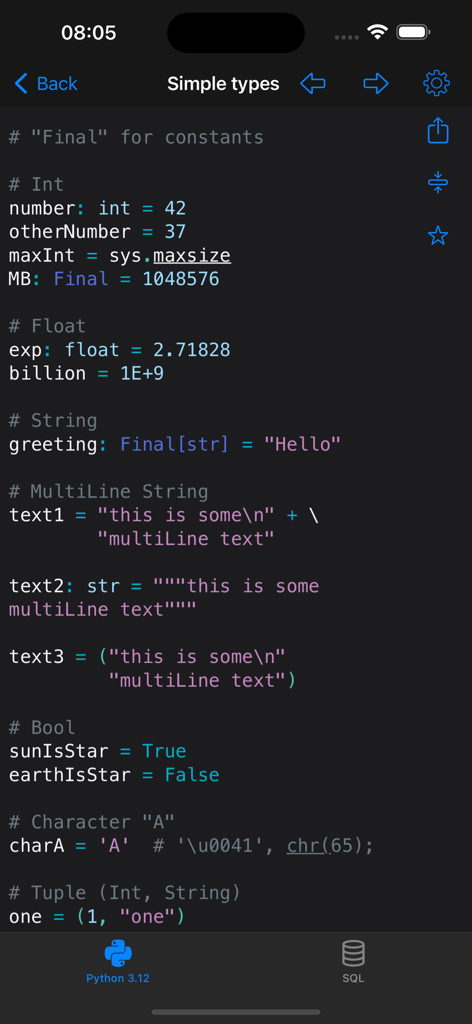
Python code examples for simple data types like integers, floats, and strings in the Python and SQL app.
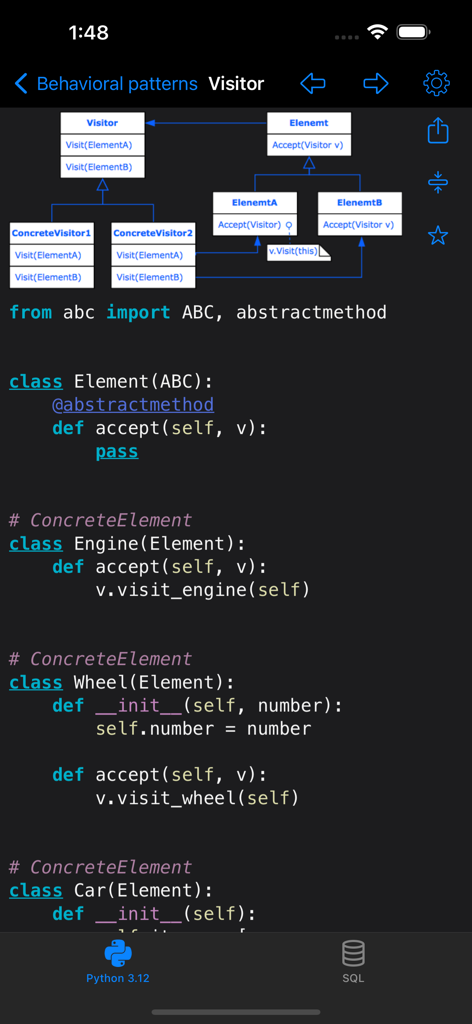
UML diagram and Python code example illustrating the Visitor behavioral design pattern
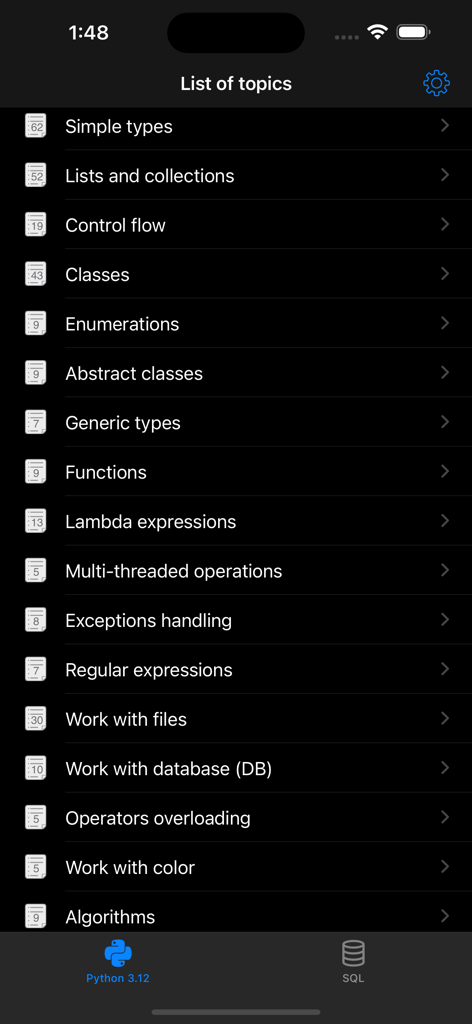
A list of Python programming topics within the Python and SQL app interface
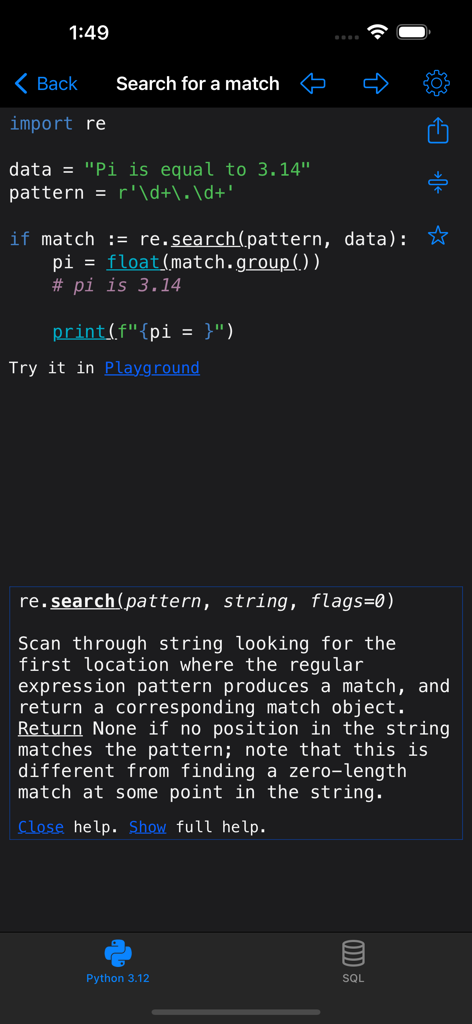
Python code example for regular expression search in the Python and SQL app.
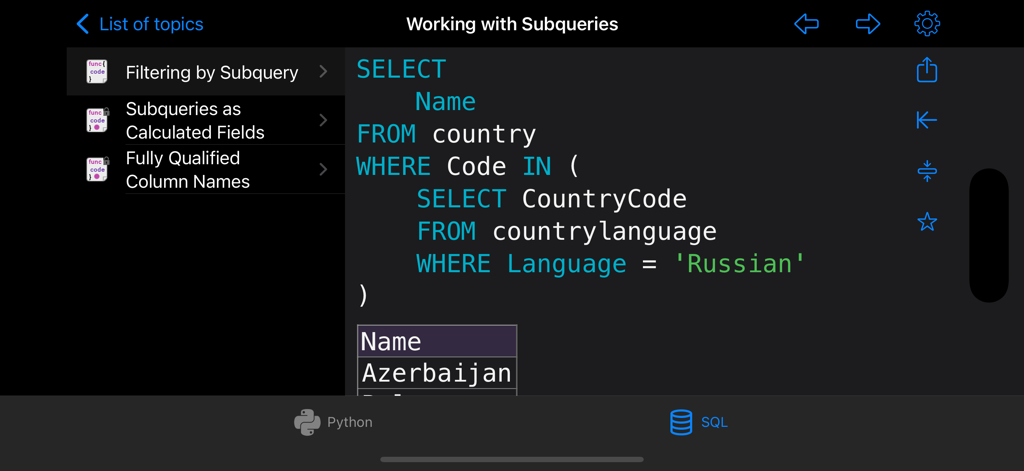
Interface of the Python and SQL app showing a SQL subquery code recipe
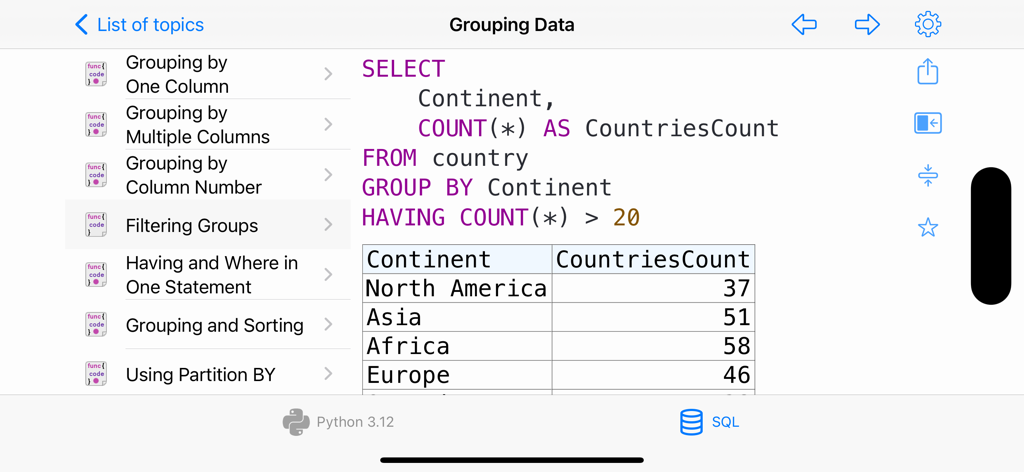
SQL code recipe showing how to group and filter data using the HAVING clause
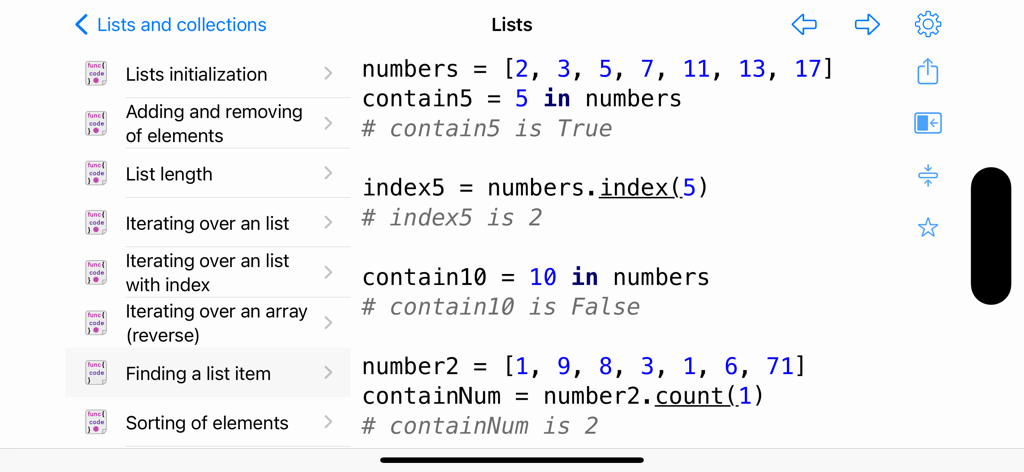
Screenshot of the Python and SQL app showing code snippets for finding and counting items in a list.
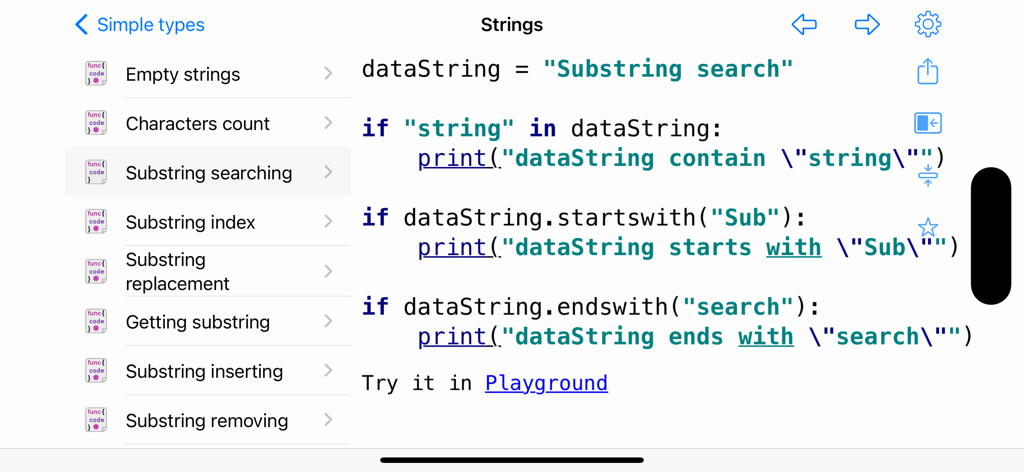
Python code snippet showing substring search methods in the Python and SQL application interface
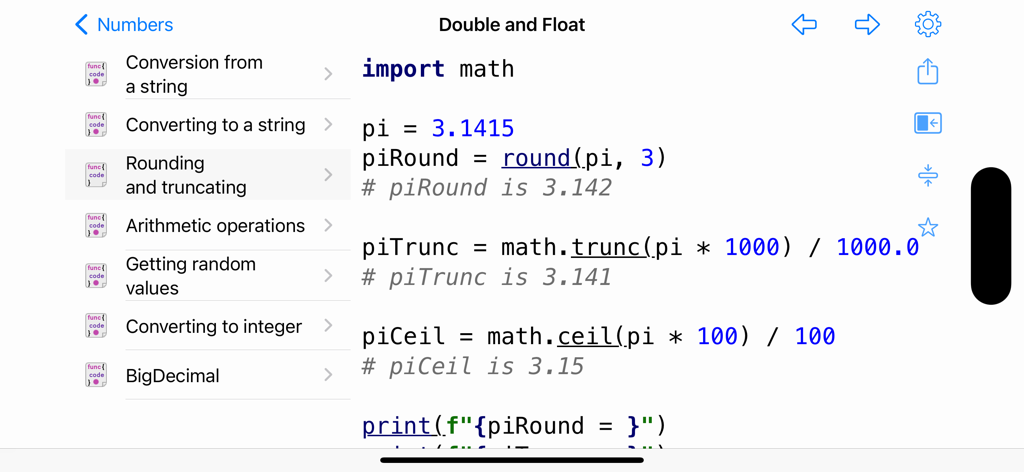
Interface of the Python and SQL app showing a code recipe for rounding and truncating numbers.
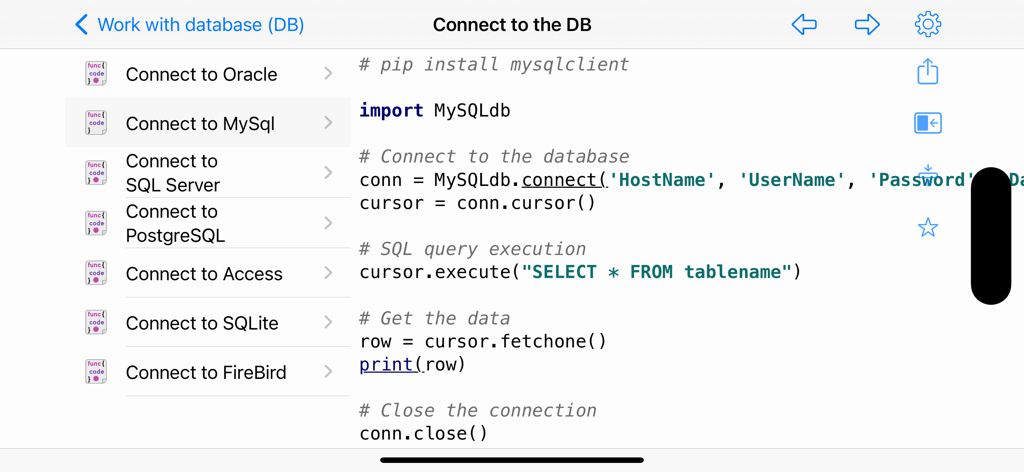
Interface of Python and SQL app displaying code to connect to a MySQL database
Description
Download
More Like This
Top-ranked apps in the same category

TestFlight
Apple Inc.

Replit: Vibe Code Apps
Replit, Inc

GitHub
GitHub

O-KAM Pro
Shenzhen VeePai IoT Intelligent Technology LLC

Apple Developer
Apple Inc.

Expo Go
650 Industries, Inc.

Scriptable
Simon Stovring

App Store Connect
Apple Inc.

Sekai: Create · Remix · Play
Versa AI, Inc.
This page is not an official page of the app or its developer, but an independent editorial publication created for informational and commentary purposes. Unless expressly stated otherwise, neither the app nor its developer is affiliated with, endorsed by, sponsored by, authorized by, or otherwise officially connected with MWM, Apple, Google Play, the app publisher, or the app's developer, and nothing on this page implies that the app was developed using MWM's services. Any trademarks, logos, screenshots, and other content remain the property of their respective owners.