
This page is not an official page of the app or its developer, but an independent editorial publication created for informational and commentary purposes. Unless expressly stated otherwise, neither the app nor its developer is affiliated with, endorsed by, sponsored by, authorized by, or otherwise officially connected with MWM, Apple, Google Play, the app publisher, or the app's developer, and nothing on this page implies that the app was developed using MWM's services. Any trademarks, logos, screenshots, and other content remain the property of their respective owners.


Python3IDE
Transform your iPad into a powerhouse workstation. Code, analyze, and visualize with built-in NumPy, Pandas, and Jupyter Notebook support—all running locally and 100% offline.
Downloads
1M+User Rating
Total Ratings
1K+Publisher
Category
Developer ToolsLocales
2Latest Version
1.5Size
1.6 GBFirst Released
Apr 4, 2018Desktop-Class Power on Your Mobile Device
Python3IDE transforms your iPad and iPhone into a high-performance workstation with a pre-configured scientific stack and full offline capabilities.
Pre-Installed Scientific Stack
Skip the setup and start analyzing data immediately with NumPy, Pandas, Scikit-Learn, and Matplotlib built right into the app.
Total Offline Independence
Run and debug your scripts locally without an internet connection. The perfect companion for the commuter coder and digital nomad.
The following screenshots and description are sourced directly from the app's official store listing and are the property of the app developer.
App Store
Screenshots
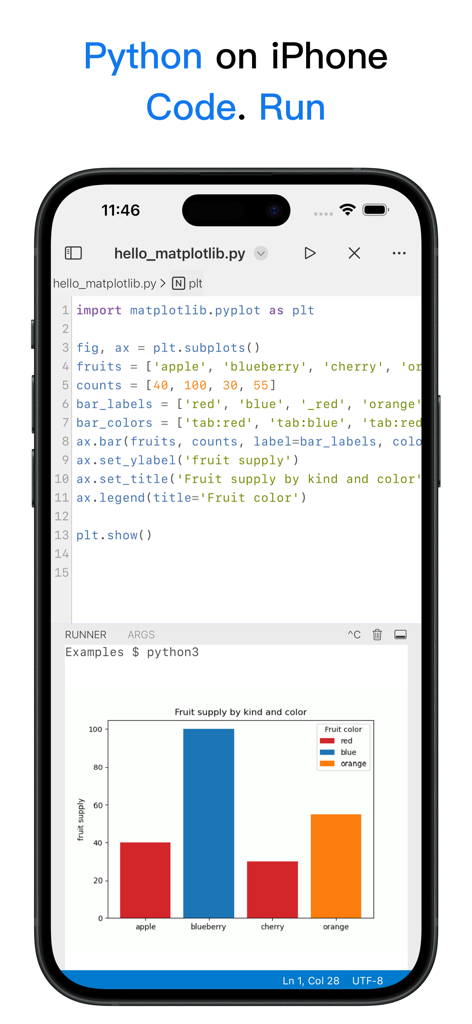
Screenshot of Python3IDE app on iPhone showing Python code using matplotlib to generate a color-coded bar chart.
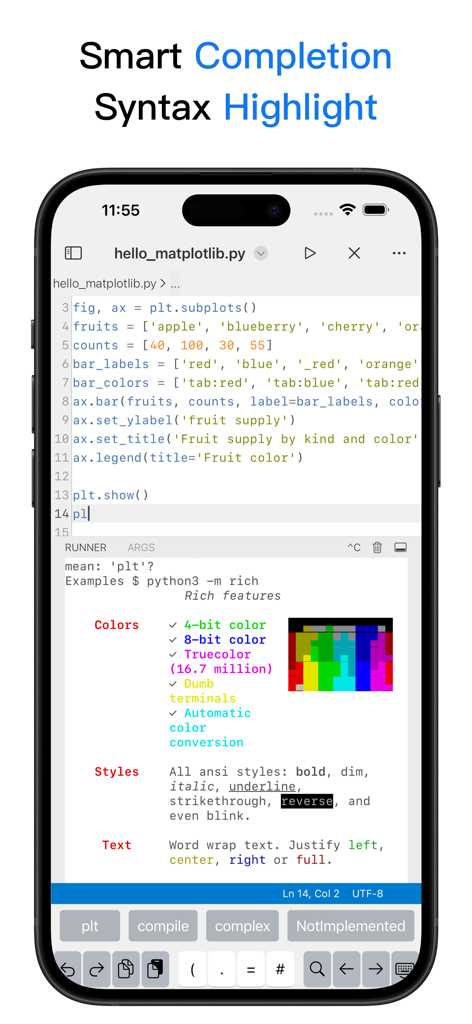
Python3IDE mobile code editor featuring syntax highlighting and smart completion suggestions
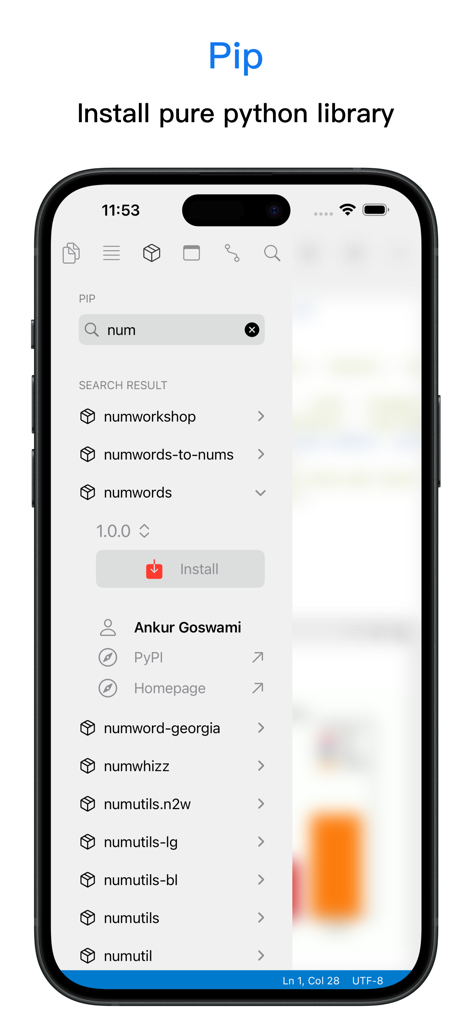
Python3IDE mobile app interface showing the Pip package manager for searching and installing Python libraries
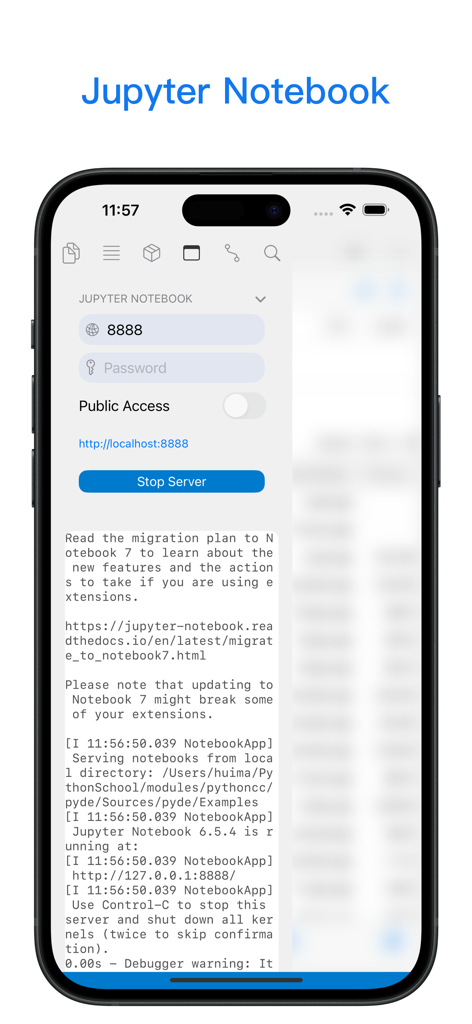
Mobile interface of Python3IDE showing local Jupyter Notebook server controls and logs
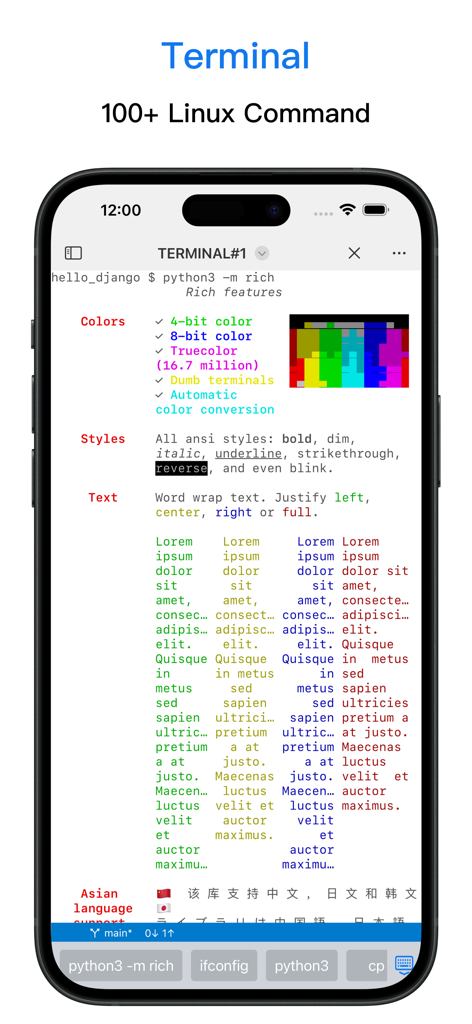
A mobile terminal interface in the Python3IDE app showing Linux command support and rich text formatting.
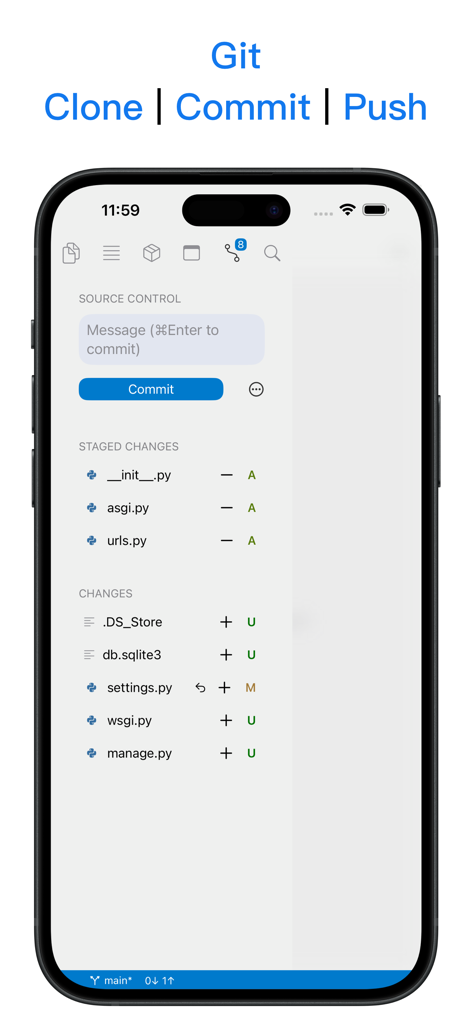
Python3IDE mobile app showing Git source control with clone commit and push features on an iPhone screen
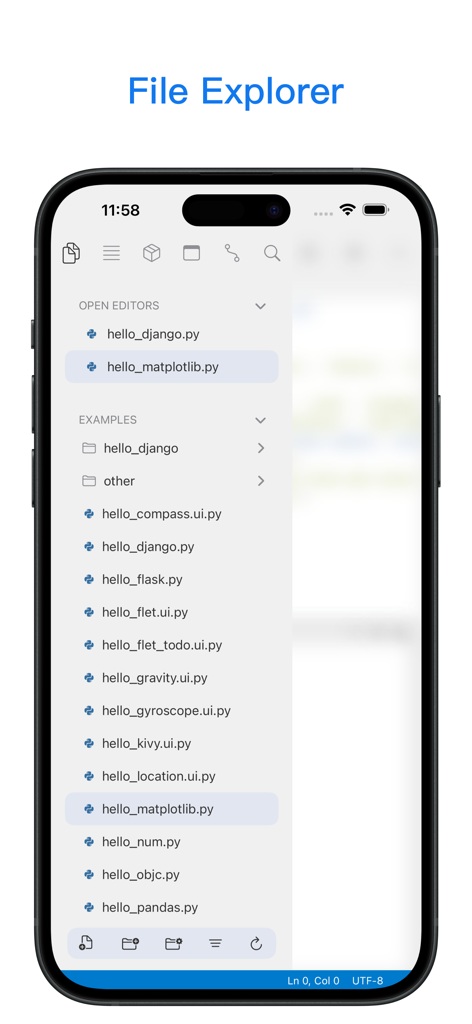
Python3IDE mobile app file explorer showing open scripts and python code examples
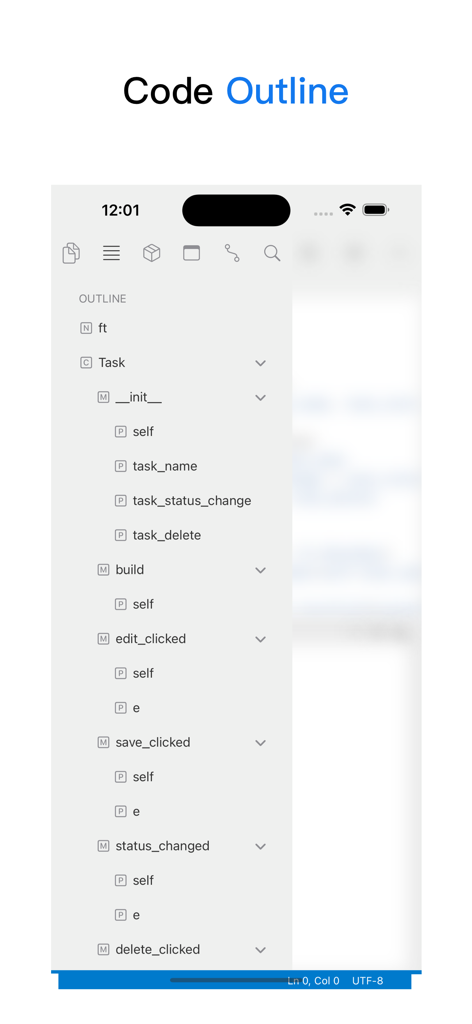
Screenshot of Python3IDE mobile app showing a hierarchical code outline with classes and methods
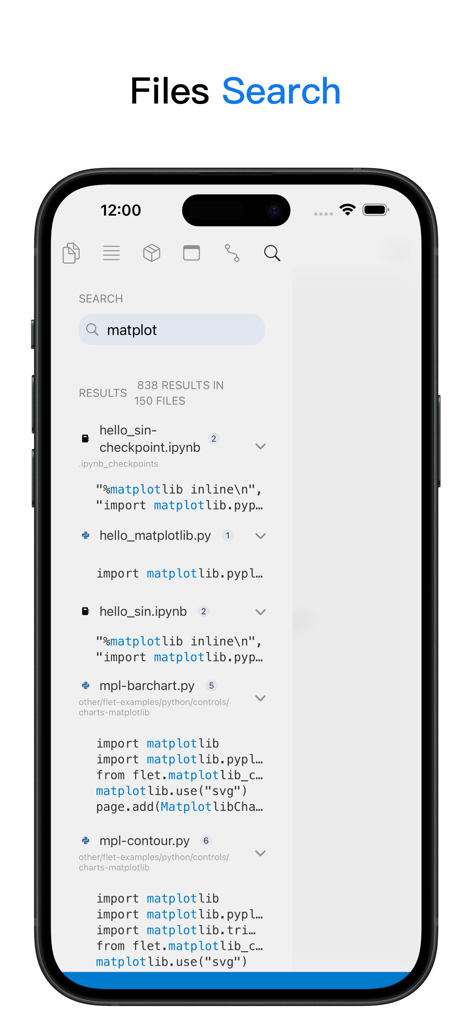
Search interface of Python3IDE app showing code search results for the matplotlib library on an iPhone
Description
Download
More Like This
Apps with similar features and user experience

Python Coding
婉媚 邵

Scriptable
Simon Stovring

Koder Code Editor
Reny Mustika

Textastic Code Editor
Alexander Blach

Carnets - Jupyter
Nicolas Holzschuch

Juno – Python and Jupyter
Rational Matter Ltd

C/C++-programming language
小文 黄

Love2D Studio
淑敏 孙

C Compiler IDE
Changsha Chunjue Information Technology Co., Ltd.
This page is not an official page of the app or its developer, but an independent editorial publication created for informational and commentary purposes. Unless expressly stated otherwise, neither the app nor its developer is affiliated with, endorsed by, sponsored by, authorized by, or otherwise officially connected with MWM, Apple, Google Play, the app publisher, or the app's developer, and nothing on this page implies that the app was developed using MWM's services. Any trademarks, logos, screenshots, and other content remain the property of their respective owners.