
This page is not an official page of the app or its developer, but an independent editorial publication created for informational and commentary purposes. Unless expressly stated otherwise, neither the app nor its developer is affiliated with, endorsed by, sponsored by, authorized by, or otherwise officially connected with MWM, Apple, Google Play, the app publisher, or the app's developer, and nothing on this page implies that the app was developed using MWM's services. Any trademarks, logos, screenshots, and other content remain the property of their respective owners.


Pyto IDE
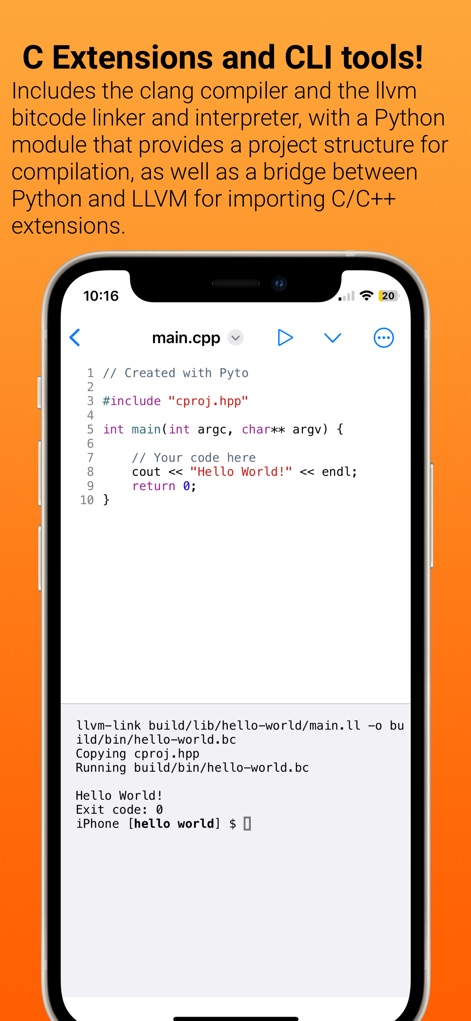
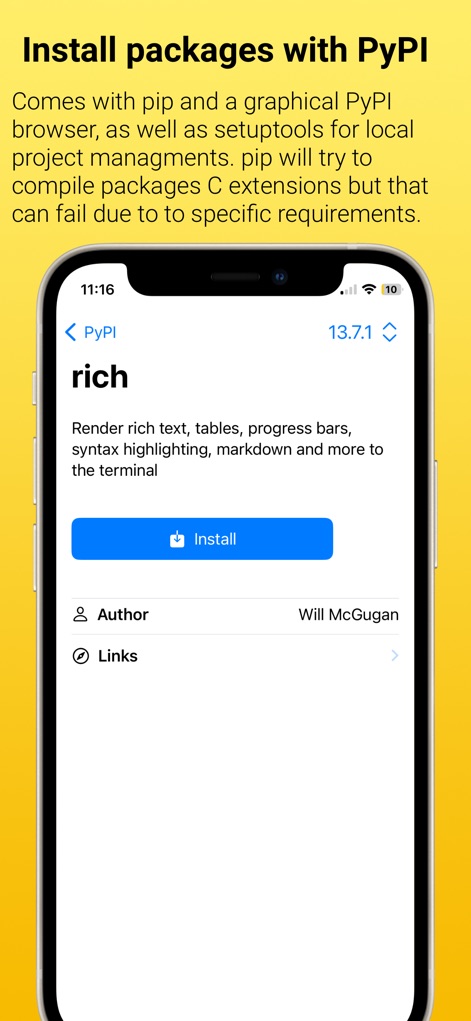
Unleash your productivity with Python 3.10, a full UNIX terminal, and 100+ professional libraries like NumPy and Pandas. Build widgets, automate iOS with Shortcuts, and code anywhere with a complete offline development environment.
Downloads
555K+User Rating
Total Ratings
3K+Publisher
Category
Developer ToolsLocales
4Latest Version
19.0.1Size
921.9 MBFirst Released
Sep 24, 2018Desktop-Class Python Development, Anywhere
Transform your iPad or iPhone into a professional workstation with Python 3.10, industry-standard data science libraries, and deep iOS automation capabilities.
Professional Data Science Stack
Run NumPy, Pandas, and Scikit-learn locally. Perform complex data analysis and machine learning offline without needing a cloud server.
Deep iOS System Integration
Build custom Home Screen widgets and trigger Python scripts via Siri Shortcuts to bridge the gap between your code and the mobile OS.
The following screenshots and description are sourced directly from the app's official store listing and are the property of the app developer.
App Store
Screenshots





Description
Download
More Like This
Apps with similar features and user experience

Python Coding
婉媚 邵

Scriptable
Simon Stovring

Koder Code Editor
Reny Mustika

Textastic Code Editor
Alexander Blach

Carnets - Jupyter
Nicolas Holzschuch

Juno – Python and Jupyter
Rational Matter Ltd

C/C++-programming language
小文 黄

Love2D Studio
淑敏 孙

C Compiler IDE
Changsha Chunjue Information Technology Co., Ltd.
This page is not an official page of the app or its developer, but an independent editorial publication created for informational and commentary purposes. Unless expressly stated otherwise, neither the app nor its developer is affiliated with, endorsed by, sponsored by, authorized by, or otherwise officially connected with MWM, Apple, Google Play, the app publisher, or the app's developer, and nothing on this page implies that the app was developed using MWM's services. Any trademarks, logos, screenshots, and other content remain the property of their respective owners.