
This page is not an official page of the app or its developer, but an independent editorial publication created for informational and commentary purposes. Unless expressly stated otherwise, neither the app nor its developer is affiliated with, endorsed by, sponsored by, authorized by, or otherwise officially connected with MWM, Apple, Google Play, the app publisher, or the app's developer, and nothing on this page implies that the app was developed using MWM's services. Any trademarks, logos, screenshots, and other content remain the property of their respective owners.


QR Code Scanner: QR Reader
Scan barcodes, create custom QR codes, and streamline your workflow with Haptic Touch and Control Center integration. Enjoy 100% local processing and a one-time purchase for iPhone, iPad, and Mac.
Downloads
0User Rating
Total Ratings
0Publisher
Category
UtilitiesLocales
11Latest Version
2.1.9Size
15.4 MBFirst Released
Dec 19, 2024Built for Professional Efficiency
Go beyond simple scanning with a high-performance toolkit designed to integrate seamlessly into your Apple ecosystem while keeping your data private.
Instant System Integration
Minimize friction by launching the scanner directly from your Control Center or using Haptic Touch for immediate, one-tap actions.
100% Local Privacy
Your data is your business. All scanning and generation are processed locally on your device, ensuring zero tracking and total security.
The following screenshots and description are sourced directly from the app's official store listing and are the property of the app developer.
App Store
Screenshots
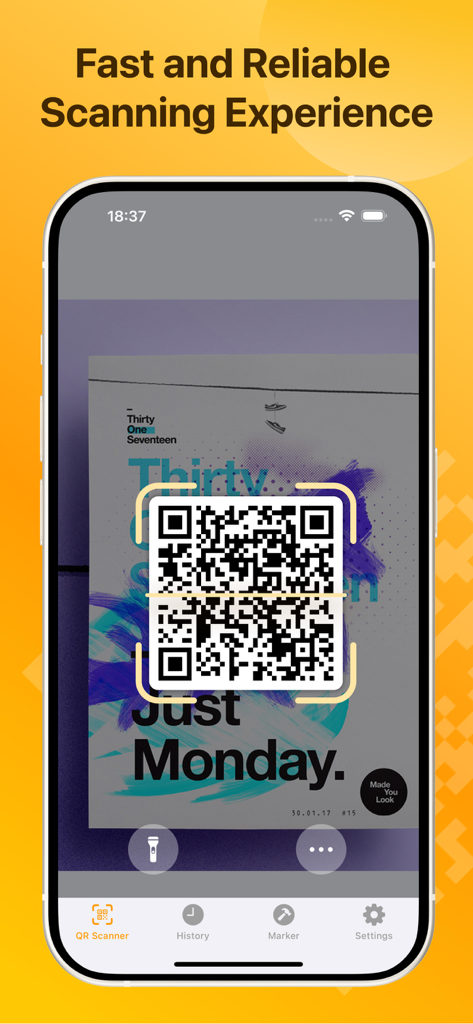
iPhone screen showing the QR code scanner app interface scanning a code on a poster with a fast and reliable experience
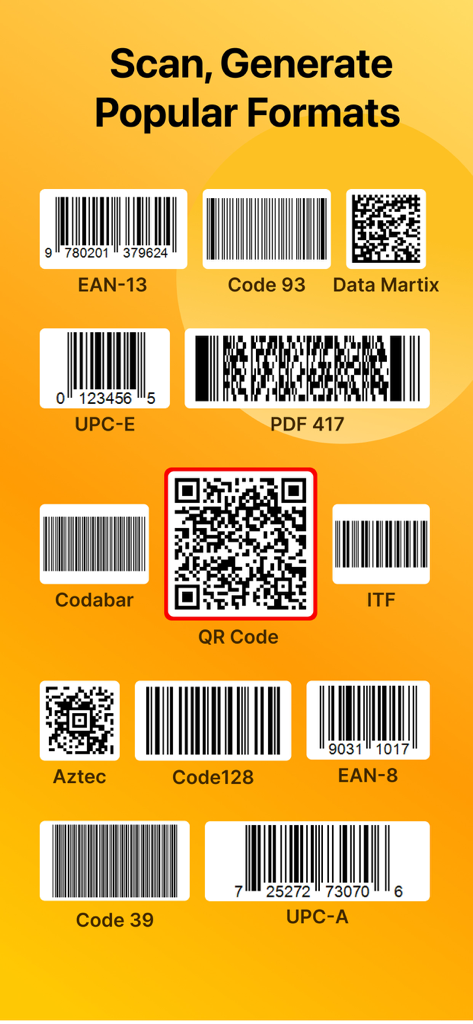
A list of supported scanning and generation formats including QR codes and various barcode types like UPC EAN and Code 128
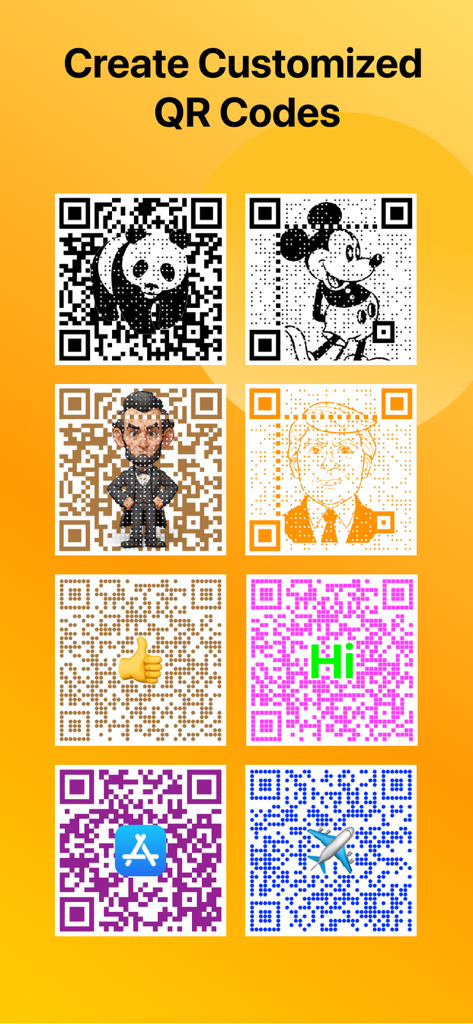
A collection of creative QR code designs featuring various colors, icons, and character illustrations like a panda and Mickey Mouse.
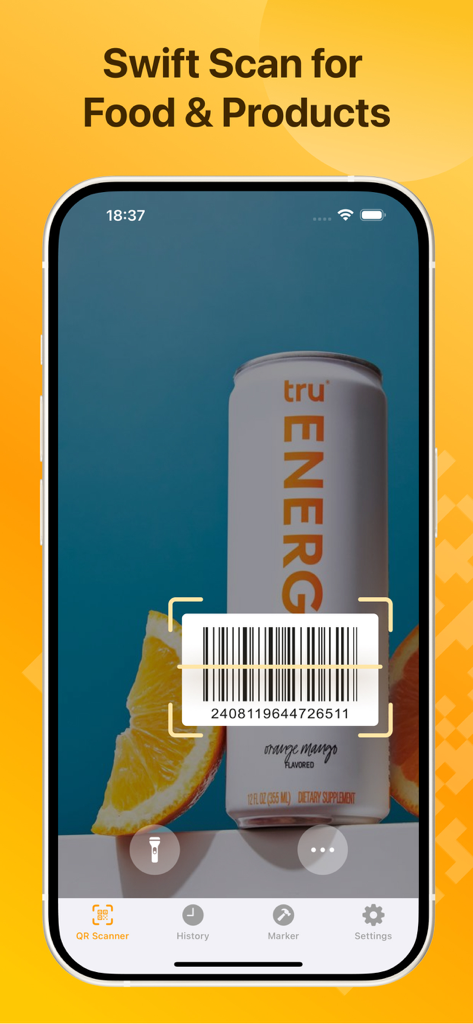
QR Code Scanner app interface showing a swift scan of a barcode on a product container
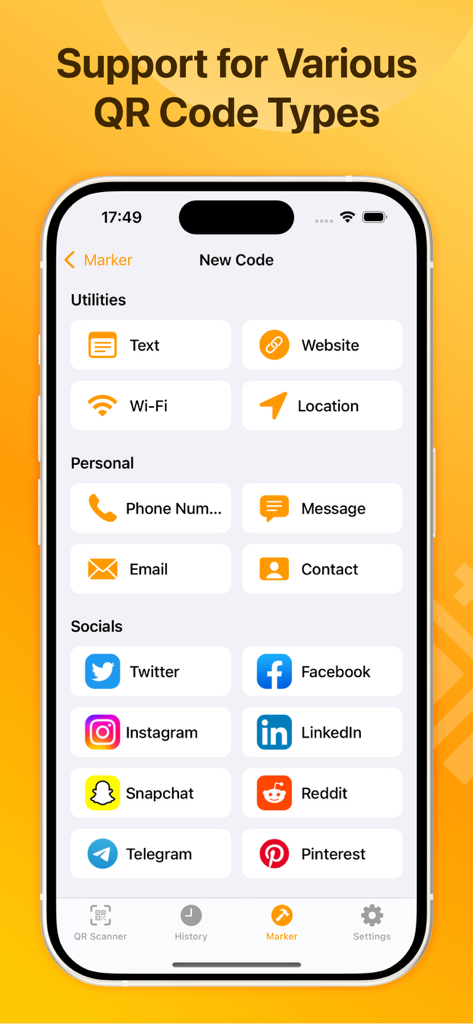
Interface of the QR Code Scanner app showing various options to create QR codes for websites, Wi-Fi, contacts, and social media platforms.
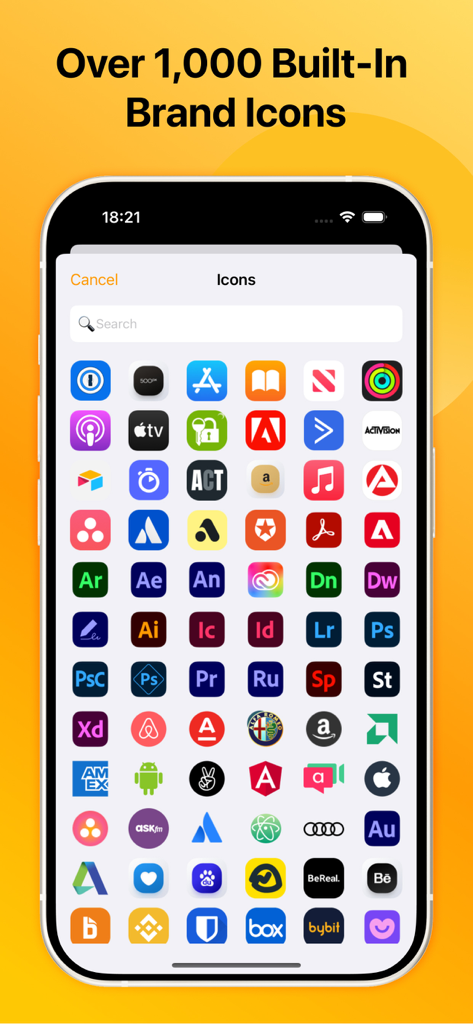
A mobile screen showing a large collection of brand icons for creating custom QR codes.
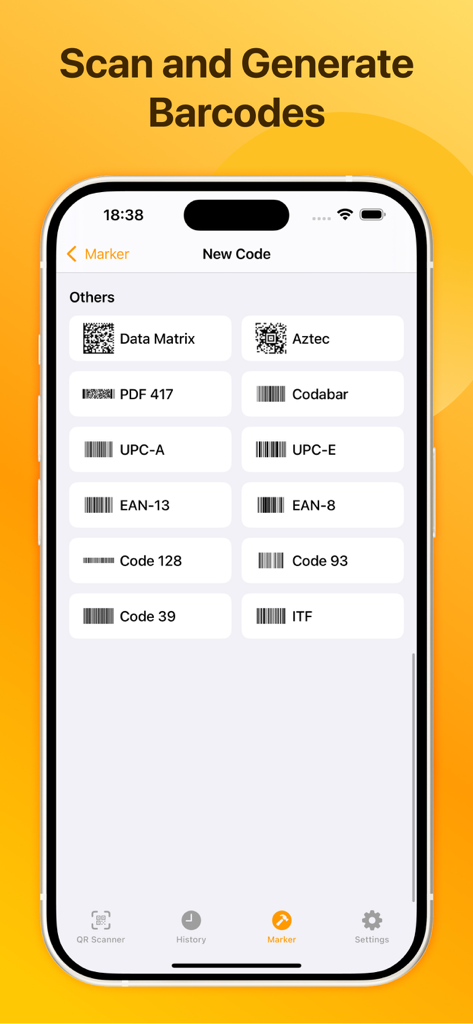
iPhone app screen showing options to generate various barcode types including UPC and EAN
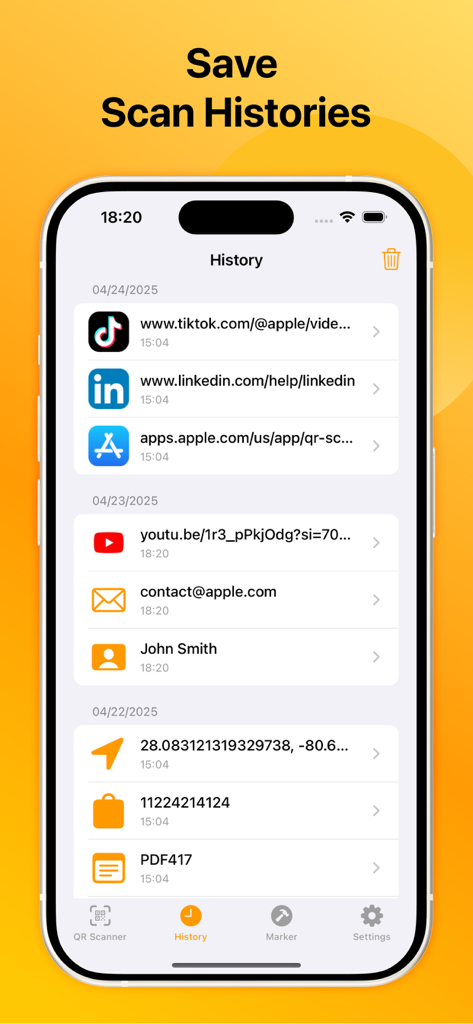
App interface showing a list of saved QR code and barcode scans organized by date.
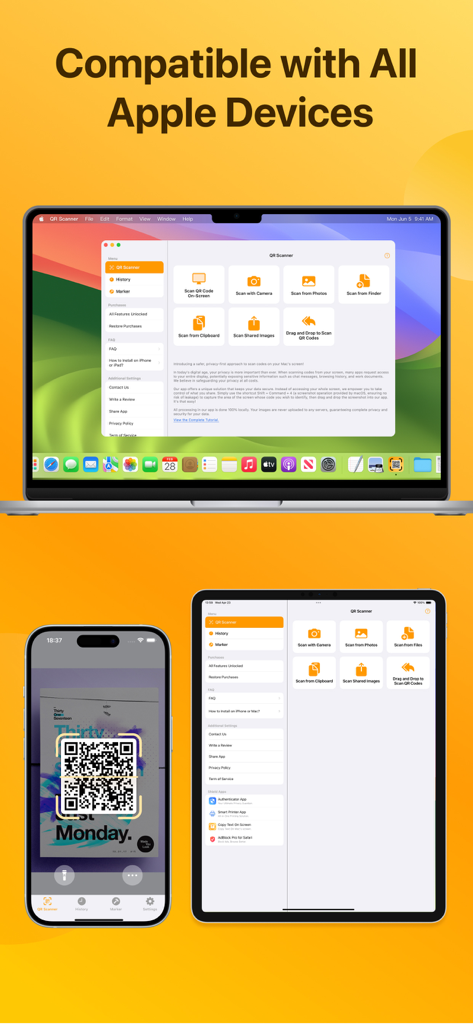
QR Code Scanner app interface displayed across iPhone iPad and MacBook
Description
Download
More Like This
Top-ranked apps in the same category

Google LLC

Google Chrome
Google LLC

中国移动(手机营业厅)
China Mobile Online Services Co., Ltd.

Google Authenticator
Google LLC

Cleanup: Phone Storage Cleaner
DEEP FLOW SOFTWARE SERVICES - FZCO

Super VPN Fly 2026
YUNFAN TECHNOLOGY CO., LIMITED

gov.br
Servicos e Informacoes do Brasil

CNH do Brasil
Servicos e Informacoes do Brasil

Microsoft Edge: AI Browser
Microsoft Corporation
This page is not an official page of the app or its developer, but an independent editorial publication created for informational and commentary purposes. Unless expressly stated otherwise, neither the app nor its developer is affiliated with, endorsed by, sponsored by, authorized by, or otherwise officially connected with MWM, Apple, Google Play, the app publisher, or the app's developer, and nothing on this page implies that the app was developed using MWM's services. Any trademarks, logos, screenshots, and other content remain the property of their respective owners.