
This page is not an official page of the app or its developer, but an independent editorial publication created for informational and commentary purposes. Unless expressly stated otherwise, neither the app nor its developer is affiliated with, endorsed by, sponsored by, authorized by, or otherwise officially connected with MWM, Apple, Google Play, the app publisher, or the app's developer, and nothing on this page implies that the app was developed using MWM's services. Any trademarks, logos, screenshots, and other content remain the property of their respective owners.

QRBot: Reader & Maker
Go beyond simple scanning. Generate custom branded codes, compare product prices instantly, and keep your data secure with Face ID and cloud synchronization across all your devices.
Downloads
400User Rating
Total Ratings
0Publisher
Category
UtilitiesLocales
33Latest Version
2.1.0Size
107.6 MBFirst Released
Oct 10, 2024Unlock the Power of Every Code
Experience the ultimate utility tool that goes beyond scanning. Create, customize, and secure your digital interactions with professional-grade features designed for efficiency.
Create Branded Codes
Design custom QR codes with unique colors and logos to elevate your professional networking and social media presence effortlessly.
Instant Product Lookup
Scan barcodes to find the best prices across the web in seconds, helping you save money and shop smarter every single day.
The following screenshots and description are sourced directly from the app's official store listing and are the property of the app developer.
App Store
Screenshots
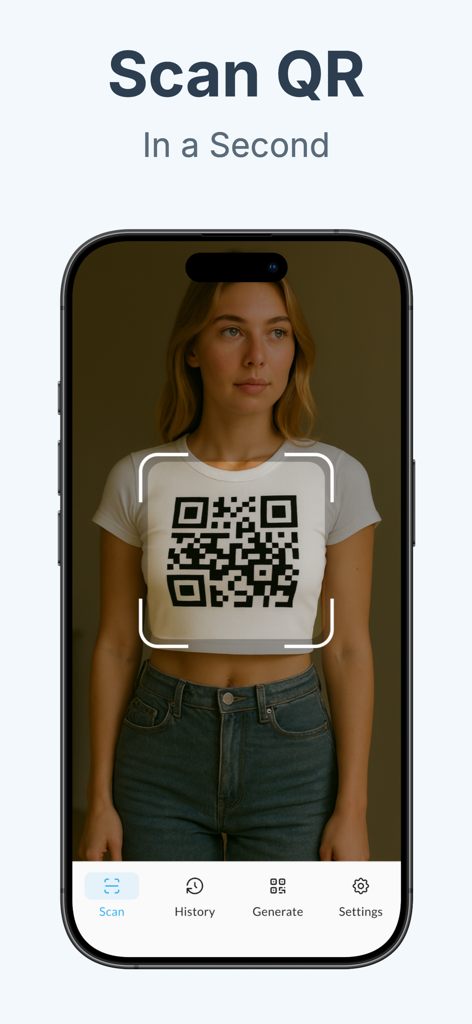
iPhone screen showing the QRBot app scanning a QR code on a shirt
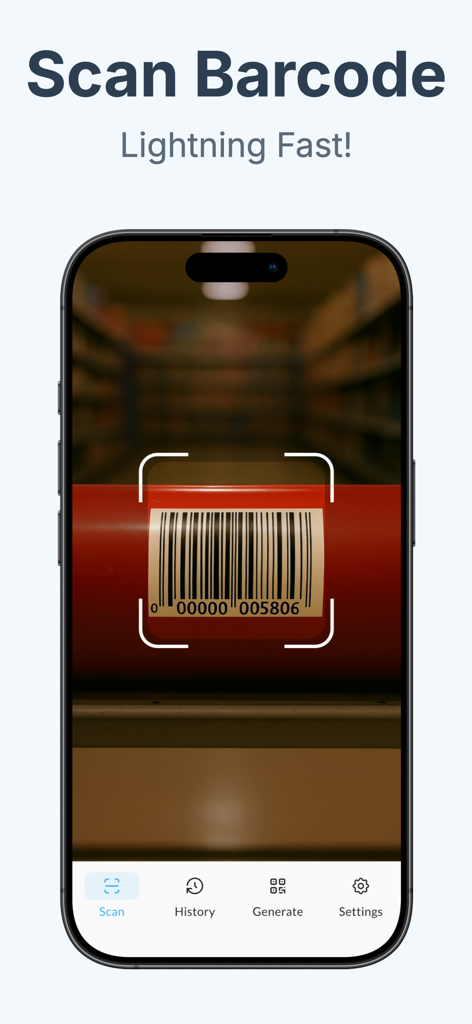
QRBot mobile application scanning a product barcode
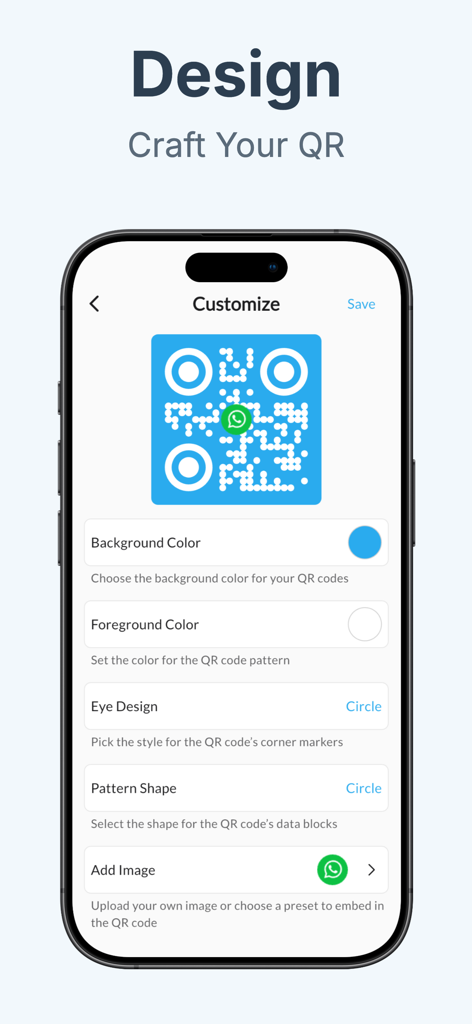
Interface of QRBot app showing options to customize QR code colors shapes and logos
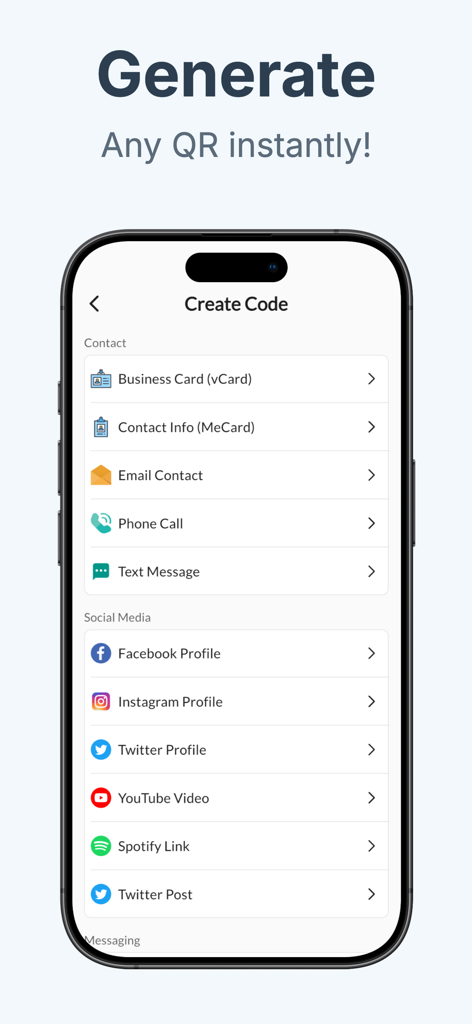
Interface of QRBot app showing various options to create QR codes for contacts and social media platforms
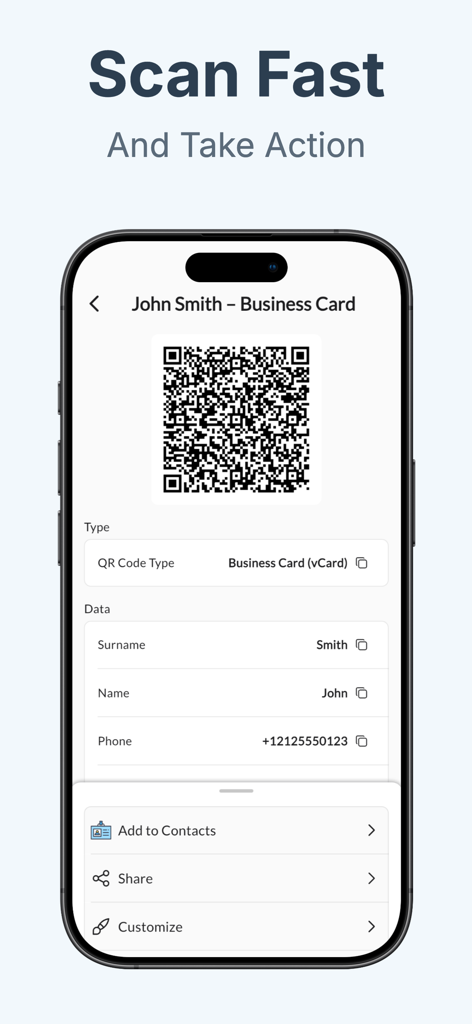
QRBot app interface showing a scanned business card with contact details and action buttons
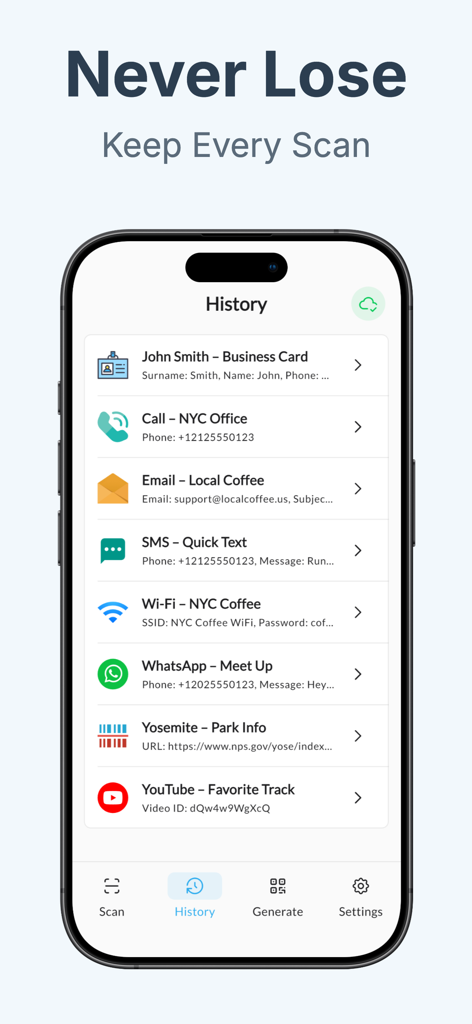
Mobile app screen showing a history of scanned QR codes including business cards and WiFi details
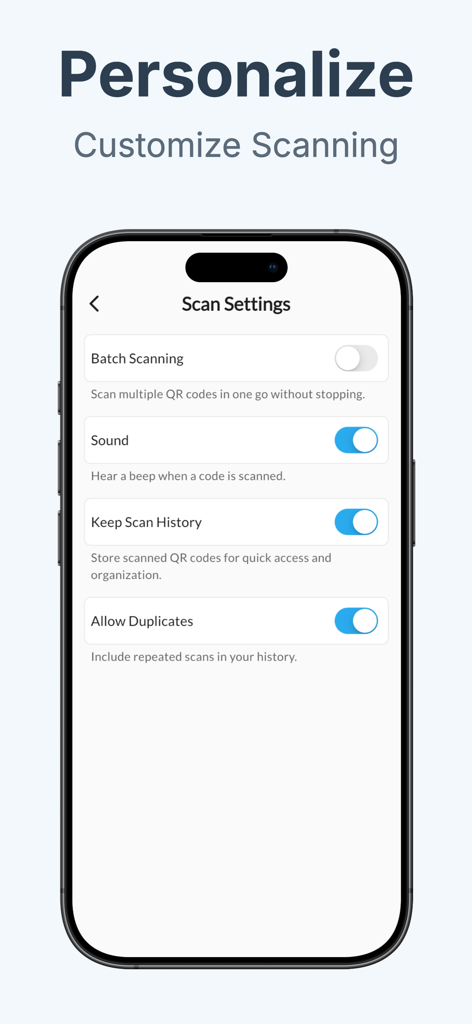
QRBot app interface showing scan settings for batch scanning, sound, and history logs on an iPhone
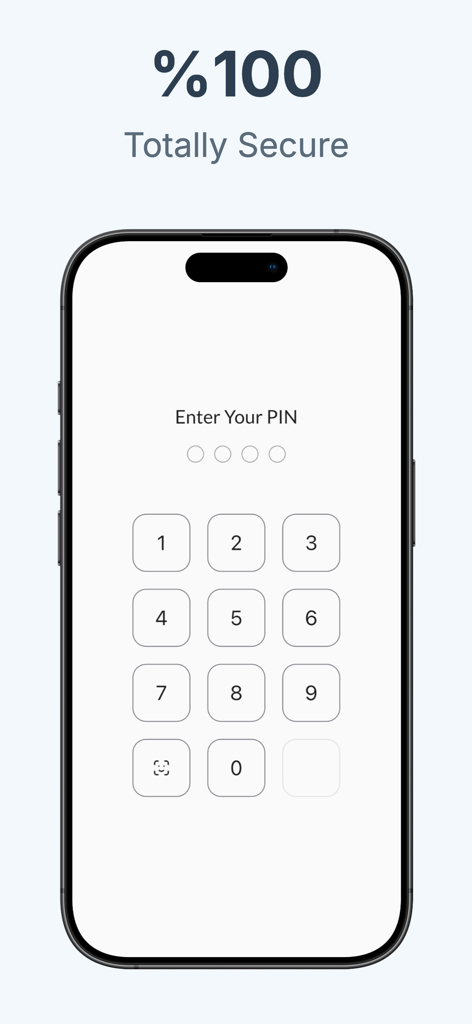
iPhone screen displaying a numeric PIN lock interface with the headline 100 percent totally secure for private QR scanning
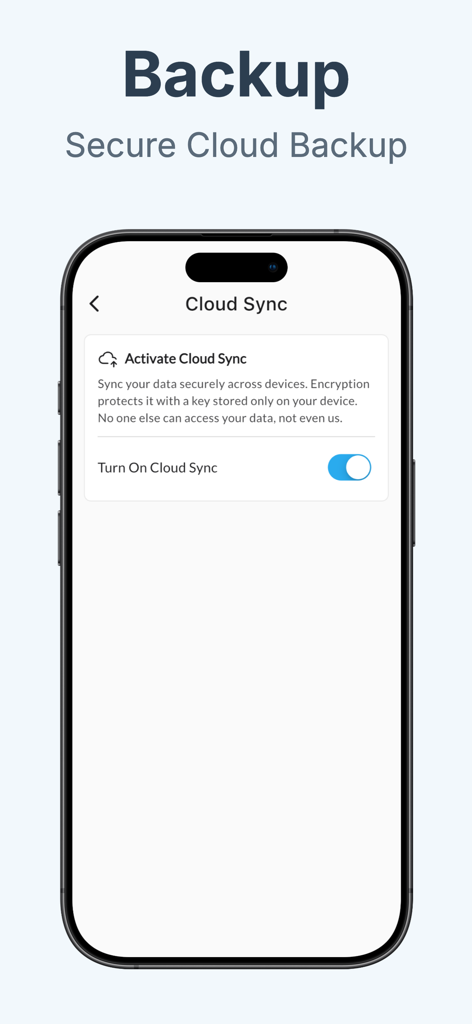
QRBot app interface showing secure cloud sync activation and backup options
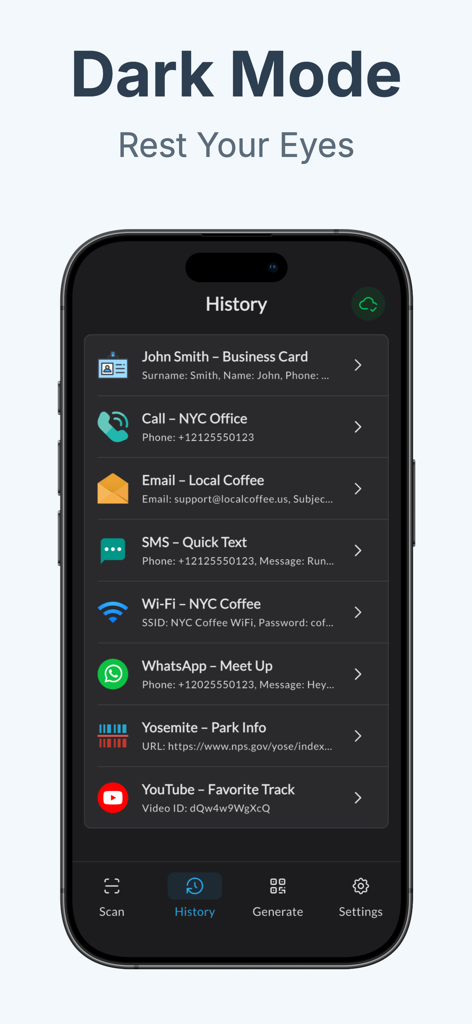
QRBot app interface showing a list of scanned QR code history in dark mode
Description
Download
More Like This
Top-ranked apps in the same category

Google LLC

Google Chrome
Google LLC

中国移动(手机营业厅)
China Mobile Online Services Co., Ltd.

Google Authenticator
Google LLC

CNH do Brasil
Servicos e Informacoes do Brasil

Cleanup: Phone Storage Cleaner
DEEP FLOW SOFTWARE SERVICES - FZCO

gov.br
Servicos e Informacoes do Brasil

中国电信-全国统一官方服务平台
CHINA TELECOM Corporation Ltd.

Microsoft Edge: AI Browser
Microsoft Corporation
This page is not an official page of the app or its developer, but an independent editorial publication created for informational and commentary purposes. Unless expressly stated otherwise, neither the app nor its developer is affiliated with, endorsed by, sponsored by, authorized by, or otherwise officially connected with MWM, Apple, Google Play, the app publisher, or the app's developer, and nothing on this page implies that the app was developed using MWM's services. Any trademarks, logos, screenshots, and other content remain the property of their respective owners.