
This page is not an official page of the app or its developer, but an independent editorial publication created for informational and commentary purposes. Unless expressly stated otherwise, neither the app nor its developer is affiliated with, endorsed by, sponsored by, authorized by, or otherwise officially connected with MWM, Apple, Google Play, the app publisher, or the app's developer, and nothing on this page implies that the app was developed using MWM's services. Any trademarks, logos, screenshots, and other content remain the property of their respective owners.

Radius on Map + : draw circle
The essential tool for service areas, real estate, and field operations. Define multiple radii with UTM/MGRS support, export KML files, and share results via URL—all with a one-time purchase and no subscriptions.
Downloads
15K+User Rating
Total Ratings
0Publisher
Category
UtilitiesLocales
36Latest Version
2.9Size
5.0 MBFirst Released
May 31, 2015Pro-Grade Tools for Precise Radius Mapping
Define boundaries, calculate service areas, and export spatial data with a high-precision toolkit designed for professionals who demand more than just a basic map.
Technical Precision & Coordination
Work with professional coordinate formats like UTM and MGRS, and use KML/KMZ files to bridge the gap between your mobile device and Google Earth.
Instant Shareable Insights
Generate unique URLs or export custom polygons to show clients and teams exactly where your service areas or project boundaries lie.
The following screenshots and description are sourced directly from the app's official store listing and are the property of the app developer.
App Store
Screenshots
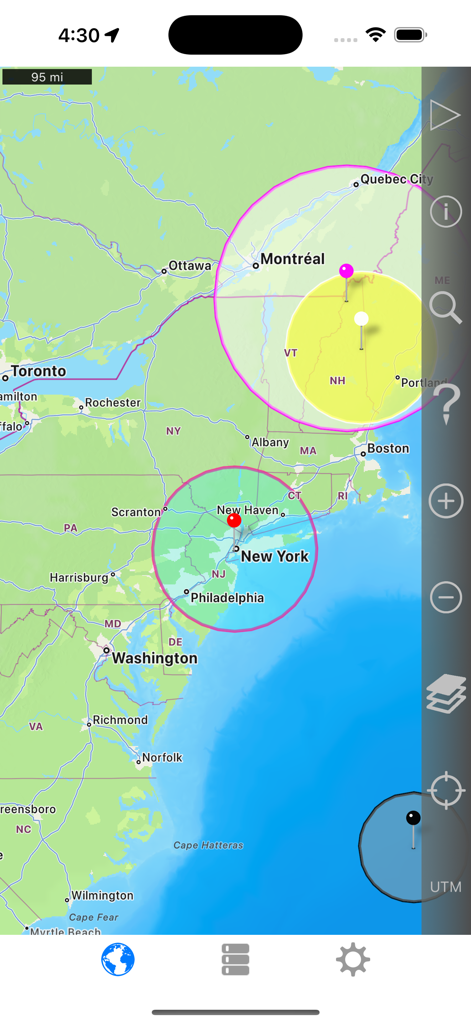
Interface of the Radius on Map app displaying multiple circular distance zones on a map of the Northeast United States.
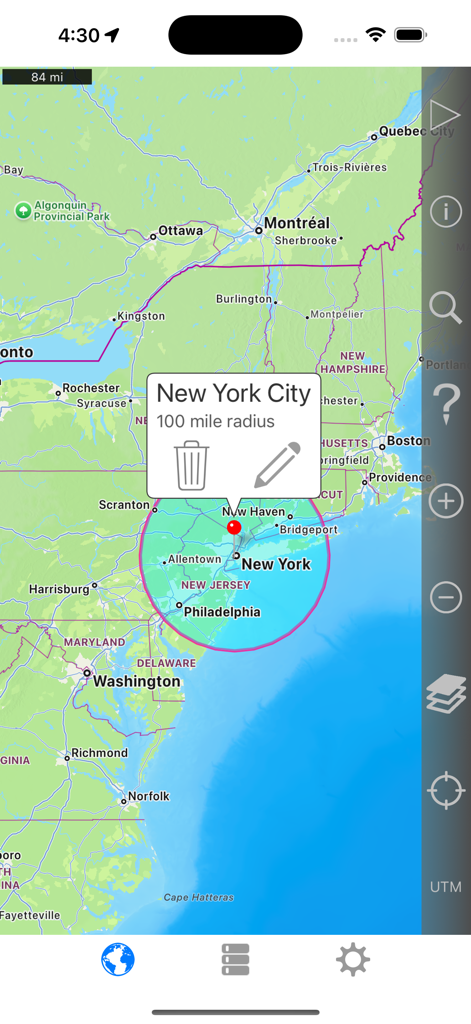
A map showing a 100 mile radius circle centered on New York City with the Radius on Map app interface
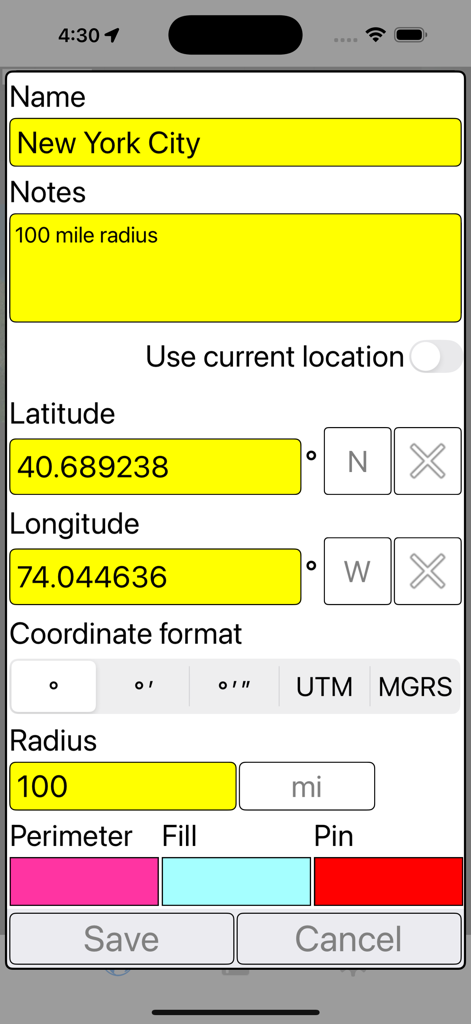
Settings screen in the Radius on Map app for defining a 100 mile radius around New York City using coordinates
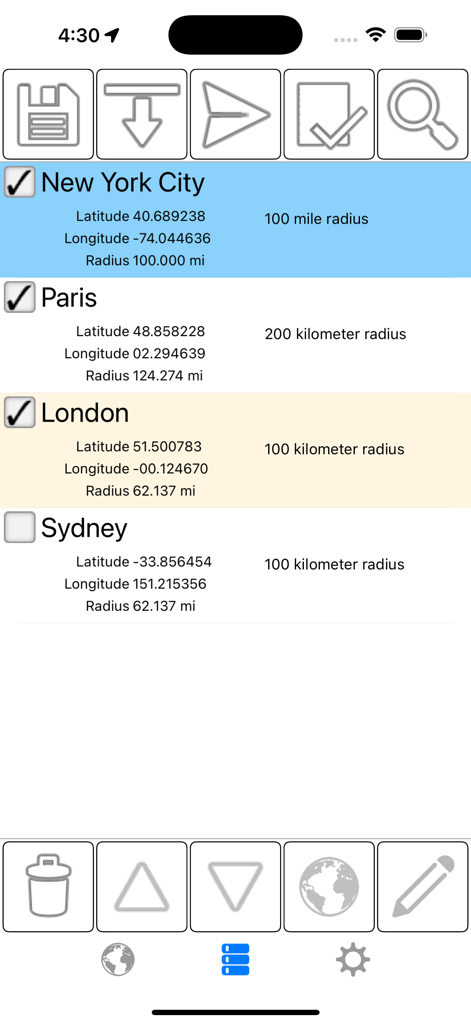
List of saved geographic radii for cities like New York and Paris showing coordinates and distance measurements
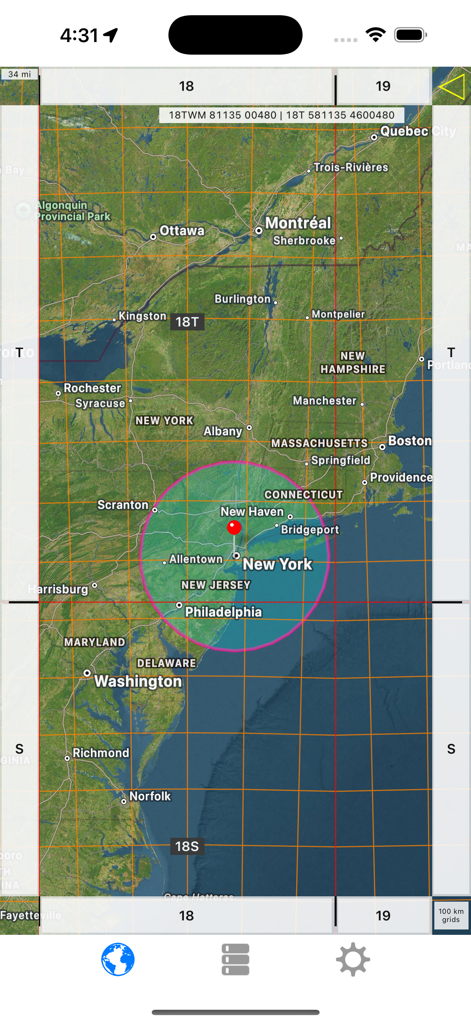
Screenshot of Radius on Map app showing a pink circle over New York and technical grid lines
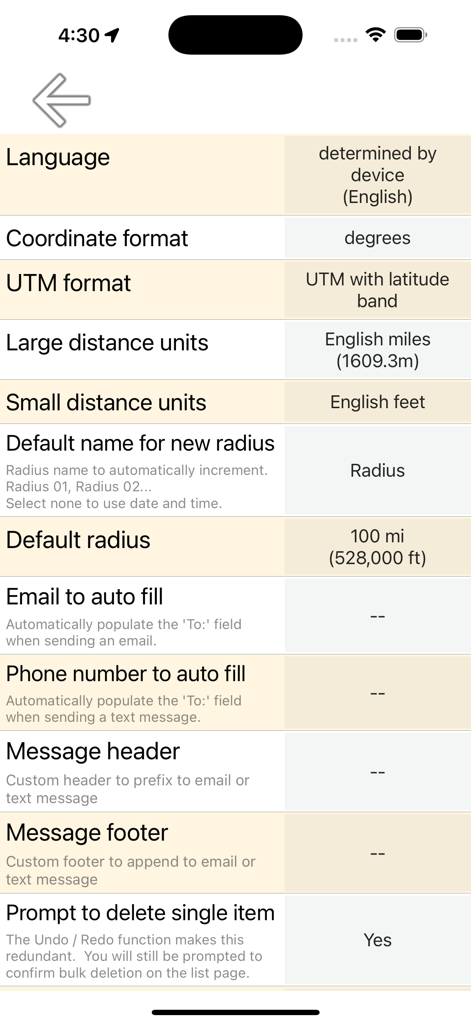
Settings screen of the Radius on Map app showing coordinate formats and distance unit options
Description
Download
More Like This
Top-ranked apps in the same category

Google LLC

Google Chrome
Google LLC

中国移动(手机营业厅)
China Mobile Online Services Co., Ltd.

Google Authenticator
Google LLC

CNH do Brasil
Servicos e Informacoes do Brasil

Cleanup: Phone Storage Cleaner
DEEP FLOW SOFTWARE SERVICES - FZCO

gov.br
Servicos e Informacoes do Brasil

中国电信-全国统一官方服务平台
CHINA TELECOM Corporation Ltd.

Microsoft Edge: AI Browser
Microsoft Corporation
This page is not an official page of the app or its developer, but an independent editorial publication created for informational and commentary purposes. Unless expressly stated otherwise, neither the app nor its developer is affiliated with, endorsed by, sponsored by, authorized by, or otherwise officially connected with MWM, Apple, Google Play, the app publisher, or the app's developer, and nothing on this page implies that the app was developed using MWM's services. Any trademarks, logos, screenshots, and other content remain the property of their respective owners.