
This page is not an official page of the app or its developer, but an independent editorial publication created for informational and commentary purposes. Unless expressly stated otherwise, neither the app nor its developer is affiliated with, endorsed by, sponsored by, authorized by, or otherwise officially connected with MWM, Apple, Google Play, the app publisher, or the app's developer, and nothing on this page implies that the app was developed using MWM's services. Any trademarks, logos, screenshots, and other content remain the property of their respective owners.


Random Number Generator. RNG
Eliminate choice paralysis with instant, fair results. From rolling dice and flipping coins to picking winners from a list, get the answers you need on your iPhone, Apple Watch, and Mac.
Downloads
422K+User Rating
Total Ratings
900Publisher
Category
UtilitiesLocales
2Latest Version
2.11.12Size
54.7 MBFirst Released
Jul 5, 2016Decide Faster. Play Fairer.
The ultimate all-in-one toolkit to eliminate choice paralysis and add unbiased randomness to your daily life, perfectly integrated across your Apple devices.
Settle Every Debate
From Rock-Paper-Scissors to custom lists for dinner spots, let the algorithm make the fair call for you and your friends instantly.
Professional-Grade Randomizer
Generate numbers up to 9 digits, random dates, or hex colors for dev work, tabletop gaming, or statistics with a single tap.
The following screenshots and description are sourced directly from the app's official store listing and are the property of the app developer.
App Store
Screenshots
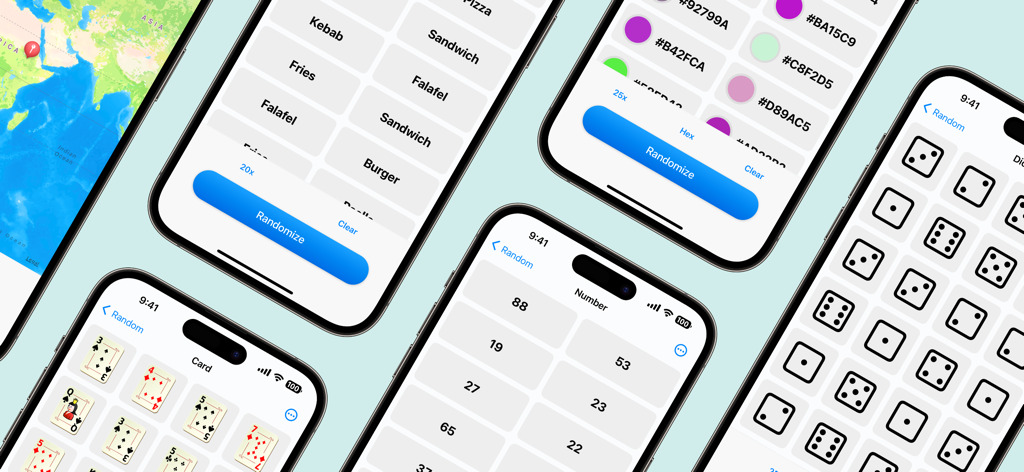
A showcase of different app features including random dice cards numbers and color generators on mobile screens
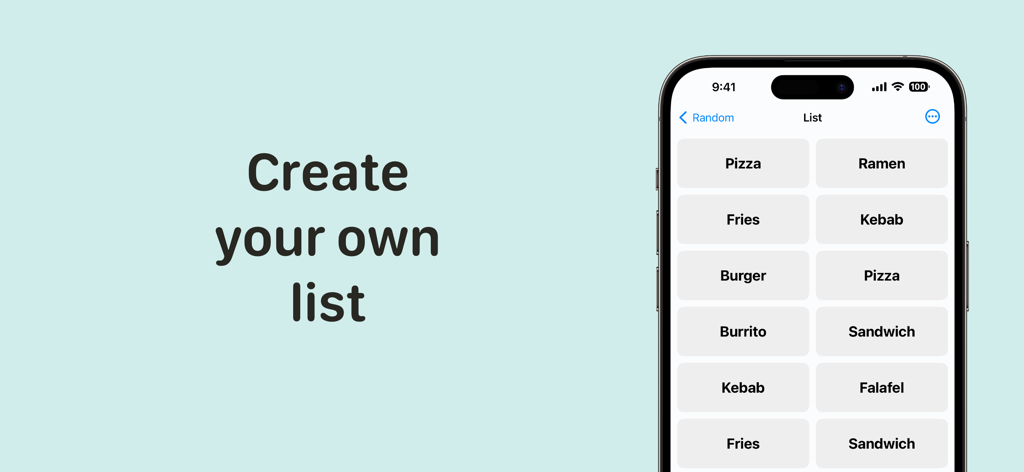
An iPhone screen displaying a custom list of food items like Pizza, Ramen, and Fries for random selection.
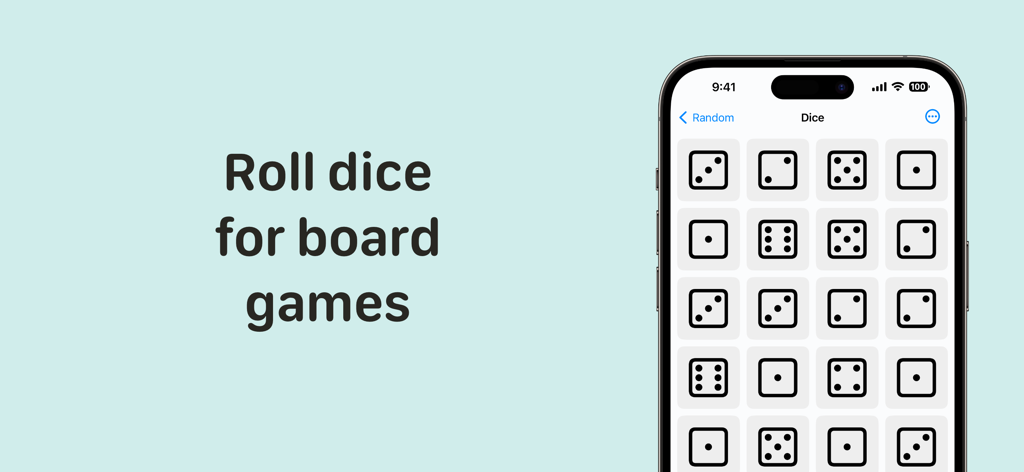
Mobile app interface showing multiple dice rolled for board games
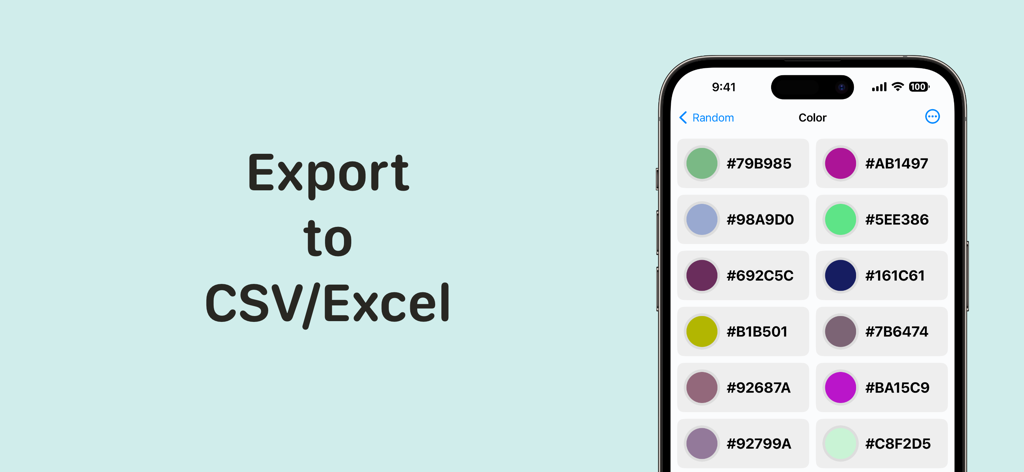
Random Number Generator app interface showing a list of random color hex codes and the export to CSV or Excel feature.
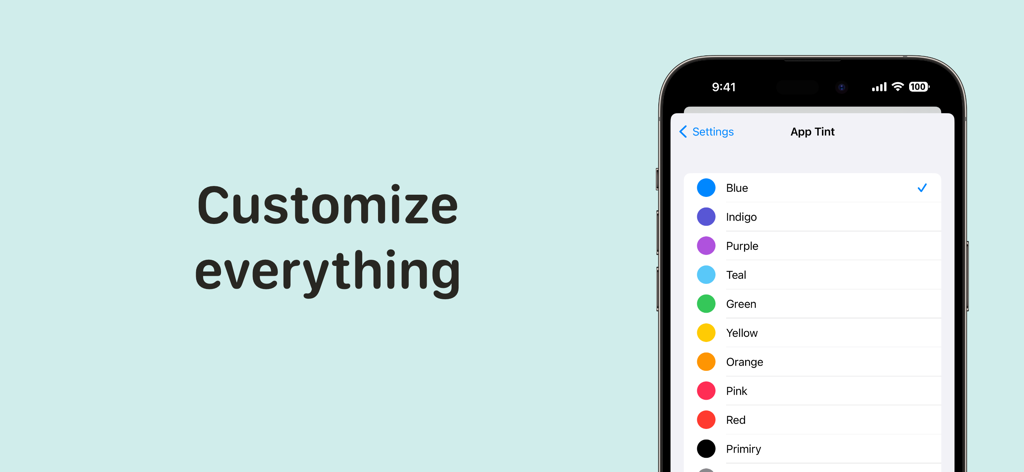
A smartphone screen showing the App Tint settings in the Random Number Generator app with various color options
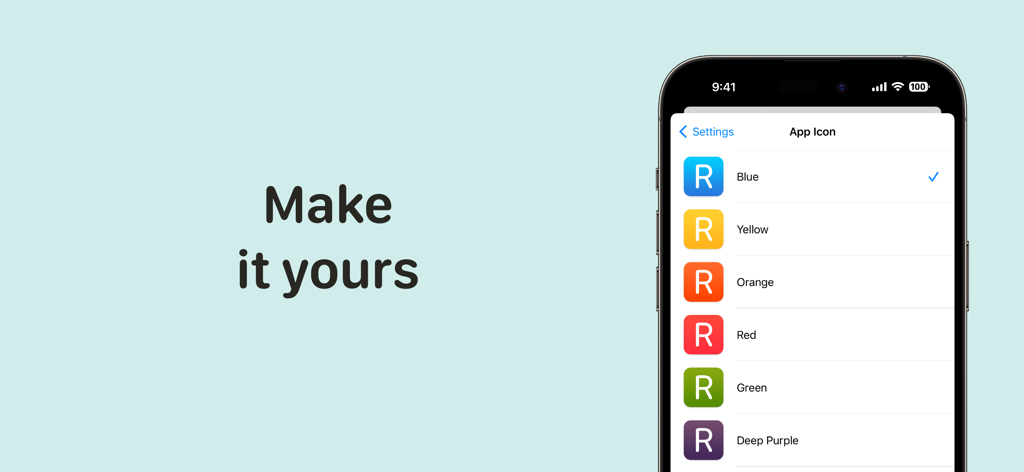
iPhone screen showing various color options for the Random Number Generator app icon.
Description
Download
More Like This
Top-ranked apps in the same category

Google LLC

Google Chrome
Google LLC

中国移动(手机营业厅)
China Mobile Online Services Co., Ltd.

Google Authenticator
Google LLC

CNH do Brasil
Servicos e Informacoes do Brasil

Cleanup: Phone Storage Cleaner
DEEP FLOW SOFTWARE SERVICES - FZCO

gov.br
Servicos e Informacoes do Brasil

中国电信-全国统一官方服务平台
CHINA TELECOM Corporation Ltd.

Microsoft Edge: AI Browser
Microsoft Corporation
This page is not an official page of the app or its developer, but an independent editorial publication created for informational and commentary purposes. Unless expressly stated otherwise, neither the app nor its developer is affiliated with, endorsed by, sponsored by, authorized by, or otherwise officially connected with MWM, Apple, Google Play, the app publisher, or the app's developer, and nothing on this page implies that the app was developed using MWM's services. Any trademarks, logos, screenshots, and other content remain the property of their respective owners.