
This page is not an official page of the app or its developer, but an independent editorial publication created for informational and commentary purposes. Unless expressly stated otherwise, neither the app nor its developer is affiliated with, endorsed by, sponsored by, authorized by, or otherwise officially connected with MWM, Apple, Google Play, the app publisher, or the app's developer, and nothing on this page implies that the app was developed using MWM's services. Any trademarks, logos, screenshots, and other content remain the property of their respective owners.


RedApp Lite: Private Browser
Ditch the ads, play videos in the background, and protect your digital footprint with the all-in-one browser designed for speed and total aesthetic control.
Downloads
4K+User Rating
Total Ratings
1K+Publisher
Category
UtilitiesLocales
60Latest Version
4.0Size
85.6 MBFirst Released
Aug 18, 2018Browse Smarter, Not Harder
Experience a lightning-fast browser that puts you in control with built-in ad blocking, background media play, and military-grade privacy.
Total Privacy Control
Go beyond incognito. Use FaceID or a Passcode to lock your tabs and block cross-site trackers from harvesting your data.
Premium Media Player
Stream video links with background audio and zero annoying ads. Enjoy a premium content experience without the monthly subscription.
Frequently Asked Questions
Everything you need to know about RedApp Lite: Private Browser
Can I set RedApp Lite as my default browser on iOS?
Yes, RedApp Lite can be set as your default browser from iOS 14. Navigate to Settings, scroll down to RedApp Lite, then select it as the Default Browser App.
What privacy protection features does RedApp Lite offer?
RedApp Lite provides privacy protection through HTTPS Everywhere, script blocking, cookie blocking, private tabs, and comprehensive tracking protection against ads, analytics, social, fingerprinting, and cryptomining trackers.
Is RedApp Lite customizable in terms of appearance?
Yes, RedApp Lite offers extensive appearance customization. Users can choose system Light/Dark mode, predefined themes, change theme colors, toolbar colors, customize toolbar buttons, set address bar position, and use custom wallpapers.
Does RedApp Lite support background video playback or ad-free audio?
Yes, RedApp Lite includes a Player Manager. It allows playing video links from platforms like YouTube and Vimeo, playing audio in the background, and enjoying content without annoying ads.
Can RedApp Lite manage and share downloaded files?
Yes, RedApp Lite features a Download Manager, File Manager, and Sharing Manager. These tools allow users to download, organize files or links, and share them to nearby devices using Wi-Fi or WebDAV.
Which search engines does RedApp Lite support?
RedApp Lite supports intelligent searching with quick access to providers like Wikipedia, Twitter, YouTube, and Amazon. Users can also select from various default search engines including DuckDuckGo, Google, Bing, Qwant, and Ecosia.
Does RedApp Lite offer security features like app locking?
Yes, RedApp Lite enhances security with Passcode/TouchID or FaceID protection. Users can configure the app to require a passcode, TouchID, or FaceID when the screen is locked to maintain privacy.
Does RedApp Lite automatically block cookie consent pop-ups?
Yes, RedApp Lite blocks cookie consent notifications by default. This feature provides a smoother browsing experience without interruption from consent pop-ups.
What types of widgets are available in RedApp Lite?
RedApp Lite supports various useful widgets including Calendar, Top Sites, Your Library, Video Meetings, Tracking Protection, Website Redirects, and URL Shortcuts for enhanced productivity and quick access.
The following screenshots and description are sourced directly from the app's official store listing and are the property of the app developer.
App Store
Screenshots
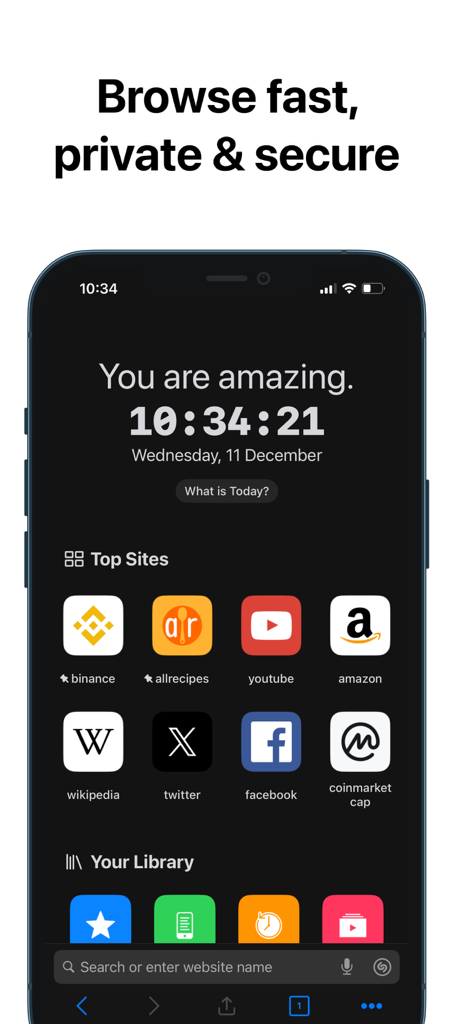
Home screen of RedApp Lite showing bookmarks for top websites and private browsing features in dark mode
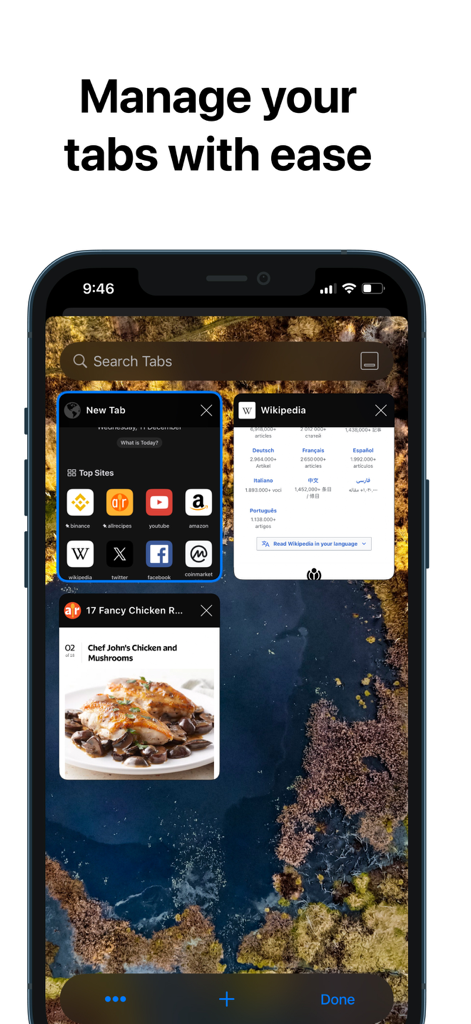
A screenshot of the RedApp Lite private browser showing the tab management feature with multiple open tabs and a search bar.
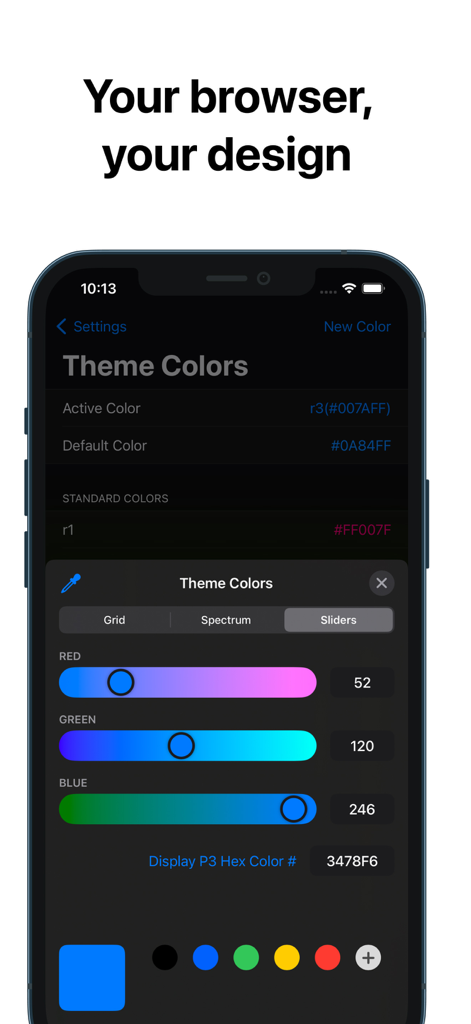
RedApp Lite theme color customization interface with sliders on iPhone
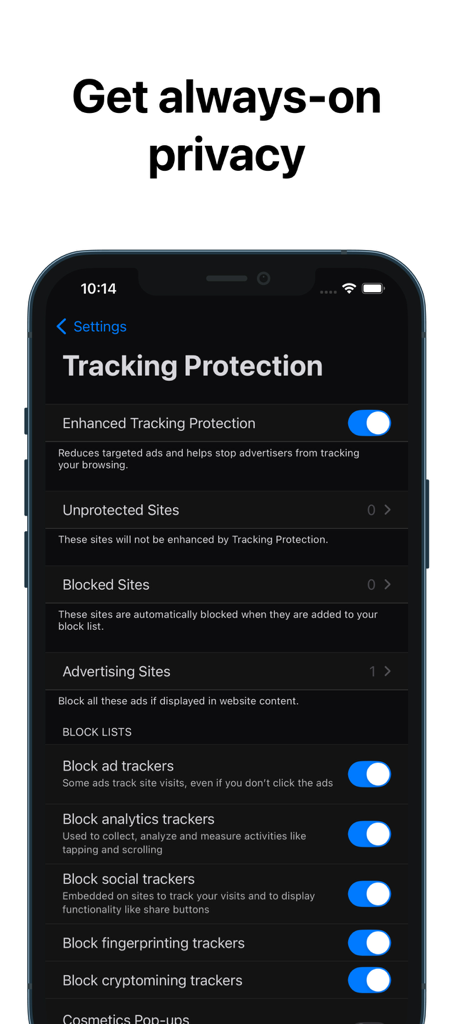
Interface of RedApp Lite private browser showing tracking protection settings with toggles to block ad and social trackers
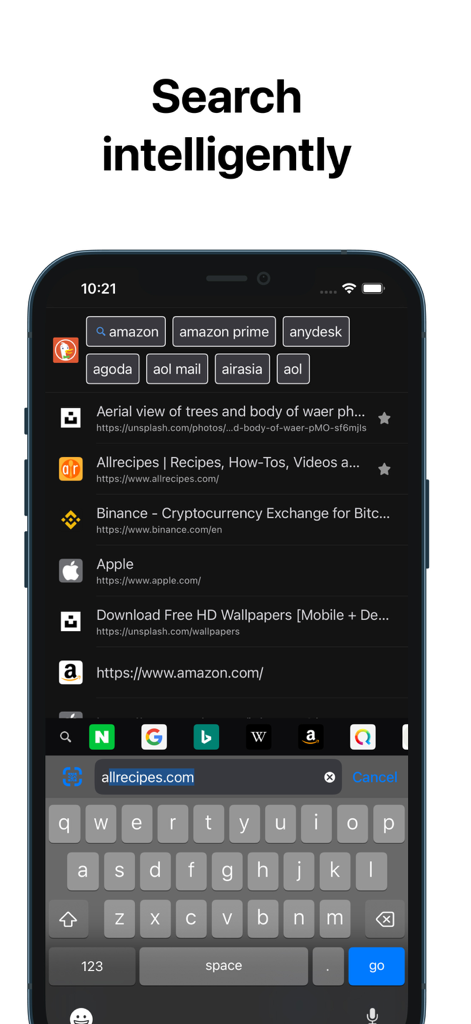
RedApp Lite intelligent search interface with quick access links and dark theme
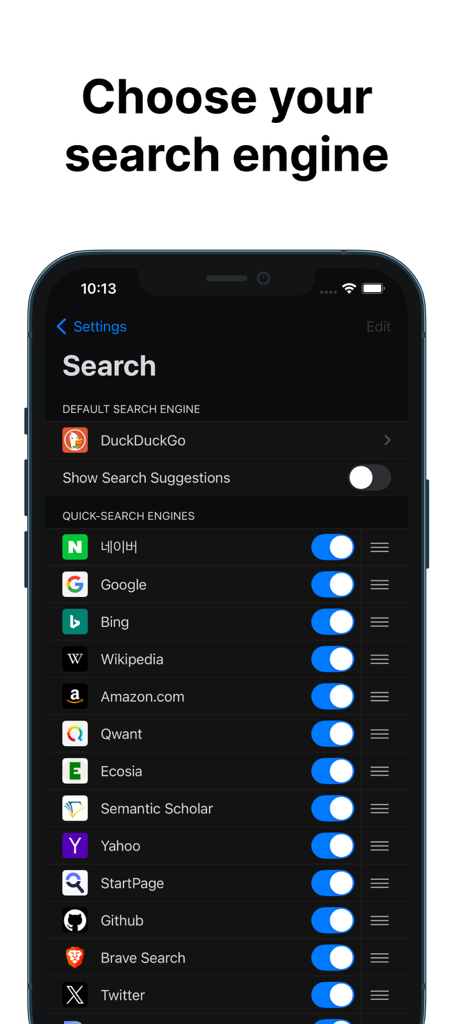
Customizable search engine selection menu in RedApp Lite private browser
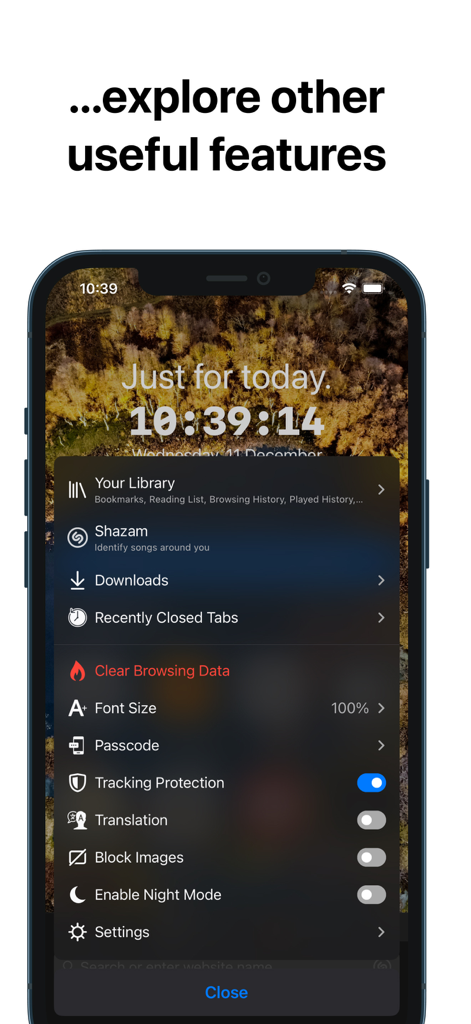
RedApp Lite app screenshot displaying a list of browser utility and privacy features on a customizable interface.
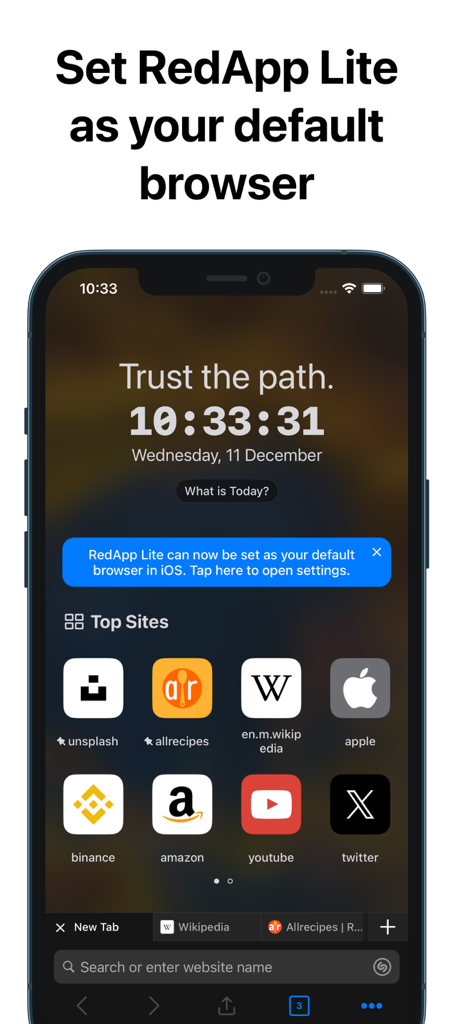
RedApp Lite home screen showing top sites shortcuts and a prompt to set it as the default iOS browser
Description
Download
More Like This
Top-ranked apps in the same category

Google LLC

Google Chrome
Google LLC

中国移动(手机营业厅)
China Mobile Online Services Co., Ltd.

Google Authenticator
Google LLC

CNH do Brasil
Servicos e Informacoes do Brasil

Cleanup: Phone Storage Cleaner
DEEP FLOW SOFTWARE SERVICES - FZCO

gov.br
Servicos e Informacoes do Brasil

中国电信-全国统一官方服务平台
CHINA TELECOM Corporation Ltd.

Microsoft Edge: AI Browser
Microsoft Corporation
This page is not an official page of the app or its developer, but an independent editorial publication created for informational and commentary purposes. Unless expressly stated otherwise, neither the app nor its developer is affiliated with, endorsed by, sponsored by, authorized by, or otherwise officially connected with MWM, Apple, Google Play, the app publisher, or the app's developer, and nothing on this page implies that the app was developed using MWM's services. Any trademarks, logos, screenshots, and other content remain the property of their respective owners.