
This page is not an official page of the app or its developer, but an independent editorial publication created for informational and commentary purposes. Unless expressly stated otherwise, neither the app nor its developer is affiliated with, endorsed by, sponsored by, authorized by, or otherwise officially connected with MWM, Apple, Google Play, the app publisher, or the app's developer, and nothing on this page implies that the app was developed using MWM's services. Any trademarks, logos, screenshots, and other content remain the property of their respective owners.

Remote Keyboard & Mouse
The all-in-one wireless trackpad, full keyboard, and numeric keypad designed for remote work and home entertainment. Experience secure, lag-free control without the clutter of extra hardware.
Downloads
0User Rating
Total Ratings
0Publisher
Category
ProductivityLocales
1Latest Version
3.1.0Size
74.7 MBFirst Released
May 11, 2025Take Full Command of Your Workspace
Experience seamless, lag-free control of your Mac, Windows PC, or LG TV with the hardware you already own.
Intuitive Mouse & Trackpad
Effortlessly glide through apps, click, and scroll with familiar touch gestures from anywhere in the room.
Instant Numeric Keypad
Speed up your data entry and financial workflows with a dedicated numpad designed for maximum productivity.
The following screenshots and description are sourced directly from the app's official store listing and are the property of the app developer.
App Store
Screenshots
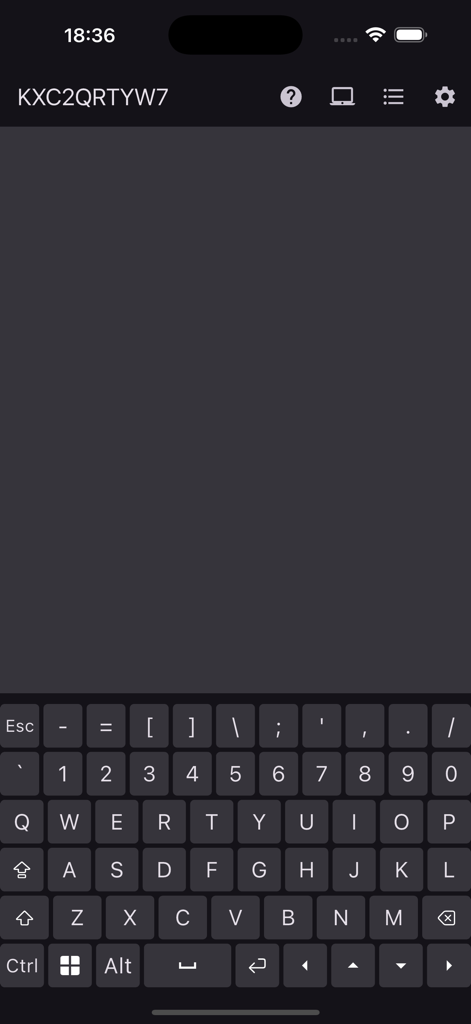
Remote keyboard and trackpad interface on an iPhone screen
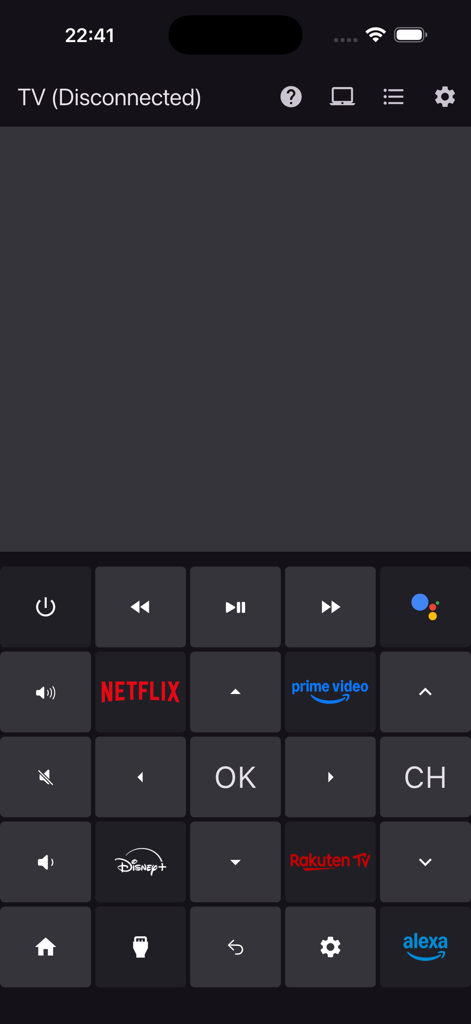
A smartphone screen displaying a digital TV remote interface with buttons for Netflix, Prime Video, and Disney Plus shortcuts.
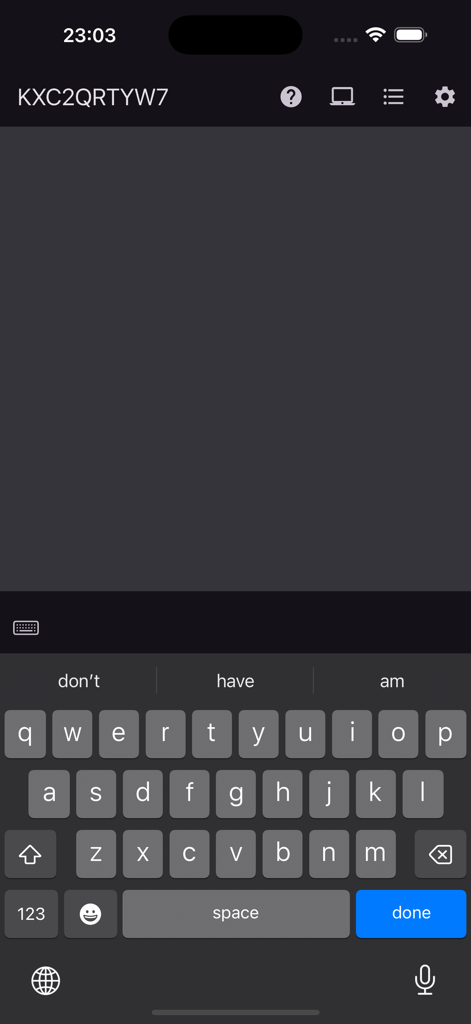
iPhone screen showing a wireless keyboard and dark trackpad area for controlling a computer remotely
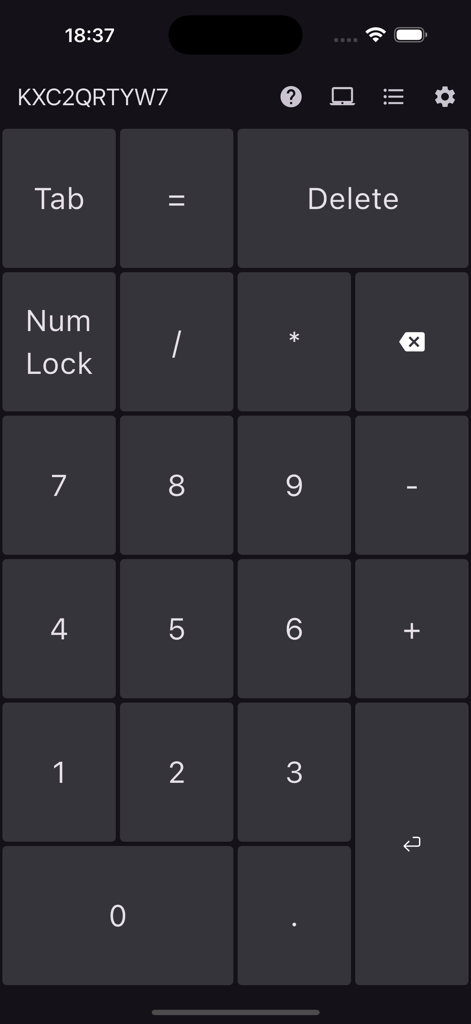
Wireless numeric keypad interface on iPhone for remote data entry and computer control
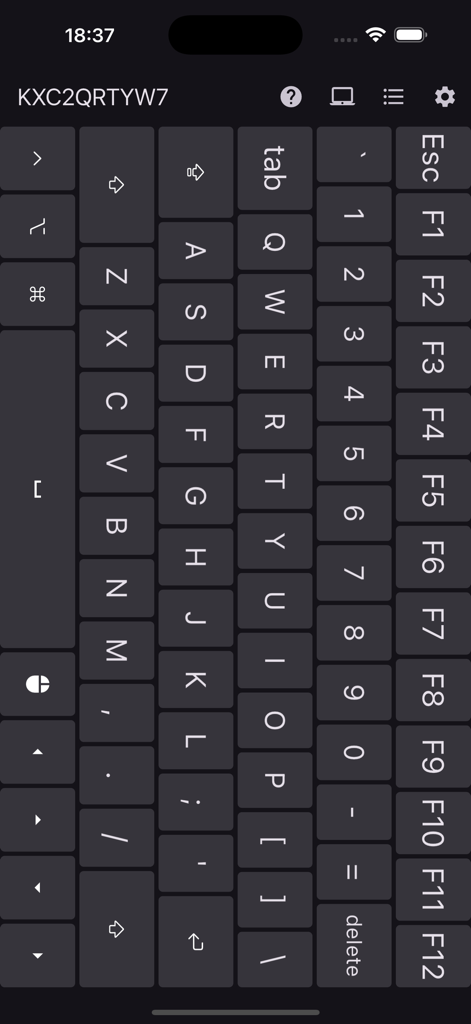
Full QWERTY wireless keyboard interface with function keys and number row on a smartphone screen
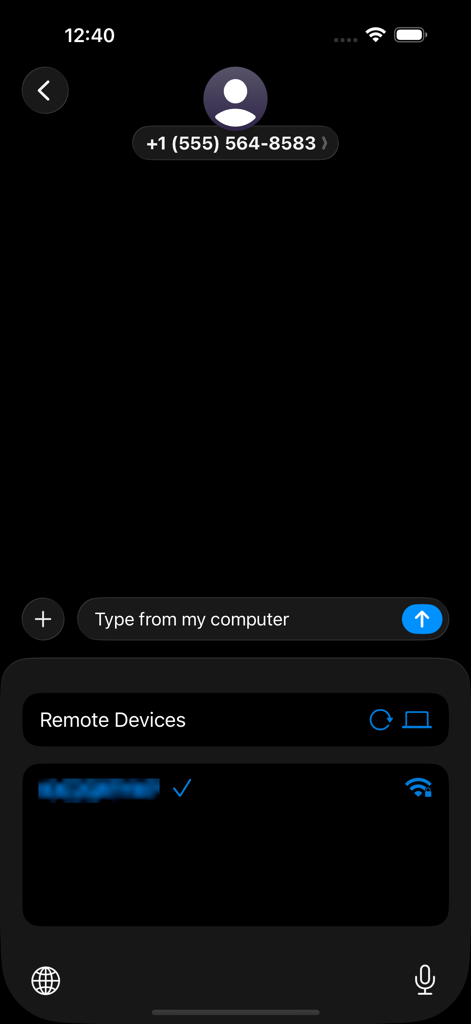
iPhone interface showing connected remote devices in the Remote Keyboard and Mouse app
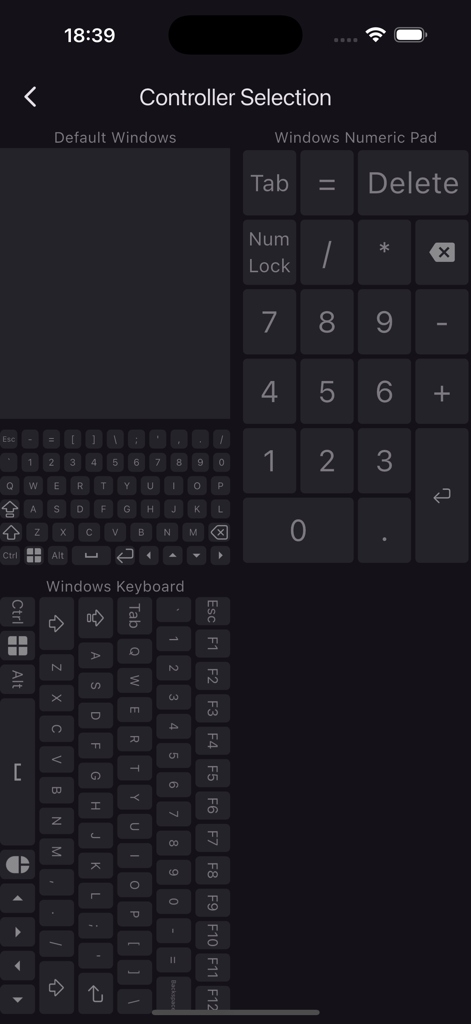
Controller selection screen with options for remote trackpad, numeric keypad, and full Windows keyboard layout.
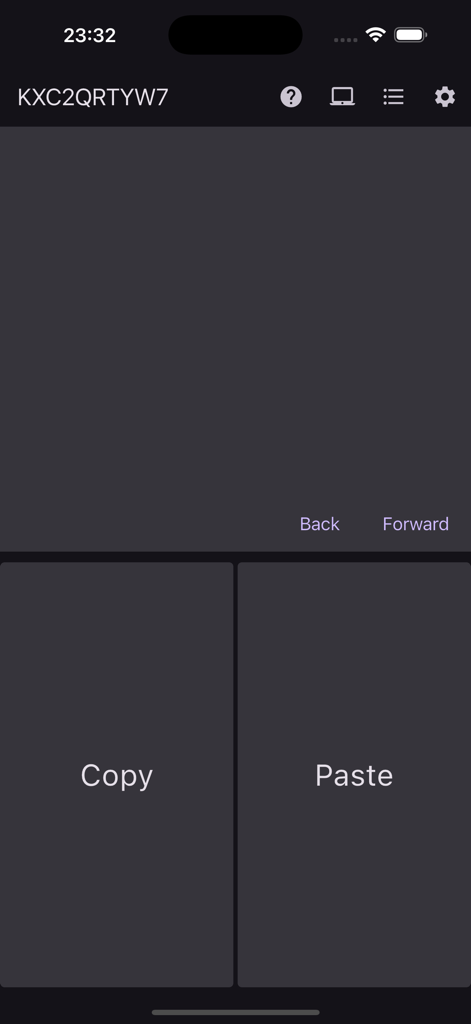
Smartphone app interface showing a remote trackpad with copy and paste shortcut buttons
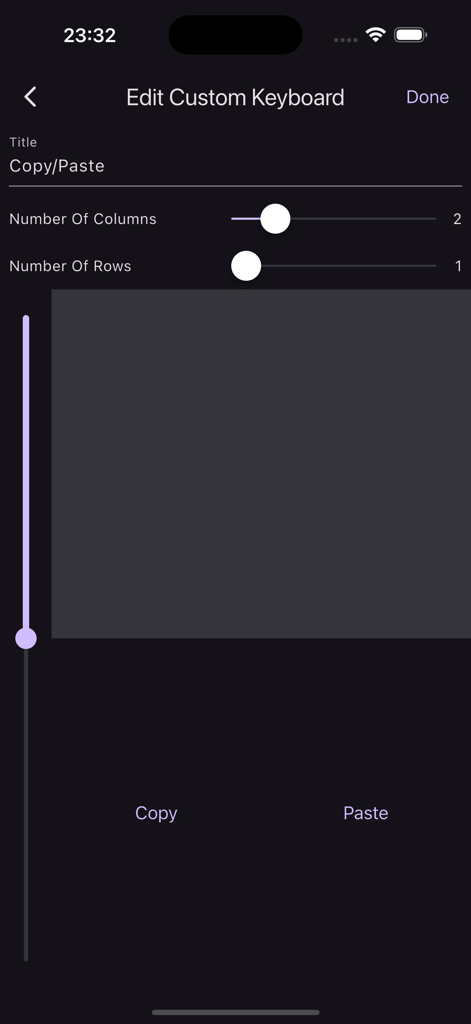
Interface for creating custom shortcut buttons like copy and paste in the Remote Keyboard app
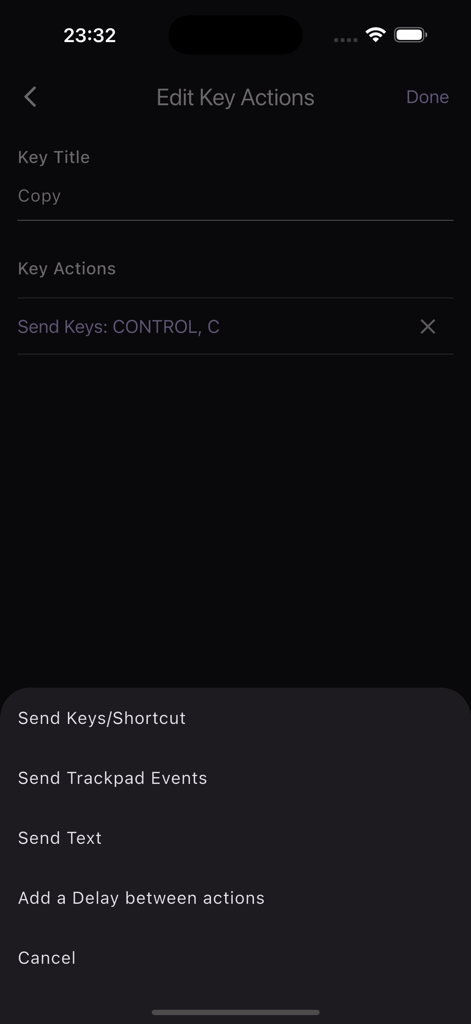
A screen in the Remote Keyboard app for editing custom key actions such as configuring a copy shortcut
Description
Download
More Like This
Top-ranked apps in the same category

ChatGPT
OpenAI OpCo, LLC

Google Gemini
Google LLC

Grok
X.AI Corporation

Gmail - Email by Google
Google LLC

千问 - 阿里最强大模型官方AI助手
Shanghai Zhixin Puhui Technology Co., Ltd.

Google Drive
Google LLC

Microsoft Authenticator
Microsoft Corporation

Google Sheets
Google LLC

Google Docs
Google LLC
This page is not an official page of the app or its developer, but an independent editorial publication created for informational and commentary purposes. Unless expressly stated otherwise, neither the app nor its developer is affiliated with, endorsed by, sponsored by, authorized by, or otherwise officially connected with MWM, Apple, Google Play, the app publisher, or the app's developer, and nothing on this page implies that the app was developed using MWM's services. Any trademarks, logos, screenshots, and other content remain the property of their respective owners.