
This page is not an official page of the app or its developer, but an independent editorial publication created for informational and commentary purposes. Unless expressly stated otherwise, neither the app nor its developer is affiliated with, endorsed by, sponsored by, authorized by, or otherwise officially connected with MWM, Apple, Google Play, the app publisher, or the app's developer, and nothing on this page implies that the app was developed using MWM's services. Any trademarks, logos, screenshots, and other content remain the property of their respective owners.


Remove BG Object Eraser - Snip
Transform any photo into a studio-quality asset in seconds. Effortlessly remove backgrounds, erase unwanted objects, and enhance image quality with the power of AI—no design skills required.
Downloads
554K+User Rating
Total Ratings
100Publisher
Category
Graphics & DesignLocales
19Latest Version
2.0Size
149.2 MBFirst Released
Apr 22, 2021Power Your Side-Hustle with Professional Visuals
Stop wasting hours on complex software. Snip uses advanced AI to deliver studio-quality results for your store, feed, and brand in just one tap.
One-Tap Background Magic
Effortlessly remove backgrounds with hair-level precision. Create clean, high-converting product listings for Etsy, eBay, and Depop in seconds.
Smart Object Clean-Up
Erase photobombers, text, or clutter instantly. Our AI intelligently repairs the gaps to keep your audience focused on your content.
Frequently Asked Questions
Everything you need to know about Remove BG Object Eraser - Snip
How does Snip remove image backgrounds?
Snip automatically removes image backgrounds using AI with precise edge detection. It accurately handles complex details such as hair, fur, and intricate objects.
Does Snip allow users to remove unwanted objects from photos?
Yes, Snip's Smart Object Eraser feature allows users to remove unwanted elements, people, or text. AI seamlessly fills the gaps for clean results.
How many free background removals does Snip offer daily?
The basic version of Snip provides 3 free background removals daily. These removals are available every day.
Can Snip enhance the quality of old or blurry photos?
Yes, Snip includes a Quality Enhancement feature. This AI-powered tool restores old, blurry, or low-quality photos and improves their detail with one click.
What features are included with a Snip Pro subscription?
Snip Pro offers unlimited background removal, quality enhancement, object/text removal, full graphic editor access, advanced edge refinement, and batch image processing. It is a single subscription for all platforms.
Can Snip process multiple images at once?
Yes, Snip supports batch image processing. Users can edit multiple photos simultaneously, which is a feature available in Snip Pro.
What types of backgrounds can users add with Snip?
Snip allows users to add various backgrounds including colors, gradients, their own images, or unique Dream Blur backgrounds, providing diverse design options.
Does Snip include a professional photo editor?
Yes, Snip includes a Professional Editor. This editor provides layers, text, shapes, filters, and shadows for comprehensive image manipulation.
Is Snip suitable for creating product listings?
Yes, Snip is ideal for marketplace sellers creating product listings. It delivers professional-quality photos instantly, enhancing product presentation.
Where can I find the Terms of Use for the Snip app?
The Terms of Use for the Snip app are located at https://github.com/Reamlab/PrivacyPolicy/blob/master/terms_of_use_snip_en.txt.
The following screenshots and description are sourced directly from the app's official store listing and are the property of the app developer.
App Store
Screenshots
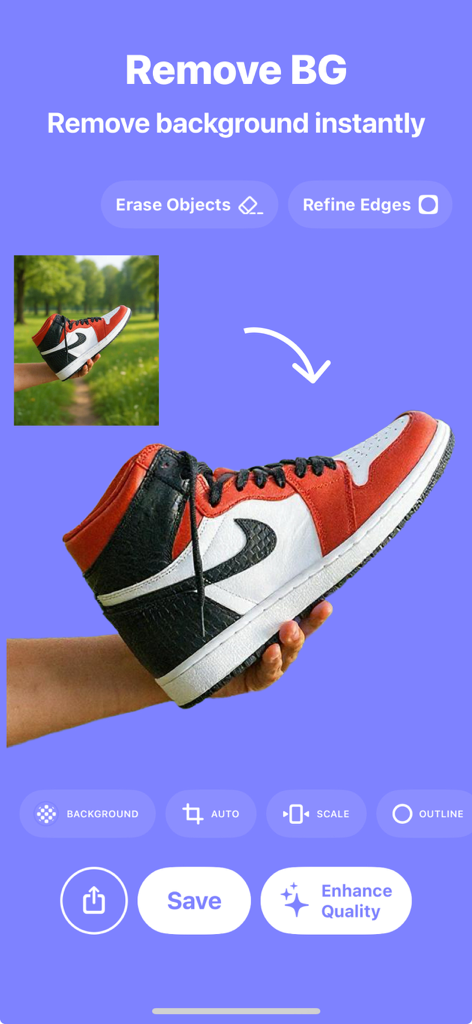
Snip app interface showing instant background removal of a sneaker for e-commerce listings
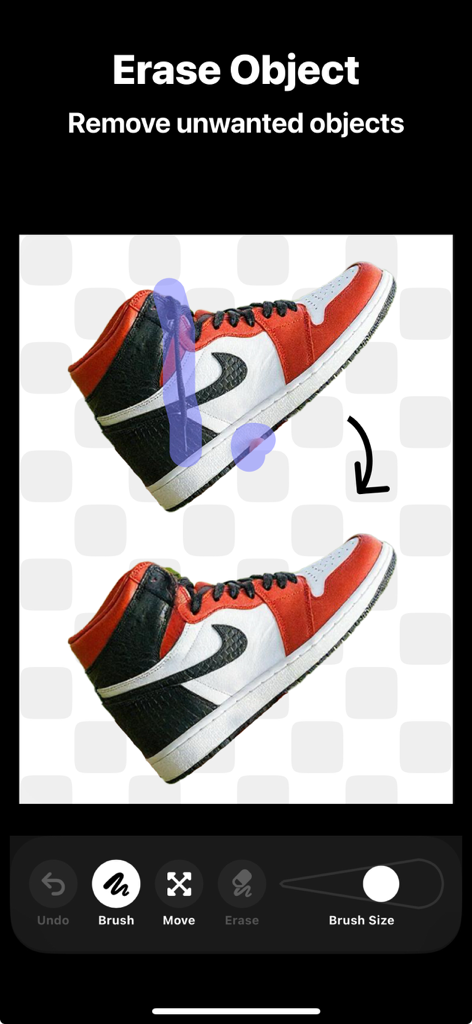
Interface showing the erase object tool removing unwanted marks from a red and white sneaker
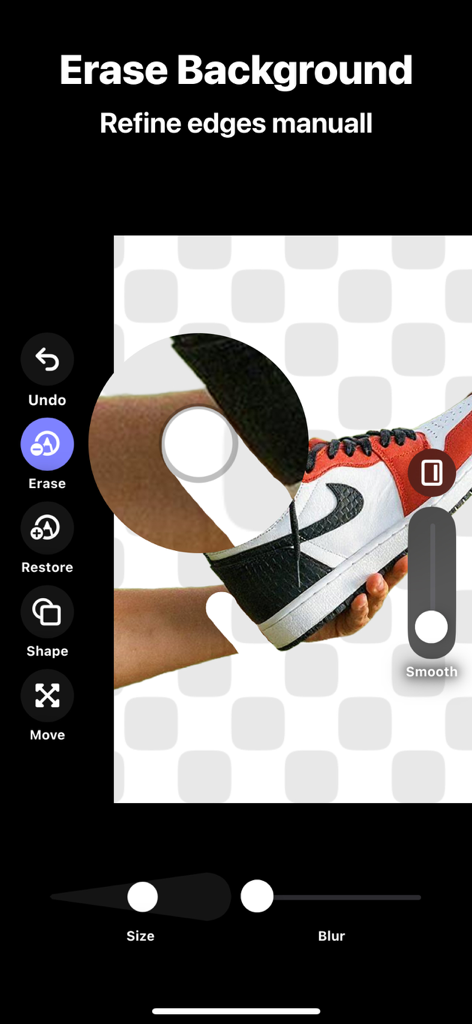
Interface of the Snip app showing manual edge refinement and background removal for a sneaker photo
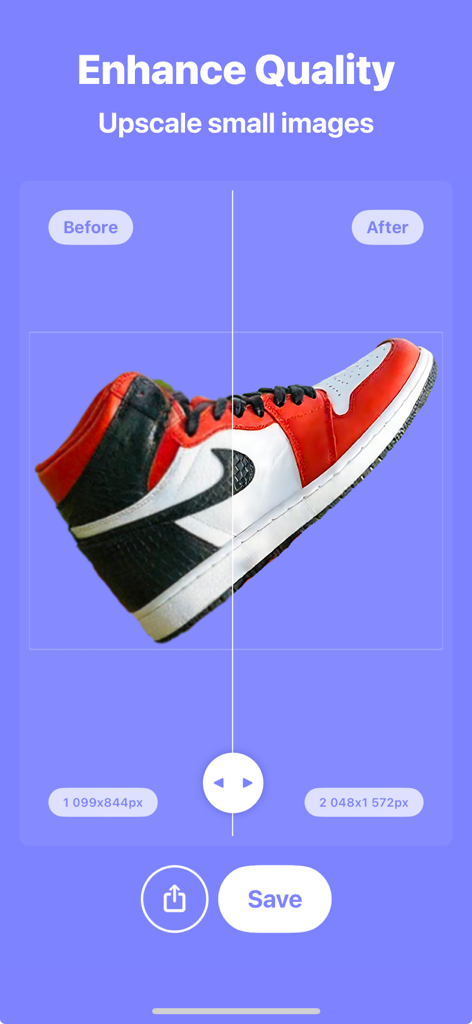
A before and after comparison of an upscaled sneaker photo showing the AI enhancement feature
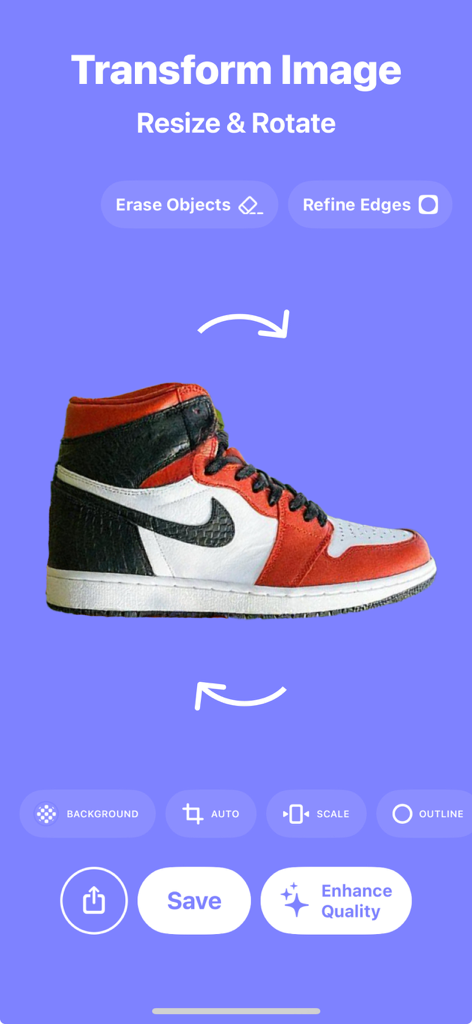
Interface of the Snip app showing tools to resize and rotate a product photo of a sneaker on a blue background
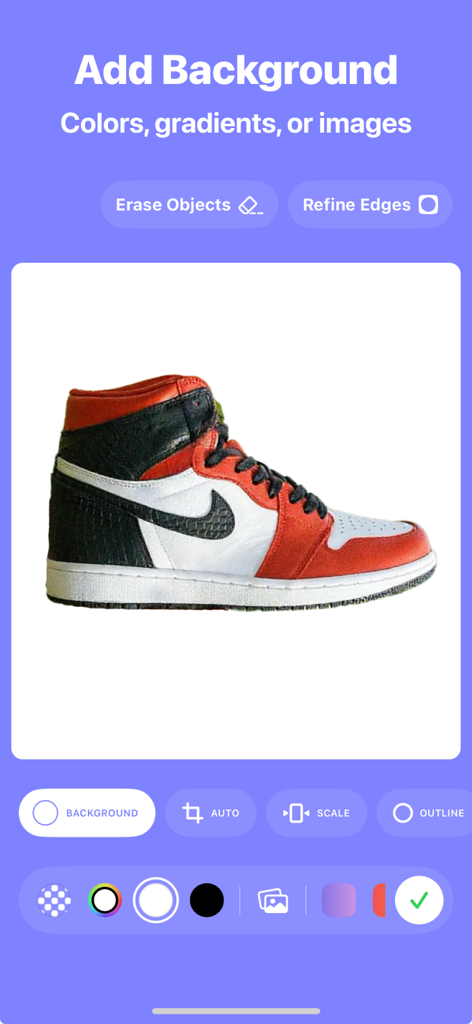
Snip app interface showing options to add colors, gradients, or custom backgrounds to a sneaker product photo.
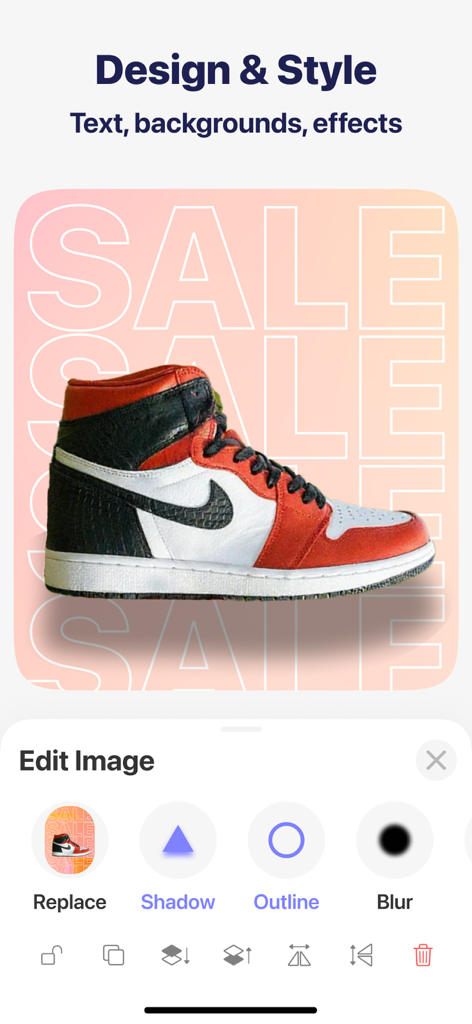
Mobile app interface of Snip showing a sneaker being edited with tools for shadows, outlines, and custom sale backgrounds.
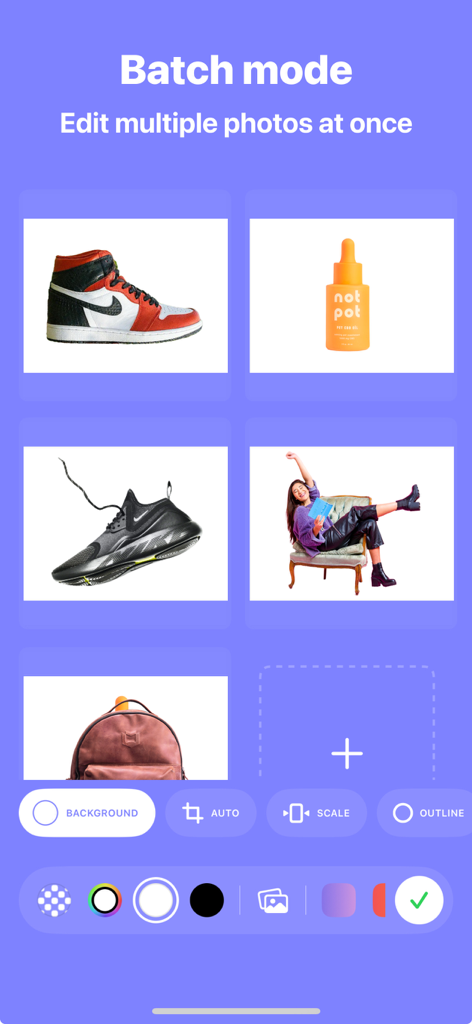
Mobile app interface showing batch mode for simultaneous photo background removal
Description
Download
More Like This
Apps with similar features and user experience

EPIK - AI Photo & Video Editor
SNOW Corporation

Citrus: AI 1 Tap Perfect Photo
Wemagine.ai LLP

SnapEdit: Photo Editor AI
SilverAI Joint Stock Company

Background Eraser 〜 Stickers
handyCloset Inc.

PhotoScan by Google Photos
Google LLC

Magic Eraser - Remove Object
Creatix Technology Global Limited

Magic Eraser Background Editor
Honk Honk Punch Pty Ltd

ProKnockOut-Cut Paste Photos
Shenzhen Qianhai Happy Tour Network Technology Co., Ltd.

Background Eraser - Remove BG*
SHANTANU PTE. LTD.
This page is not an official page of the app or its developer, but an independent editorial publication created for informational and commentary purposes. Unless expressly stated otherwise, neither the app nor its developer is affiliated with, endorsed by, sponsored by, authorized by, or otherwise officially connected with MWM, Apple, Google Play, the app publisher, or the app's developer, and nothing on this page implies that the app was developed using MWM's services. Any trademarks, logos, screenshots, and other content remain the property of their respective owners.