
This page is not an official page of the app or its developer, but an independent editorial publication created for informational and commentary purposes. Unless expressly stated otherwise, neither the app nor its developer is affiliated with, endorsed by, sponsored by, authorized by, or otherwise officially connected with MWM, Apple, Google Play, the app publisher, or the app's developer, and nothing on this page implies that the app was developed using MWM's services. Any trademarks, logos, screenshots, and other content remain the property of their respective owners.


Replicator Tool - Clone Stamp
Master every detail with surgical precision. Draw custom shapes to clone, remove distractions, and fill gaps seamlessly with full Apple Pencil support.
Downloads
4K+User Rating
Total Ratings
0Publisher
Category
UtilitiesLocales
2Latest Version
1.2Size
27.6 MBFirst Released
Oct 17, 2020Elevate Your Edits with Professional Precision
Take full control over your images with the most advanced clone stamp tool. Designed for prosumers who demand manual accuracy and surgical detail over automated AI filters.
Custom Shape Selection
Draw the exact shape you want to clone. Whether it is a complex texture or a specific object, our unique drawing tool gives you the precision that standard circular brushes lack.
Pro-Grade Object Removal
Easily remove photobombers, censor sensitive text, or fill in missing gaps. Achieve seamless results that look natural and authentic, preserving the quality of your most important memories.
The following screenshots and description are sourced directly from the app's official store listing and are the property of the app developer.
App Store
Screenshots
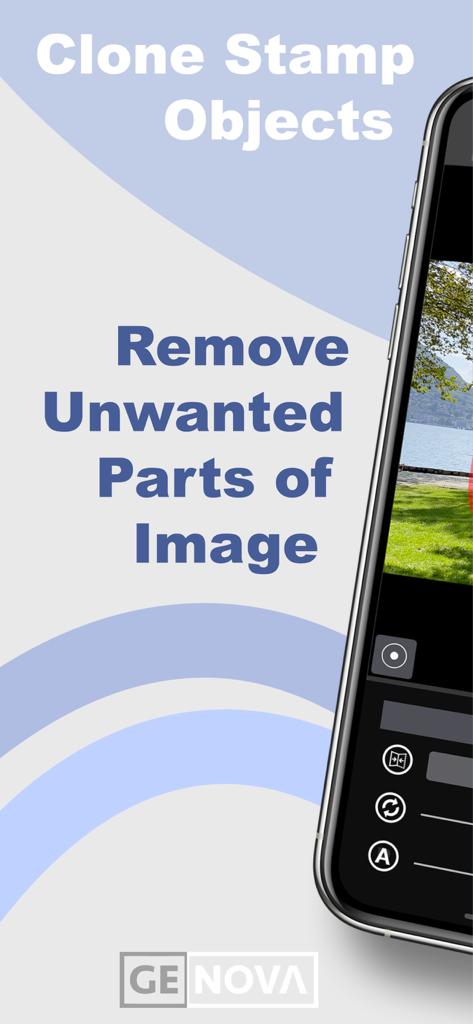
Replicator Tool app interface for removing unwanted parts of an image with clone stamp
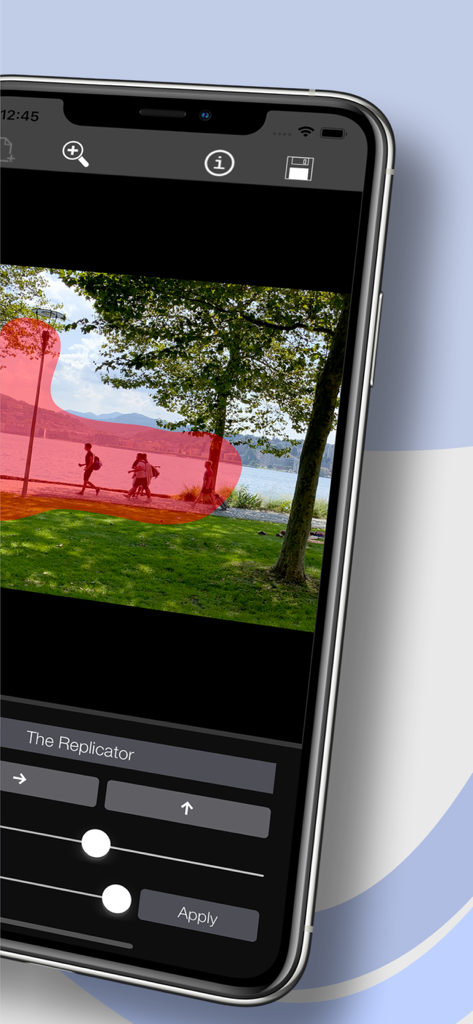
An iPhone screen displaying the Replicator Tool app with a red selection mask over a landscape photo for manual object cloning
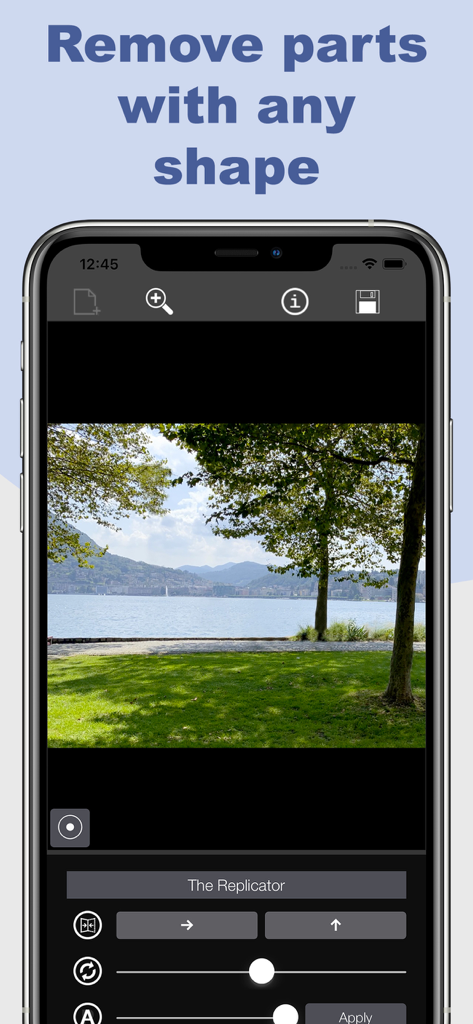
iPhone screenshot of the Replicator Tool app showing a landscape photo being edited with precise clone stamp controls to remove objects in any shape
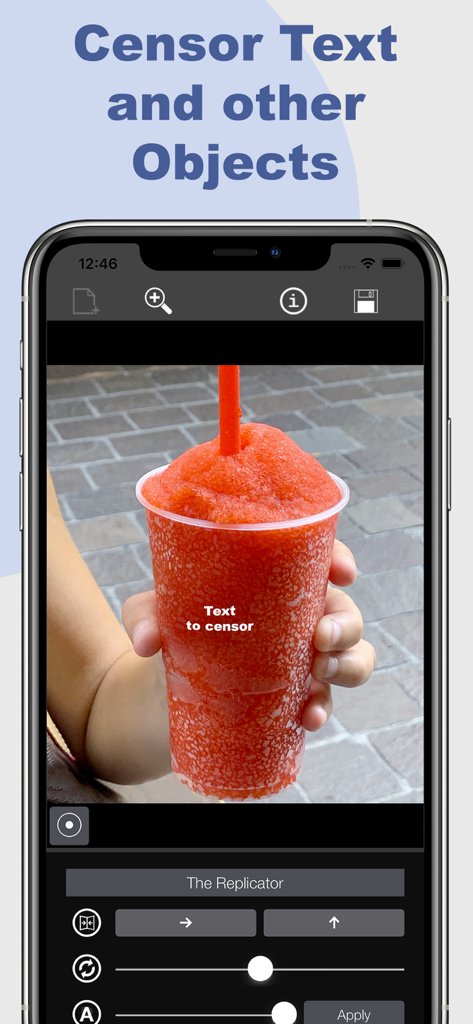
Interface of the Replicator Tool app showing the feature to censor text on a photo of a red slushy drink
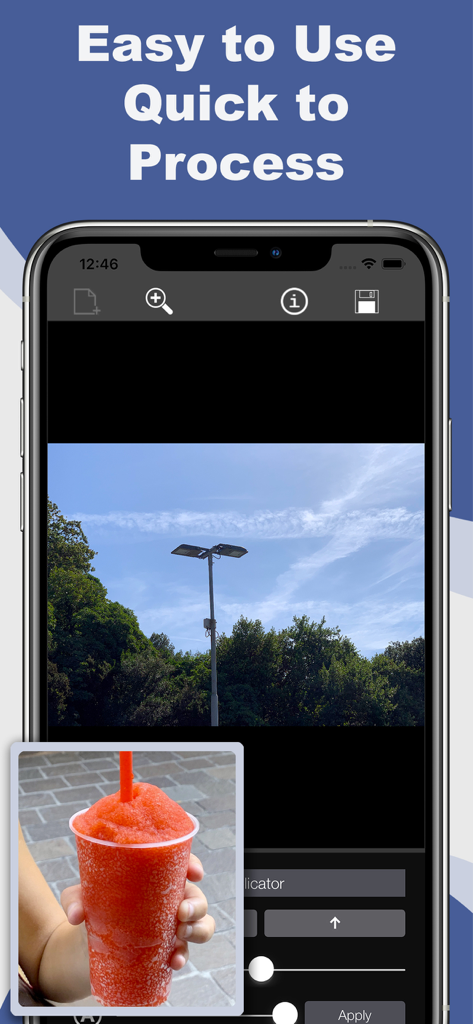
Interface of Replicator Tool showing clone stamp features for photo editing
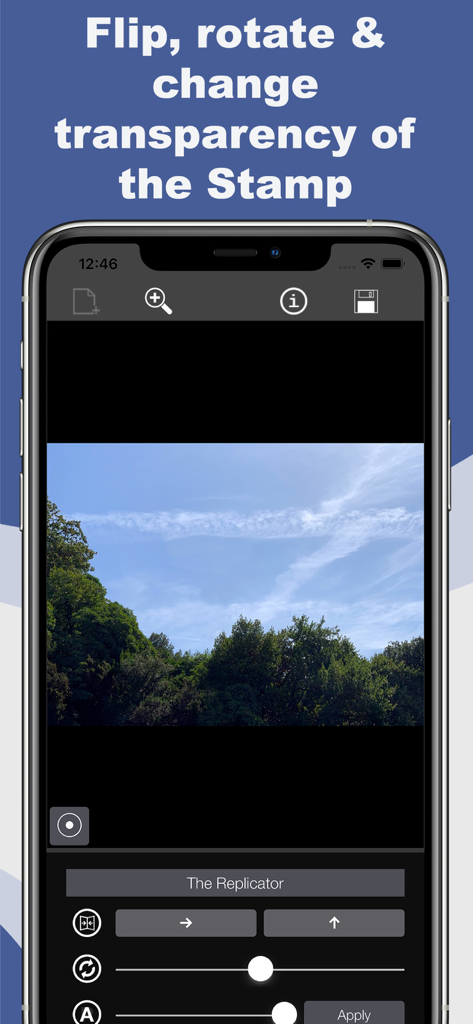
Interface of Replicator Tool showing flip rotate and transparency sliders for photo editing
Description
Download
More Like This
Top-ranked apps in the same category

Google LLC

Google Chrome
Google LLC

中国移动(手机营业厅)
China Mobile Online Services Co., Ltd.

Google Authenticator
Google LLC

CNH do Brasil
Servicos e Informacoes do Brasil

Cleanup: Phone Storage Cleaner
DEEP FLOW SOFTWARE SERVICES - FZCO

gov.br
Servicos e Informacoes do Brasil

中国电信-全国统一官方服务平台
CHINA TELECOM Corporation Ltd.

Microsoft Edge: AI Browser
Microsoft Corporation
This page is not an official page of the app or its developer, but an independent editorial publication created for informational and commentary purposes. Unless expressly stated otherwise, neither the app nor its developer is affiliated with, endorsed by, sponsored by, authorized by, or otherwise officially connected with MWM, Apple, Google Play, the app publisher, or the app's developer, and nothing on this page implies that the app was developed using MWM's services. Any trademarks, logos, screenshots, and other content remain the property of their respective owners.