
This page is not an official page of the app or its developer, but an independent editorial publication created for informational and commentary purposes. Unless expressly stated otherwise, neither the app nor its developer is affiliated with, endorsed by, sponsored by, authorized by, or otherwise officially connected with MWM, Apple, Google Play, the app publisher, or the app's developer, and nothing on this page implies that the app was developed using MWM's services. Any trademarks, logos, screenshots, and other content remain the property of their respective owners.


RF Bug Detector: Secret Detect
Protect your personal space in hotels, Airbnbs, and offices. Use AI-powered scanning and network insights to instantly detect hidden cameras and unauthorized devices.
Downloads
0User Rating
Total Ratings
0Publisher
Category
UtilitiesLocales
1Latest Version
1.0Size
42.5 MBFirst Released
Jul 8, 2025Secure Your Personal Space Everywhere
Protect your privacy with professional-grade detection tools right on your iPhone. Scan for hidden devices, monitor networks, and stay safe in any environment.
AI Hidden Camera Detector
Use advanced AI scanning to spot lens reflections and suspicious objects that the naked eye might miss in rentals or changing rooms.
Wireless Threat Scanner
Instantly identify every Wi-Fi and Bluetooth device connected around you to uncover unauthorized hardware and hidden trackers.
Frequently Asked Questions
Everything you need to know about RF Bug Detector: Secret Detect
What is the RF Bug Detector: Secret Detect app?
The RF Bug Detector: Secret Detect app scans your digital environment for unfamiliar or unauthorized devices. It uses Wi-Fi, Bluetooth, AI, and IP scanning to provide practical security insights.
How does RF Bug Detector: Secret Detect identify nearby devices?
The RF Bug Detector: Secret Detect app identifies devices by scanning Wi-Fi and Bluetooth networks. It also uses an AI scanning mode for visual assurance and IP insights to monitor network behavior.
Does RF Bug Detector: Secret Detect include an AI Scanner mode?
Yes, the RF Bug Detector: Secret Detect app includes a built-in AI scanning mode. This feature provides visual assurance and operates without requiring extra equipment or setup.
Can RF Bug Detector: Secret Detect monitor my device's network behavior?
Yes, the RF Bug Detector: Secret Detect app monitors your device's network behavior with IP insights. It provides clear visibility into your current connection and real-time changes to ensure secure networks.
Are scan results saved in the RF Bug Detector: Secret Detect app?
Yes, the RF Bug Detector: Secret Detect app automatically saves and groups scan results. Users can review them later to compare sessions or identify patterns.
What premium features does the RF Bug Detector: Secret Detect app offer?
The RF Bug Detector: Secret Detect app offers premium features including unlimited Bluetooth and Wi-Fi scans, full AI Scanner mode access, IP background tracking, detailed network information, and an ad-free interface.
How do I contact support for RF Bug Detector: Secret Detect?
Users can contact support for the RF Bug Detector: Secret Detect app via email at dariawalczak9102@intacboibejaeo.digital. Privacy policy and service terms are also available.
The following screenshots and description are sourced directly from the app's official store listing and are the property of the app developer.
App Store
Screenshots
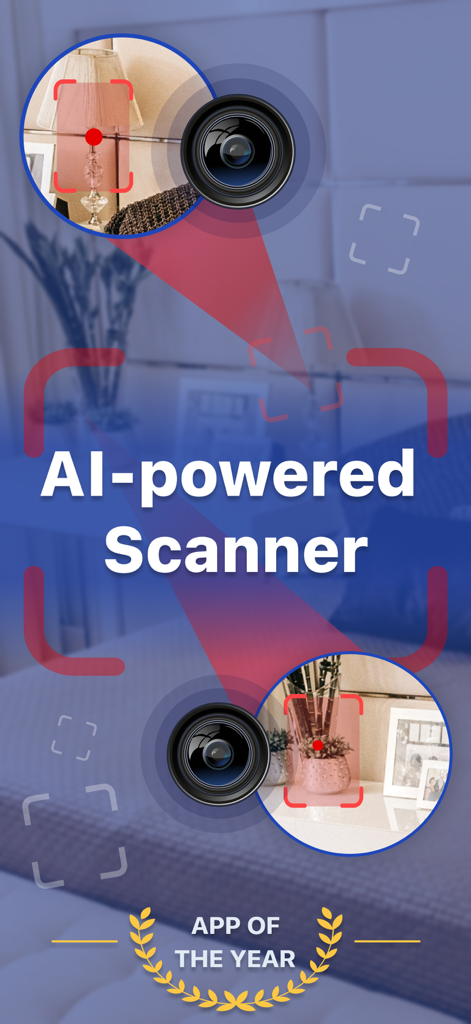
A mobile app interface showcasing an AI-powered scanner identifying hidden cameras in a room
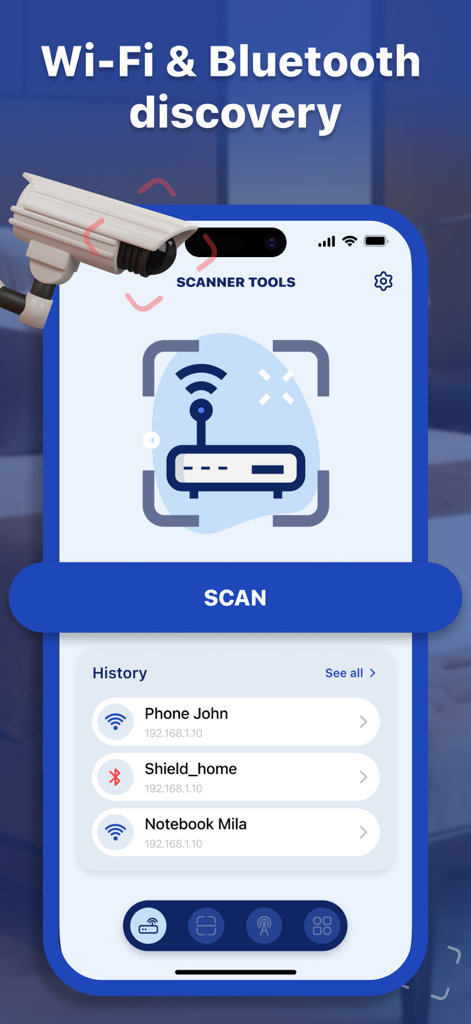
Smartphone app screen showing Wi-Fi and Bluetooth device discovery and scan history.
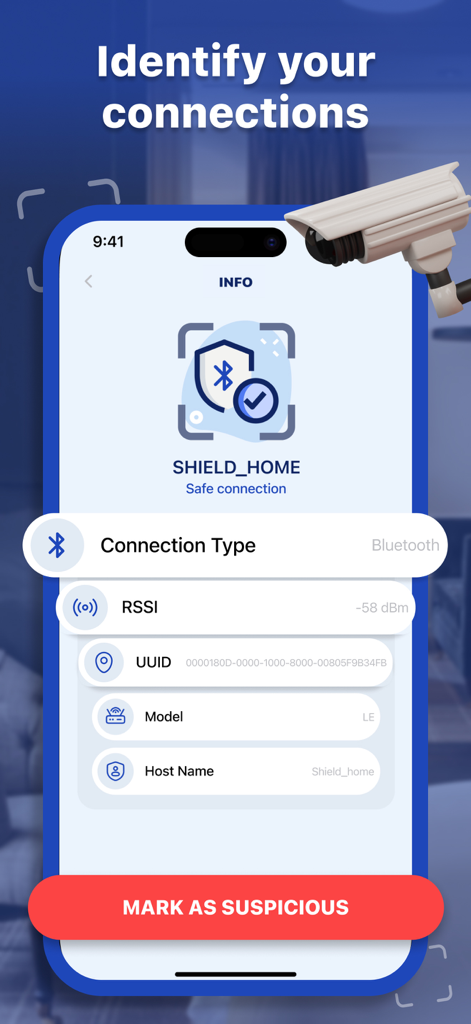
RF Bug Detector app screen showing details of a safe Bluetooth connection with a button to mark as suspicious
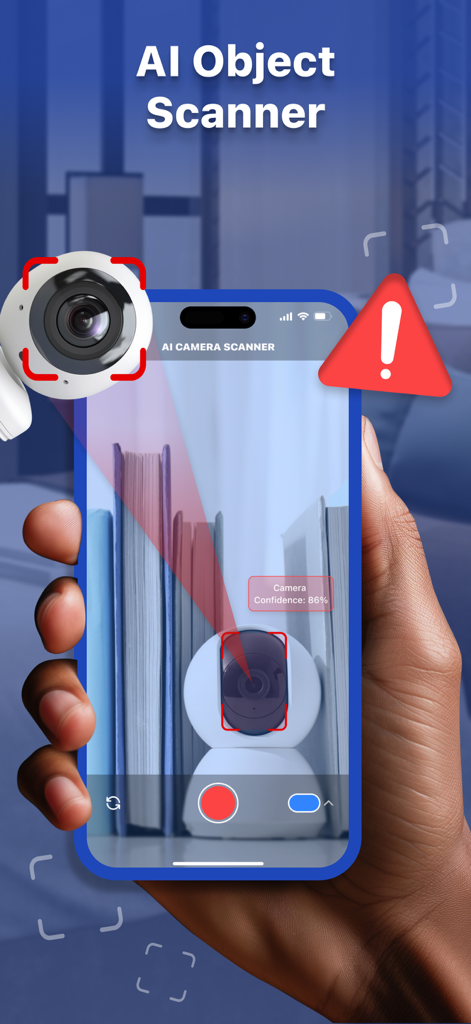
A smartphone using an AI object scanner to detect a hidden camera with an alert warning icon
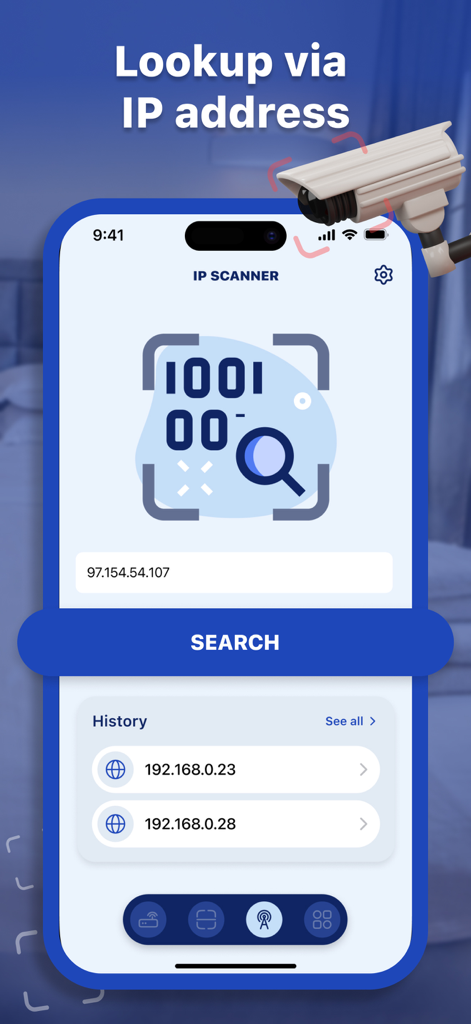
Interface of the RF Bug Detector app showing an IP scanner tool with a search field and lookup history
Description
Download
More Like This
Top-ranked apps in the same category

Google LLC

Google Chrome
Google LLC

中国移动(手机营业厅)
China Mobile Online Services Co., Ltd.

Google Authenticator
Google LLC

CNH do Brasil
Servicos e Informacoes do Brasil

Cleanup: Phone Storage Cleaner
DEEP FLOW SOFTWARE SERVICES - FZCO

gov.br
Servicos e Informacoes do Brasil

中国电信-全国统一官方服务平台
CHINA TELECOM Corporation Ltd.

Microsoft Edge: AI Browser
Microsoft Corporation
This page is not an official page of the app or its developer, but an independent editorial publication created for informational and commentary purposes. Unless expressly stated otherwise, neither the app nor its developer is affiliated with, endorsed by, sponsored by, authorized by, or otherwise officially connected with MWM, Apple, Google Play, the app publisher, or the app's developer, and nothing on this page implies that the app was developed using MWM's services. Any trademarks, logos, screenshots, and other content remain the property of their respective owners.