
This page is not an official page of the app or its developer, but an independent editorial publication created for informational and commentary purposes. Unless expressly stated otherwise, neither the app nor its developer is affiliated with, endorsed by, sponsored by, authorized by, or otherwise officially connected with MWM, Apple, Google Play, the app publisher, or the app's developer, and nothing on this page implies that the app was developed using MWM's services. Any trademarks, logos, screenshots, and other content remain the property of their respective owners.


Ricoh Recipes — JPEG Settings
Stop spending hours in post-processing. Access over 40 curated JPEG recipes to get stunning, film-inspired results straight out of camera. Designed specifically for Ricoh GR, GR II, GR III, and GR IIIx photographers.
Downloads
59K+User Rating
Total Ratings
100Publisher
Category
Photo & VideoLocales
1Latest Version
1.3.1Size
15.1 MBFirst Released
Sep 20, 2021Perfect Photos, No Editing Required
Transform your Ricoh GR into a film-style powerhouse. Access a curated library of JPEG recipes to achieve professional aesthetics straight out of camera.
Authentic Film Aesthetics
Achieve the organic grain and classic color science of iconic 35mm film stocks without the hassle or cost of film development.
True SOOC Excellence
Eliminate the post-processing treadmill. Get finished, gallery-ready JPEGs the instant you click the shutter button.
The following screenshots and description are sourced directly from the app's official store listing and are the property of the app developer.
App Store
Screenshots
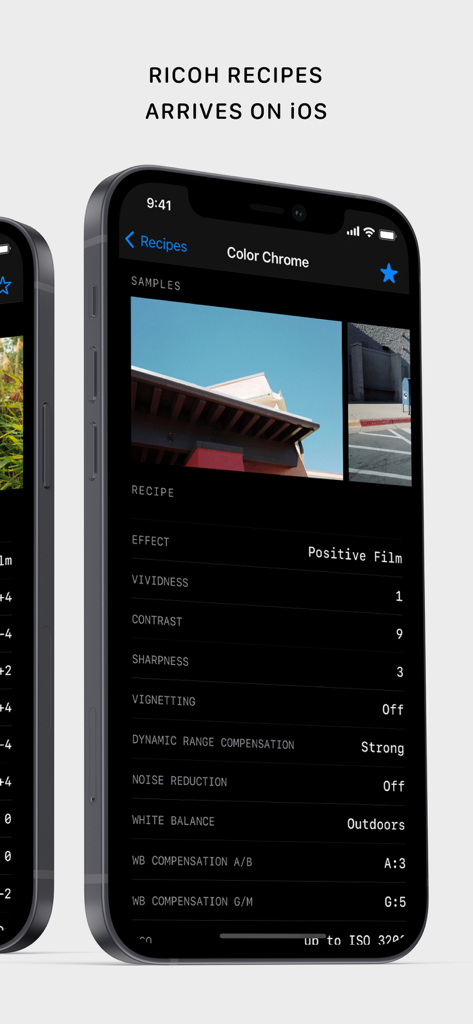
Smartphone screen showing the Ricoh Recipes app interface with JPEG configuration settings like Positive Film effect and contrast
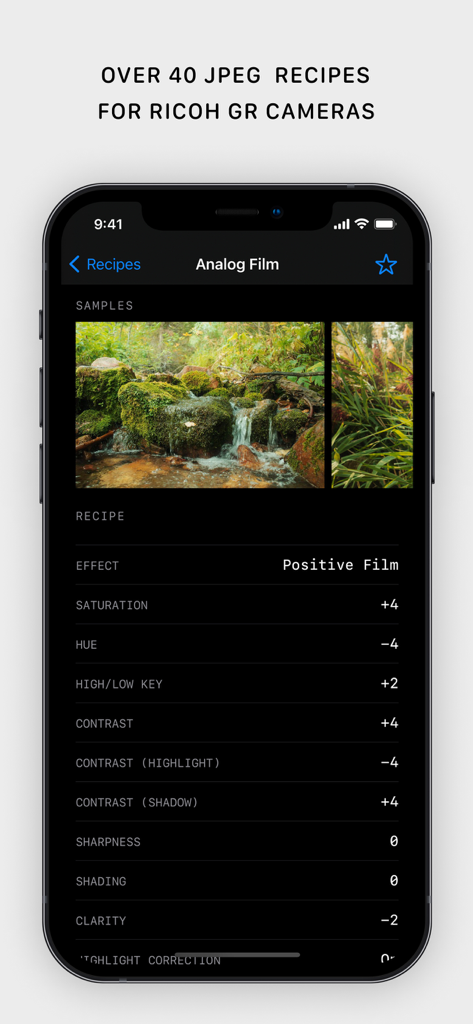
Screenshot of the Ricoh Recipes app showing detailed JPEG camera settings for an analog film look including saturation and contrast adjustments.
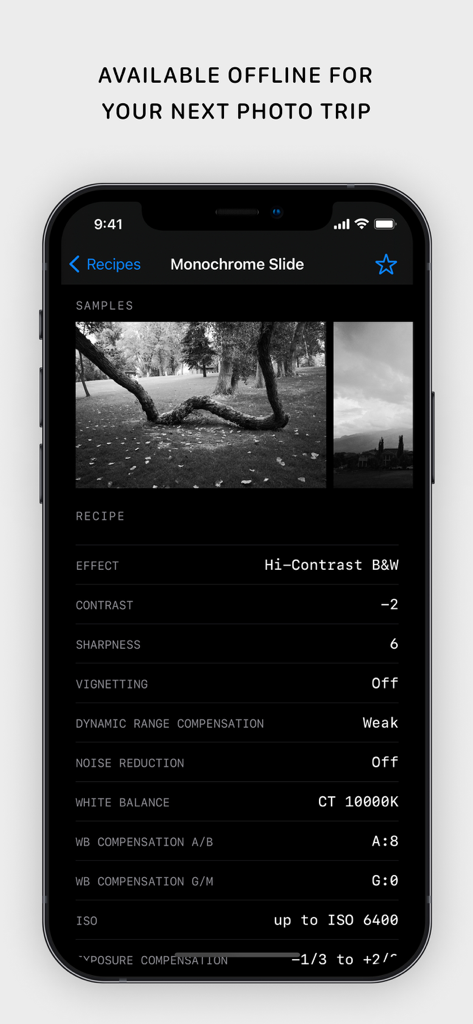
A smartphone showing the Monochrome Slide recipe settings in the Ricoh Recipes app with black and white sample photos
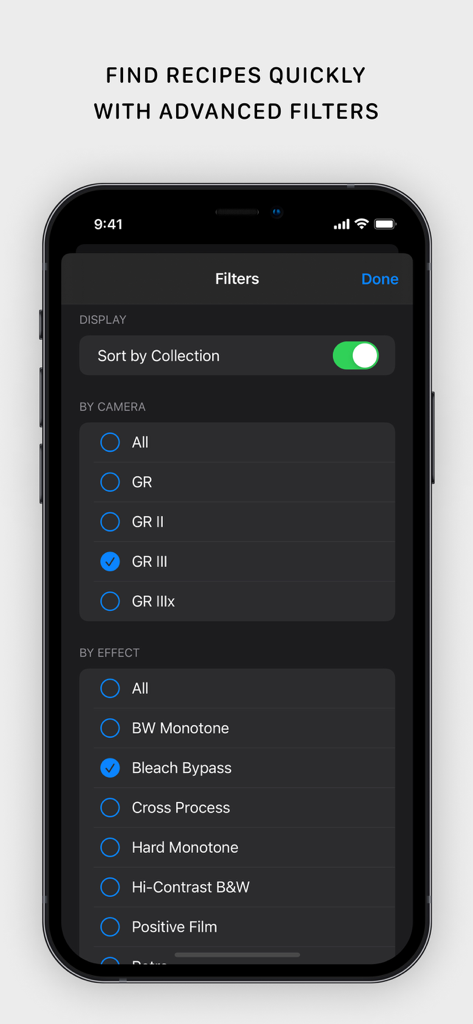
Advanced filters screen in the Ricoh Recipes app for selecting camera models and film effects
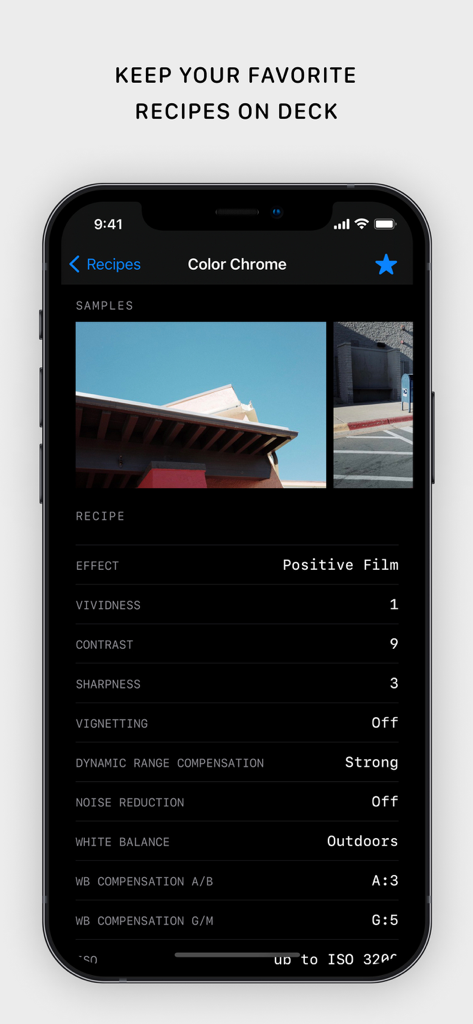
Ricoh Recipes app interface showing Color Chrome JPEG settings and sample photos
Description
Download
More Like This
Top-ranked apps in the same category

CapCut: Photo & Video Editor
BYTEDANCE PTE. LTD.

Instagram, Inc.

YouTube
Google LLC

Canva: AI Photo & Video Editor
Canva Pty Ltd

Snapchat
Snap, Inc.

快手
Beijing Kwai Technology Co., Ltd.

Edits: Video Editor
Instagram, Inc.

Meitu- AI Photo & Video Editor
Xiamen Meitu Technology Co., Ltd.

Google Photos: Backup & Edit
Google LLC
This page is not an official page of the app or its developer, but an independent editorial publication created for informational and commentary purposes. Unless expressly stated otherwise, neither the app nor its developer is affiliated with, endorsed by, sponsored by, authorized by, or otherwise officially connected with MWM, Apple, Google Play, the app publisher, or the app's developer, and nothing on this page implies that the app was developed using MWM's services. Any trademarks, logos, screenshots, and other content remain the property of their respective owners.