
This page is not an official page of the app or its developer, but an independent editorial publication created for informational and commentary purposes. Unless expressly stated otherwise, neither the app nor its developer is affiliated with, endorsed by, sponsored by, authorized by, or otherwise officially connected with MWM, Apple, Google Play, the app publisher, or the app's developer, and nothing on this page implies that the app was developed using MWM's services. Any trademarks, logos, screenshots, and other content remain the property of their respective owners.


Rock Mapper
Streamline your geotechnical workflow with high-fidelity 3D models and digital grade control. Capture, map, and sync industry-standard data from your iPad Pro directly to Vulcan, Deswik, and Leapfrog.
Downloads
300User Rating
Total Ratings
0Publisher
Category
ProductivityLocales
1Latest Version
3.4.010Size
83.3 MBFirst Released
Jul 18, 2020Precision Mapping Tools for Geotechnical Professionals
Transition from paper to digital with high-fidelity 3D scanning, real-time rock mass assessment, and seamless integration with industry-standard modeling software.
High-Fidelity 3D Scanning
Generate photorealistic 3D models of rock faces in minutes using your iPad Pro's LIDAR sensor to capture every geological detail.
Automated Rock Assessment
Perform on-the-spot Q-System and RMR assessments to maintain structural safety standards and meet compliance requirements instantly.
The following screenshots and description are sourced directly from the app's official store listing and are the property of the app developer.
App Store
Screenshots
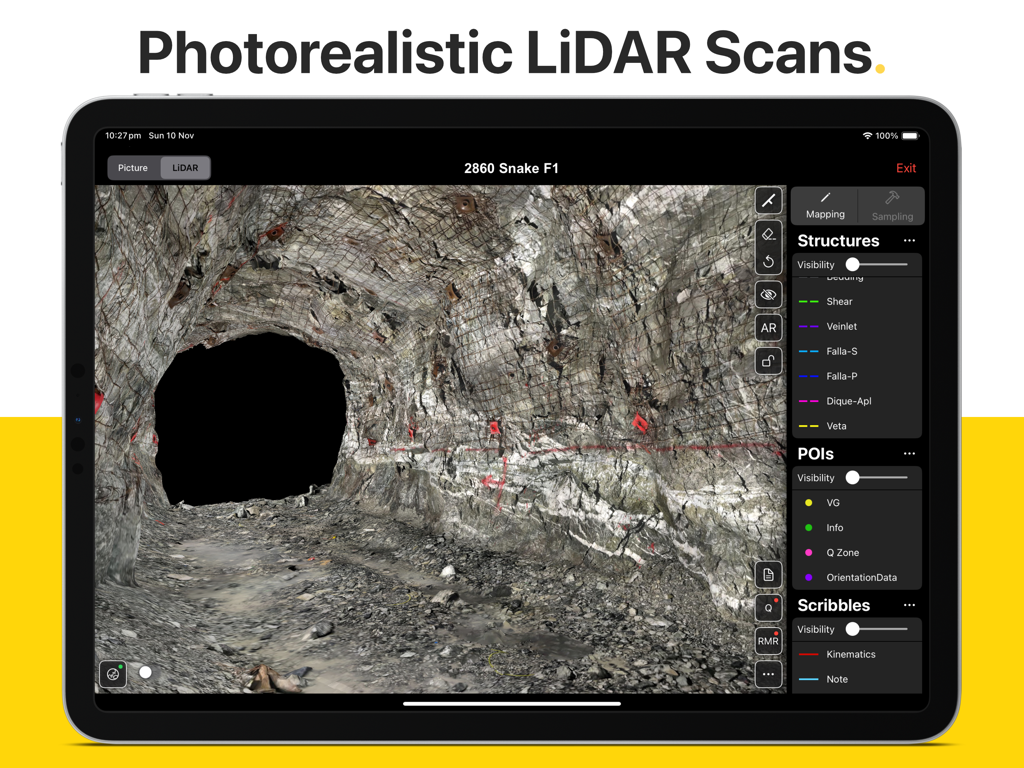
A photorealistic LiDAR scan of an underground mine tunnel being mapped on an iPad using the Rock Mapper app
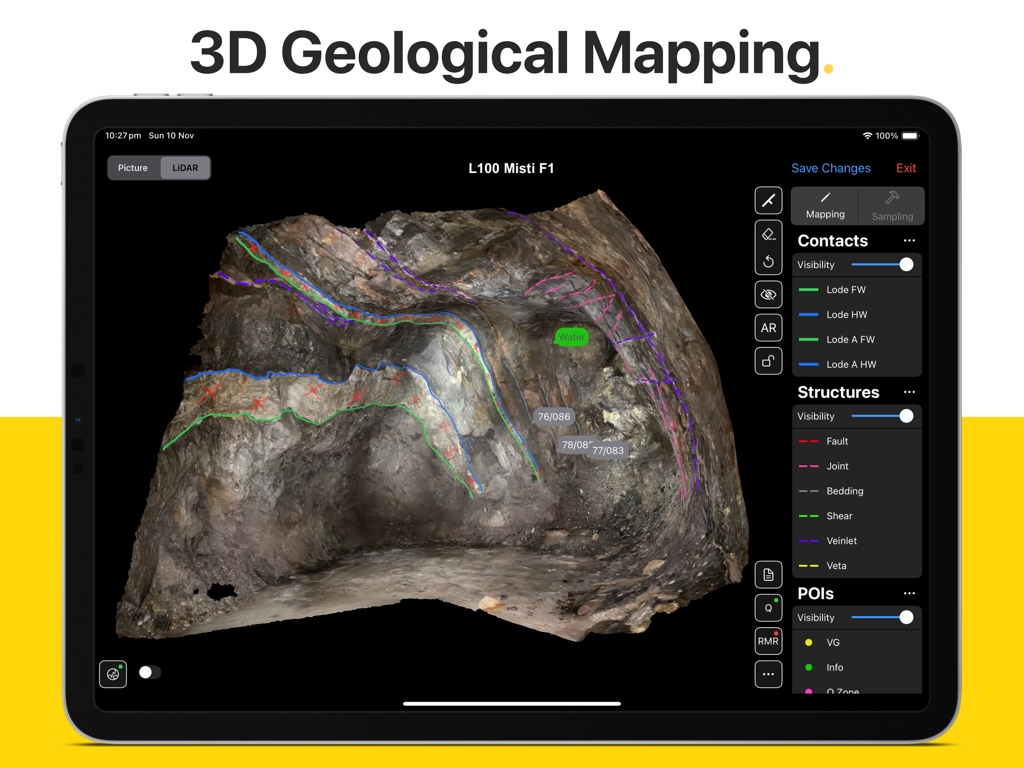
iPad interface of Rock Mapper app showing 3D geological mapping and structural annotations on a LiDAR scan of a rock face
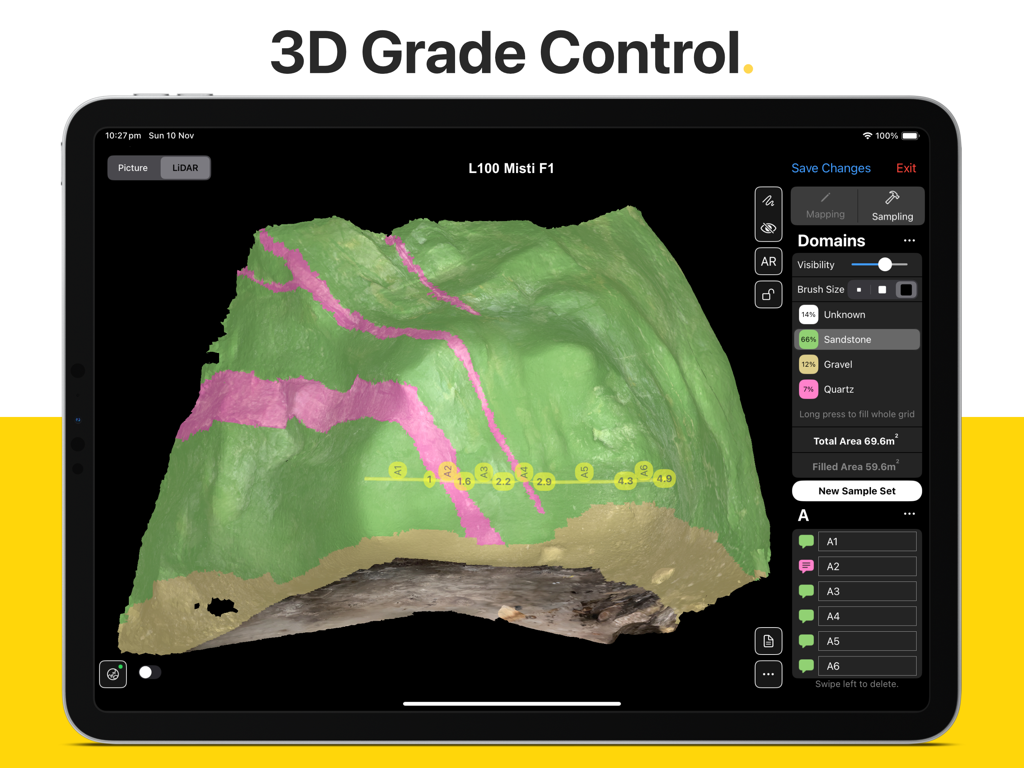
iPad showing Rock Mapper app with a 3D LiDAR scan of a rock face featuring grade control domains and sampling points
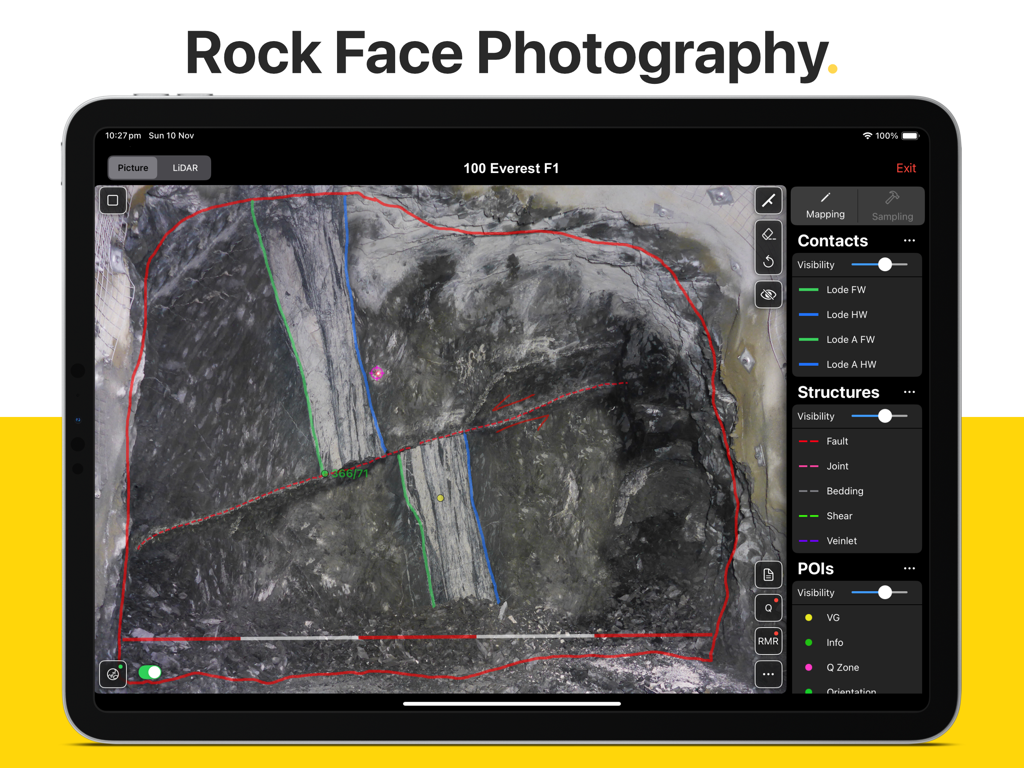
Rock Mapper app on iPad showing geological mapping overlays on a rock face photograph
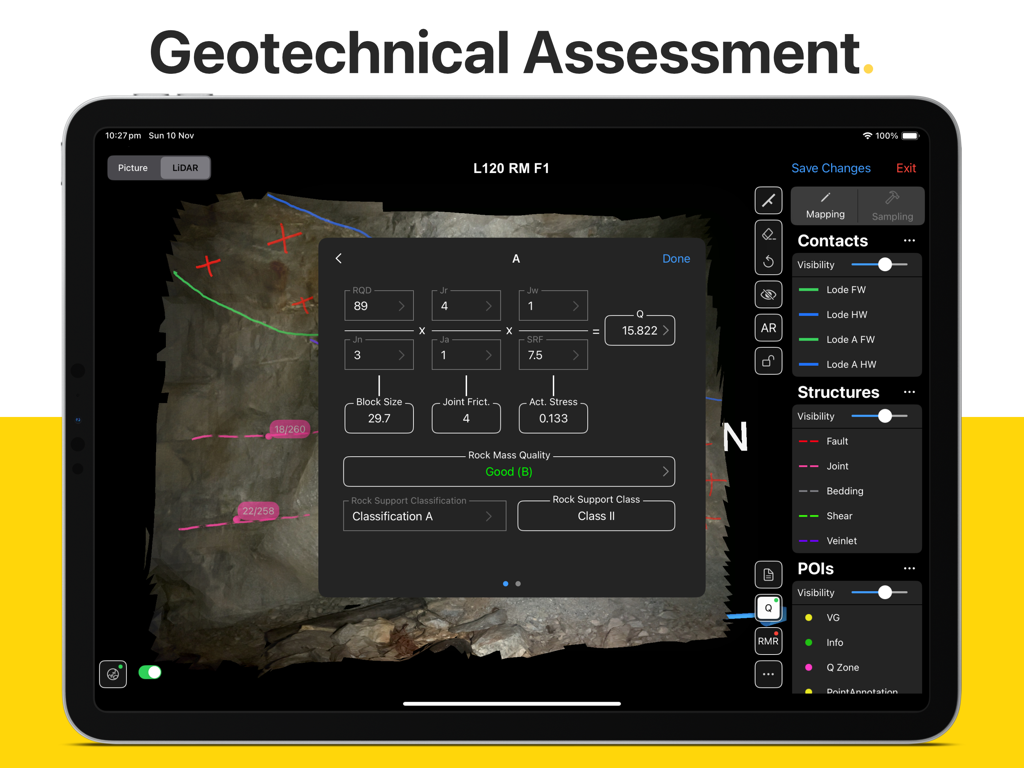
Rock Mapper app on iPad showing a geotechnical assessment interface with Q System calculations and rock mass quality data.
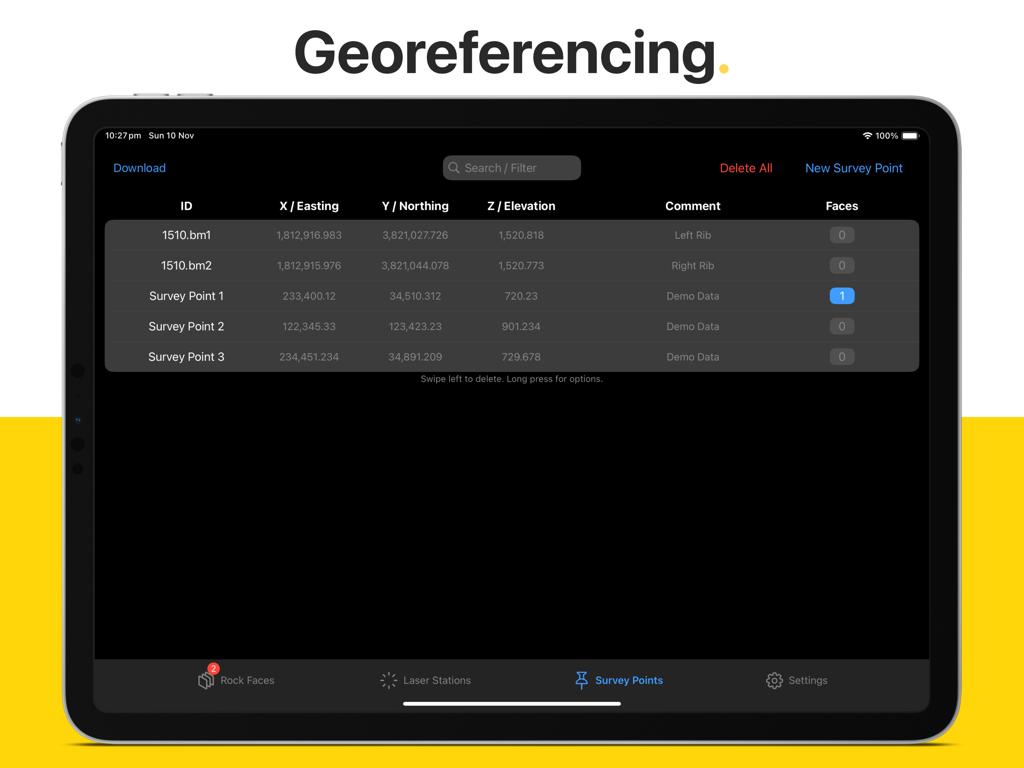
Rock Mapper app interface showing georeferencing survey points with coordinates on an iPad
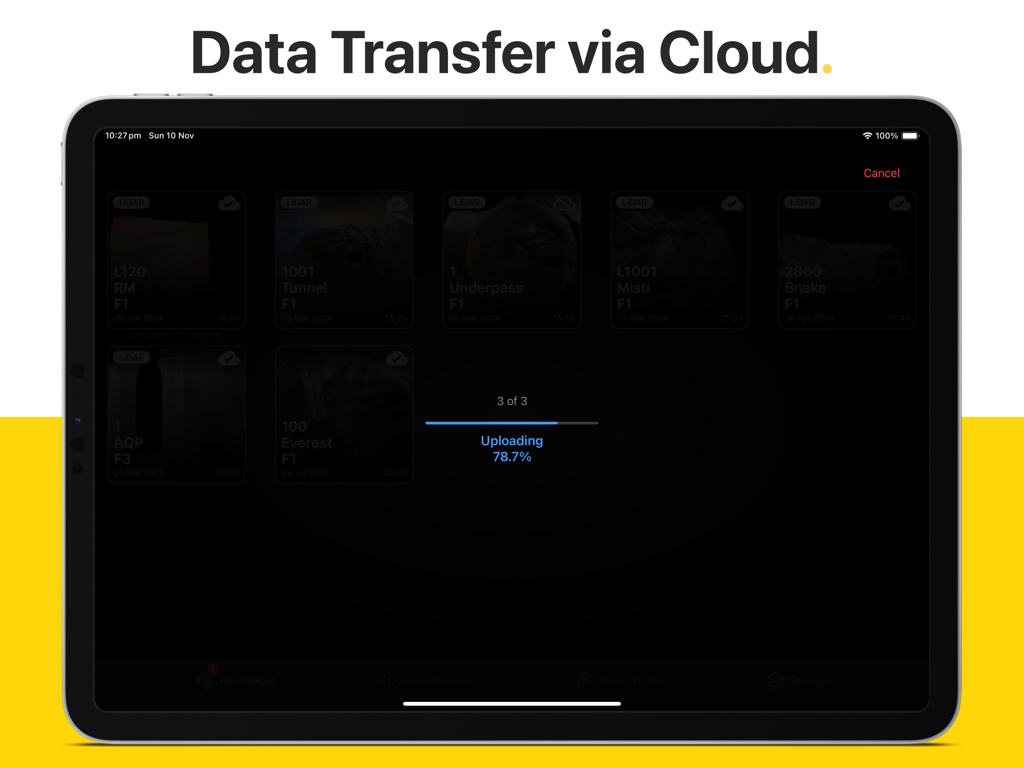
Rock Mapper iPad app interface displaying data transfer via cloud and uploading progress
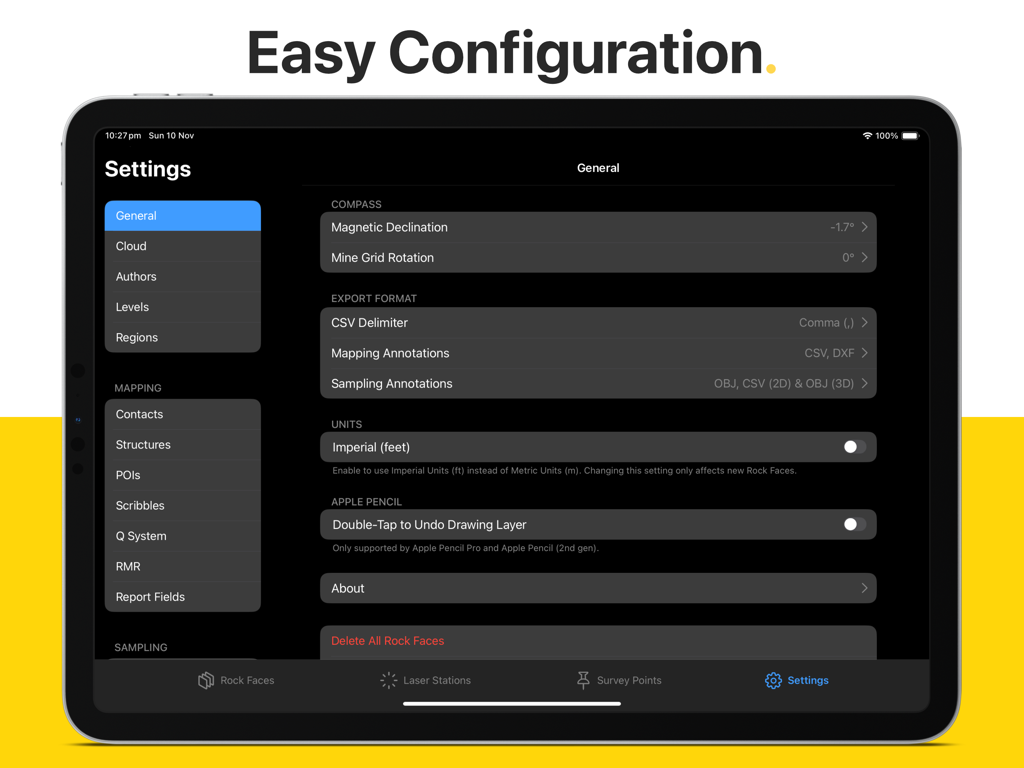
General settings and configuration menu of the Rock Mapper iPad app showing options for units, compass, and export formats.
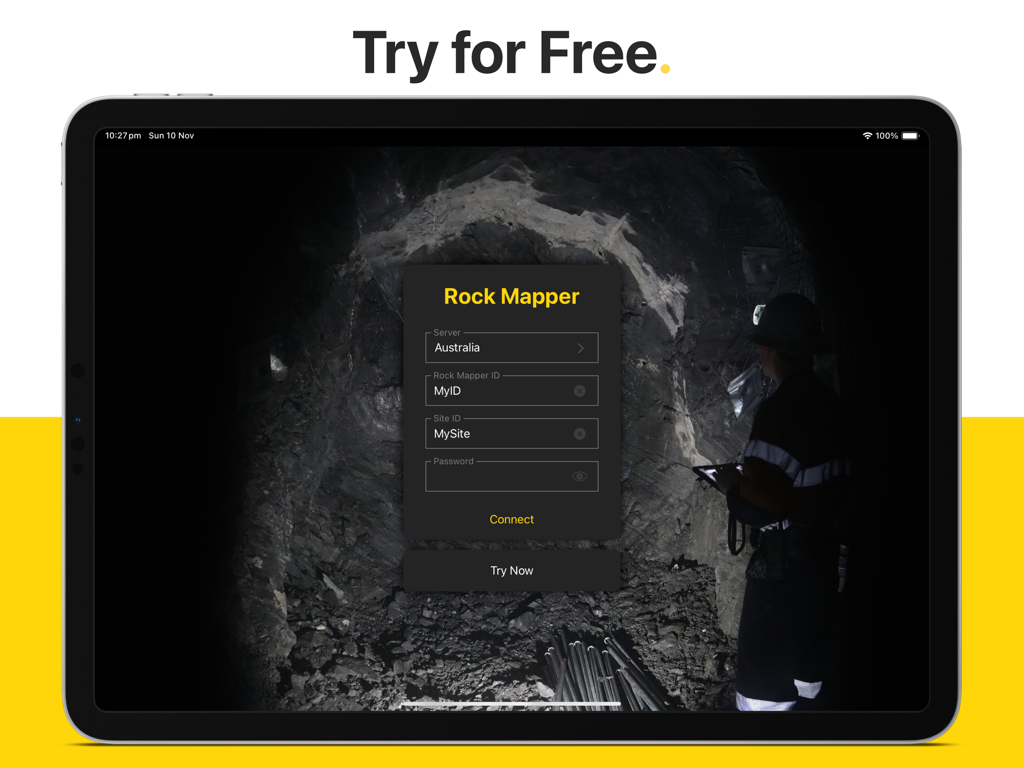
Rock Mapper iPad login screen featuring fields for server and site ID over a background image of an underground mine
Description
Download
More Like This
Top-ranked apps in the same category

ChatGPT
OpenAI OpCo, LLC

Google Gemini
Google LLC

Grok
X.AI Corporation

Gmail - Email by Google
Google LLC

千问 - 阿里最强大模型官方AI助手
Shanghai Zhixin Puhui Technology Co., Ltd.

Google Drive
Google LLC

Microsoft Authenticator
Microsoft Corporation

Google Sheets
Google LLC

Google Docs
Google LLC
This page is not an official page of the app or its developer, but an independent editorial publication created for informational and commentary purposes. Unless expressly stated otherwise, neither the app nor its developer is affiliated with, endorsed by, sponsored by, authorized by, or otherwise officially connected with MWM, Apple, Google Play, the app publisher, or the app's developer, and nothing on this page implies that the app was developed using MWM's services. Any trademarks, logos, screenshots, and other content remain the property of their respective owners.