
This page is not an official page of the app or its developer, but an independent editorial publication created for informational and commentary purposes. Unless expressly stated otherwise, neither the app nor its developer is affiliated with, endorsed by, sponsored by, authorized by, or otherwise officially connected with MWM, Apple, Google Play, the app publisher, or the app's developer, and nothing on this page implies that the app was developed using MWM's services. Any trademarks, logos, screenshots, and other content remain the property of their respective owners.


Royal TSi
Bridge the gap between your desktop and your mobile device. Securely access RDP, SSH, and VNC connections while managing Windows services and PowerShell scripts directly from your iPad or iPhone.
Downloads
32K+User Rating
Total Ratings
0Publisher
Category
UtilitiesLocales
1Latest Version
2.5.4Size
96.7 MBFirst Released
Nov 9, 2015Professional Remote Management in Your Pocket
Royal TSi brings the power of your Royal TS/TSX desktop environment to iOS. Access your connections and manage server infrastructure with professional-grade tools designed for mobile productivity.
Seamless Ecosystem Sync
Instantly open your .rtsz documents created on Windows or macOS via iCloud Drive, Dropbox, or Google Drive for a unified workflow across all your devices.
Native Server Management
Use Royal Server to restart services, monitor event logs, or execute PowerShell scripts through a native mobile UI, eliminating the struggle of tiny desktop cursors.
The following screenshots and description are sourced directly from the app's official store listing and are the property of the app developer.
App Store
Screenshots
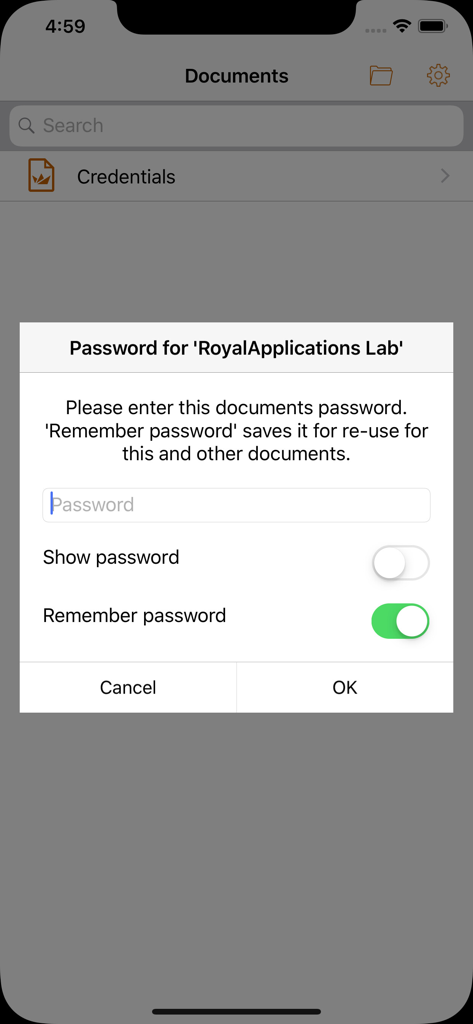
Royal TSi document password prompt screen with remember password toggle
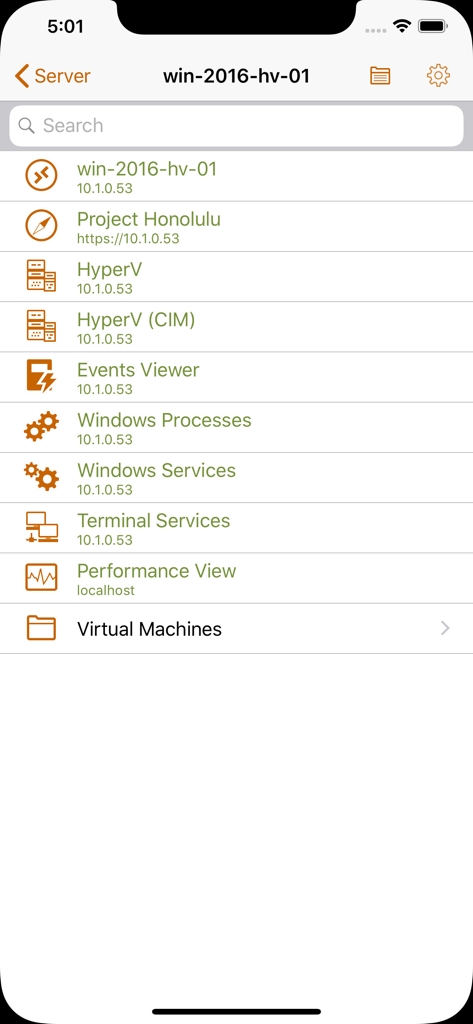
List of remote server management tools in the Royal TSi app including Windows Services and Hyper-V
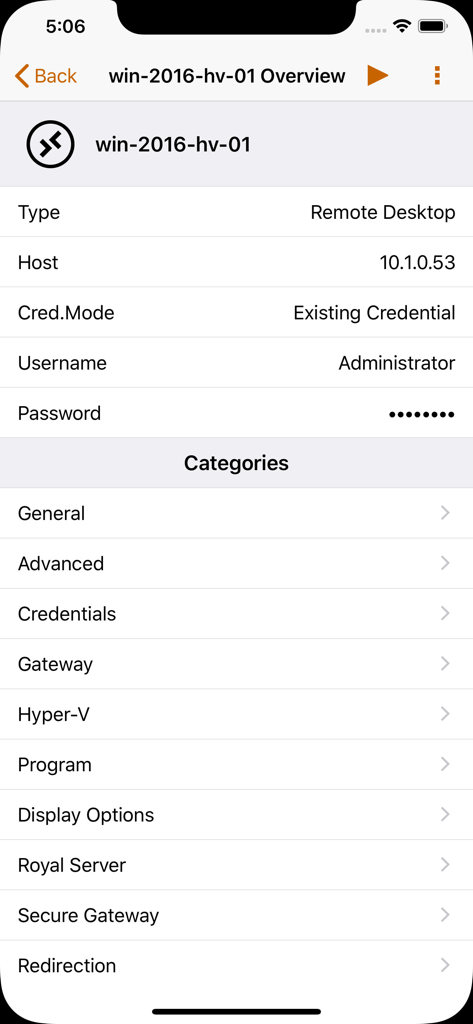
Royal TSi app screen displaying remote desktop connection settings and categories for a server
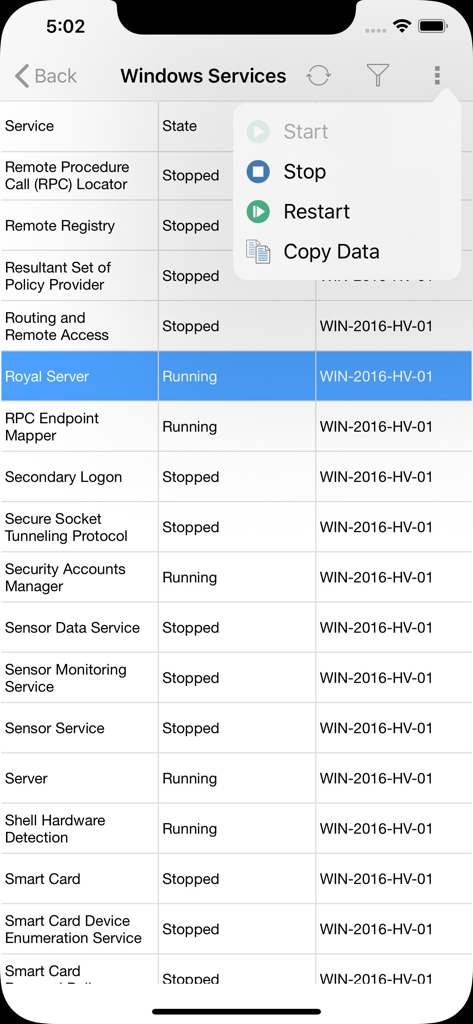
Managing Windows services remotely with the Royal TSi mobile app
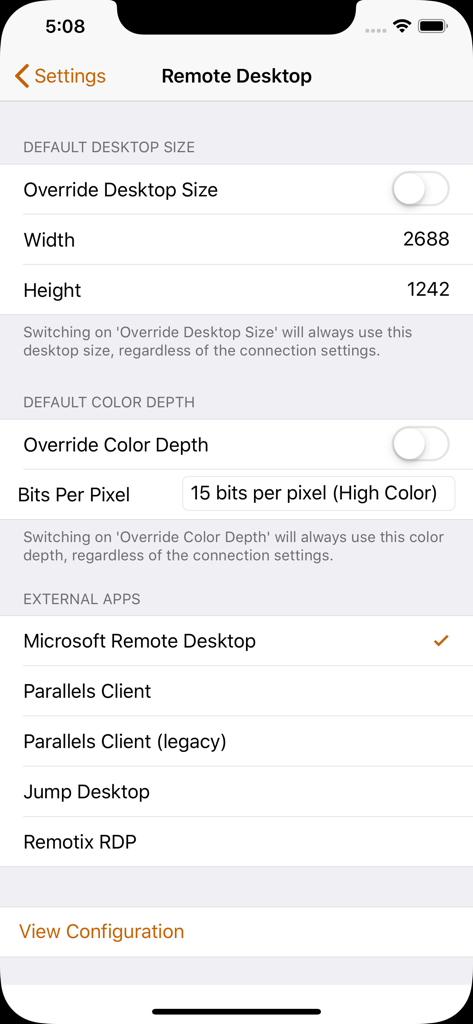
Royal TSi settings screen for configuring remote desktop dimensions, color depth, and selecting external RDP apps.
Description
Download
More Like This
Top-ranked apps in the same category

Google LLC

Google Chrome
Google LLC

中国移动(手机营业厅)
China Mobile Online Services Co., Ltd.

Google Authenticator
Google LLC

CNH do Brasil
Servicos e Informacoes do Brasil

Cleanup: Phone Storage Cleaner
DEEP FLOW SOFTWARE SERVICES - FZCO

gov.br
Servicos e Informacoes do Brasil

中国电信-全国统一官方服务平台
CHINA TELECOM Corporation Ltd.

Microsoft Edge: AI Browser
Microsoft Corporation
This page is not an official page of the app or its developer, but an independent editorial publication created for informational and commentary purposes. Unless expressly stated otherwise, neither the app nor its developer is affiliated with, endorsed by, sponsored by, authorized by, or otherwise officially connected with MWM, Apple, Google Play, the app publisher, or the app's developer, and nothing on this page implies that the app was developed using MWM's services. Any trademarks, logos, screenshots, and other content remain the property of their respective owners.