
This page is not an official page of the app or its developer, but an independent editorial publication created for informational and commentary purposes. Unless expressly stated otherwise, neither the app nor its developer is affiliated with, endorsed by, sponsored by, authorized by, or otherwise officially connected with MWM, Apple, Google Play, the app publisher, or the app's developer, and nothing on this page implies that the app was developed using MWM's services. Any trademarks, logos, screenshots, and other content remain the property of their respective owners.

Safety Note+
Protect your personal journals, sensitive data, and professional secrets with advanced biometrics, decoy passcodes, and intruder alerts. Reclaim your digital boundaries and ensure your notes stay for your eyes only—even when you lend your phone.
Downloads
0User Rating
Total Ratings
0Publisher
Category
ProductivityLocales
11Latest Version
7.8.27Size
74.5 MBFirst Released
Sep 30, 2011Your Unbreakable Digital Sanctuary
Protect your personal journals, business ideas, and sensitive credentials with a professional-grade vault designed for the modern mobile lifestyle.
Catch Every Intruder
Get instant photo reports of anyone attempting unauthorized access and use a decoy password to keep your real secrets invisible under pressure.
Multi-Layered Security
Go beyond simple locks with folder-specific passcodes and biometric FaceID integration to keep your digital boundaries truly impenetrable.
The following screenshots and description are sourced directly from the app's official store listing and are the property of the app developer.
App Store
Screenshots
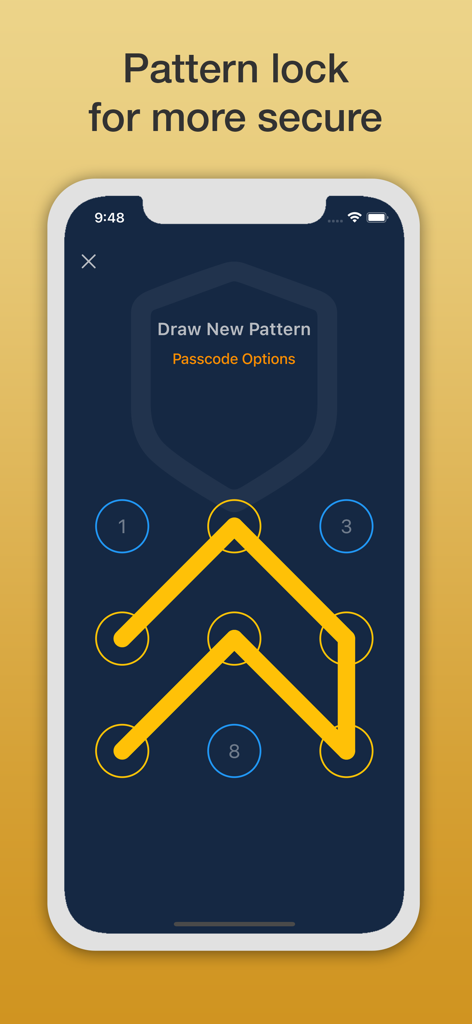
Safety Note Plus app pattern lock screen
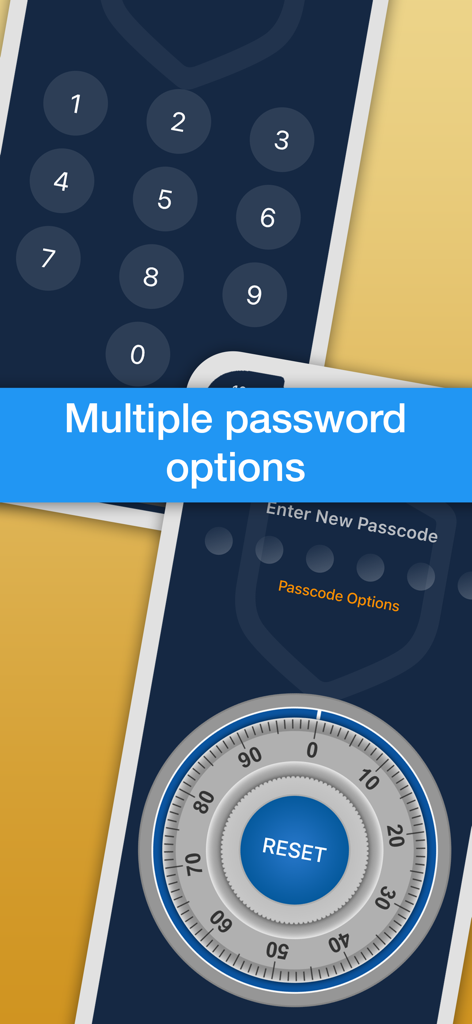
Safety Note plus app showing various password lock styles including a numeric keypad and a safe combination dial.
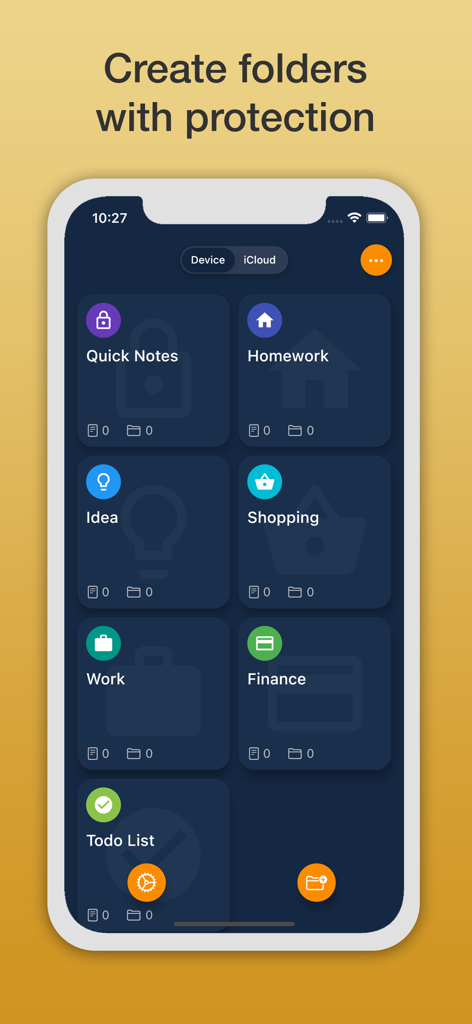
Safety Note plus interface showing secure folders for private notes including work and finance
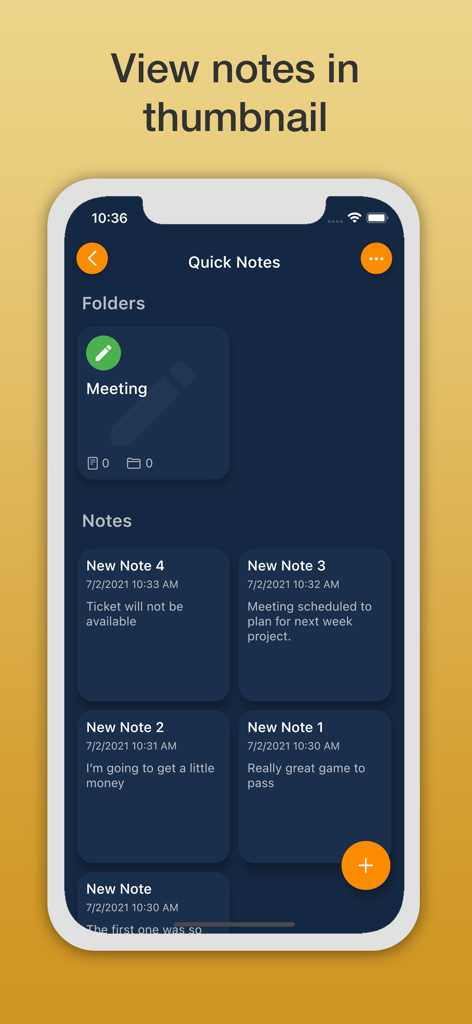
Mobile app screen showing private notes and folders organized in a thumbnail grid view
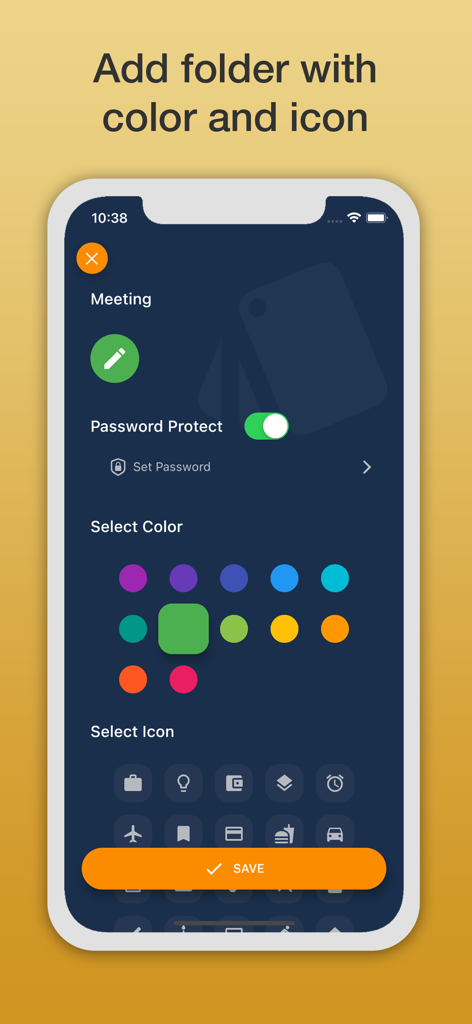
Interface of Safety Note plus showing options to add a new folder with password protection color coding and custom icons
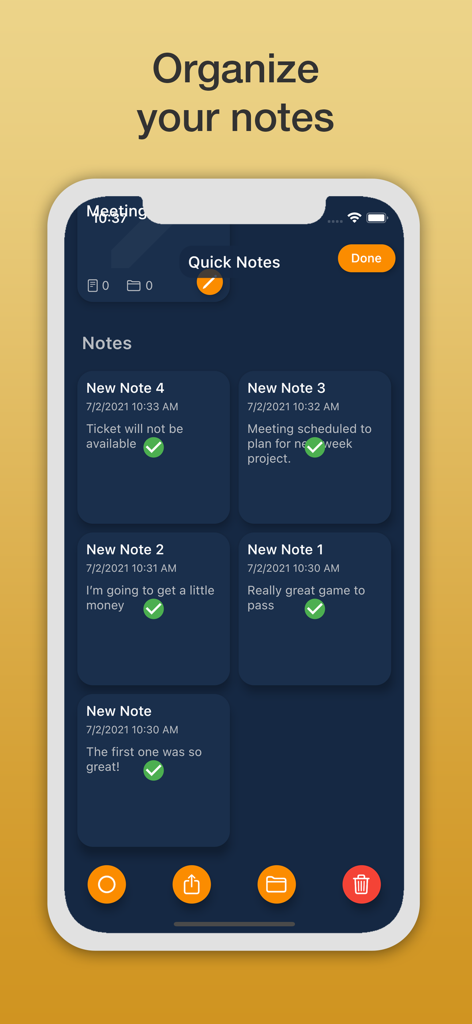
Safety Note plus app interface showing organized notes with timestamps and status checkmarks on a dark blue background.
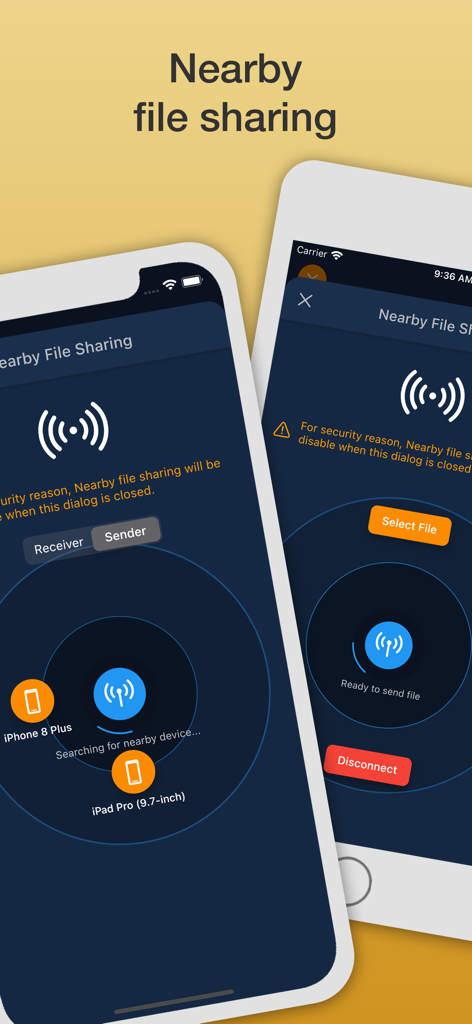
Safety Note plus app nearby file sharing screen for iPhone and iPad
Description
Download
More Like This
Top-ranked apps in the same category

ChatGPT
OpenAI OpCo, LLC

Google Gemini
Google LLC

Grok
X.AI Corporation

Gmail - Email by Google
Google LLC

千问 - 阿里最强大模型官方AI助手
Shanghai Zhixin Puhui Technology Co., Ltd.

Google Drive
Google LLC

Claude by Anthropic
Anthropic PBC

Microsoft Authenticator
Microsoft Corporation

Google Sheets
Google LLC
This page is not an official page of the app or its developer, but an independent editorial publication created for informational and commentary purposes. Unless expressly stated otherwise, neither the app nor its developer is affiliated with, endorsed by, sponsored by, authorized by, or otherwise officially connected with MWM, Apple, Google Play, the app publisher, or the app's developer, and nothing on this page implies that the app was developed using MWM's services. Any trademarks, logos, screenshots, and other content remain the property of their respective owners.