
This page is not an official page of the app or its developer, but an independent editorial publication created for informational and commentary purposes. Unless expressly stated otherwise, neither the app nor its developer is affiliated with, endorsed by, sponsored by, authorized by, or otherwise officially connected with MWM, Apple, Google Play, the app publisher, or the app's developer, and nothing on this page implies that the app was developed using MWM's services. Any trademarks, logos, screenshots, and other content remain the property of their respective owners.


Scala Architectural Scale
Replace your physical scale ruler with a professional digital tool. Calibrate to any unknown scale, convert units instantly, and verify blueprints on the go with iPad-first precision.
Downloads
0User Rating
Total Ratings
0Publisher
Category
UtilitiesLocales
1Latest Version
2.2Size
1.2 MBFirst Released
Apr 22, 2016Precision Measuring for Modern Professionals
Stop carrying bulky physical rulers. Scala transforms your iPad or iPhone into a high-precision architectural and engineering scale, engineered for the office and the job site.
Variable Scale Calibration
Solve 'Fit to Page' printing errors instantly. Calibrate the app to any known element on a drawing to measure accurately, even when the original scale is unknown.
Pro-Grade Fixed Scales
Access a comprehensive library of Architectural, Engineering, and Metric scales. Simply scroll to your drawing's scale and start measuring with professional accuracy.
The following screenshots and description are sourced directly from the app's official store listing and are the property of the app developer.
App Store
Screenshots
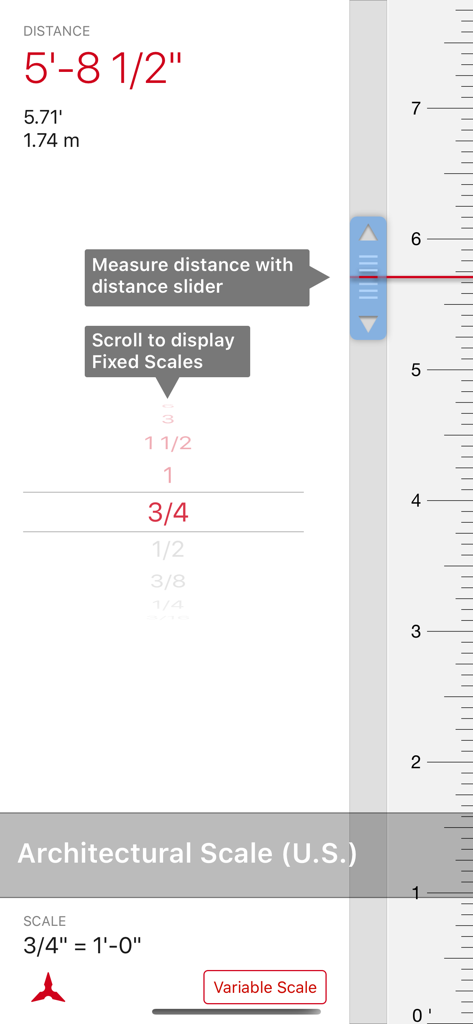
Interface of the Scala Architectural Scale app showing a fixed scale selection and distance measurement in multiple units
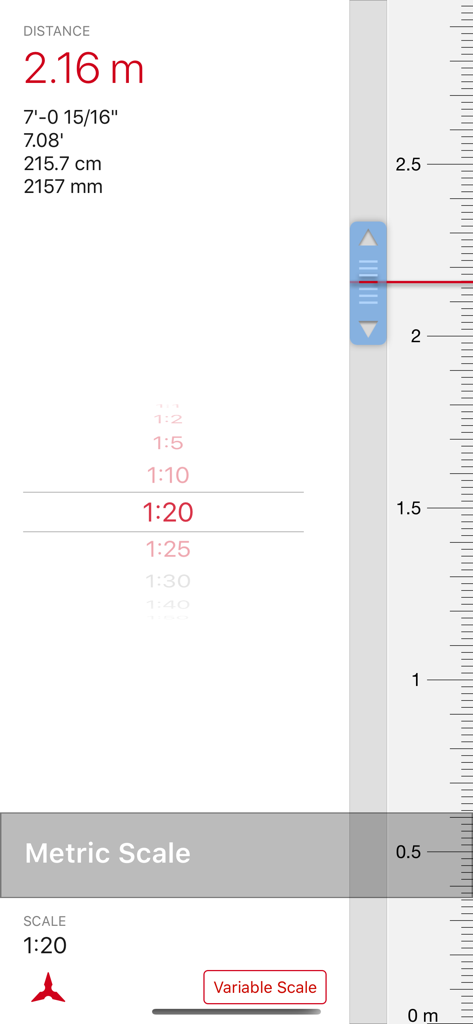
Scala app interface displaying a 1 to 20 metric scale with precise distance measurements in meters, feet, and millimeters.
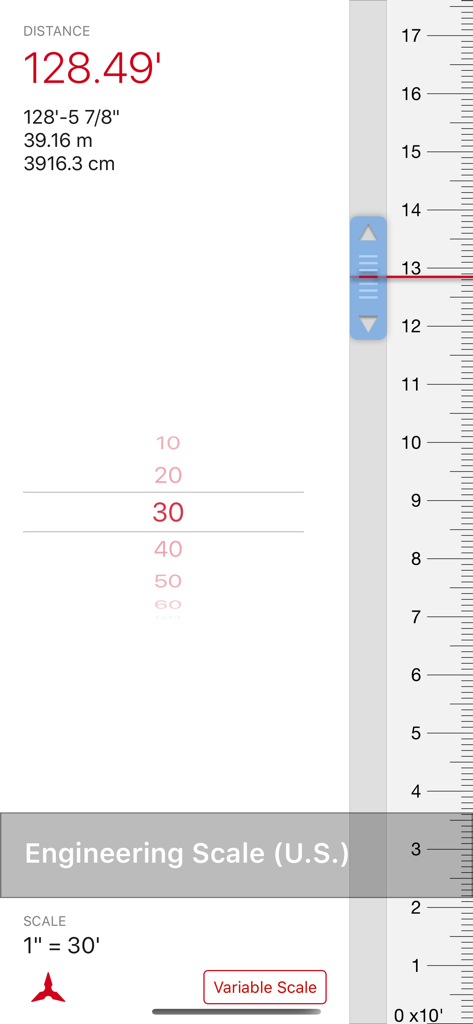
Scala Architectural Scale app interface showing an engineering scale measurement of 128.49 feet with secondary metric unit conversions.
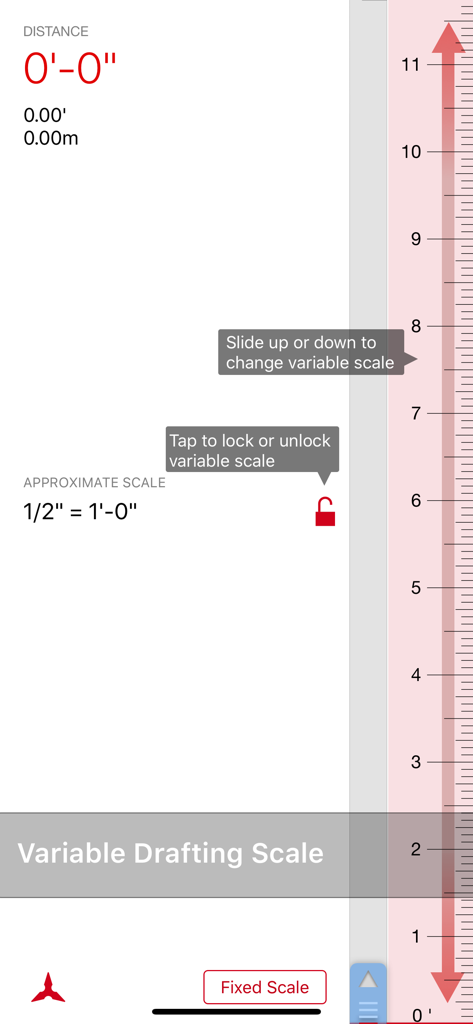
Variable drafting scale interface in the Scala Architectural Scale app for measuring blueprints
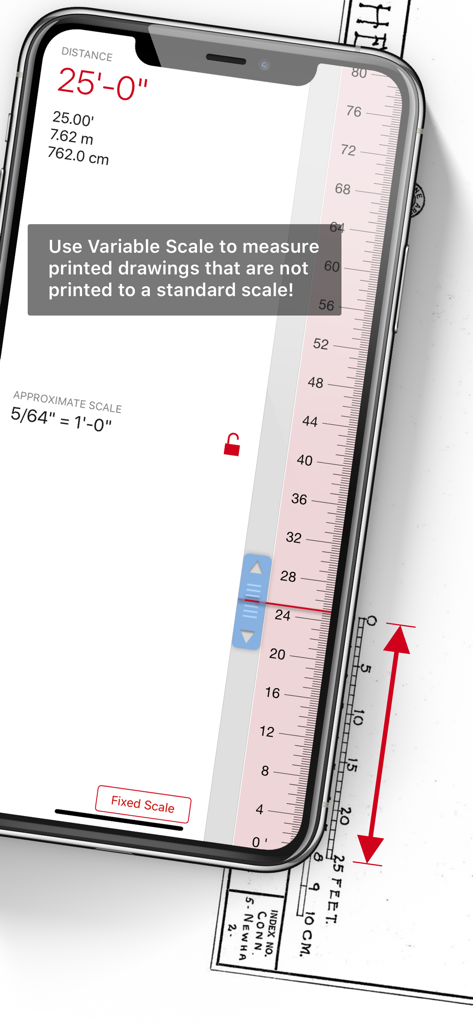
Scala Architectural Scale app using the variable scale feature to measure a printed drawing on a smartphone.
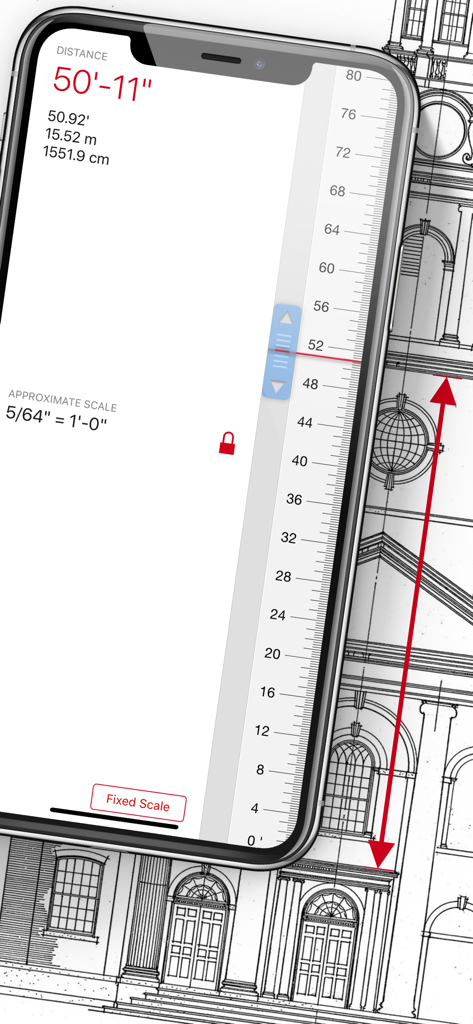
Scala Architectural Scale app measuring a printed blueprint on an iPhone
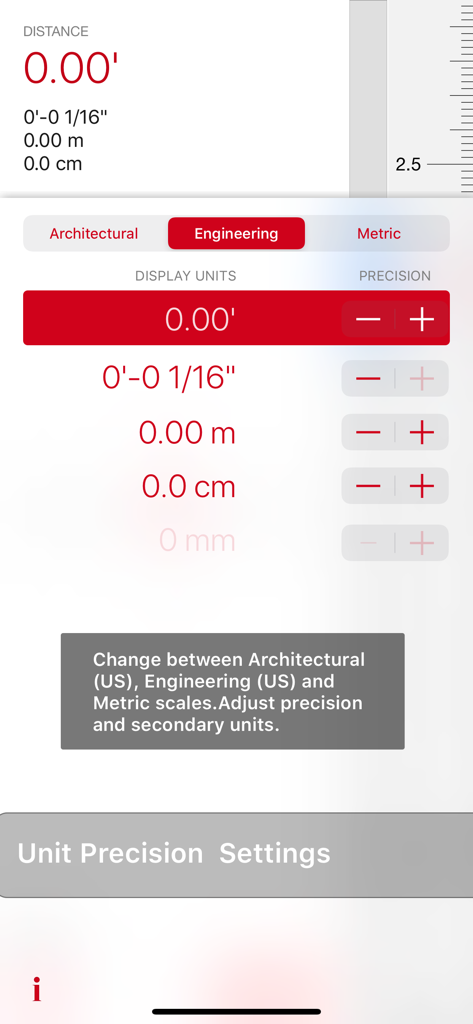
Scala Architectural Scale unit precision and secondary units settings screen showing architectural engineering and metric options
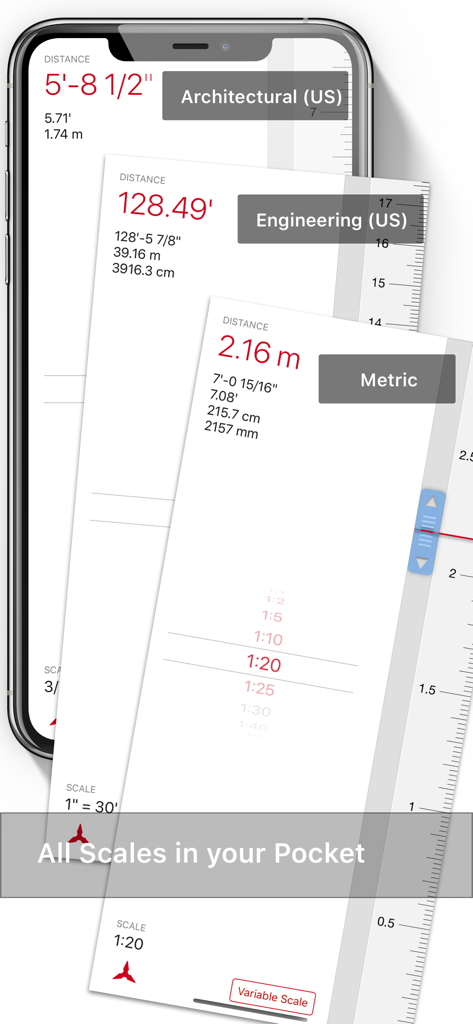
Three smartphone screens displaying the Scala Architectural Scale app with US architectural engineering and metric measurement interfaces
Description
Download
More Like This
Top-ranked apps in the same category

Google LLC

Google Chrome
Google LLC

中国移动(手机营业厅)
China Mobile Online Services Co., Ltd.

Google Authenticator
Google LLC

Super VPN Fly 2026
YUNFAN TECHNOLOGY CO., LIMITED

Cleanup: Phone Storage Cleaner
DEEP FLOW SOFTWARE SERVICES - FZCO

gov.br
Servicos e Informacoes do Brasil

百度-AI智能搜索
Beijing Baidu Netcom Science & Technology Co.,Ltd

Microsoft Edge: AI Browser
Microsoft Corporation
This page is not an official page of the app or its developer, but an independent editorial publication created for informational and commentary purposes. Unless expressly stated otherwise, neither the app nor its developer is affiliated with, endorsed by, sponsored by, authorized by, or otherwise officially connected with MWM, Apple, Google Play, the app publisher, or the app's developer, and nothing on this page implies that the app was developed using MWM's services. Any trademarks, logos, screenshots, and other content remain the property of their respective owners.