
Scan Now: PDF Document Scanner

Scan, sign, and organize documents in seconds. The ultimate high-speed workflow for busy professionals and on-the-go business owners.
Publisher
Category
BusinessDownloads
976K+User Rating
Total Ratings
1K+Locales
1Discover the interface used by 976K+ users.
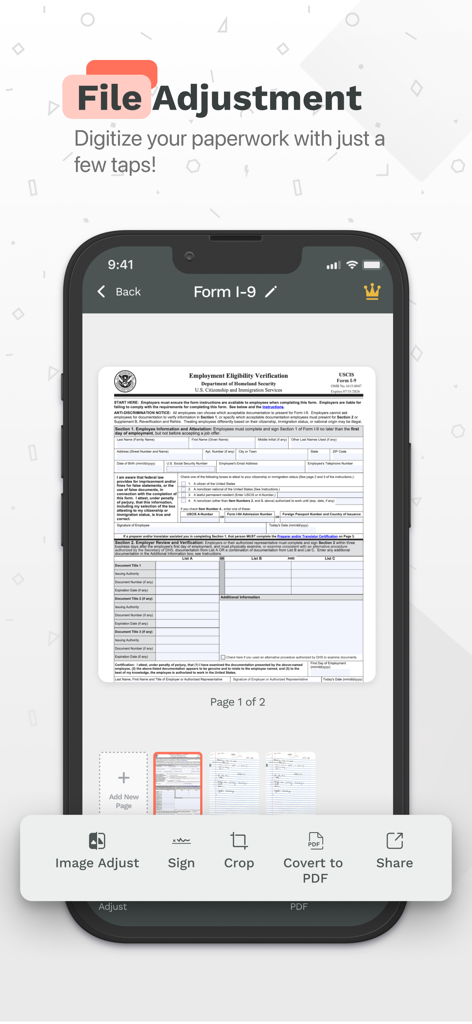
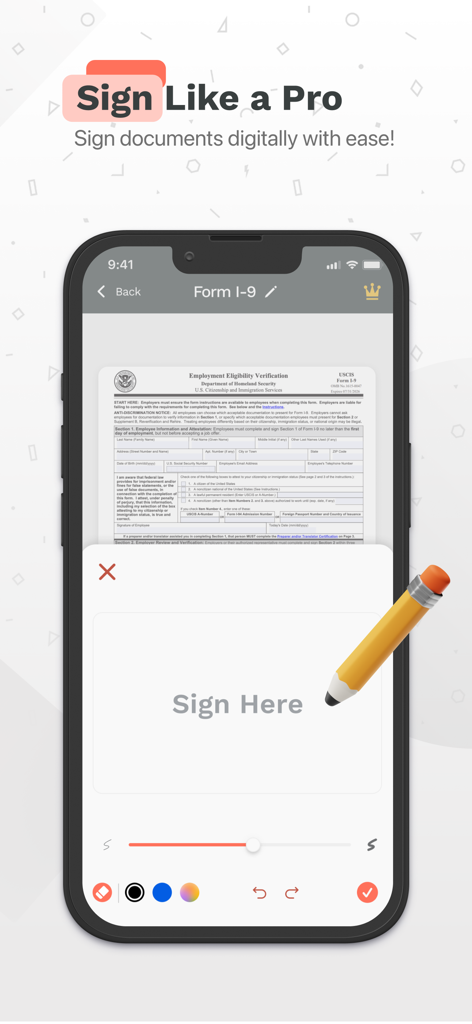
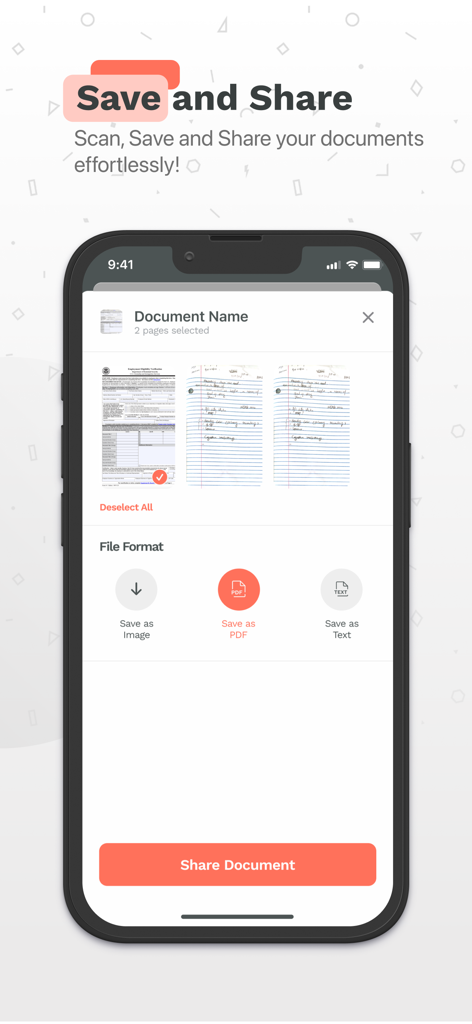
The tools that make this app stand out, trusted by 976K+ users.
Convert physical contracts, receipts, and forms into crystal-clear PDFs instantly. High-resolution captures ensure your documents look professional for every client.
Eliminate the 'print-sign-scan' bottleneck. Add your legally-binding signature directly on your screen and send documents back in seconds to close deals faster.
Stay audit-ready by grouping related files into custom categories. Manage your entire digital filing cabinet with intuitive search and professional export options.
Insights from user reviews.
Sentiment Score
Summary
This mobile app receives overwhelmingly negative feedback, with a global sentiment score indicating significant dissatisfaction primarily due to its aggressive monetization strategy. Users frequently complain about a deceptive subscription model that requires payment for basic functionalities like saving or sharing documents, leading to unauthorized and recurring charges. Many reviewers report difficulties in canceling subscriptions and contacting customer support, alongside app instability issues such as crashing, freezing, and phone overheating. Conversely, a few users commend the app for its ease of use in scanning documents and for delivering good image quality, with one user specifically stating the price was 'well worth it'.
Common Themes
Everything you need to know about Scan Now: PDF Document Scanner.
Description
Latest Version
2.40
Size
110.3 MB
First Released
May 31, 2023
Join over 976,000 professionals who scan, sign, and organize documents on the go. Start your 3-day free trial today and turn your iPhone into a powerful mobile office.
Everything you need to know about Scan Now: PDF Document Scanner
Scan Now: PDF Document Scanner is an iPhone app that digitizes documents using your camera or by importing existing files. It allows PDF editing, signature addition, organization, conversion, and sharing.
Scan Now allows users to digitize any document directly using their iPhone camera. You can also import existing documents into the app for processing.
Yes, Scan Now enables users to edit PDFs, add their signature, and organize documents into groups. It also supports converting documents to PDF format.
Yes, Scan Now offers a 3-day free trial for its premium features. After the trial, the subscription renews weekly for $9.99.
A Scan Now subscription provides access to unlimited conversions and shares, document signing, editing capabilities, and the ability to group documents.
After the 3-day free trial, Scan Now: PDF Document Scanner costs $9.99 per week. This subscription grants access to all premium features.
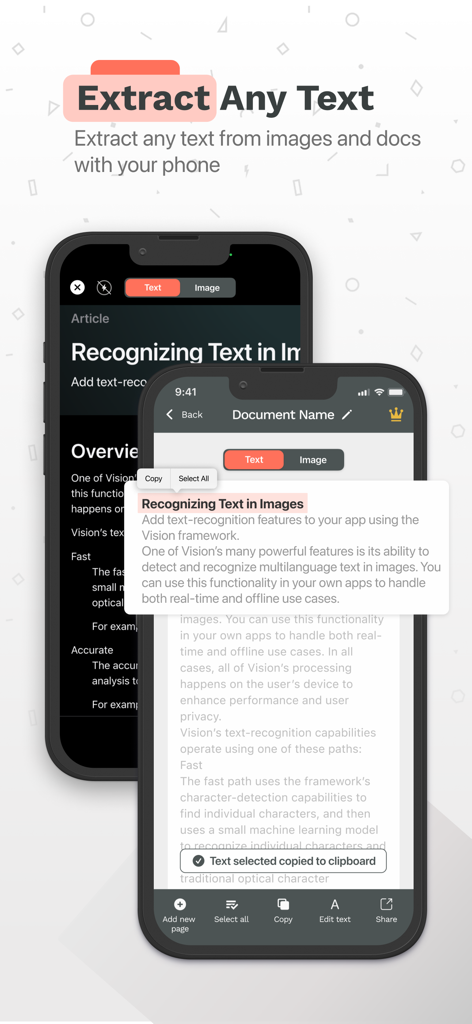
Yes, Scan Now can extract any text from images and documents. Users can copy, select all, or edit the recognized text.
Yes, Scan Now allows users to easily share their scanned documents. Premium features include unlimited shares.
The Terms of Use for Scan Now are available at the following link: https://pdfcamerascanner.com/terms.html.
Scan Now provides a dedicated interface to digitally sign documents with ease, offering various color options and undo/redo functionalities for precision.
Apps with similar features and user experience

Balzo srl

NEXT K.U.M. LTD

INTSIG Information Co., Ltd

Adobe Inc.

KINGSOFT OFFICE SOFTWARE CORPORATION LIMITED

ILOVEPDF S.L.

The Grizzly Labs

Microsoft Corporation

INDY MOBILE APP COMPANY LIMITED
App information, icons, screenshots, and descriptions displayed on this page are sourced from the Apple App Store and are the property of their respective developers. Download estimates and rankings are based on MWM's proprietary models and may not reflect actual figures. This page is provided for informational and analytical purposes only.
Believe this page infringes your intellectual property? File a dispute