
This page is not an official page of the app or its developer, but an independent editorial publication created for informational and commentary purposes. Unless expressly stated otherwise, neither the app nor its developer is affiliated with, endorsed by, sponsored by, authorized by, or otherwise officially connected with MWM, Apple, Google Play, the app publisher, or the app's developer, and nothing on this page implies that the app was developed using MWM's services. Any trademarks, logos, screenshots, and other content remain the property of their respective owners.

Scan QR Code - Barcode Reader
Instantly scan, create, and manage every code with a fast, accurate reader built for your business and daily life.
Downloads
31K+User Rating
Total Ratings
0Publisher
Category
UtilitiesLocales
1Latest Version
1.0.2Size
65.4 MBFirst Released
Dec 1, 2025Master Your Digital Productivity
The ultimate all-in-one utility for professionals and smart shoppers to scan, create, and organize codes with precision.
Professional Grade Scanning
Instantly decode any QR or barcode—including UPC, EAN, and Data Matrix—with high-speed accuracy, even for damaged or faded codes.
Custom QR Generation
Create professional QR codes for your Wi-Fi, digital business cards, or business links in seconds to streamline networking and marketing.
Frequently Asked Questions
Everything you need to know about Scan QR Code - Barcode Reader
What is the primary function of the Scan QR Code - Barcode Reader app?
The Scan QR Code - Barcode Reader app is an all-in-one tool for scanning, reading, and creating QR codes and barcodes. It decodes any code instantly and organizes all scans in one clean, simple place.
Can the Scan QR Code - Barcode Reader app create QR codes?
Yes, the Scan QR Code - Barcode Reader app creates QR codes for various purposes, including websites, text notes, contact cards, Wi-Fi access, events, and phone numbers, suitable for sharing or printing.
What types of barcodes does the Scan QR Code - Barcode Reader app support?
The Scan QR Code - Barcode Reader app supports major barcode formats such as EAN, UPC, Code128, Data Matrix, and PDF417. It also offers a manual input option for damaged barcodes.
How does the Scan QR Code - Barcode Reader app manage scan history?
The Scan QR Code - Barcode Reader app allows users to review, manage, and share their entire scan history easily. All QR and barcode details are neatly organized in one convenient place.
Does the Scan QR Code - Barcode Reader app offer product authentication?
Yes, the Scan QR Code - Barcode Reader app includes an "Auth the Product" feature. This allows users to scan product barcodes to verify authenticity and view essential information.
What are the premium features of Scan QR Code - Barcode Reader?
Premium features in Scan QR Code - Barcode Reader include unlimited scans, the ability to create and scan QR codes without limitations, and access to advanced editing tools.
How much does a weekly subscription to Scan QR Code - Barcode Reader cost?
A weekly subscription to the Scan QR Code - Barcode Reader app costs $4.99. This subscription option includes a 3-day free trial.
What is the annual subscription price for Scan QR Code - Barcode Reader?
The annual subscription for the Scan QR Code - Barcode Reader app costs $29.99 per year. This provides full access to all premium features.
How can users manage their subscription for Scan QR Code - Barcode Reader?
Users manage their Scan QR Code - Barcode Reader subscription and turn off auto-renewal directly within their iTunes Account Settings. Renewal occurs automatically otherwise.
Can the Scan QR Code - Barcode Reader app search for products online?
Yes, after scanning a barcode, the Scan QR Code - Barcode Reader app can search for products online. It displays search results from platforms like Amazon, Bing, Google, and eBay.
Does Scan QR Code - Barcode Reader provide a free trial for its premium features?
Yes, Scan QR Code - Barcode Reader offers a 3-day free trial with its weekly subscription option. Any unused portion of this trial is forfeited upon purchasing a subscription.
The following screenshots and description are sourced directly from the app's official store listing and are the property of the app developer.
App Store
Screenshots
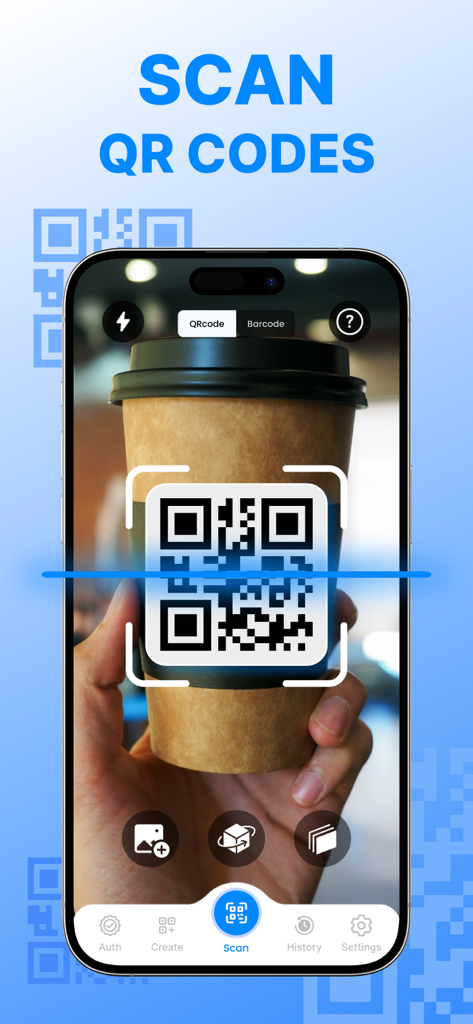
Smartphone screen scanning a QR code on a coffee cup using the app interface
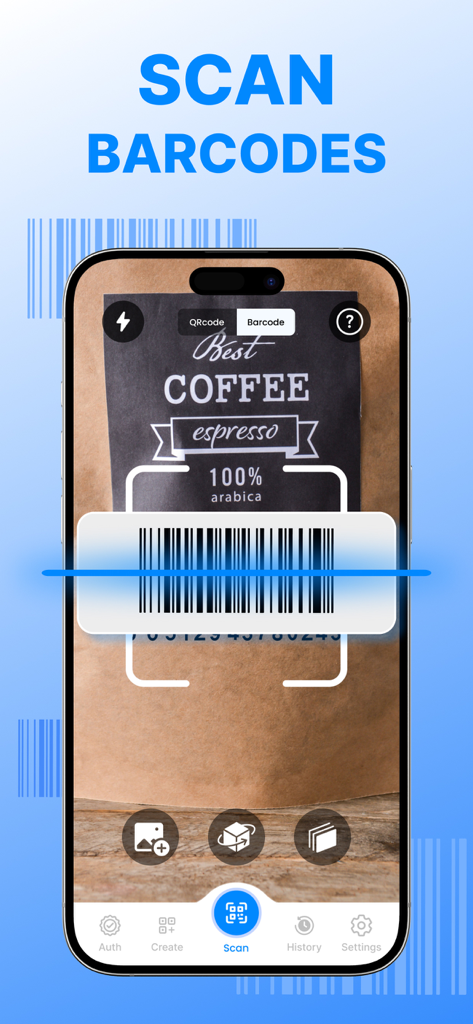
An iPhone screen showing a barcode being scanned on a bag of coffee using the Scan QR Code app interface
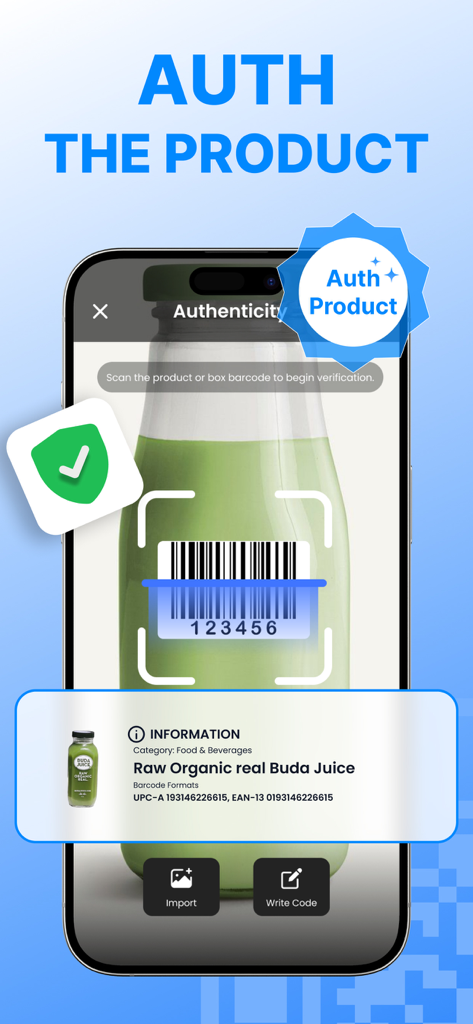
Smartphone screen showing a barcode scanner app verifying product authenticity for a juice bottle
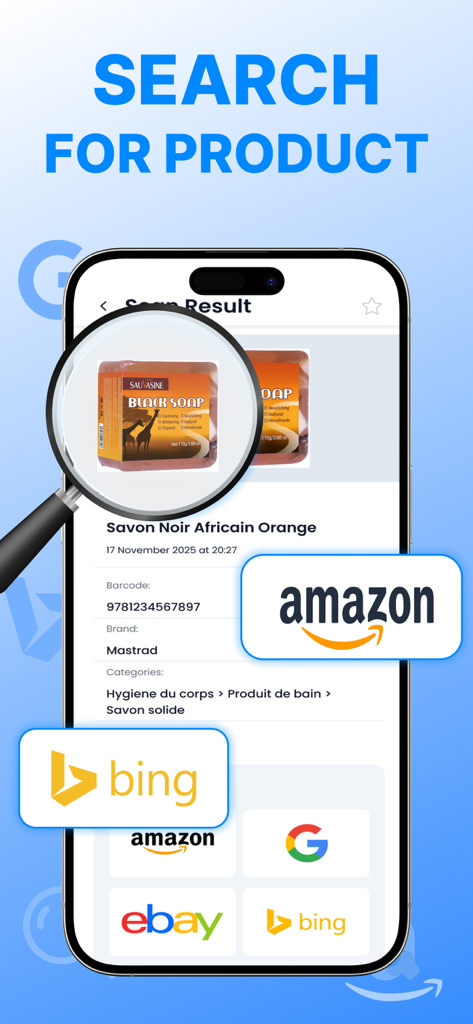
App interface showing product search results with price comparison links to Amazon eBay and Google
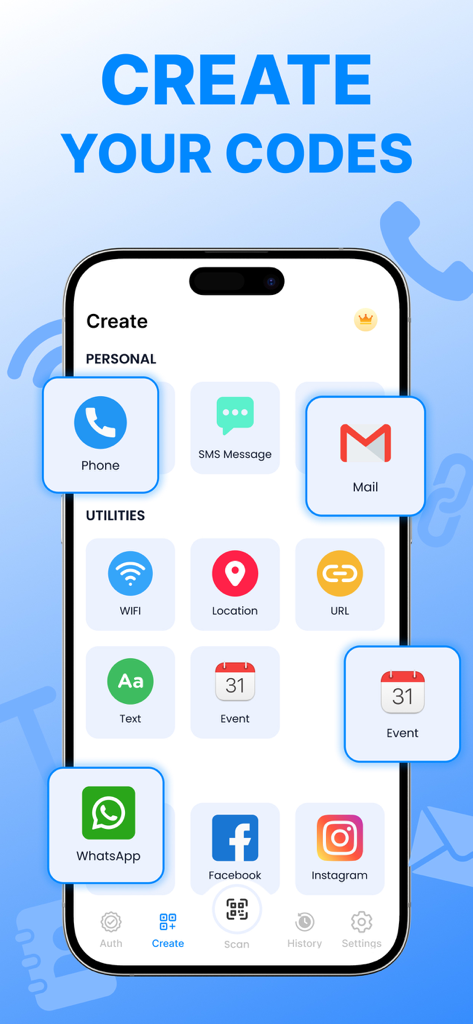
Interface of the QR code generator app showing options to create codes for WiFi, contacts, and social media.
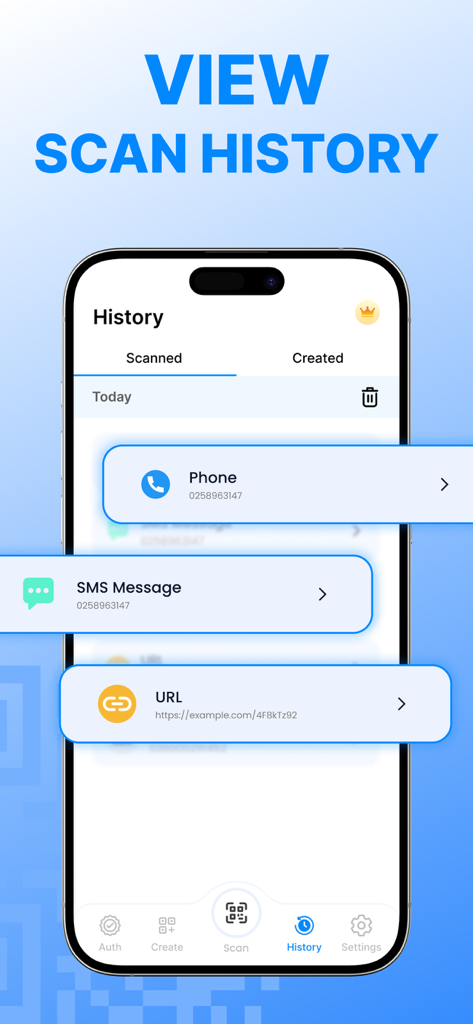
Scan history screen of the QR and barcode reader app showing logged phone numbers, SMS messages, and URLs.
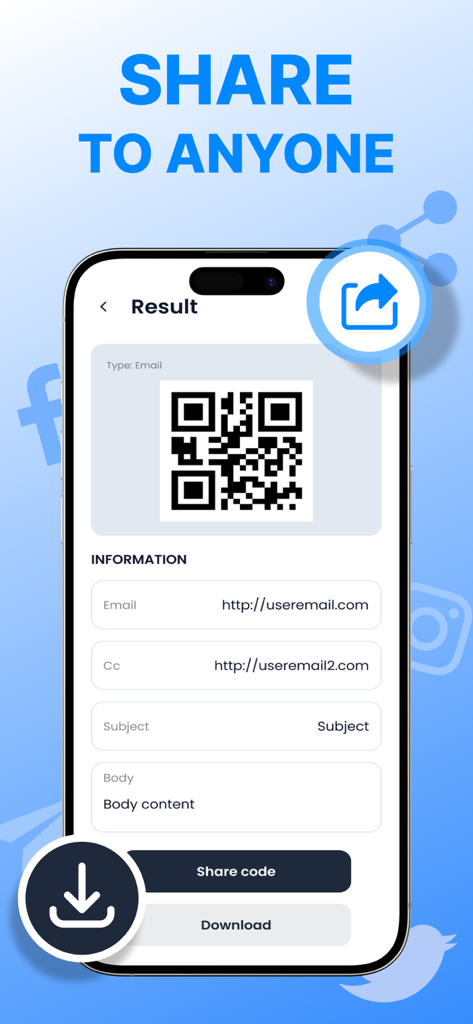
A mobile app screen showing a generated QR code for an email with share and download options
Description
Download
More Like This
Top-ranked apps in the same category

Google LLC

Google Chrome
Google LLC

中国移动(手机营业厅)
China Mobile Online Services Co., Ltd.

Google Authenticator
Google LLC

CNH do Brasil
Servicos e Informacoes do Brasil

Cleanup: Phone Storage Cleaner
DEEP FLOW SOFTWARE SERVICES - FZCO

gov.br
Servicos e Informacoes do Brasil

中国电信-全国统一官方服务平台
CHINA TELECOM Corporation Ltd.

Microsoft Edge: AI Browser
Microsoft Corporation
This page is not an official page of the app or its developer, but an independent editorial publication created for informational and commentary purposes. Unless expressly stated otherwise, neither the app nor its developer is affiliated with, endorsed by, sponsored by, authorized by, or otherwise officially connected with MWM, Apple, Google Play, the app publisher, or the app's developer, and nothing on this page implies that the app was developed using MWM's services. Any trademarks, logos, screenshots, and other content remain the property of their respective owners.